
The 30-second tailwind.config.ts edit that ships a brand across three apps and a marketing site.
Most frontend teams paste the same six hex codes into every repo’s tailwind.config.ts, drift over a release cycle, and only notice when the brand team sends a Slack message about a button being “slightly purple”. The Tailwind Color Palette Sync tool turns your brand hexes into a paste-ready theme.extend.colors block, picks the naming scheme (scale 50-950, single, or nested), and stamps WCAG AA/AAA contrast levels per shade so the palette ships accessibility-verified the first time. The rest of this field guide is the five-step workflow that gets your design tokens from Figma to every tailwind.config.ts in the monorepo without a single Slack thread about “the dark blue”.
Why Tailwind Color Naming Drifts In Six Months And Nobody Notices
Every Tailwind project has the same orphan block of hexes in theme.extend.colors: brand-500: '#1d4ed8', brand-600: '#1e40af', hand-tuned by a designer who left last quarter. The next dev copies it into a new repo, eyeballs the hex, picks #2563eb for brand-700, and ships. By the third repo you have three different brand-700 values across three apps. The fix is not a Figma library update, it is a deterministic generator that takes the canonical hexes once and emits the full scale plus contrast metadata, every time. The Tailwind Color Palette Sync tool does exactly that: paste six hexes, pick scale 50-950, copy the output block. No re-derivation per repo.
What The Generator Emits Per Shade
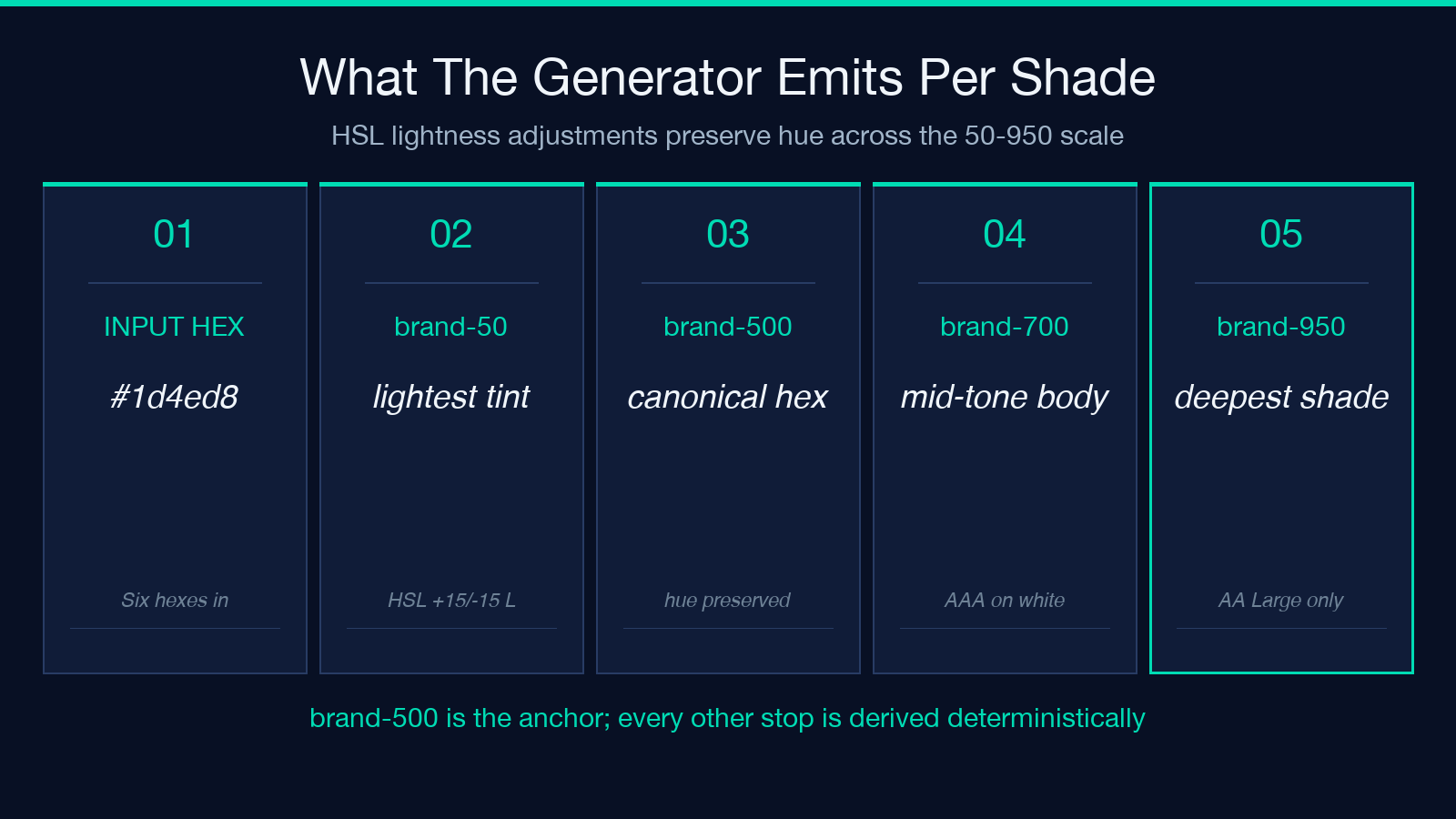
The output is a TypeScript object literal, formatted to drop straight into tailwind.config.ts. Each shade gets a top-level key (brand-500), a hex string, and the rendered contrast ratios against white and black. For a typical scale built from a single brand hex #1d4ed8 (brand-500), the generator derives brand-50, brand-100, brand-200, brand-300, brand-400, brand-500, brand-600, brand-700, brand-800, brand-900, brand-950 by HSL lightness adjustments that preserve hue across the scale. The naming scheme selector controls whether the output is flat ({ brand: '#1d4ed8' }), single ({ brand: { DEFAULT: '#1d4ed8' } }), or nested ({ brand: { 50: '...', 500: '#1d4ed8', 950: '...' } }). The last is the canonical Tailwind v3.4+ format that gives you bg-brand-500 AND bg-brand (DEFAULT) in the same config. Generate it once with the Tailwind Color Palette Sync tool, paste into every repo, commit, move on.
WCAG AA And AAA Contrast Stamps On Every Shade
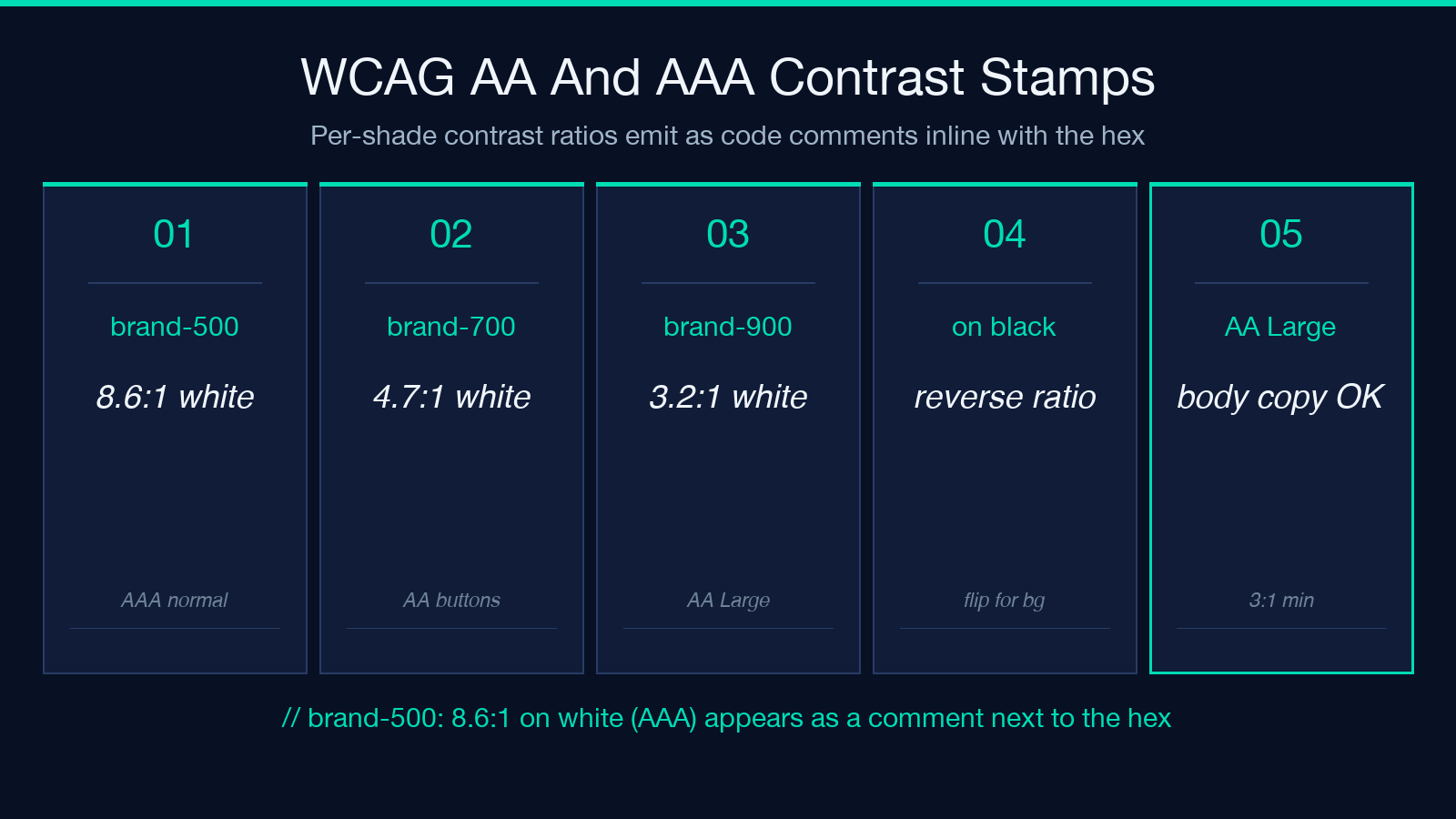
Most generators emit a hex and stop. This one stamps the WCAG contrast ratio on each shade as a code comment, so the next reviewer sees // brand-500: 8.6:1 on white (AAA) inline next to the value. Two reasons this matters: first, text-brand-500 on white at 8.6:1 passes WCAG AAA for normal text, so the comment is documentation, not a warning; second, bg-brand-500 as a button background with white text crosses 4.5:1 cleanly. When you generate a scale for a darker base like #0c4a6e (sky-900), the contrast ratios flip and the comment shows // brand-700: 3.8:1 on white (AA Large only) so the team knows text-brand-700 works on buttons but fails on body copy. The contrast metadata is generated against the WCAG 2.1 relative luminance formula, not a hand-tuned approximation, so the numbers hold up in an accessibility audit. Run the same scale through the Color Contrast Checker tool if you need a per-pair drill-down.
Single, Scale, And Nested: Which Naming Scheme Wins
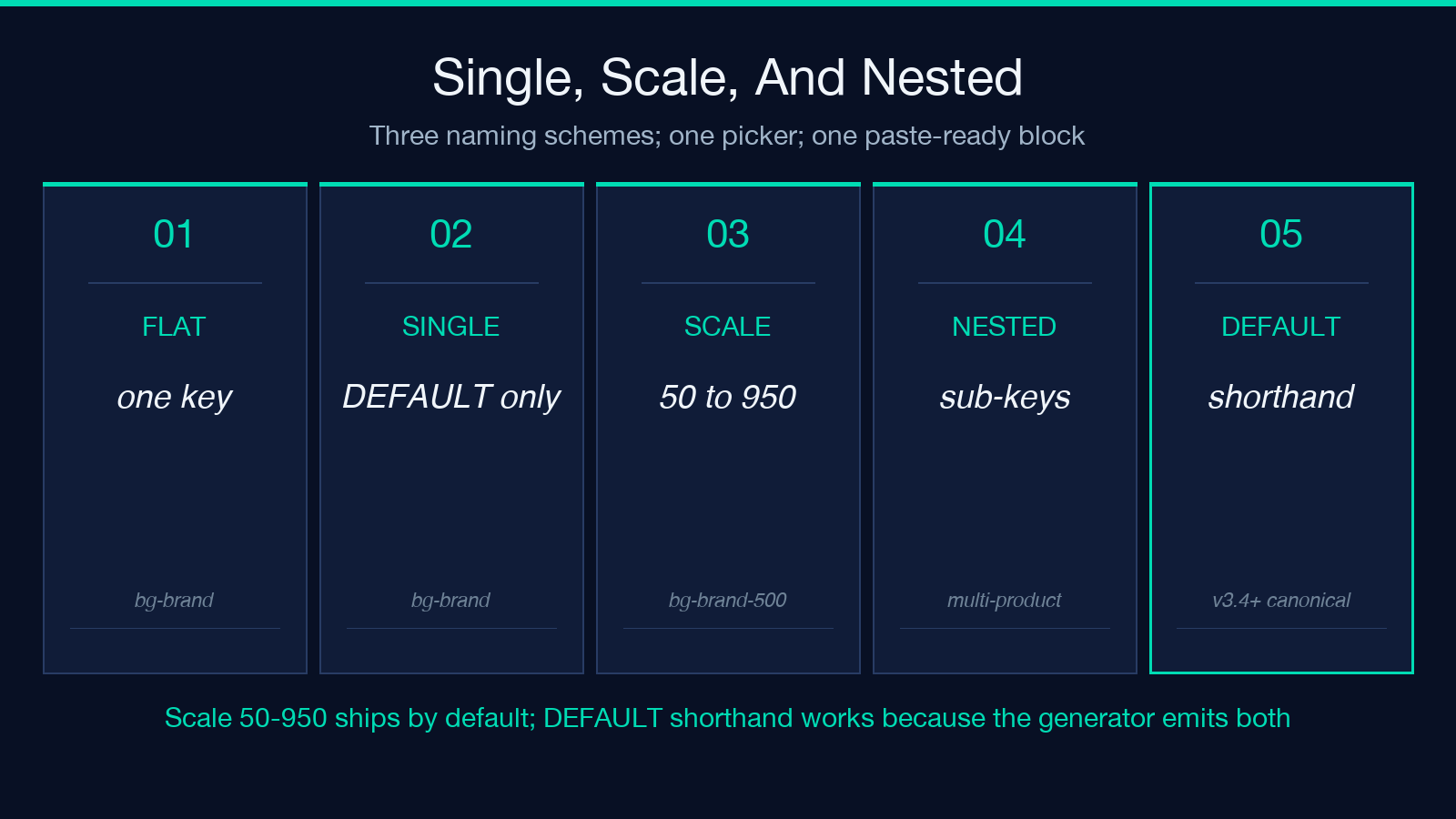
Three naming scheme options, three different use cases. Single ({ brand: { DEFAULT: '#1d4ed8' } }) is right when your brand is one color and you only use it as a button accent; you get bg-brand and that’s it. Scale 50-950 is the v3.4+ canonical scheme and the one to ship by default; you get bg-brand-50 through bg-brand-950, with brand-500 matching the canonical brand hex, and the DEFAULT shorthand still works because the generator emits both. Nested is the same scale but grouped under a sub-key ({ brand: { primary: { 500: '...' }, secondary: { 500: '...' } } }) for multi-product palettes where each product gets its own scale inside the same config. The Tailwind Color Palette Sync tool exposes all three in the same picker, so you can preview the output block per scheme before you commit. Pick one scheme, stick to it across repos, ship.
Dark Mode Variants Without A Plugin
A second output block, darkMode: 'class' compatible, gets emitted when you toggle the dark-mode flag in the generator. For each shade in the scale, the tool derives a dark-mode counterpart by inverting the lightness around the brand’s 500 midpoint, so brand-500 stays constant, brand-100 darkens to a deeper tone, and brand-900 lightens to a softer tone. The output block uses Tailwind’s dark: modifier and a media: 'class' strategy that does not require @tailwindcss/forms or @tailwindcss/typography plugins. Drop the block into the same theme.extend.colors and your existing components pick up the dark variants automatically. For projects that need a separate dark-only hex per shade (rare, but real), the generator also accepts a second hex per shade as input and emits both blocks side by side. One config, one source of truth, both modes. The Tailwind Color Palette Sync tool handles both cases without a second pass.
How This Differs From A Figma Plugin
Figma plugins emit CSS variables, not Tailwind config blocks. They target the design tool, not the build tool. Tailwind Color Palette Sync targets the build tool directly: the output is a TypeScript object literal with hex values, no var(--brand-500) indirection, no Figma tokens file to import. For teams that use both, the right workflow is: keep the Figma library as the canonical source of hex truth, run the hexes through the Tailwind Color Palette Sync tool once per release, paste the output into every tailwind.config.ts in the monorepo, commit. The Figma library changes; the generator output stays in lock-step because the generator runs against the latest hexes, not a cached intermediate. The CSS Color Name Resolver tool is the complementary piece for design tokens that map to CSS named colors (--brand-blue to var(--blue-500)).
What To Do With The Generated Block In A Monorepo
Once you have the output, the canonical workflow for shipping across repos is: paste the block into a shared package (packages/tailwind-preset/index.ts), export it as brandColors, import it in every app’s tailwind.config.ts under theme.extend.colors. That keeps the canonical hexes in one file, one PR review, one commit per palette update. For Tailwind v4 projects (the post-CSS-variable era), the same block goes into @theme in the CSS entry file instead of theme.extend.colors, with the values as CSS custom properties (--color-brand-500: #1d4ed8). The generator’s output is plain hex strings, so it works in both v3.4 and v4 without modification. For component libraries that need Tailwind class names pre-built (rare, but valid), pair the config with shadcn/ui samples as a reference for which bg-brand-* / text-brand-* combinations ship. Pair the same with Tailwind CSS samples for utility-class patterns the generator output covers out of the box.
One Config, One Source Of Truth, Every Repo Aligned
The 30-second move is: open the Tailwind Color Palette Sync tool, paste the canonical brand hexes, pick scale 50-950, copy the output, paste into one tailwind-preset package, import across every app. Contrast ratios stamp on the value, dark-mode variants emit with one toggle, no Figma plugin, no intermediate tokens file. Three repos in the monorepo, three identical bg-brand-500 values, zero drift. The tool is deterministic, the output is paste-ready, the contrast metadata ships as code comments so the next reviewer sees WCAG levels inline. Try the Tailwind CSS samples for utility-class patterns, the shadcn/ui samples for component pairings, and the CSS Color Name Resolver for the named-color fallback.
