
# 8 Free Data Engineering Tools for Debugging Without the Guesswork
A broken pipeline doesn’t announce itself with an error message. It hands you a CSV with 14 extra rows, a JSON response where every third field is `null`, and a log file that crashes your text editor when you try to open it. You didn’t write the bad data. But you’re the one who has to fix it.
These eight tools cover the most common debugging scenarios in data work: validating schemas, navigating nested structures, tracking field origins, profiling datasets, parsing logs, finding PII, inspecting URL parameters, and understanding file paths. All free, all browser-based, all purpose-built for the kind of problems that eat entire afternoons.
1. JSON Schema Validator

APIs return JSON. Schemas define what that JSON should look like. The two rarely agree until someone checks — and when they don’t, the error message is almost never useful.
The JSON Schema Validator does one thing: it tells you whether a JSON document matches a schema, and if not, exactly where the mismatch is. You get a numbered list of errors, each with the JSON path where validation broke and the specific constraint that failed. It supports five schema drafts from Draft-04 through 2020-12.
Paste the response body, paste the schema, and within seconds you know whether your pipeline is getting valid input — before the ETL job crashes three steps downstream.
Use it when: an ETL job fails silently and you need to know whether the input matched the contract.
2. JSONPath Query Tool
Extracting a nested value from a complex API response usually means writing throwaway code: loops, maps, a filter, some conditional logic. It works until the response structure changes, and then it quietly breaks.
JSONPath is a standardized query language for navigating JSON trees. This tool gives you a text field for your expression, a document, and instant results. You can save frequent queries as templates, switch between JSON, table, and Markdown output, and use filters to pull exactly the slice you need. `$.users[?(@.role == “admin”)]` gets every admin from a nested array in one line.
The first time you use it, you’ll close three browser tabs full of parsing code you’ll never need again.
Use it when: you need to extract a specific slice from a deep, variable API response without writing throwaway code.
3. JSON Data Lineage Tracer
When a dashboard number looks wrong, the first question is always: where did this come from?
The JSON Data Lineage Tracer maps every field in a JSON document to its source. It enumerates all paths, identifies upstream and downstream relationships, and lets you define explicit derivation rules for computed fields. If `totalUsd` is derived from `totalCents` divided by 100, you document that relationship and see it reflected in a dependency graph.
The output is a Mermaid-compatible graph — paste it into any documentation, any team wiki, any ticket. Your field lineage stops being tribal knowledge and becomes a shared, versioned artifact.
Use it when: you’re debugging a derived field and need to trace every transformation that touched it before it reached the dashboard.
4. Dataset Quality Profiler
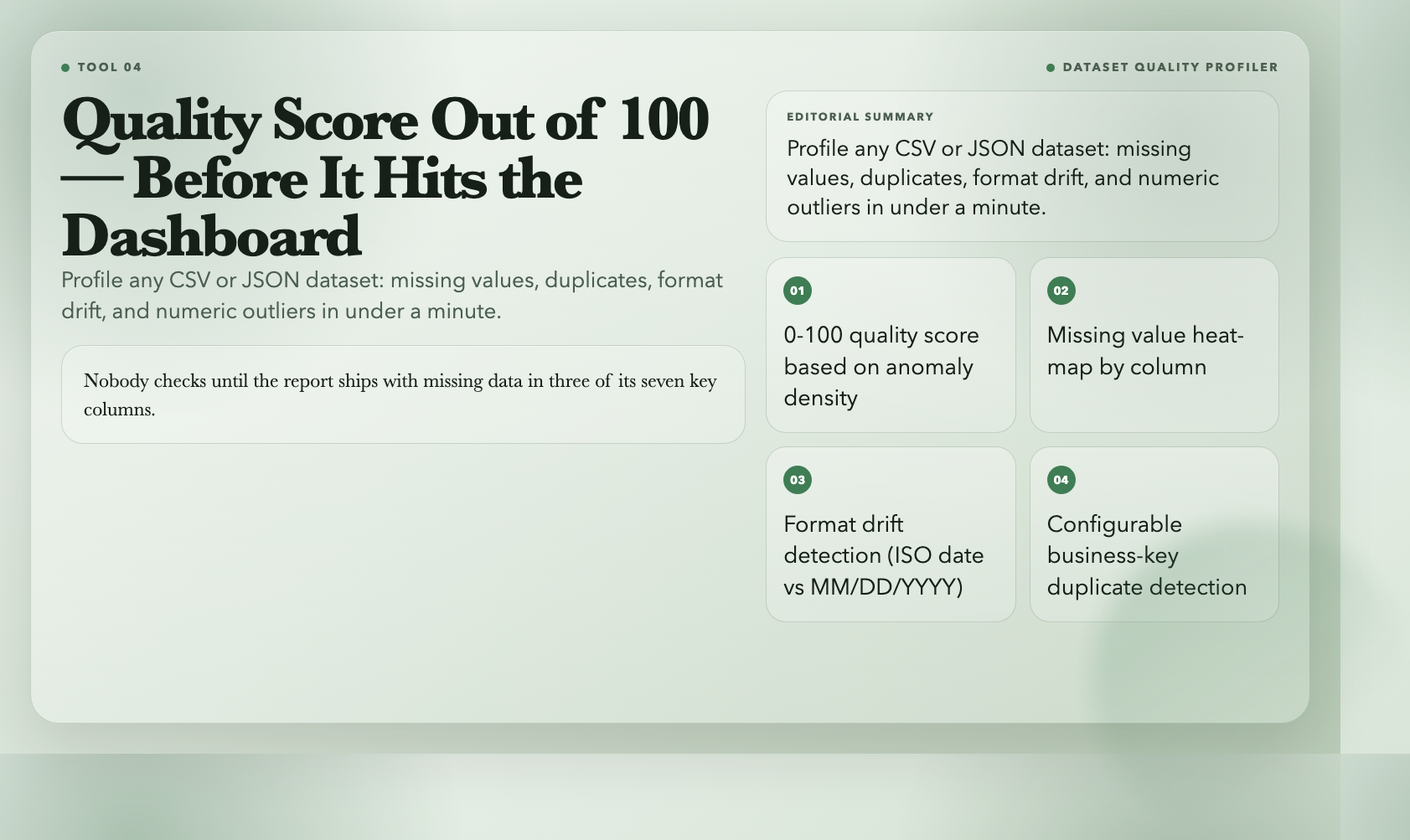
Before a dataset goes into your BI tool, your ETL pipeline, or your ML model, someone should check whether it’s full of holes. Nobody does this until the report ships with missing data in three of its seven key columns.
The Dataset Quality Profiler ingests CSV or JSON and produces a quality score out of 100, a per-column breakdown of missing values, duplicate rows, format drift, and numeric outliers. Missing values are heat-mapped by severity. Format drift detection catches columns where dates suddenly switch from ISO format to MM/DD/YYYY. Duplicate row detection uses configurable business keys — so you’re not just finding exact copies, you’re catching repeated `id` combinations even when surrounding rows differ.
Run it once before import. You’ll either get confidence to proceed, or you’ll catch something that would have taken a week to debug later.
Use it when: you’re about to import a new dataset and want a fast health check before it touches anything downstream.
5. Structured Log Analyzer
Logs are the first place engineers look when something breaks. They’re also one of the most chaotic data formats in existence. JSON Lines, Apache access logs, syslog, bracketed application output — each has its own conventions, none of them consistent.
The Structured Log Analyzer auto-detects log formats and extracts structured fields from each entry. It infers field types, summarizes the distribution of log levels across your dataset, and exports everything as JSON, CSV, or SQL INSERT statements. You can feed it a raw server log and have a normalized, queryable table in under a minute.
For custom formats, a regex field lets you define exactly how to extract timestamp, level, source, and message. One pattern, instead of writing separate parsers for each format variant.
Use it when: you need structured data from a raw log dump without writing format-specific parsing code.
6. PII Finder
Handling personal data incorrectly is one of the fastest ways to turn a manageable incident into a regulatory crisis. The mistake is usually not malicious — it’s that someone didn’t realize a field contained a national ID or an API key until it was already in a shared system.
The PII Finder scans any text or log content for ten types of personally identifiable information: email addresses, phone numbers, Social Security numbers, credit card numbers, IP addresses, URLs, passport numbers, national ID cards, bank account numbers, and API keys. Matches include character position and confidence level (high, medium, low), so you can prioritize what actually needs attention.
It also suggests redaction strategies: SSNs can be masked to last-four digits, credit card numbers truncated, API keys fully redacted. The output is structured JSON — pipe it into your compliance workflow, your SIEM, or your redaction pipeline.
Use it when: you need to audit a log file or data export for accidental PII before sharing it with a third party.
7. URL Query Analyzer
Analytics platforms, affiliate programs, and marketing campaigns all leave fingerprints in URLs: `utm_source`, `ref`, `campaign`, `id`. Usually you’re looking at hundreds of URLs and trying to understand patterns that are buried in the query string — which parameters are live, which are duplicated, which ones have encoding problems that will silently break tracking.
The URL Query Analyzer takes a batch of URLs, parses all query parameters, and reports key frequency, value distribution, and encoding issues. Double-encoded parameters, malformed percent sequences, and mixed encoding are flagged per URL. The output tells you which keys are actually in use versus which are legacy cruft from campaigns that ended two years ago.
For SEO audits and analytics cleanup, this is usually a five-minute answer to a question that otherwise requires a custom script.
Use it when: you’re auditing URL parameters across a large set of URLs and need to understand what’s live, what’s duplicated, and what’s broken.
8. Path Analyzer
File paths are a detail that rarely matters — until a script that worked on your machine breaks on the build server because someone wrote `C:datainput.csv` and the server is running Ubuntu.
The Path Analyzer breaks any file path into its components: drive letter, directory, base filename, name without extension, and extension. It detects the path type — Windows, Unix, UNC, or relative — identifies the target platform, and reports path depth. One click normalizes any path to Windows or Unix format.
For CI/CD debugging, this is often the five-second answer to a thirty-minute problem. Paste the path, read the verdict, fix the separator.
Use it when: a pipeline fails on a different OS and you need to quickly understand what kind of path you’re dealing with and how to normalize it.
The Thread Connecting Them
These tools don’t do anything revolutionary. They don’t move data, transform it, or load it anywhere. What they do is precise: they tell you exactly what the problem is, where it is, and what kind of data you’re dealing with. That’s not glamorous. But in data engineering, precision is the difference between a two-hour incident and a two-minute fix.
The real problem with debugging workflows isn’t a skills gap. It’s that most engineers are solving inspection problems with the wrong tools — print statements, spreadsheets, and educated guessing — when a purpose-built tool would hand them the answer in seconds.
So the question isn’t whether these tools are useful. It’s how many hours you’ll spend debugging this week before you reach for one.