
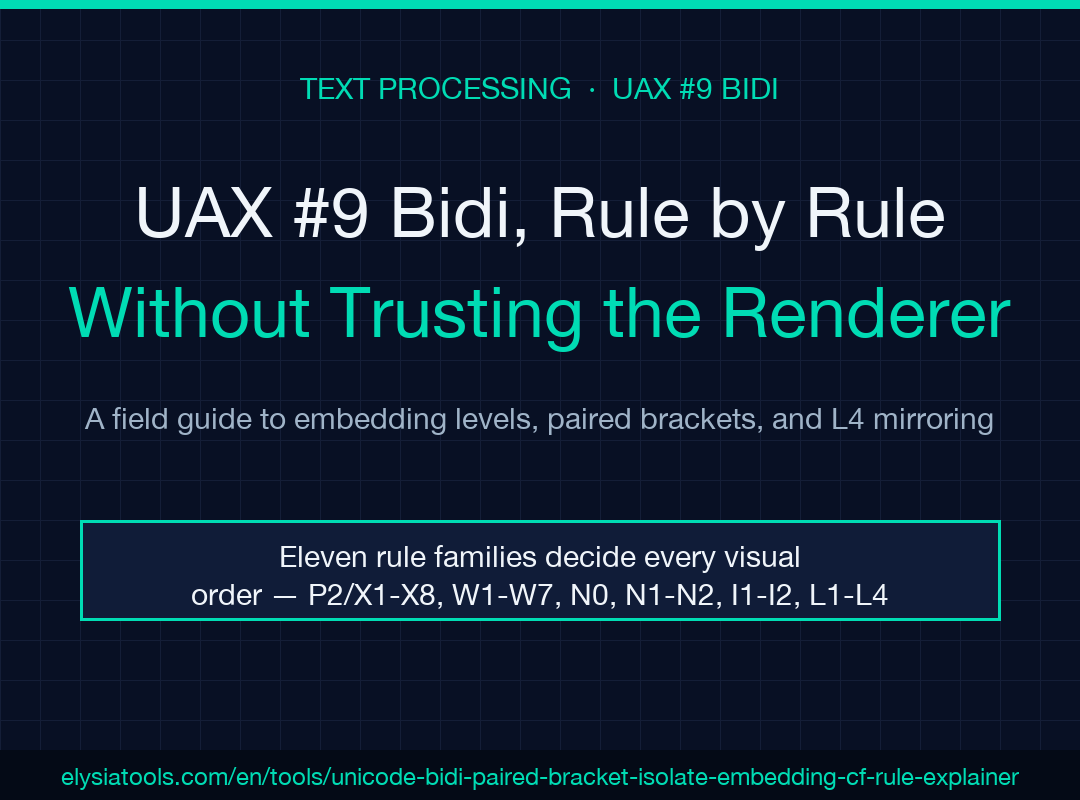
When text contains both Latin and Arabic, the bytes you wrote are not the bytes the user sees. The order is decided by a state machine called the Unicode Bidirectional Algorithm, and UAX #9 specifies it as nine rule families: P2/P3 for paragraph level, X1–X8 for explicit embedding, W1–W7 and N0 for resolving types, N1–N2 for neutrals, I1–I2 for implicit levels, and L1/L2/L4 for reordering and mirroring. If you have ever pasted what looked like clean English into a chat box and watched it rearrange, the renderer was running these rules. Most debugging sessions that end with “but it works on my machine” end up here.
Start with the Paragraph Level (P2 / P3)
The algorithm begins by classifying the paragraph as left-to-right or right-to-left. P2 finds the first strong directional character — L, AL, R — and uses that to set the paragraph embedding level (0 for LTR, 1 for RTL). P3 then applies the rule that any sequence of weak characters at the start, like numbers and neutrals, is rewritten by the embedding level. The paragraph level is the floor under all later work; every explicit embedding level is computed relative to it.
For most mixed-language paragraphs, P2 will land on LTR because the first Latin letter is the first strong character. That means an RTL paragraph almost always starts with a Hebrew or Arabic letter, or with a hard LRM/RLM control. Tools that mix RTL and LTR strings inside a single paragraph without those controls are betting that P2 does what the author meant. It usually does not.
The Eight Explicit Embedding Rules (X1–X8)
X1–X8 set the embedding levels from bidi controls. LRE, RLE, LRO, RLO each push the current level; PDF pops it. The directional status stack is what makes this work: each push remembers the previous level and direction, and PDF returns to it. The result is a stack of (level, override) pairs that the rest of the algorithm reads from.
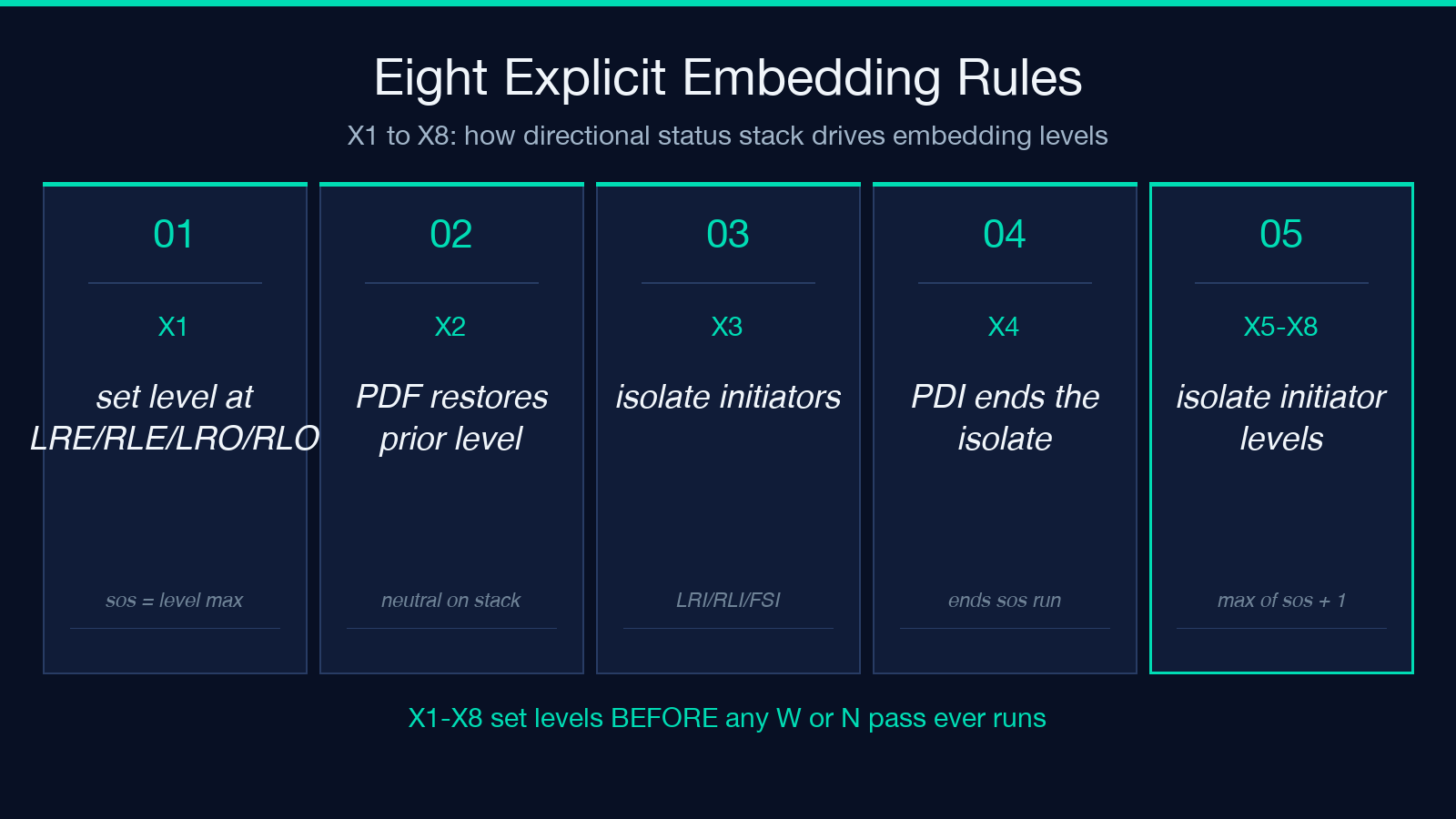
X3 introduces the isolating run sequences. When you place an LRI, RLI, or FSI in the text, the algorithm carves out a subsequence that is processed independently — its own sos (start-of-sequence) and eos (end-of-sequence) levels, its own stack, its own resolutions. PDI ends it. X6, X7, and X8 specifically deal with the initiator itself, treating it as an overflow-neutral and lifting it to the maximum level plus 1 to avoid contaminating surrounding runs. The bidi explainer at Elysia Tools walks every X-pass step with the directional status stack visible at each row.
The first example replay in the spec demonstrates this clearly: take the input Hello <RLI> world followed by Hebrew, and the Latin words inside the RLI isolate rise to level 2 while the Hebrew stays at level 1. Without the isolate, both would have shared the same run and the visual order would have been different. Isolating run sequences are the only safe way to mix direction in inline UI labels.
Weak Type Resolutions (W1–W7) and the Bracket Pair Rule (N0)
After levels are set, the algorithm resolves the bidi types. W1 says a nonspacing mark (NSM) takes the type of the character before it. W2 says European numbers (EN) take AL when preceded by it. W3 says AL takes R when preceded by R. W4 through W7 deal with sequences — a single EN between ETs becomes ET, ES and CS resolve to EN or AN depending on neighbors, and an isolated AN/EN in a European-number run becomes AN.
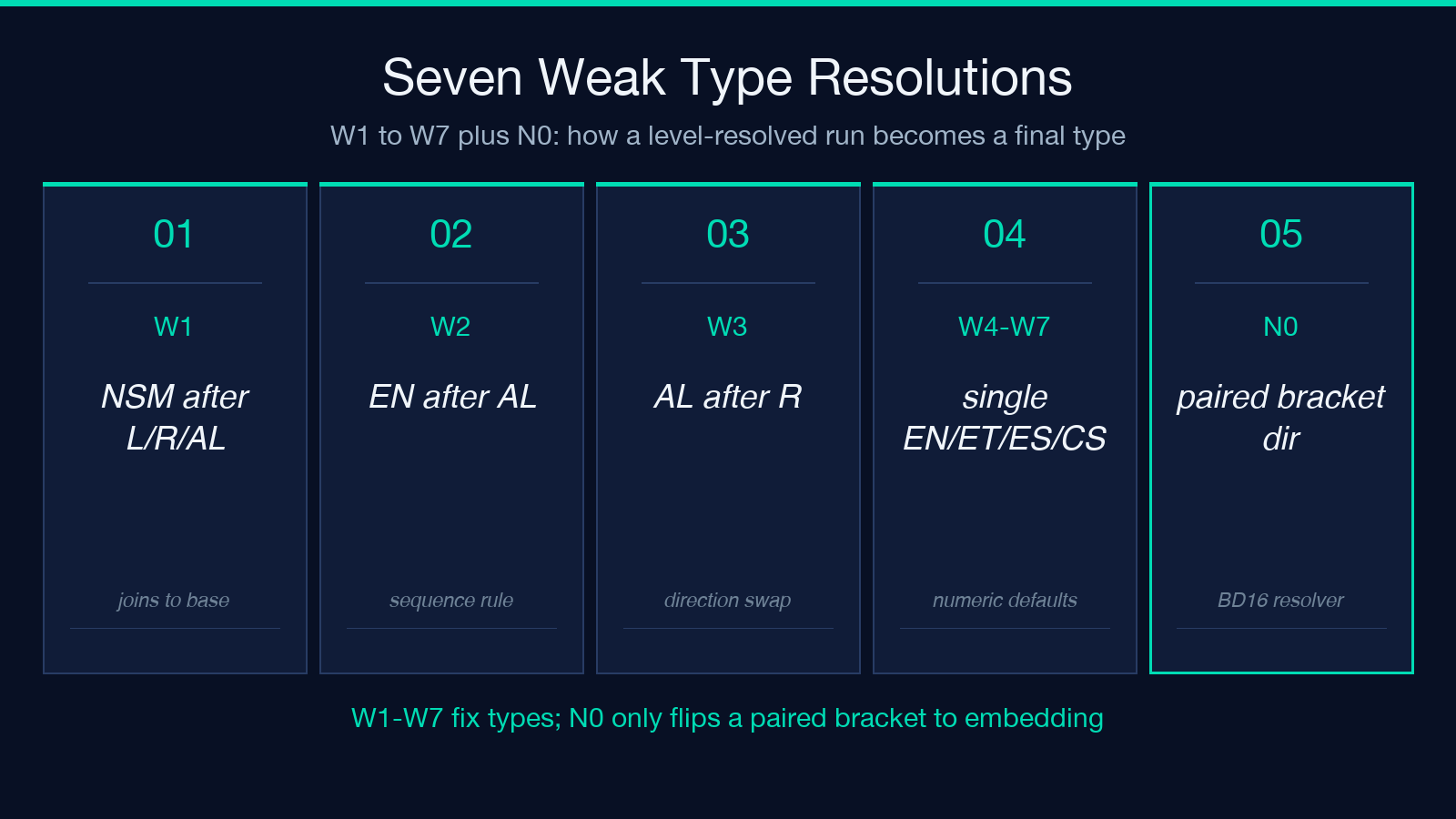
N0 is the paired bracket rule and it operates on types already resolved by W. It scans for a bracket pair within a single embedding level, finds a strong character opposite to the embedding direction inside, then scans back to the character before the opening bracket. If that preceding character matches the embedding direction, both brackets are set to that embedding direction. The rule has four subclauses — N0b, N0c1, N0c2, N0d — and each handles a different way the preceding character may have been resolved. BD16 is the canonical name for the pair-resolution step that uses N0 results to set the brackets to R or L.
The second example in the spec demonstrates this: an RTL paragraph where brackets enclose only Latin strong characters. N0 finds the pair, sees a strong opposite the embedding direction inside, scans back to the preceding Hebrew, which matches (does not oppose) the embedding, so N0c2 sets both brackets to the embedding direction R. L4 then mirrors the glyphs so the brackets appear as their visually-correct mirror shapes in the visual order. Without N0, the brackets would have been left at ON (neutral) and resolved by N1/N2 in a way that produced the wrong visual order.
Neutrals (N1 / N2) Get Their Own Boundaries
N1 and N2 handle neutrals — characters with no inherent direction like spaces, punctuation, and most symbols. N1 walks contiguous sequences of neutrals between strong types at the same level, then assigns the surrounding embedding direction. N2 handles neutrals at the end of an embedding run, applying the embedding direction when there is no strong neighbor. These rules run after W rules and after N0 has set any bracket types.
The neutral rules are where the silent confusion in mixed-language paragraphs lives. A colon between an RTL word and an LTR word in the same run will look correct in the source bytes but will end up next to the wrong word in the visual order if the surrounding levels differ. N1 and N2 together decide whether that colon visually attaches to the left word or the right word. The renderer is not making a typographic mistake; it is following UAX #9.
Implicit Levels (I1 / I2) — the Grid Where Types Become Levels
I1 and I2 are short but decisive. I1 says that for even embedding levels (0, 2, 4, …), R types stay R. I2 says that for odd levels (1, 3, 5, …), L types stay L. The result is the resolved levels grid: every character has a final level, and types have been folded into the embedding parity. Implicit levels are where the embedding and the type system meet, and they are the last step before the reordering rules.
This is also where many bidi tools stop reporting. They show levels, types, and visual order, but not the implicit-level grid, which makes debugging I1/I2 mistakes very hard. The bidi explainer at Elysia Tools surfaces the implicit-level grid as a separate column, so you can see whether I1 or I2 was the rule that flipped a type into its opposite parity.
Reordering (L1 / L2) and Mirroring (L4)
L1 resets the visual order at every line break. L2 reverses every contiguous sequence of characters at the same level, except for trailing neutrals and the lowest level. L4 mirrors paired bracket glyphs whose resolved direction differs from their character direction — the “(” becomes “)” and vice versa in the visual order. L3 handles line-break reset for L2 specifically and is rarely called out separately.
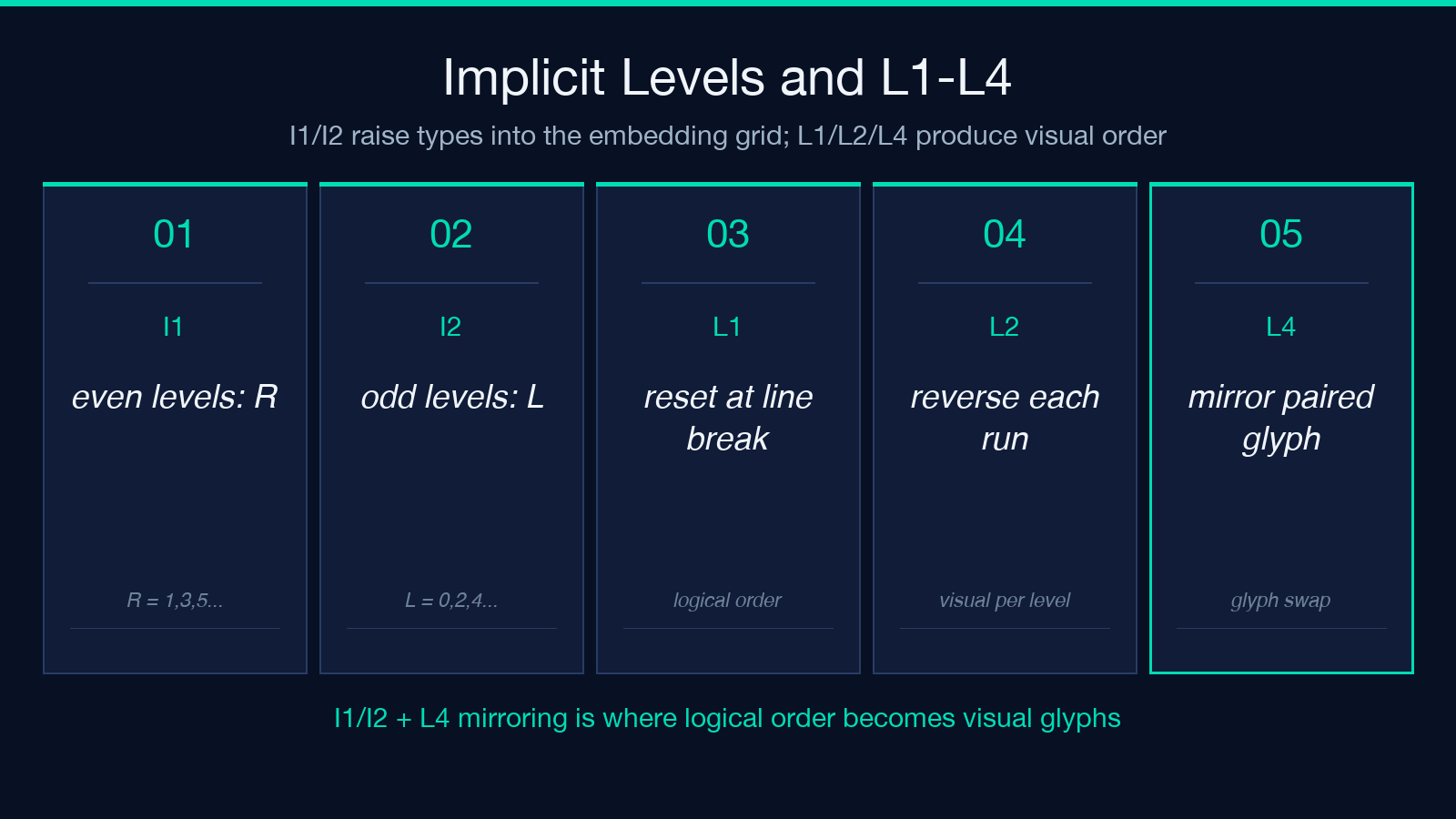
L2 is the rule that produces the visible reorder. Without it, the logical byte order would have been the visual order, and RTL would have looked like left-justified broken text. L2 is also where bidi-aware editors and bidi-unaware editors diverge — a naive text editor treats each line as a paragraph and applies L2 per line, while a UAX #9-compliant renderer applies L1 at line breaks and L2 within each line. The difference is invisible until you paste a single paragraph across multiple lines.
Spec Example Replay: the LRI Isolate with Latin Inside
Take the input text from the UAX #9 specification: Hello <RLI> ועדכנתי followed by some more Latin and a PDI. In logical order it reads “Hello world I updated”. The renderer applies P2 and sees the first strong character is H, so the paragraph embedding level is 0. X1 sees the RLI, pushes level 1 onto the directional status stack, and starts the isolating run sequence. X5 sets the level of the RLI itself to the maximum of sos and 1, which is 1 plus one — so 2. The Latin v inside the RLI rises to level 2. The Hebrew stays at level 1. W rules resolve types within each level. L2 reverses the level-1 run (Hebrew) but leaves the level-2 Latin alone. L4 mirrors any paired brackets — there are none here. The final visual order is “Hello ועדכנתי” then “world” rendered right-to-left as “.dlrow”.
Without RLI, the result would have been very different. With it, the Latin inside the isolate is treated as its own paragraph, even though it is logically a substring. This is the practical reason to use LRI/RLI/FSI in mixed-direction UI labels and JSON values: they let you scope bidi behavior to a substring without rewriting the surrounding paragraph.
Controls, Renderer Honesty, and the Debugging Order
The Unicode Standard defines eleven bidi controls. Eight of them are the ones you write into actual text: LRE (U+202A), RLE (U+202B), PDF (U+202C), LRO (U+202D), RLO (U+202E), LRI (U+2066), RLI (U+2067), FSI (U+2068), and PDI (U+2069). LRM (U+200E) and RLM (U+200F) are the zero-width marks that force a specific direction without changing the embedding level. The bidi explainer at Elysia Tools accepts all of these as named tokens or as uXXXX escapes. In practice, you only need LRI, RLI, FSI, PDI, LRM, and RLM for inline mixed-direction labels; the isolate controls are the modern, safe form that does not require a matching PDF.
The renderer is not lying; it is following UAX #9 exactly. The cases that look like lies are always one of these: the paragraph level set by P2 is not what you expected, the isolate initiators did not contain the substring you thought they did, N0 found a bracket pair whose preceding character matched the embedding direction in a way you did not anticipate, or L4 mirrored a glyph whose direction was set by N0 differently from the bracket itself. The debugging checklist is: P2 first (what is the paragraph level), X1–X8 second (where are the isolating run sequences), W third (which weak types were resolved in which order), N0 fourth (which bracket pairs were paired and in what direction), N1/N2 fifth (how neutrals got their direction), I1/I2 sixth (implicit levels), L2 seventh (what got reversed), L4 eighth (what got mirrored). If the visual order surprises you, walk the rules in that order.
Explore more tools at elysiatools.com.
