
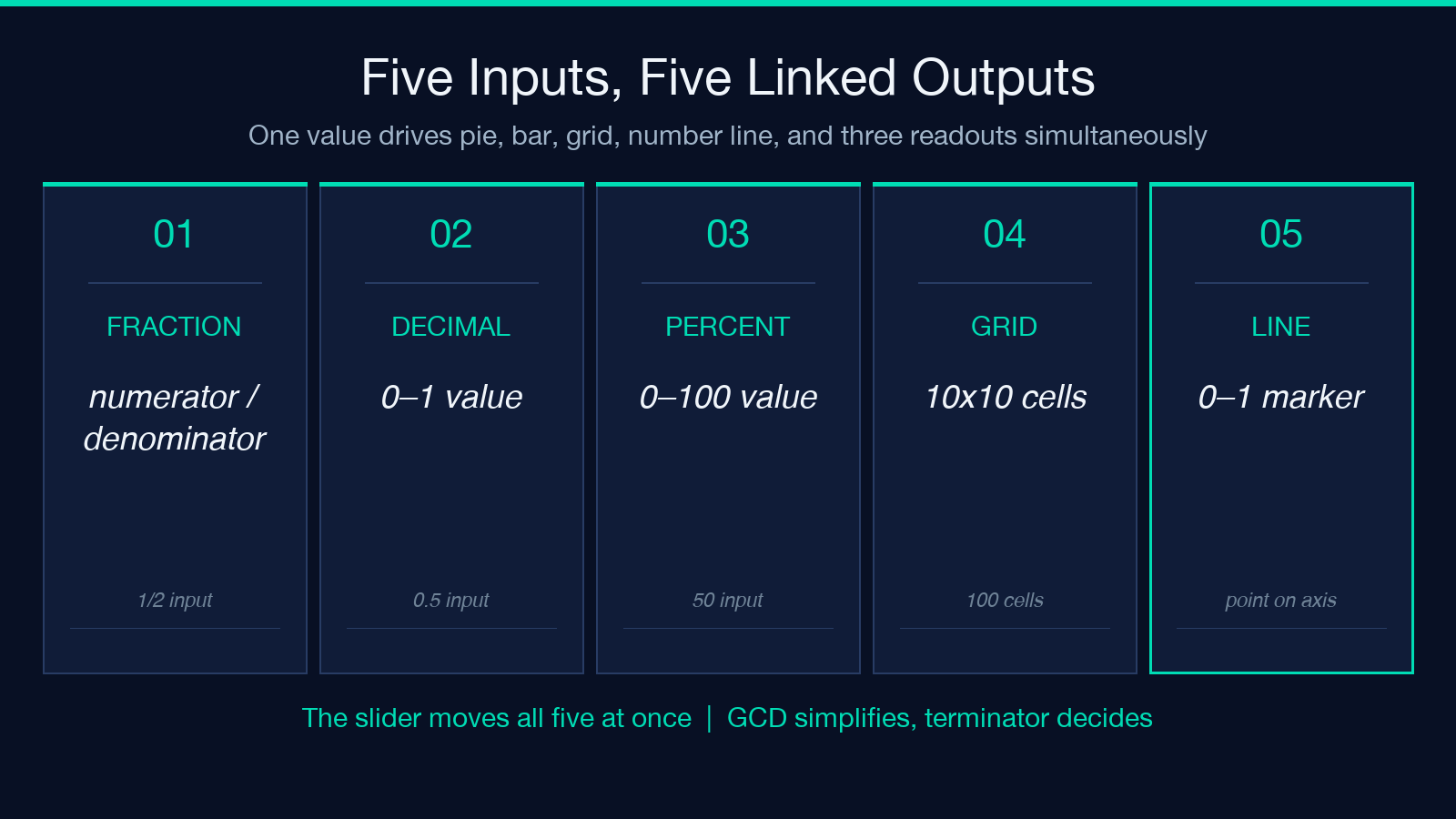
One quantity, four linked views, one truth. When a learner meets 1/2 = 0.5 = 50% for the first time, three different pictures have to land at once — a half-pie, a half-bar, fifty blue squares, a marker at 0.5 — and the brain still has to trust they are the same number. The Fraction / Decimal / Percent Visual Tutor makes that trust explicit: one input drives a pie, a fraction bar, a 10×10 percent grid, and a 0–1 number line in lockstep, with a per-mille slider that moves every readout live and a precise detector that catches the moment a decimal refuses to terminate.
The Long-Division Remainder Loop Behind Every Display
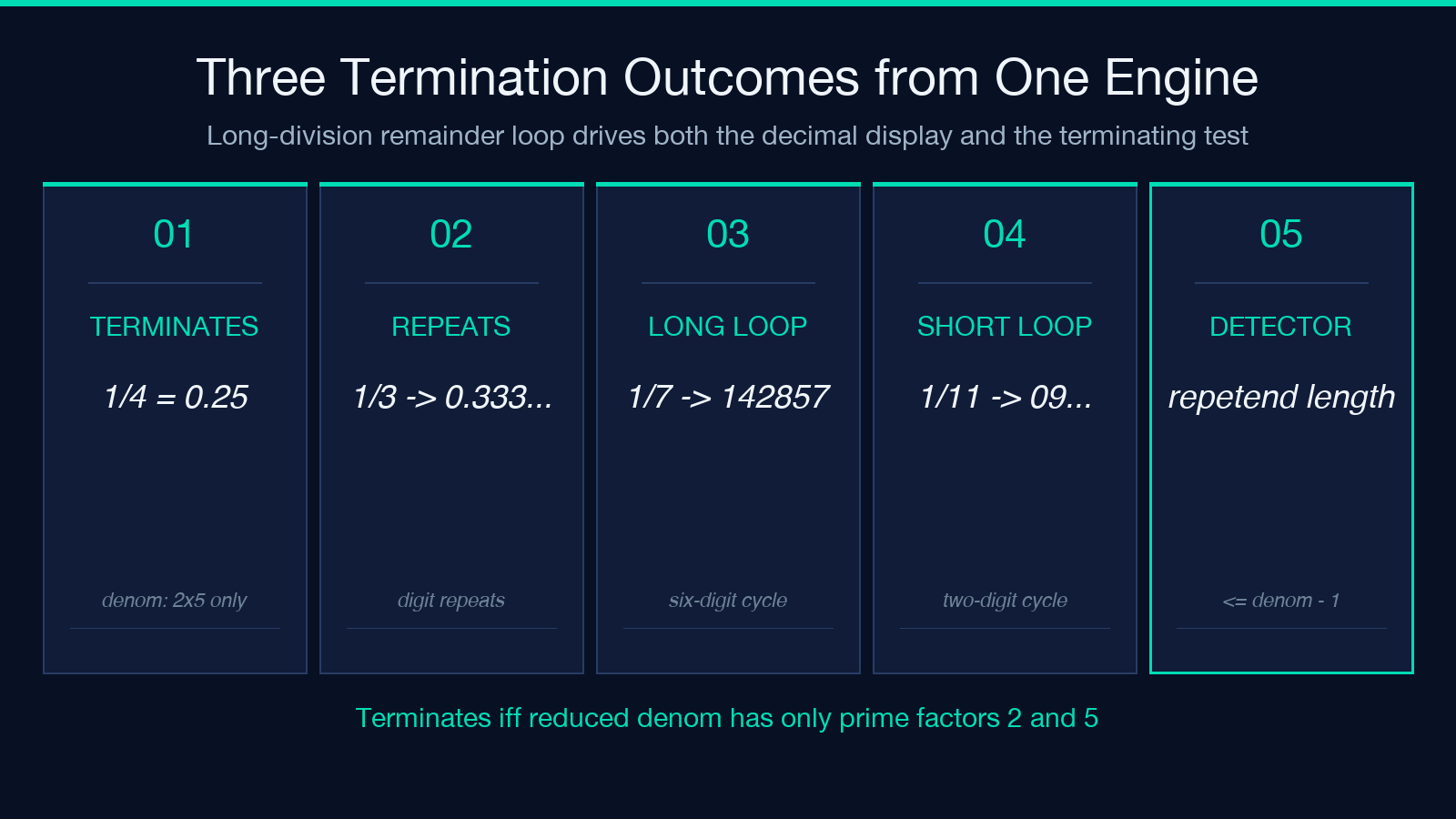
The pattern that keeps the tutor honest is the long-division remainder loop. When you type 1/7, the engine multiplies 1 by 10 to get a remainder of 3, writes 0., then multiplies 3 by 10 to get 30 (remainder 2), writes 1, then continues. As soon as a remainder repeats, the digits from that point on cycle forever. For 1/7 the cycle is 142857 (length 6, exactly the denominator minus one). For 1/3 it is just 3 — the single-digit repetend that students tend to type as 0.33 and then forget to ask “what is the 33rd decimal?” The tutor flags the repetend with overline notation (0.3̅) so the answer isn’t quietly rounded away.
The Terminating-Decimal Test, Plainly Visible
The terminating-decimal test sits behind the same loop. After GCD simplification, a fraction terminates if and only if its reduced denominator has no prime factors other than 2 and 5. Denominator 4 = 2² terminates. Denominator 8 = 2³ terminates (0.125). Denominator 10 = 2×5 terminates. Denominator 12 = 2²×3 does NOT terminate (0.0833̅). The tutor reports the boolean alongside the decimal display so the test stays visible to the learner, not buried in an answer key.
Why the 10×10 Percent Grid Earns Its Place
The percent-grid layer is what most learners need and most diagrams skip. A 10×10 grid renders the percent value as discrete filled cells: 75% is seventy-five blue squares against twenty-five white. Move the slider from 0% to 100% and each step crosses a new row of cells. The grid pairs with the pie because both encode the same ratio as a count of equal parts — the pie for shape, the grid for counting. Showing them together trains the eye to translate between “looks like a half” and “is fifty of a hundred.”
The Number Line Closes the Loop
The linked number line closes the loop. Markers at 0, 0.25, 0.5, 0.75, 1 — and the active fraction’s decimal position sits exactly on the marker. The bar is the discrete view (whole parts shaded), the pie is the area view (a circular wedge), the grid is the count view (twelve of twenty-four squares), the number line is the position view (a point on a continuous axis). When all four update together, the student stops asking “is 0.45 bigger than 1/2?” and starts reading the answer off the line.
Three Practice Cards That Use the Same Engine
Practice exercises round out the loop. Three deterministic cards: simplification (find the GCD and reduce 8/12), repetend spotting (which digit repeats in 1/7?), and percent-vs-decimal comparison (which is larger, 0.45 or 1/2?). Each card has an expandable answer with the worked reasoning. The same long-division remainder logic that drives the live display frames the equation — the answer key never diverges from the live readout.
Two Mistakes the Linked Views Make Impossible
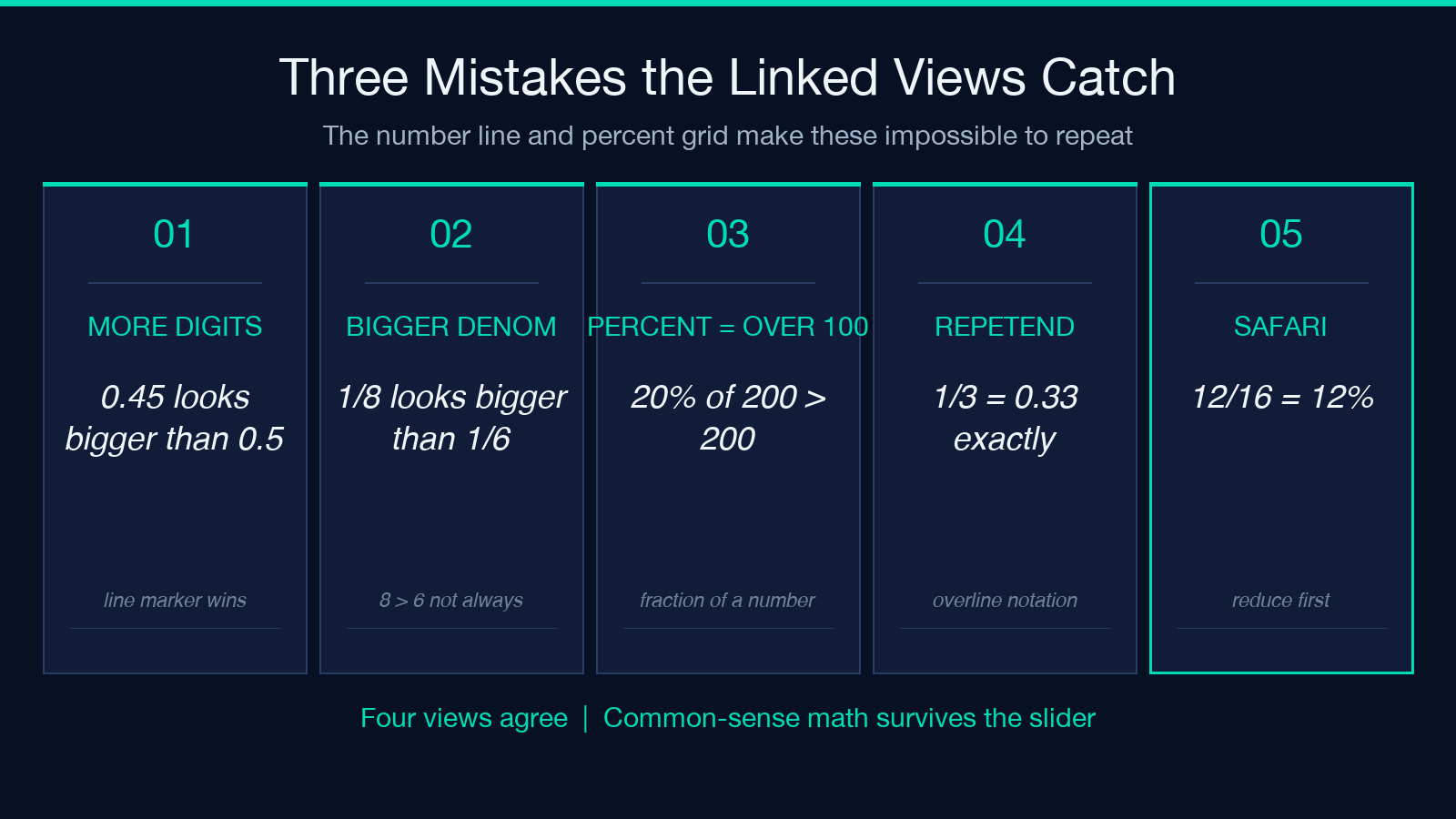
The most common mistake the tutor catches early is treating “more digits” as “bigger number.” A learner writes 0.45 and reads “four-five” as larger than “point-five” because 45 > 5. The number line makes that mistake impossible to repeat: the marker for 0.45 sits to the LEFT of the marker for 0.5, and the percent grid shows 45 squares against 50. Two views agree that 0.45 < 0.5. A second class — fractions whose denominators look similar but produce different decimals — is where the per-mille slider earns its keep. Drag from 1/4 (terminating, 0.25, 25%) through 1/3 (repeating, 0.3̅, ≈33.3%) to 1/2 (terminating, 0.5, 50%). At every step, the pie, the bar, the grid, the line, and all three readouts update in the same frame. The student learns that denominator size does not predict decimal size — 1/8 < 1/6 even though 8 > 6 — by watching the markers and the grid count swap positions as the slider moves.
Teachers, Self-Learners, and the Sandbox Iframe
For teachers, the deterministic exercises are the quiet win. Three cards, repeatable across classes, no random seeds to debug, answer keys fold out of the same data the live display uses. A class that struggles with 1/7 gets the same six-digit repetend from every student, and the worked solution lines up with what they see on the screen. For self-learners, the sandbox iframe runs as a data: URI with sandbox="allow-scripts" and no network. The page works offline once cached. The slider is the fastest way to build intuition: pick a value, watch the four views, then ask “what would change if I made the numerator 1 larger?” The four views answer together, every time.
A Practical Caveat: Per-Mille Granularity and the Approximate-Sign
A practical caveat: the per-mille slider has a granularity of 0.001 in decimal mode and 0.5% in percent mode, so values like 1/3 land on a quantised tick rather than the exact value. The tutor reports ≈33.3% for those cases rather than rounding silently. That same caveat is why the repetend detector exists — for fractions that never terminate, the ≈ prefix is the right answer, and the overline notation tells the student why. Try the tutor at Elysia Tools, and explore more from the math-and-numbers catalog at elysiatools.com.
