# 7 Free Design & Media Tools That Turn Raw Files Into Production-Ready Assets
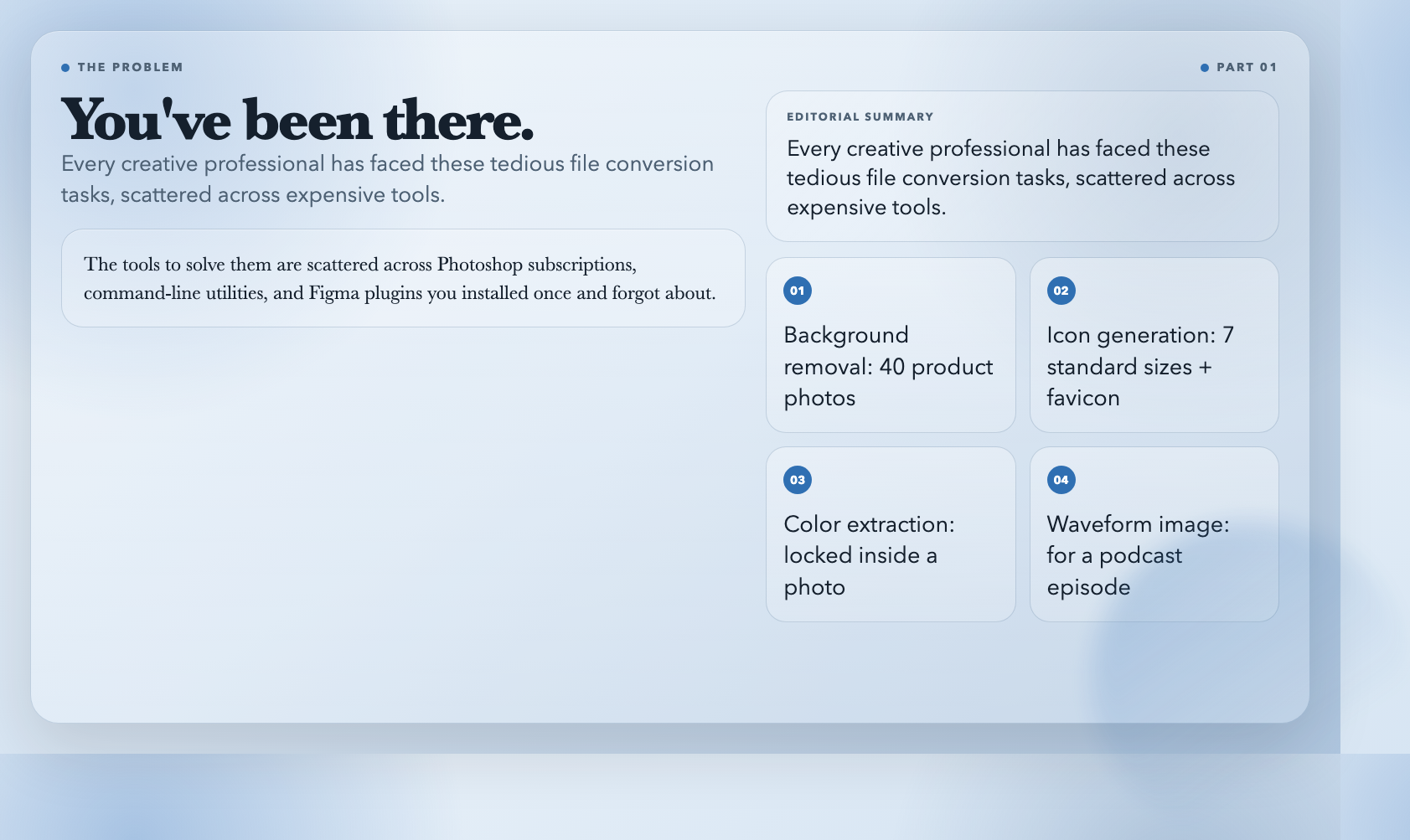
You’ve been there. The client sends over a product photo with a cluttered background and asks for a transparent PNG by end of day. Your logo needs to exist at 7 different icon sizes for the website favicon. The perfect brand colors are trapped inside a photograph someone took at a design conference two years ago.
These aren’t hard problems. They’re just tedious. And the tools to solve them are scattered across Photoshop subscriptions, command-line utilities, and Figma plugins you installed once and forgot about.
ElysiaTools built a free suite that handles the messy middle work. Here’s what actually works.
—
1. Remove Image Background — Cutouts Without Photoshop
The task that used to require Photoshop—select subject, refine edge, save with transparency—now takes under a minute.
This tool uses imgly/background-removal to detect foreground subjects and strip everything else. Output is a transparent PNG with real alpha channel, not a white matte you then have to deal with in another tool.
What it does well:
– Soft-edged subjects (hair, fur, fabric) get handled better than most browser alternatives
– Real alpha transparency, not a fake white background
– Supports files up to 20MB, covering most product photography and portraits
Where it struggles:
– Heavily shadowed or low-contrast backgrounds confuse the model
– No edge refinement control—you get what the model decides
For clean product shots and portraits, this is a reliable time-saver. For print-quality work, a quick human review before final delivery is still good practice.
—
2. PNG to Icons — One File to 7 Sizes, Ready to Ship
Generating a proper icon pack used to mean writing a resizing script, naming files by hand, and hoping the favicon looked crisp at 16×16.
This tool takes a single square PNG and produces a ZIP with all standard sizes: 16, 32, 48, 64, 128, 256, and 512 pixels. It also builds a properly structured `favicon.ico` with embedded PNGs at 16/32/48—so older browsers don’t show your favicon as a blurry square.
What surprised me:
– Transparency is preserved through the entire resize pipeline
– You choose which sizes to generate, not a fixed list
– The ICO file is properly multi-resolution, not a renamed PNG
The catch:
– Source PNG must be square and at least 512×512 to avoid upscaling artifacts
– `contain` mode produces tiny icons if your logo lacks internal negative space
For most teams shipping a web app, this replaces a 20-minute manual process with a 30-second upload.
—
3. SVG Favicon Generator — From Logo to Complete Icon Suite
Modern favicon requirements are genuinely complicated. Browsers want SVG, Apple wants 180×180, Android wants 192×192 and 512×512, and older Edge versions still need a fallback ICO.
This tool handles the full chain in one pass. Upload an SVG or any raster image, set your site name, configure padding and theme colors, and download a ZIP containing:
– `favicon.ico` with 16/32/48 embedded
– `favicon.svg`
– `apple-touch-icon.png` (180×180)
– `android-chrome-192×192.png` and `512×512.png`
– `site.webmanifest` with theme and background colors
– A ready-to-paste HTML snippet for your `
`
The padding slider is genuinely useful. Too much and your icon disappears in a browser tab. Too little and it clips. In testing, 10% padding with `contain` mode gave clean results for logos with internal negative space. The 0–35% range covers most standard logos without manual calculation.
Non-technical teammates use this without asking for help. That’s the real test.
—
4. Image Color Palette Extractor — Design Tokens in 30 Seconds
You’ve found a reference image with a color story you like. Now you need those colors as CSS variables, Tailwind config, and a swatch file for developer handoff.
This tool extracts dominant colors from any image, assigns them semantic roles (primary, secondary, accent), and exports:
– CSS custom properties
– Tailwind config snippet
– JSON with full color metadata
– ASE and ACO files for Photoshop and Illustrator
It reports contrast ratios for every color against white and black backgrounds. That means you can immediately see which pairs pass WCAG AA or AAA. Most palette tools skip this step entirely.
The limitation: the tool samples dominant colors statistically, not brand-curated ones. A sky blue that dominates 40% of your reference photo will show up in your palette even if it’s not part of your brand. Review before committing to a design system. For what it does—kicking off a color exploration from an existing image—it works well.
Try Image Color Palette Extractor →
—
5. Audio Waveform Generator — See Your Sound
Waveform images show up everywhere: podcast players, music apps, audio editing UIs, slide decks. Generating them used to require ffmpeg commands or a DAW export.
This tool wraps ffmpeg’s `showwavespic` filter with a clean web interface. Upload an audio file up to 200MB, set width and height, pick a color, download a PNG. That’s it.
Practical use cases:
– Podcast episode art and show notes
– Conference slides with audio context
– Social media posts with audio previews
– Audio documentation and reports
This is a static image generator, not a JavaScript waveform library. For embedding interactive waveforms on a website, you’d want wavesurfer.js or a similar library. But for any situation where you need a waveform as a fixed image—documents, presentations, social posts—this is 30 seconds and done.
Try Audio Waveform Generator →
—
6. Audio Spectrogram Generator — Frequency Content as an Image
A spectrogram shows frequency content over time: bass at the bottom, treble at the top, time left to right. Audio engineers use them for mixing and mastering. Acousticians use them for noise analysis. Musicians use them to study playing technique.
This tool wraps ffmpeg’s `showspectrumpic` filter with a UI. Choose from 8 color schemes (magma, plasma, viridis, fire, fiery, cool, rainbow, intensity), toggle the frequency legend, set your dimensions, download a PNG.
Why use this instead of Audacity:
– No installation, works on mobile
– Better color options than most free spectrogram tools
– Clean export, no rendering artifacts
– 30 seconds per file
For serious acoustic analysis with adjustable FFT windows you’d want a dedicated tool. But for documentation, education, and sharing frequency visualizations with non-technical stakeholders, this covers the job.
Try Audio Spectrogram Generator →
—
7. Chrome Web Store Screenshots Resized — Play Store Assets Without Photoshop
Publishing a Chrome extension requires screenshots at exact Play Store dimensions. The store accepts 1280×800 or 640×400, but designers typically mock up at larger or irregular sizes.
A standard resize either distorts or clips. This tool uses a content-preserving resize that fits everything within the target dimensions without cutting off edges. The difference between this and a brute-force resize is most visible with text-heavy screenshots—brute-force often clips the last line of text at the bottom.
It’s a specific tool for a specific publishing requirement, but if you’ve ever spent 20 minutes manually adjusting Play Store screenshots, the time savings add up.
Try Chrome Web Store Screenshots Resized →
—
What These Tools Have in Common
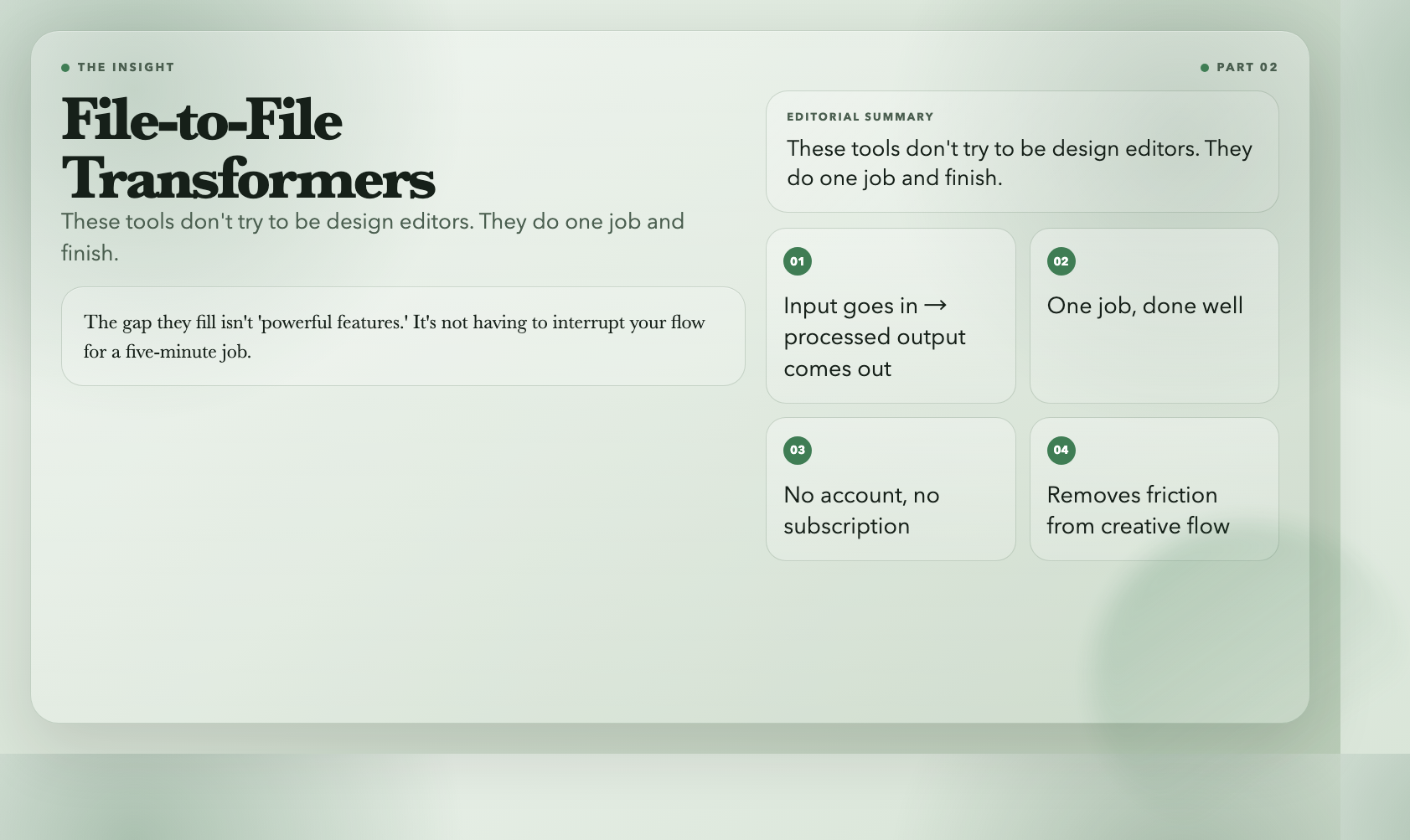
All seven are file-to-file transformers: input goes in, processed output comes out. They don’t try to be design editors. They do one job and finish.
That’s the actual value. Most of these tasks are too small to justify a Figma plugin subscription, too frequent to ignore, and too tedious to do manually every time. Having them in one place, free, without sign-up, removes the friction that normally makes you either do the work manually or skip it.
The gap they fill isn’t “powerful features.” It’s not having to interrupt your flow for a five-minute job. When you need a favicon set, you don’t want to open a design app. When you have 40 product photos to strip backgrounds from, you want to batch-process them and move on.
If you’re working on a design or media project right now and hitting one of these friction points, the tool exists: elysiatools.com