
# 7 Free AI Tools That Detect, Compare, and Clip Faces — No API Required
Face detection is not a hard problem anymore. It’s a solved problem, running locally, at zero cost, on hardware you already own. The only reason most developers still pay per call is they don’t know the alternative exists.
This article covers seven tools on ElysiaTools that handle face detection, expression recognition, 1:1 face comparison, gallery-based recognition, background removal, and raw embedding generation — entirely on your own hardware.

—
1. AI Face Detection — Locate Every Face in an Image
Upload a photo. Receive bounding box coordinates and confidence scores for every detected face.
What it does: SSD MobileNet scans the image and returns x, y, width, height, right, bottom for each face, plus a confidence score from 0 to 1. Tune minConfidence to suppress weak detections. Set maxResults to cap detections on large group photos.
Where it fits: Photo organizers that tag by face position. Content moderation queues that flag images with too many faces. Pipelines that route images based on face count.
Upload a 12-person group photo at minConfidence: 0.5. The tool returns 12 face objects with coordinates. Use them to crop, blur, mask, or cluster — no API call, no image leaves your server.
—
2. AI Face Age & Gender — Estimate Demographics from a Photo
Pass in a photo. Receive an estimated age and gender classification for each face.
What it does: After detecting faces, the tool runs them through an age/gender model. It returns the estimated age as a float (34.7) and a gender label with a probability score — the answer and the model’s confidence in it.
Where it fits: Demographic research. Age-gated content pipelines. Retail footfall analysis. Any project that profiles people in images at scale.
A gender probability of 0.91 is reliable. A probability of 0.53 means the model split its vote. Always pair the label with the probability score before making downstream decisions.
—
3. AI Face Expressions — Classify Seven Emotions Per Face
Detect faces and read their emotional state across seven categories.
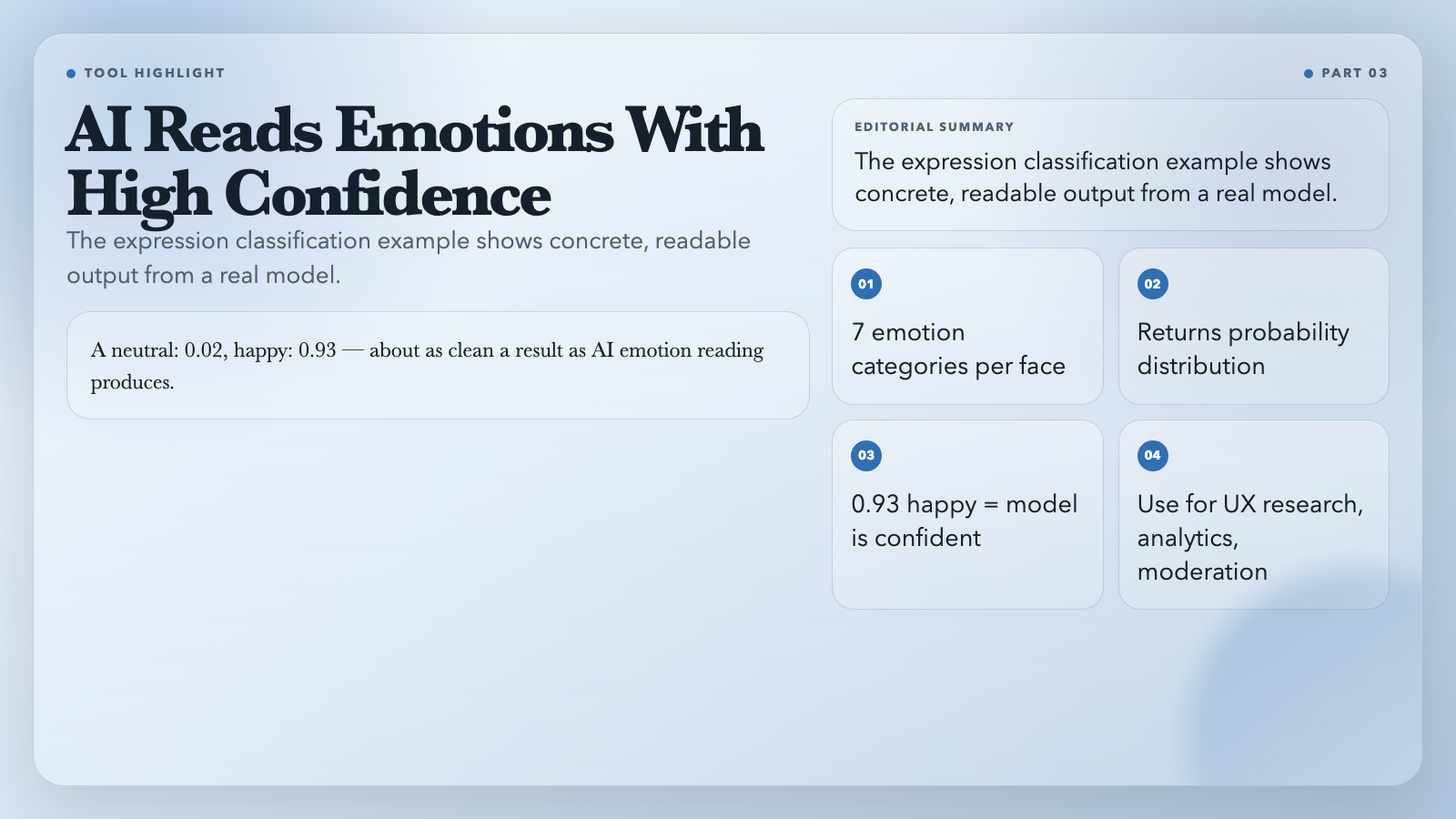
What it does: Returns a probability distribution over neutral, happy, sad, angry, fearful, disgusted, and surprised for each detected face. The highest probability is the dominant expression.
Where it fits: User research tools that measure genuine reactions to content. Video call analytics. Emotional tone moderation. Accessibility systems that describe the mood of a scene for users who can’t see the image.
“json`
{
"expressions": {
"neutral": 0.02, "happy": 0.93,
"sad": 0.01, "angry": 0.00,
"fearful": 0.00, "disgusted": 0.00,
"surprised": 0.04
}
}
That 0.93 happy is about as clean a result as AI emotion reading produces.
---
4. AI Face Compare (1:1) — Same Person or Not
Upload two images. Get a yes-or-no answer: same person or different people?
What it does: Generates 128D face embeddings for both images, computes Euclidean distance between them, and compares the result against your threshold (default 0.6). Distance below threshold = match. The output shows the raw distance, the threshold used, and a boolean match flag.
Where it fits: Identity verification flows. Deduplicating a personal photo library. Confirming a submitted ID photo matches a known record. Attendance systems that verify presence rather than just counting faces.
Set threshold: 0.45 with minConfidence: 0.75 for strict verification. The response shows exactly why the tool made its call — distance, threshold, and both confidence scores.
---
5. AI Face Recognition (Gallery) — Name the People in Any Photo
Build a labeled gallery of known faces, then identify everyone in a new image.
What it does: Upload up to 50 gallery images with optional labels (Alice,Bob,Carol). The tool generates 128D descriptors for each gallery face, then compares every face found in the target image against the full gallery. Returns the best label match, distance, and pass/fail flag for each detected face.
Where it fits: Contact management with face-based search. Smart security cameras that recognize known visitors. Event photo platforms that tag attendees automatically.
Upload 10 labeled team photos. Drop in a conference group shot. The output lists each recognized face: { bestLabel: “Carol”, distance: 0.31, match: true }. Unknown faces return unknown. A 50-face gallery handles most team and family use cases without architecture changes.
Try AI Face Recognition (Gallery) →
---
6. Remove Image Background — Studio-Quality Cutouts Without Photoshop
Upload any image. Download a transparent PNG with the background cleanly removed.
What it does: AI matting via @imgly/background-removal-node separates foreground from background across complex edge cases — stray hair, translucent objects, soft shadows. Output is a 4-channel PNG with full alpha transparency, ready for any design tool or game engine.
Where it fits: E-commerce product photography without a design team. App icon and avatar preparation. Game asset extraction. Presentation slides where a clean subject overlay outperforms a cluttered original.
Upload a portrait with messy hair. Download a transparent PNG where every strand is intact. No manual selection. No Photoshop subscription. Drop it directly into Figma, Canva, Unity, or a web page.
---
7. AI Face Descriptors — Extract the Raw 128D Face Vector
Get the underlying embedding vector for any detected face.
What it does: This tool detects the primary face in an image and returns its 128-dimensional descriptor as a Float32Array`, alongside the bounding box and detection confidence. It is the foundational operation behind every face comparison and recognition task on this list.
Where it fits: Custom clustering and similarity algorithms. Large-scale photo deduplication. ML pipelines that need raw face features as input. Research projects comparing embedding strategies.
Two photos of the same person produce vectors with small Euclidean distance. Two different people produce large distances. Every other face tool on ElysiaTools ultimately runs on this same representation — knowing how to extract it opens the door to custom pipelines built on top of it.
—
The Case for Local Face Analysis
Cost. No per-image API fees. No tiered pricing. No surprise invoices. Run 500,000 images through the pipeline — the bill is still zero.
Latency. Local processing adds no network round-trip. For batch workloads, this means orders of magnitude difference in total processing time compared to synchronous API calls.
Privacy. Images never leave your infrastructure. For GDPR-sensitive applications, healthcare records, HR systems, or any product handling photos of minors, this isn’t a preference — it’s a requirement.
All seven tools run face-api.js, a model family deployed in production systems worldwide. Detection accuracy and 1:1 comparison performance are competitive with major cloud APIs for the vast majority of real-world use cases.
The Barrier Just Dropped
Face detection used to mean choosing between a expensive cloud API, a complex open-source toolkit, or building nothing at all. That tradeoff is gone.
These seven tools cover the full face analysis stack — from raw detection to emotion classification to gallery-based recognition — at zero cost, on your own hardware. The accuracy holds. The privacy holds. The speed holds.
What do you build first?