8 Free XLSX Tools That Replace the Manual Spreadsheet Work You’re Still Doing by Hand
You have a meeting in 40 minutes. You open last month’s report, delete the old numbers, type in the new ones, check the tax math, copy the formatting from the row above, and hope the KPI dashboard looks right. This is not a skill problem. This is a workflow problem.
The tools below handle the repetitive part of spreadsheet work — invoice generation, KPI dashboards, template filling, formula injection, report assembly. All run in a browser. All produce real .xlsx files. All are free.
Here are 8 that eliminate tasks most people have accepted as part of the job.
—
1. XLSX Invoice Generator
The problem: You need to send an invoice. So you open a previous one, delete the old line items, type in the new ones, update the math, and hope nothing got missed.
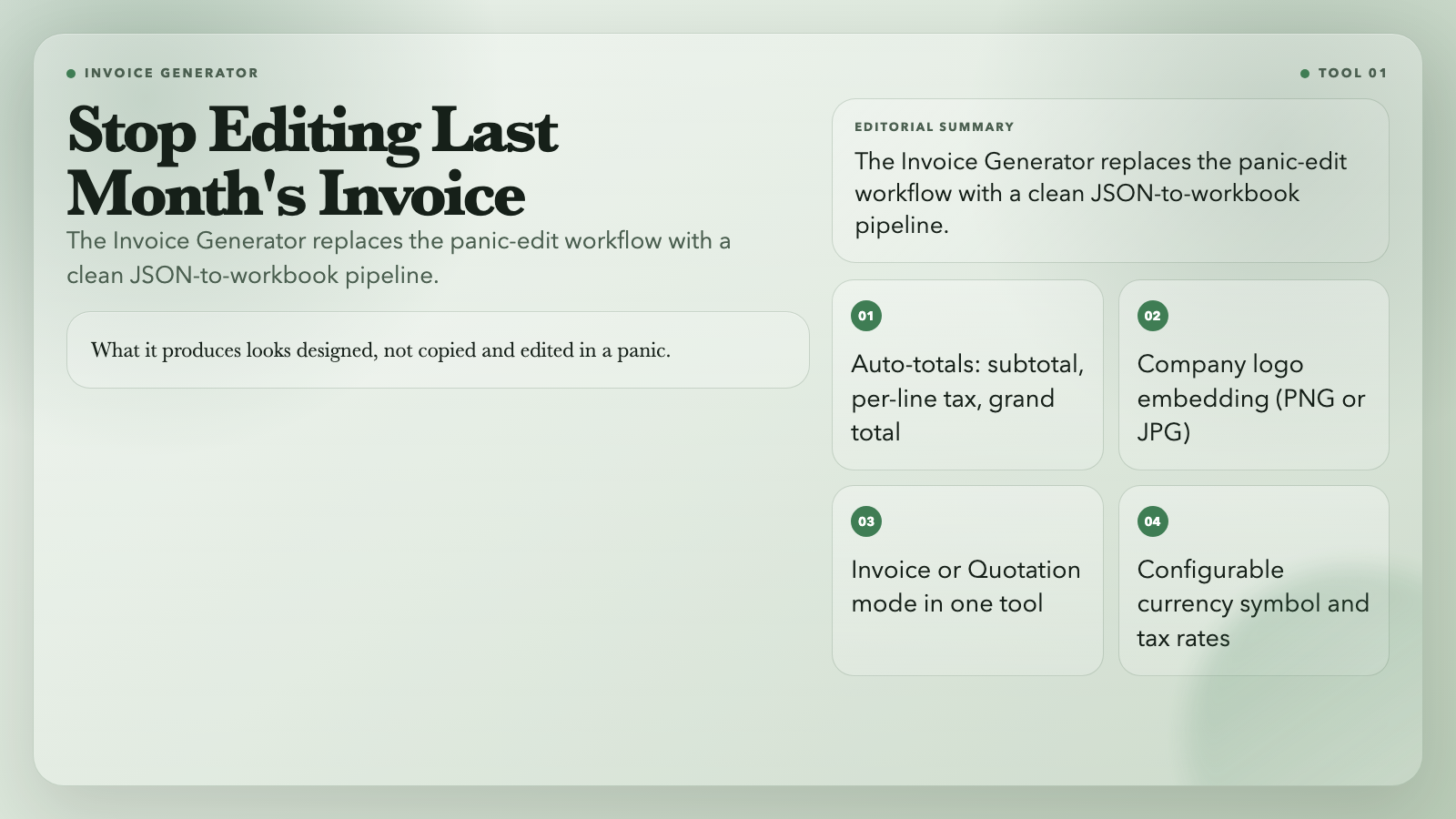
This tool takes a JSON description of your line items, tax rates, company info, and customer details — and produces a polished, formatted invoice workbook. It auto-calculates subtotals, per-line tax, and the grand total. You can embed your company logo. Currency symbols are configurable.
What it produces looks designed, not copied and edited in a panic.
Use it: XLSX Invoice Generator
—
2. XLSX Template Filler
The problem: You have a styled Excel template with merged cells, formulas, and conditional formatting. You need to fill it with fresh data every week. Editing the file directly is a reliable way to break something.
This tool replaces only `{{placeholder}}` tokens — leaving all styles, formulas, merged cells, and formatting completely untouched. Pass in a variables JSON, get back a filled workbook that looks exactly like your original.
Strict mode throws an error if a required variable is missing, so you don’t accidentally send a report with `{{customer.name}}` visible to the client.
Use it: XLSX Template Filler
—
3. XLSX KPI Dashboard Generator
The problem: Every month you build the KPI summary by copying numbers between sheets, color-coding cells by hand, and re-checking conditional formatting.
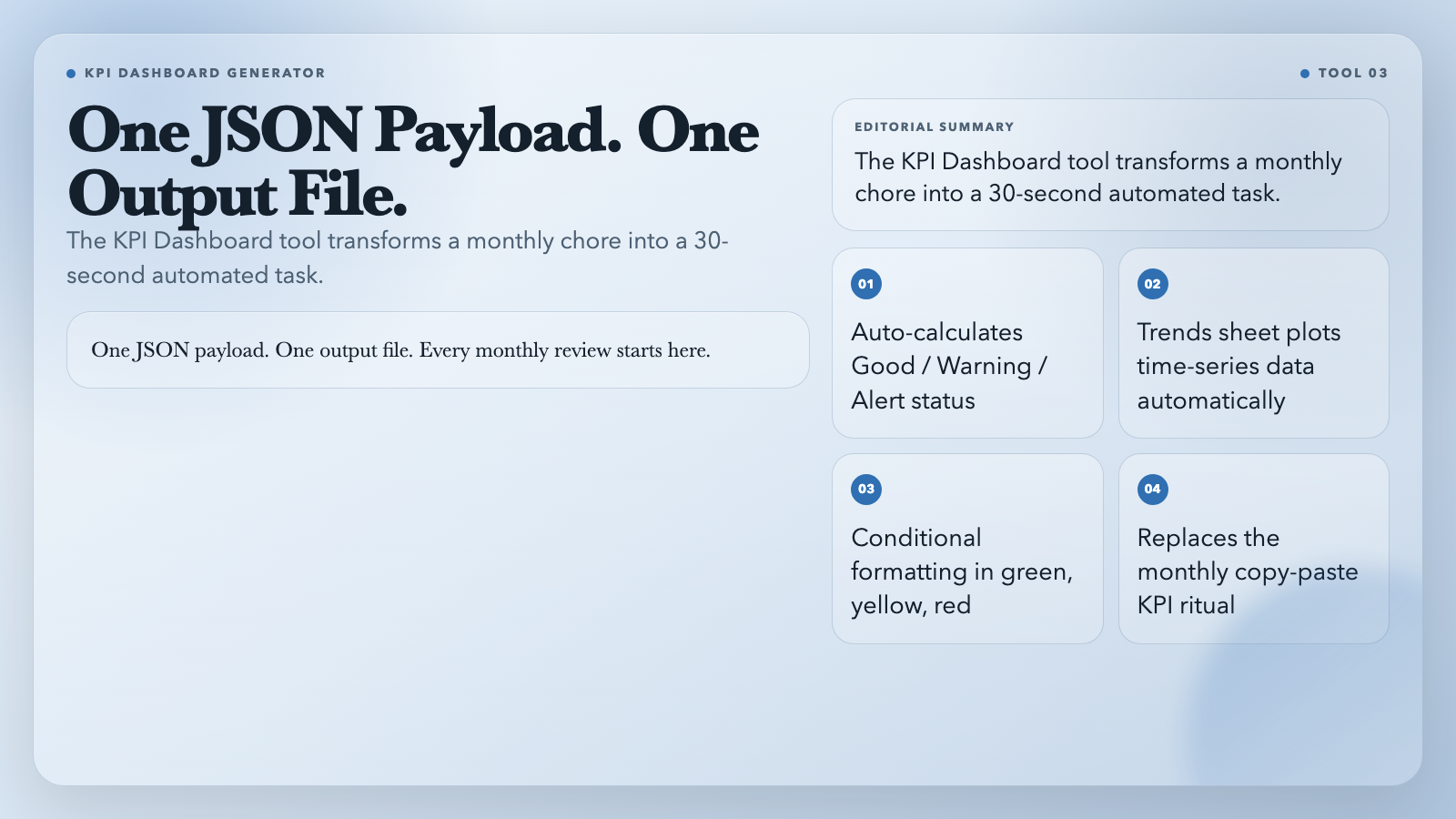
This tool generates a complete KPI dashboard workbook from a JSON description of your metrics. Each card shows the current value, target, direction, and computed status: Good, Warning, or Alert. A separate Trends sheet plots your time-series data. Conditional formatting highlights cells in green, yellow, or red based on your tolerance threshold.
One JSON payload. One output file. Every monthly review starts here.
Use it: XLSX KPI Dashboard Generator
—
4. XLSX Named Range Injector
The problem: Your team uses `=SUM(SalesData)` in dozens of formulas across dozens of sheets. Someone renames the sheet, and every formula breaks silently.
Named ranges give a cell range a stable name. Creating them in Excel’s Name Manager is tedious for batch operations.
This tool takes a JSON array of named range rules and injects them into any workbook in one pass. It normalizes names to be formula-safe, replaces existing ranges with the same name, and handles both replacement and append modes.
Use it: XLSX Named Range Injector
—
5. XLSX Formula Injector
The problem: You have a column of raw data and need a formula in every row below it. You drag the handle — unless the data range changes every week.
This tool batch-injects formulas into worksheet columns. Specify the column, the formula template, and the range. It fills the formula down and locks the cells against accidental edits.
For data pipeline teams and template maintenance operators, this replaces the copy-paste-and-drag workflow entirely.
Use it: XLSX Formula Injector
—
6. XLSX Dynamic Report Builder
The problem: You need a multi-sheet report with merged headers, grouped subtotals, and dynamic columns. Doing this in Excel takes hours and breaks the moment the column order changes.
This tool builds the report from a JSON specification. You describe the column headers, data source, grouping rules, and formatting. It outputs a workbook where the structure is always correct — regardless of how messy the source data is.
Use it: XLSX Dynamic Report Builder
—
7. XLSX Multi-Tab Report Pack
The problem: Your weekly report needs four tabs: Overview, Details, Anomalies, and Data Dictionary. Building these by hand means four sheets of copy-paste formatting work every Monday morning.
This tool generates a complete multi-tab report pack from a single JSON input. Describe the tabs you want; the tool builds the workbook.
For anyone producing recurring operational reports, this turns a two-hour manual process into a two-minute automated one.
Use it: XLSX Multi-Tab Report Pack
—
8. XLSX Sheet Theme Pack
The problem: Your department produces weekly Excel reports. Every analyst uses slightly different header colors and border styles. The reports are correct but look like they came from six different companies.
This tool applies a consistent theme — colors, fonts, borders, header styling — to an entire workbook in one pass. Define the theme once, apply it to any workbook, get consistent professional output every time.
Use it: XLSX Sheet Theme Pack
—
The Bottom Line
These 8 tools share one characteristic: each eliminates a specific, recurring manual task that most spreadsheet users have simply accepted as part of the job. Invoice formatting, template filling, formula dragging, report assembly — they all follow the same pattern.
Define your structure once. Describe your data. Get consistent output.
The real question is simpler than it looks: which one of your recurring spreadsheet tasks is costing you the most time every week? That’s the one to automate first.