# 8 Free AI Face Analysis Tools You Can Run on Your Own Machine
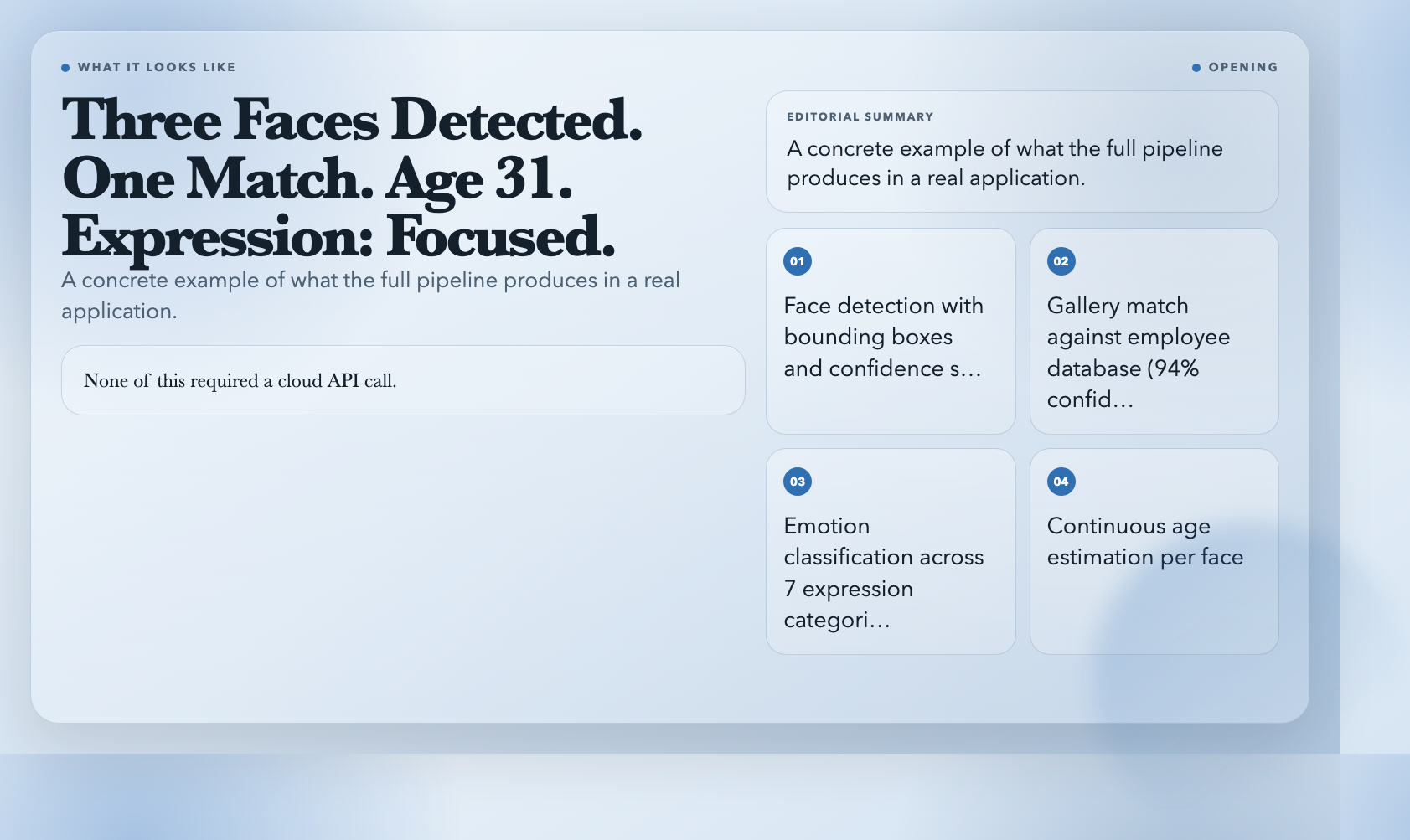
A visitor uploads a headshot. The system responds: three faces detected, one match found against your employee database (Alice Chen, 94% confidence), dominant expression is focused, estimated age 31.
None of this required a cloud API call. All of it runs on your own server, using open-source tooling that predates most commercial face analysis services by several years. The ElysiaTools project has packaged eight of these capabilities into free, locally-runnable tools. Here’s what each one does and what you can actually build with it.
1. AI Face Detection — Find Every Face in an Image
Every face analysis pipeline starts here. Drop in any image — a group photo, a surveillance frame, a social media post — and this tool returns the bounding box coordinates for every detected face, along with a confidence score between 0 and 1.
This is the prerequisite for every tool that follows. Without knowing *where* the faces are, nothing else works. The underlying model is SSD MobileNet, which strikes a balance between speed and accuracy that most competitors can’t match at this price point.
What to build with it: Auto-detect and blur faces in uploaded images for privacy compliance. Count attendance from a group photo. Flag images with too many or too few faces for content review workflows.
2. AI Face Align & Crop — Isolate Each Face Cleanly
Detection gives you a box. Alignment gives you a *face*. This tool doesn’t just find the face — it rotates and crops it so the eyes are level and the face is centered, then outputs individual image files for each detected face. If there are multiple faces, it bundles them into a ZIP.
Why does alignment matter? Because every downstream model — descriptors, landmarks, expressions — performs better when the face is normalized to a standard pose. A face tilted 30 degrees sideways produces degraded results on every subsequent step.
What to build with it: Pre-process a batch of ID photos for a facial recognition attendance system. Generate clean face crops from video frames for a celebrity database. Build a face extraction pipeline that feeds directly into a gallery builder.
3. AI Face Descriptors — Turn a Face Into a Number
Here’s where it gets interesting. This tool generates a 128-dimensional embedding — essentially a numeric fingerprint — for each face. The same person photographed under different lighting, angles, or expressions will produce embeddings that are *close* in this 128D space. Different people produce embeddings that are *far* apart.
This is the fundamental operation behind face recognition, deduplication, and similarity search. The embedding is what lets you compare faces mathematically instead of pixel-by-pixel.
What to build with it: Deduplicate a photo library by finding near-duplicate faces. Build a “similar looking people” feature for a portrait app. Create face embeddings as a pre-computation step for a faster recognition system.
4. AI Face Landmarks — Map the 68-Point Face Geometry
The human face has roughly 68 distinct landmark points — the corners of the eyes, the outline of the lips, the contour of the eyebrows, the tip of the nose. This tool maps all 68 points and returns their (x, y) coordinates.
Landmarks are the foundation of geometric face analysis. They let you measure eye openness, mouth shape, eyebrow height — anything that requires knowing the precise geometry of facial features rather than just their pixel patterns.
What to build with it: Detect drowsiness in a driver monitoring system by tracking eye closure ratios. Build a face swap tool by aligning source and target landmark coordinates. Analyze micro-expressions by measuring how specific landmark groups shift frame-to-frame.
5. AI Face Age & Gender — Read the Surface Signals
This tool estimates age (as a continuous number, not a bracket) and gender for each detected face. The gender output includes a probability score so you can handle ambiguous cases however your application requires.
Age estimation is notoriously imprecise — the same person photographed in different lighting or makeup can shift estimates by 10–15 years. But for aggregate analytics — average age of visitors to a retail space, gender distribution in a video stream — it delivers useful signal.
What to build with it: Generate demographic analytics for digital signage audiences. Segment users by age group for targeted content delivery. Filter or flag content based on detected age for compliance with age-restricted material policies.
6. AI Face Compare (1:1) — Answer “Is This the Same Person?”
Two images walk in. This tool answers one question: are these the same person? It extracts the embedding from each image’s first detected face, computes the Euclidean distance between them, and compares that distance to a configurable threshold (default: 0.6).
Distance below the threshold means *match*. Distance above means *no match*. You control the sensitivity — tighter thresholds reduce false positives, looser thresholds reduce false negatives. The metadata output includes the exact distance value so you can audit or tune the threshold based on your actual error rates.
What to build with it: Verify a selfie matches a government ID photo. Add a “is this you?” confirmation step to an account recovery flow. Implement duplicate detection in a user registration pipeline.
7. AI Face Expressions — Classify 7 Emotional States
The model classifies each face across seven expression categories: neutral, happy, sad, angry, fearful, disgusted, and surprised. For each category it returns a probability score, so you can see not just what the dominant expression is, but how confident the model is about it.
This is the tool that gets debated most in academic circles — the Ekman-based emotion models underpinning it have known limitations, and self-reported emotion often contradicts model predictions. But in constrained, well-defined environments, probability distributions have genuine utility. A distribution across seven classes tells you more than a single label ever could.
What to build with it: Add an “express yourself with your face” input mechanism to a video call app. Build an accessibility tool that maps expression to an assistive control signal. Create a content moderation filter that flags highly negative expression for human review.
8. AI Face Recognition (Gallery) — “Who Is This Person?”
This is the full pipeline tool. You upload a gallery of labeled faces — photos of Alice, Bob, Carol with their names — and a target image. The tool recognizes which person in the gallery appears in the target image and returns the best match along with a confidence distance.
You can register up to 50 labeled faces per query and provide comma-separated labels that map to each gallery image. This is the tool that turns the individual building blocks into a complete “whose face is this?” answer.
What to build with it: A workplace check-in system that recognizes employees by face. A family photo organizer that tags faces automatically. An event registration system that matches on-site photos against a pre-registered attendee gallery.
Try AI Face Recognition (Gallery) →
The Pipeline Logic
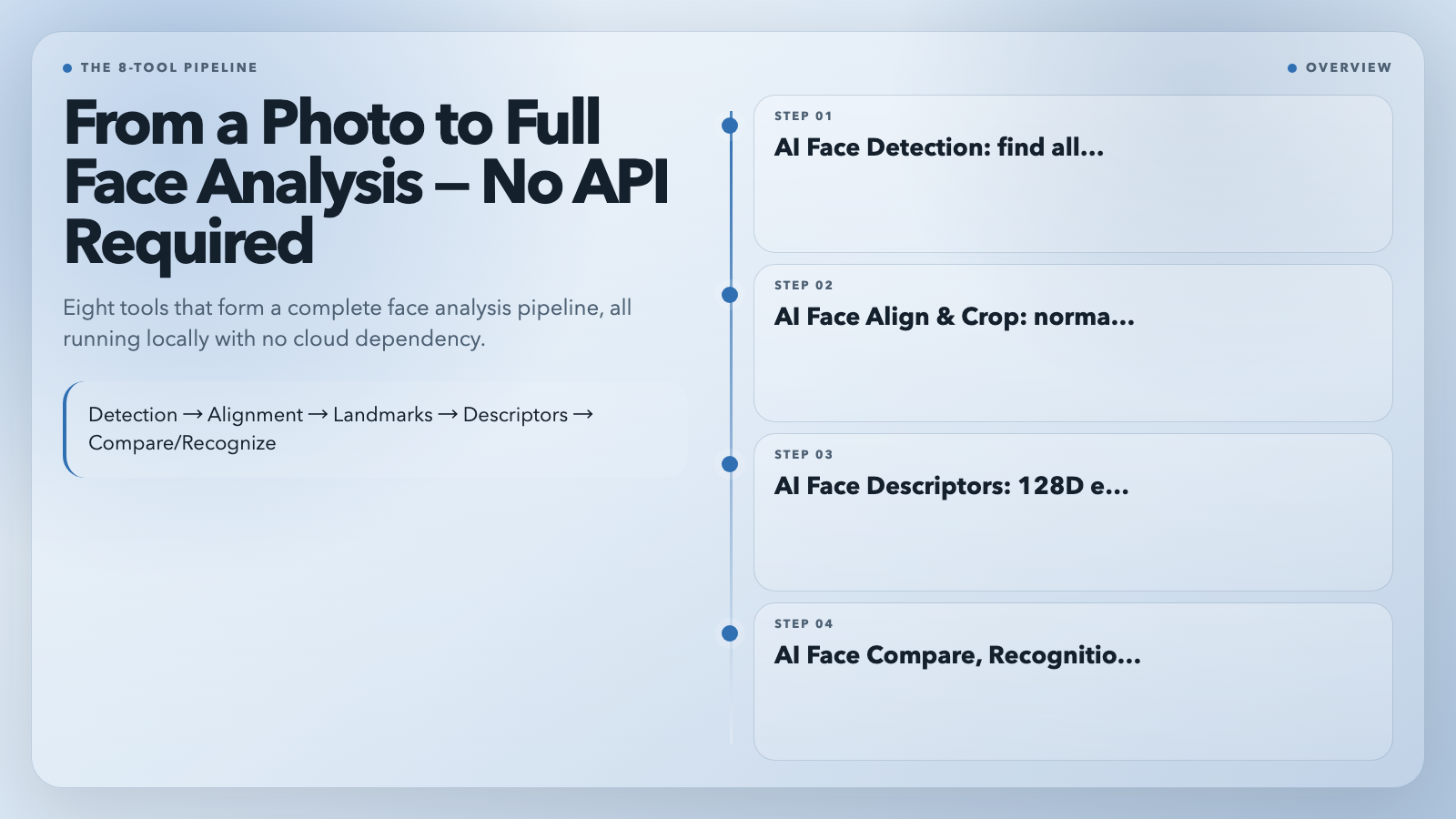
These eight tools aren’t just a list — they’re a pipeline. Detection feeds alignment. Alignment feeds landmarks and descriptors. Descriptors feed compare and recognition. Age/gender and expressions are orthogonal analyses that run alongside any of the above.
The practical workflow looks like this:
1. Detect → find all faces in an image
2. Align & Crop → isolate each face in a normalized pose
3. Landmarks → map the face geometry for alignment verification or geometric analysis
4. Descriptors → pre-compute the 128D embedding for storage or comparison
5. Compare / Recognize → answer your specific identity question
6. Age & Gender / Expressions → enrich each face record with demographic and emotional metadata
Why Run Locally?
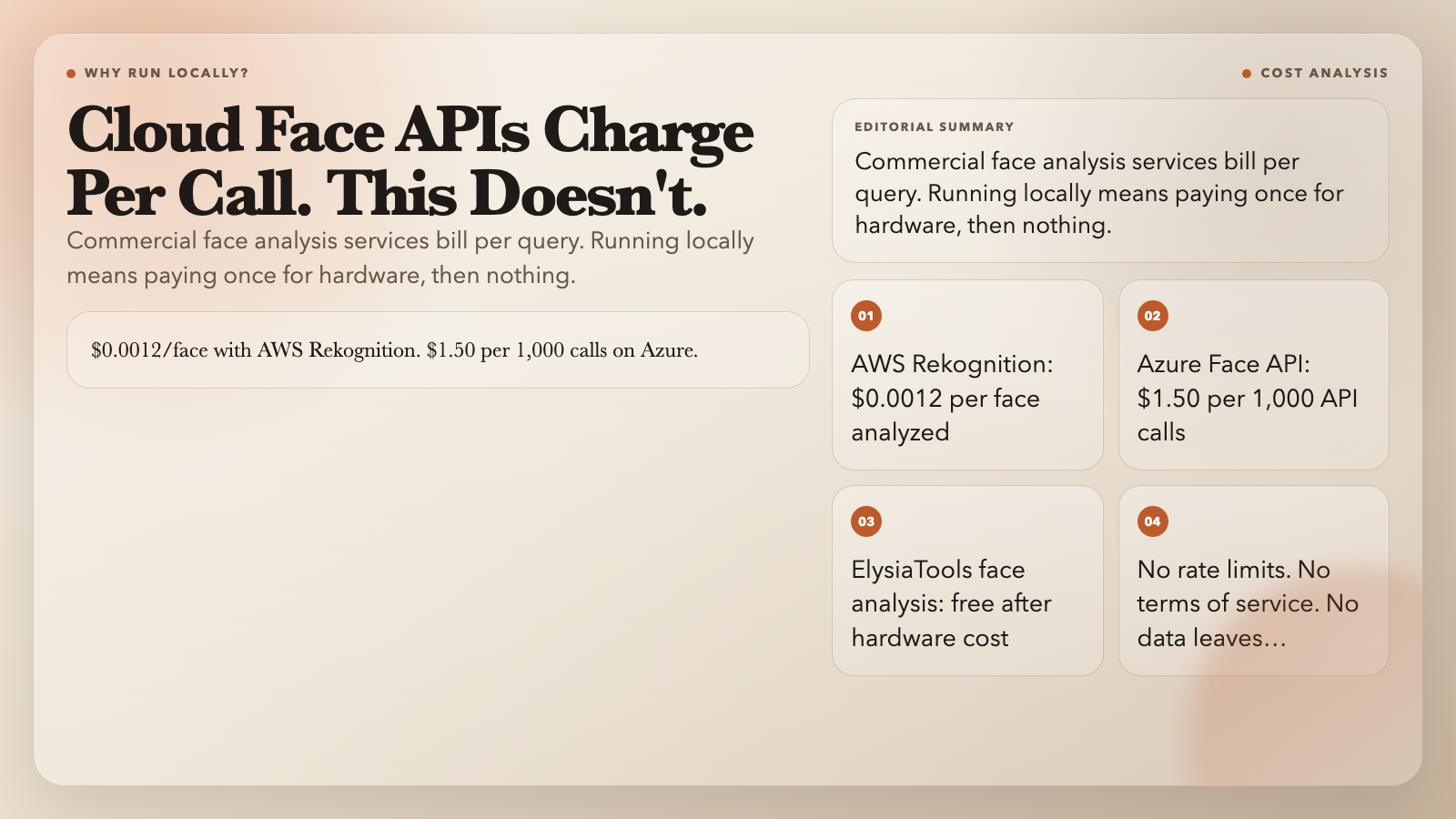
AWS Rekognition charges $0.0012 per face analyzed. Azure Face API runs $1.50 per 1,000 API calls. For a prototype processing 10,000 images, that’s $12–$15 before you’ve written any production code.
The ElysiaTools implementation runs entirely on your own hardware using face-api.js with TensorFlow.js as the backend. Models download once and cache locally. After that, analysis is free, offline, and under your complete control — no data leaves your server, no terms of service to negotiate, no rate limits to work around.
For prototypes, side projects, privacy-sensitive applications, or any scenario where you want to avoid a recurring API bill, that difference is substantial.
Start Building
All eight tools are live at ElysiaTools — free, no account required, no API key.
The entry point is detection. From there: recognition for gallery matching, compare for 1:1 verification, descriptors for search indexes. Age, gender, and expressions enrich any step.
That is the full pipeline — nothing hidden, nothing cloud-dependent. What you build with it is the only question that remains.