# Stop Paying $150/Hour for Design Tasks These 8 Free Tools Do in Seconds
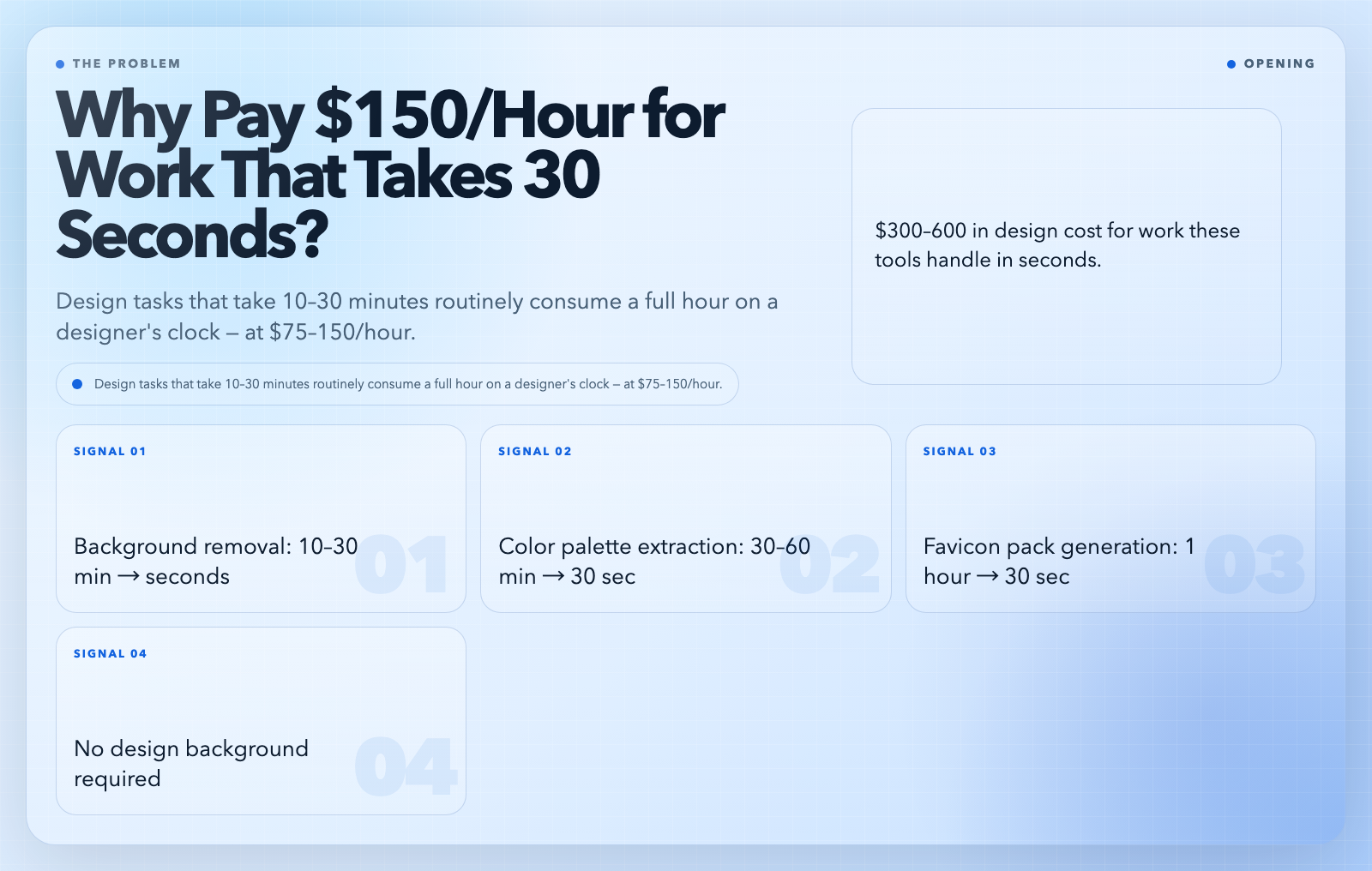
A freelance designer charges $75–150/hour. Background removal, color palette extraction, favicon generation, poster design — tasks that individually take ten to thirty minutes routinely consume a full hour on the clock. That is $300–600 in design cost for work the tools below handle in seconds, no design background required, no credit card required.
1. Remove Image Background — One Click, No Manual Masking
Product photos, portraits, icons — they all need transparent backgrounds eventually. This tool uses AI matting to cut out the subject with precision that older selection tools cannot match. It preserves hair strands, fur textures, and soft edges. Unlike browser-based tools that cap output resolution, it processes full-size images without downscaling artifacts.
Supported inputs: JPEG, PNG, WebP, GIF, BMP, and TIFF. Output: a PNG with a full alpha channel — the format every design tool, every browser, and every publishing platform handles natively.
Use it when: Product shots for landing pages, speaker photos for event sites, or any image compositing without a green screen.
What you get: A transparent PNG, ready for any design context.
Remove Image Background →
2. Image Color Palette Extractor — Turn Any Screenshot Into Design Tokens
Feed it a landing page, a competitor’s UI, or a photograph. It extracts the dominant colors, assigns them semantic roles (primary, secondary, accent), checks contrast ratios against white and black backgrounds, and exports everything as CSS variables, Tailwind config, JSON, or Adobe Swatch Exchange files. The export chain covers design-to-code handoff completely: ASE and ACO for Photoshop and Illustrator, CSS for web projects, and Tailwind for modern component libraries.
Palette size is configurable from 5 to 10 colors. Contrast ratios use WCAG 2.1 thresholds — so you know before shipping whether your accent text passes AA on any given background.
Use it when: Building a new brand, redesigning a product, or matching an existing visual language.
What you get: WCAG contrast-checked swatches and code-ready color tokens in multiple export formats.
Image Color Palette Extractor →
3. SVG Favicon Generator — From Logo to Complete Icon Pack in 30 Seconds
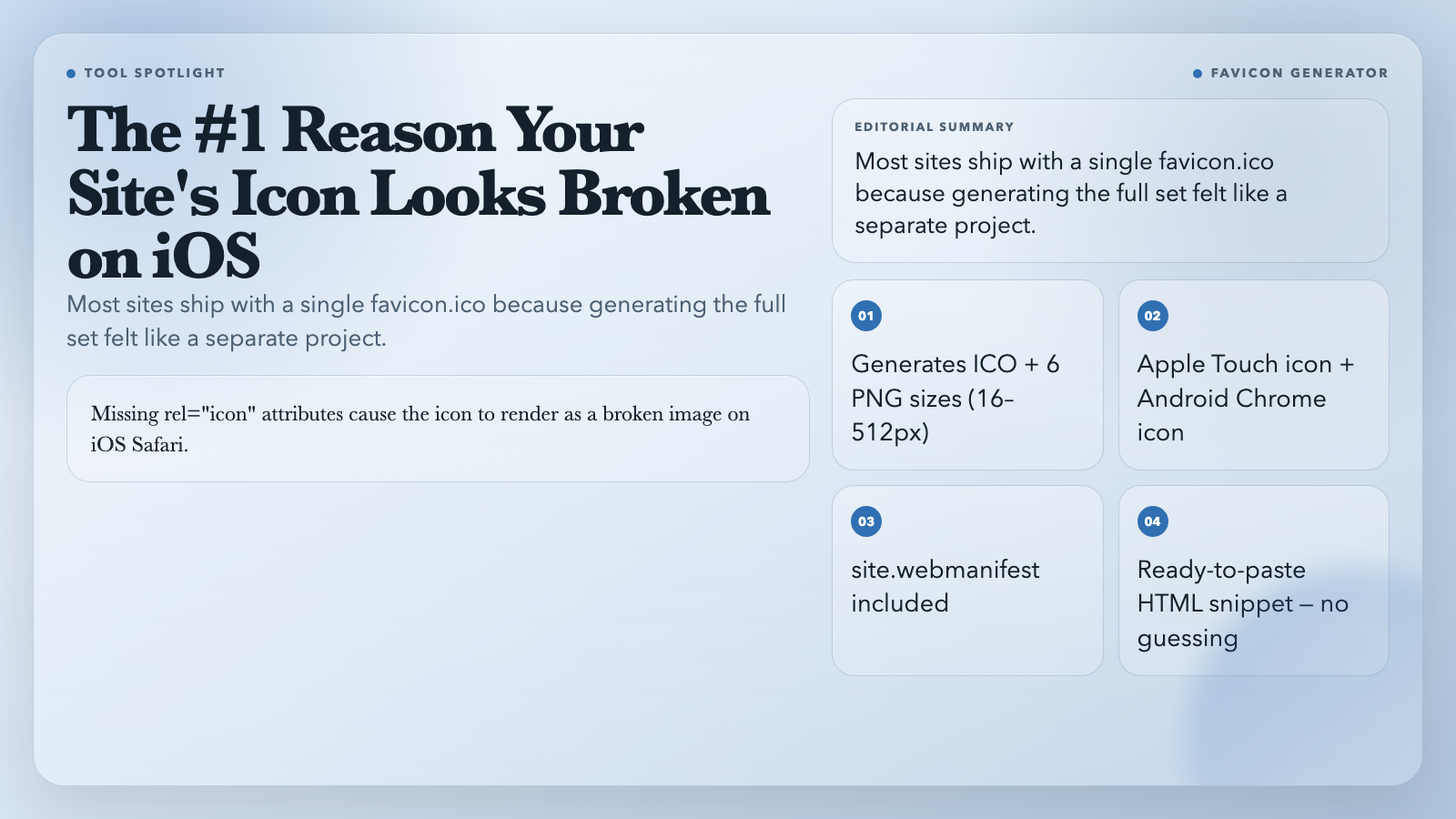
Upload an SVG or raster image. It generates a favicon.ico with 16×16, 32×32, and 48×48 sizes; PNG variants at 16, 32, 48, 180, 192, and 512 pixels; an Apple Touch icon; an Android Chrome icon; and a site.webmanifest file. All of it is zipped and ready to drop into your public directory, along with a ready-to-paste HTML snippet with the correct `rel` and `sizes` attributes for each icon type.
Most sites ship with a single favicon.ico because generating the full set felt like a separate project. This collapses it into thirty seconds and eliminates the most common favicon bug: missing `rel=”icon”` attributes that render the icon as a broken image on iOS Safari.
Use it when: Launching a site, app, or product that needs a full icon suite without opening a design tool.
What you get: A complete favicon pack + manifest + HTML snippet, in a single zip.
SVG Favicon Generator →
4. PDF Poster Maker — Design Flyers and Posters Without InDesign
You need a poster for an event, a product launch, or an internal announcement. Opening a design tool, setting up artboards, and navigating the interface for a one-off task is disproportionate effort. This tool takes a title, subtitle, CTA text, and background image and renders a print-ready PDF with gradient overlays and a button block. Supports A4, Letter, and Legal page sizes with optional landscape orientation.
Use it when: One-off print-quality posters for events, campaigns, or team announcements.
What you get: A print-ready PDF with no margins, full-bleed design.
PDF Poster Maker →
5. PDF Brand Guidelines — Your Brand Manual in Under 5 Minutes
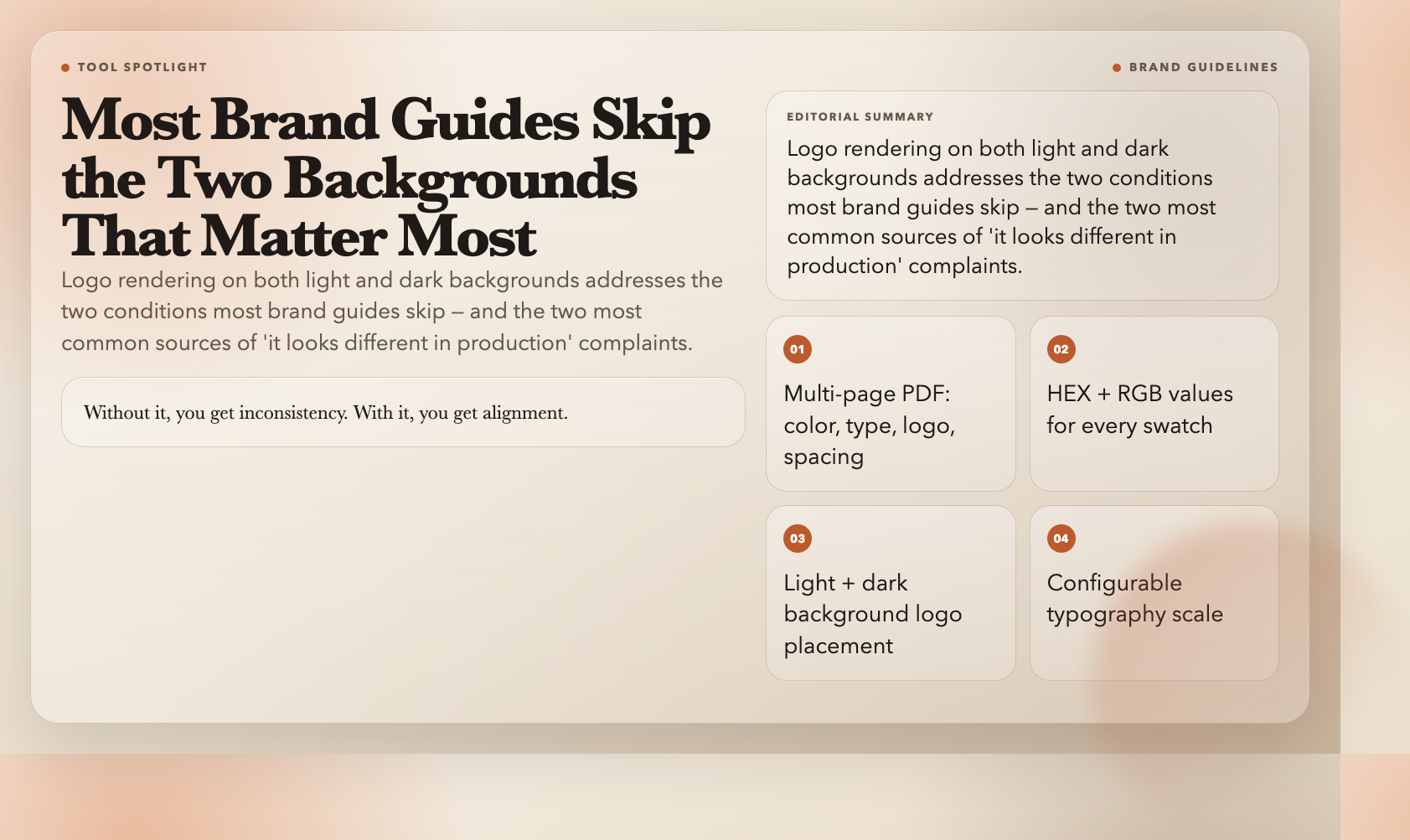
Enter your brand name, tagline, primary and accent colors, heading and body fonts, and upload a logo. The tool generates a multi-page PDF: color palette with HEX and RGB values, typography scale with size and weight rules, logo placement on light and dark background swatches, and a spacing grid. This is the document you hand to contractors, new hires, or anyone representing the brand. Without it, you get inconsistency. With it, you get alignment.
Logo rendering on both light and dark backgrounds addresses the two conditions most brand guides skip — and the two most common sources of “it looks different in production” complaints.
Use it when: Launching a brand or formalizing rules for an existing one.
What you get: A structured PDF brand manual covering color, type, logo, and spacing.
PDF Brand Guidelines →
6. CSS Animation Generator — Keyframes Without the Trial and Error
Writing CSS keyframes from scratch means debugging `transform` and `opacity` offsets until the motion looks right. This tool generates production-ready `@keyframes` and the full animation shorthand from a form: pick the animation type (fade, slide, scale, bounce, shake), set duration and delay, copy the output.
It handles all six animation property components as a single shorthand declaration. That shorthand eliminates a common CSS bug where developers specify properties individually and omit a required value, causing the animation to fail silently in some browsers.
Use it when: Micro-interactions or entrance animations for UI elements without writing raw CSS.
What you get: Clean, copy-paste-ready CSS animation code.
CSS Animation Generator →
7. Adobe RGB to HEX Converter — Color Conversion Without Photoshop
Designers work in Adobe RGB for print. Developers need HEX for the web. Every design-to-code handoff requires translating between these spaces — a process usually solved by screenshot and hope, with subtle errors introduced through manual HEX entry. This tool converts Adobe RGB values to HEX instantly, with support for HSV, LAB, LCH, CMYK, and other formats, so you can translate between any color space your workflow requires.
This is one tool in a suite of ten color conversion utilities covering every common permutation: RGB to Adobe RGB, Adobe RGB to sRGB, RGB to CMYK, and more. Bookmark the full suite if your workflow spans multiple color spaces.
Use it when: Design-to-developer handoff, print-to-web asset conversion, or cross-format design system work.
What you get: Instant, accurate color conversion between multiple color spaces.
Adobe RGB to HEX Converter →
8. Color Scheme Generator — Harmonious Palettes Without Color Theory Expertise
Pick a base color and a generation strategy: complementary, triadic, analogous, split-complementary, or tetradic. The tool generates a complete scheme with contrast ratios pre-checked. Export directly to CSS, Tailwind, or ASE formats. Built-in contrast checking surfaces accessibility problems before they reach production — a common and expensive surprise in design-to-development cycles.
Use it when: Starting palettes for new products or campaigns without studying color theory.
What you get: A harmonious, contrast-checked color palette in multiple export formats.
Color Scheme Generator →
What All Eight Have in Common
Each solves a narrow, specific problem that used to require a full design application, a paid SaaS subscription, or manual work that scaled poorly. Input a file or a color. Get something production-ready out.
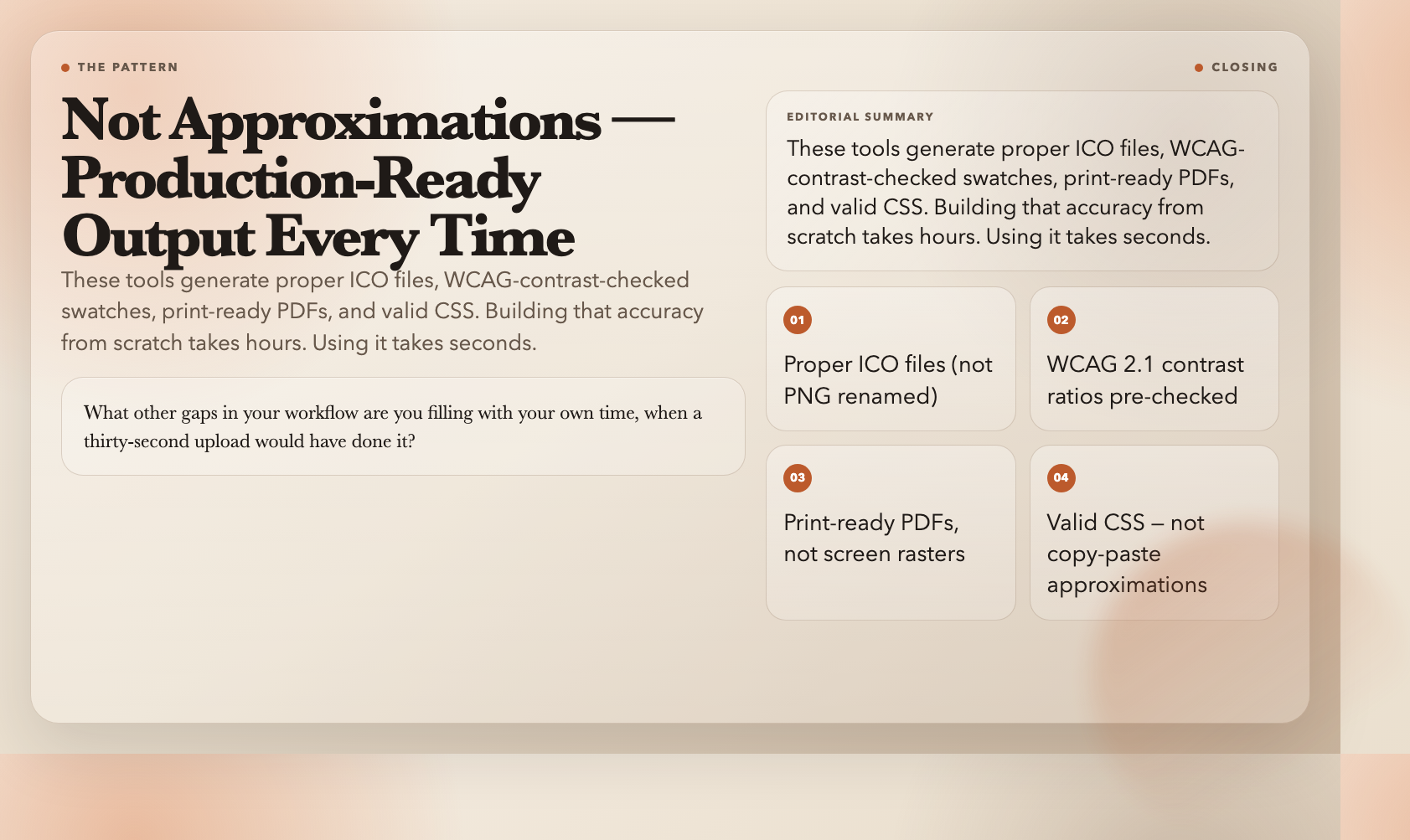
The outputs are not approximations. These tools generate proper ICO files, WCAG-contrast-checked swatches, print-ready PDFs, and valid CSS. Building that accuracy from scratch takes hours. Using it takes seconds.
The question worth sitting with: what other gaps in your workflow are you filling with your own time, when a thirty-second upload would have done it?