5 Free Security Tools That Catch What Code Reviews Miss
A developer’s login form passed every test. Input validation was strict. The test suite was comprehensive. Then someone submitted `’ OR ‘1’=’1` in the password field, and the query returned every user in the database.
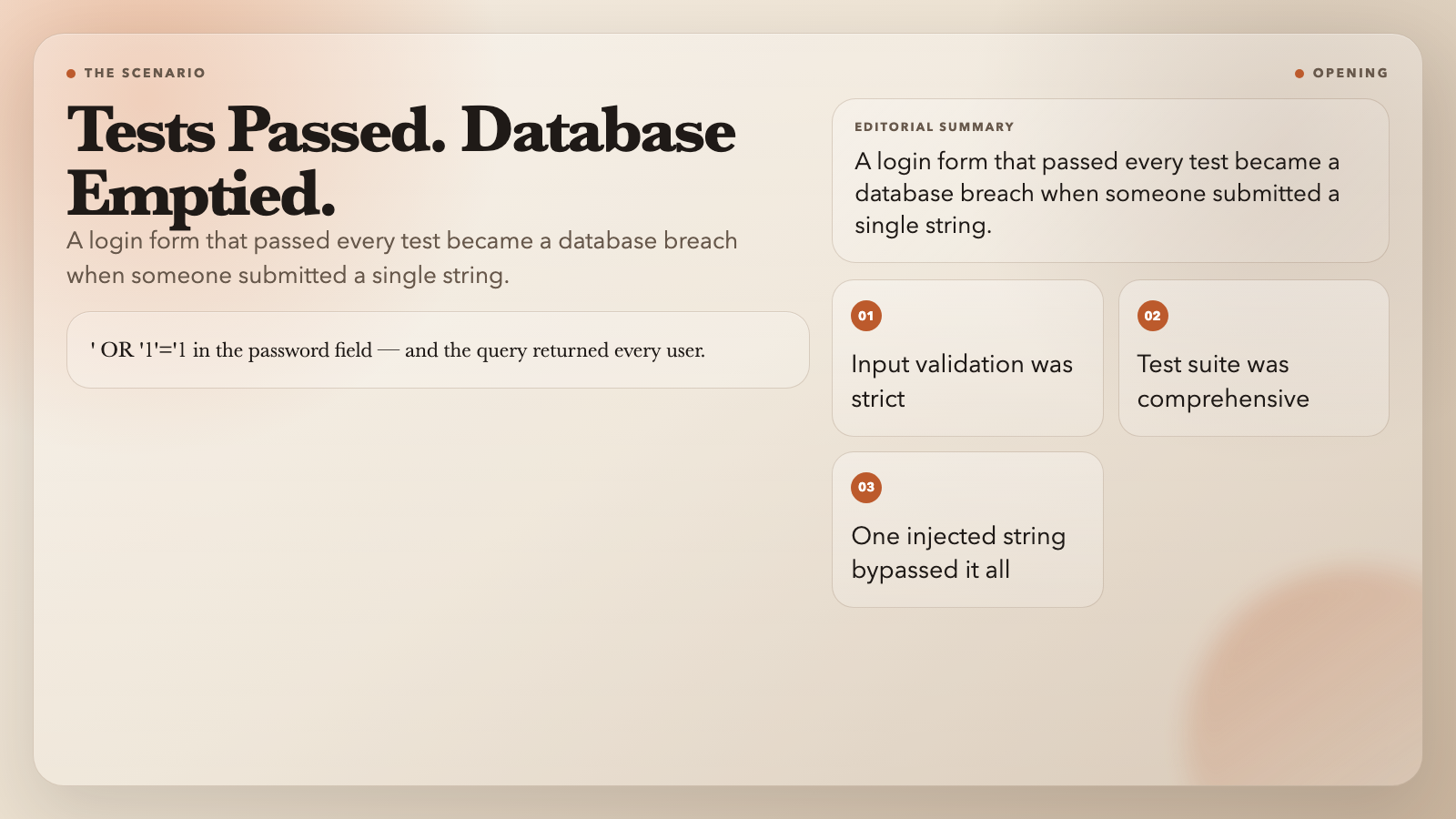
This isn’t a hypothetical. Injection vulnerabilities still land in production regularly — not because teams don’t care about security, but because attack patterns are genuinely hard to catch in a diff. The string `’ OR ‘1’=’1` looks like noise in a git diff. It looks like nothing. Until it isn’t.
These five tools won’t replace your security review process. But they’ll catch the specific text patterns that cause real damage, at the exact boundary where most attacks begin.
1. SQL Injection Detector
Feeding user input directly into a database query is like handing someone a microphone and asking them to be quiet. If you don’t sanitize what’s coming back, they’ll say whatever they want.
The SQL Injection Detector scans text for known injection patterns: `OR 1=1` truth bombs, `UNION SELECT` pivots, `’; DROP TABLE` stacked queries, time-based `SLEEP()` blind probes, and hex-encoded payloads designed to slip past string matching.
It operates in two modes. Quick Scan checks the most common attack signatures in seconds. Full Scan runs the complete pattern library — useful when you’re auditing a log file or reviewing a batch of suspect queries.
The output tells you which line triggered the match, what pattern fired, and what the matched string looks like. From there, you route the finding back to input sanitization or parameterized queries.
Use it when: auditing raw SQL logs, reviewing third-party API responses, or training junior developers to recognize dangerous patterns.
2. XSS Payload Detector
Cross-site scripting doesn’t always look like ``. Modern XSS often arrives as an `onerror` handler on an `` tag, a `javascript:` URL in an `href`, or a URL-encoded payload that decodes after your filter runs.
The XSS Payload Detector catches 10 categories of attack vectors: script tags, event handlers (`onload`, `onerror`, `onfocus`), dangerous protocols (`javascript:`, `vbscript:`), SVG-based injections, DOM manipulation via `innerHTML` or `eval()`, and encoded variants including HTML entities and Unicode escapes.
What sets it apart is the risk-level classification: `LOW` for plain HTML tags, `MEDIUM` for event handlers, `HIGH` for script tags and encoded payloads, and `CRITICAL` for fully executable payloads. You can tune each check independently — turn off event handler detection if you’re parsing code that legitimately uses them.
Use it when: sanitizing user-generated content, reviewing HTML email parsers, or checking SVG uploads.
3. PII Finder
GDPR, CCPA, HIPAA — whichever framework applies to you, they all agree on one thing: you need to know where personal data lives in your systems.
The PII Finder scans text and log files for 10 categories of personally identifiable information: email addresses, phone numbers, SSNs, credit card numbers (with Luhn validation), IP addresses, URLs, passport numbers, national ID cards, bank account numbers, and API keys.
Each match shows its exact character position, confidence rating, and surrounding context. You can configure how much context to pull — 20 characters on each side is the default, which is enough to locate the match inside a log entry.
The tool also outputs redaction suggestions. For SSNs, it recommends keeping only the last 4 digits. For credit cards, it flags the full number but suggests the last-4 approach. For API keys, it suggests a full replacement.
Use it when: auditing logs before sending them to third-party analytics, preparing data for sandbox environments, or checking for accidental credential exposure.
4. Log Parser — Apache/Nginx Access Log Parser
Server logs are a goldmine for both debugging and security forensics. The problem is that raw Apache and Nginx logs are text files — human-readable but machine-awkward.
The Log Parser turns unstructured access logs into structured data. It handles the Common Log Format, Combined Log Format (which adds referrer and user agent), and Nginx’s default format. If your setup uses a custom log pattern, you can feed in a regex with named capture groups.
The output comes in three formats: JSON for piping into SIEM tools, CSV for importing into spreadsheets or databases, and a table view for quick human review. It also tracks parse success rate — if 15% of your lines fail to match, that’s a sign your regex and your actual format have drifted.
For security work, the key fields are HTTP method, URL, status code, and source IP. An unusual spike in 500 errors on an admin endpoint, or GET requests to paths that don’t exist in your application, are both easier to spot once the data is structured.
Use it when: triaging a production incident, investigating a suspected breach, or building metrics from access logs.
5. .env Parser
Environment files are where developers store secrets. They’re also where developers accidentally commit secrets.
The .env Parser does more than read key-value pairs. It flags duplicate keys (the second one silently wins in most runtime environments, which can cause hair-pulling bugs), detects suspicious formatting around the equals sign, and identifies variable expansion chains — where `DATABASE_URL` references `DB_HOST`, which itself references `$PROD_DOMAIN`.
On the security side, it warns when a key name contains patterns associated with secrets: `password`, `secret`, `apikey`, `token`, `private_key`. This won’t catch an actual exposed credential, but it will flag the naming pattern so you audit the value manually.
The output format is flexible: JSON, YAML, dotenv, or JavaScript object. If you’re building a deployment pipeline, you can parse a `.env` file and output YAML for a Kubernetes secret, or JSON for a secrets manager.
Use it when: auditing a new codebase, setting up a deployment pipeline, or debugging why a service is reading the wrong database URL.
The Pattern Across All Five
Each of these tools operates at the boundary between input and system — the exact place where attackers probe and defenders often underinvest. Code reviews catch logic errors and architectural problems. These tools catch the specific text patterns that turn innocent-looking input into an exploit.
They’re free, run in a browser tab, and require no account. Not a substitute for a proper security audit, a WAF, or parameterized queries — but a fast way to catch the vulnerabilities that routinely slip through anyway.
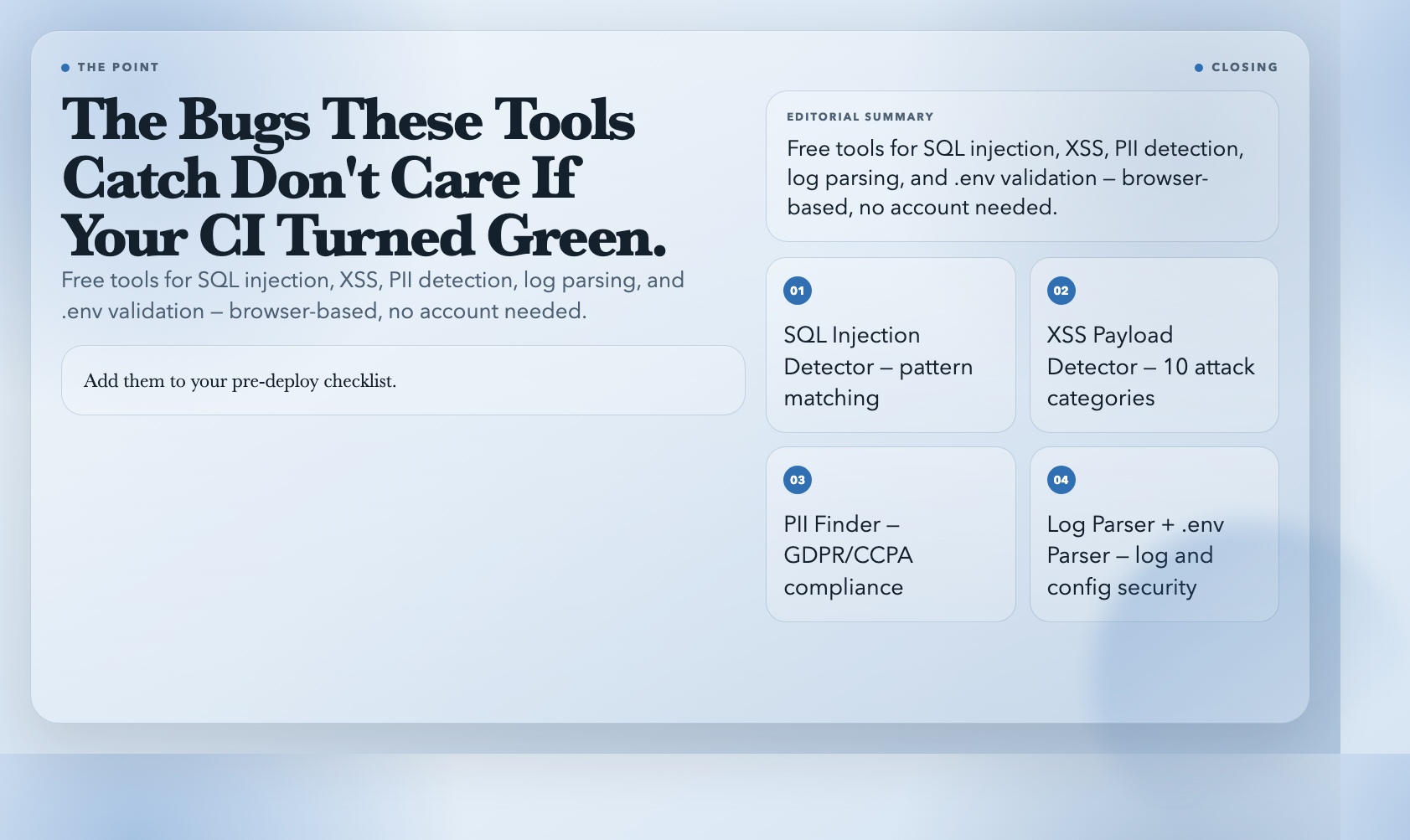
Add them to your pre-deploy checklist. The bugs these tools catch don’t care whether your CI turned green.