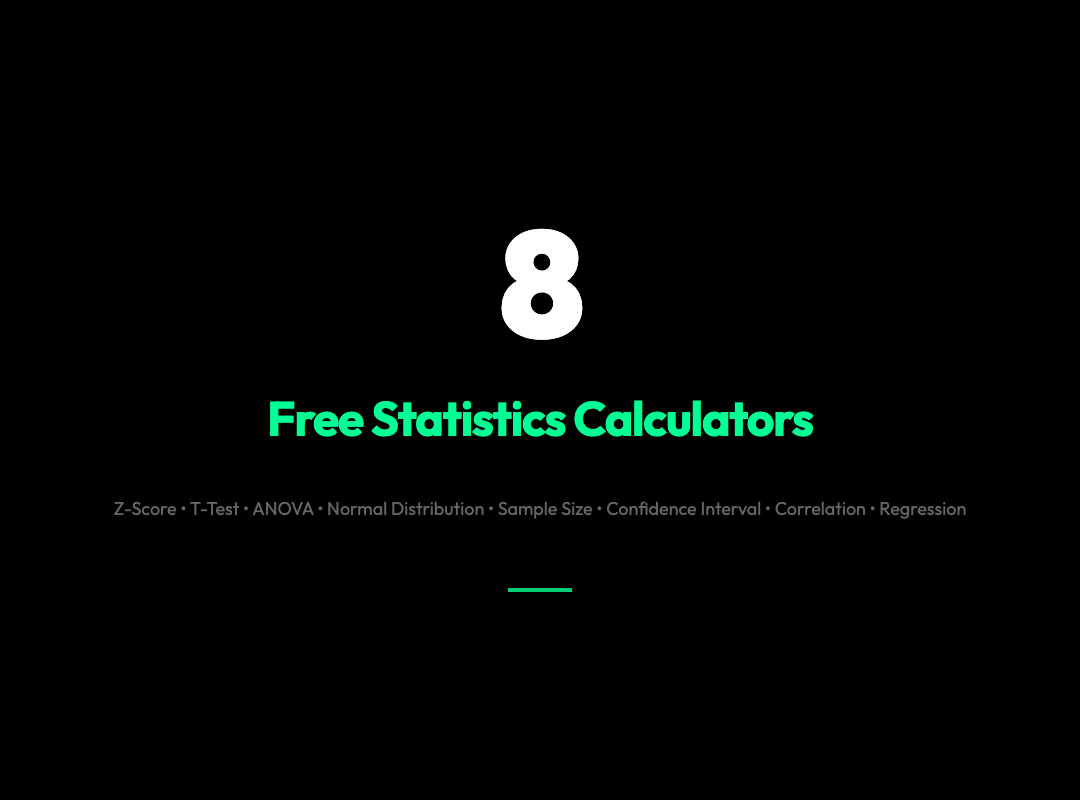
8 Free Statistics Calculators That Answer Questions Your Spreadsheet Can’t
You’re three hours into a research paper. Your dataset is clean. Your hypothesis is solid. And then you hit the wall: Do I have enough samples to detect an effect? Is this correlation statistically significant? Which test should I even be running?
You open Excel. You Google for a formula. You find one. You forget what the formula does. You close the laptop and take a walk.
Sound familiar?
This is the gap these tools were built to fill.
Whether you’re running a t-test, calculating a confidence interval, or figuring out how many participants you need before you start collecting data, these eight free calculators do the number-crunching in seconds — and most show their work so you actually learn something in the process.
1. Z-Score Calculator
A z-score tells you how many standard deviations a value sits from the mean. Sounds simple. But the moment you need to go beyond the basics — finding a raw score given a percentile, or computing z-scores for an entire dataset at once — spreadsheets start fighting you.
This tool handles both directions: raw value → z-score, and z-score → probability. Feed it a full dataset and get standardized values back, or plug in mean, standard deviation, and a raw score to see exactly where that score falls in the distribution.
Use it when: You need to compare scores from different scales, detect outliers, or convert exam grades, IQ scores, or any normalized metric into a common language.
2. T-Test Calculator
The t-test is one of the most commonly run statistical tests in science — and one of the most commonly misapplied. The hardest part isn’t running it. It’s knowing which variant to use: one-sample, two-sample, paired.
This calculator supports both. Input your sample data, choose your test type, set your hypothesized mean or enter a second sample, and pick your alternative hypothesis direction. The tool handles the math and returns a t-statistic and p-value you can drop straight into your results section.
Use it when: You’re comparing a sample mean to a known value, or comparing two groups to see if their means differ.
3. ANOVA Calculator
The t-test handles two groups. Add a third, and you’re technically violating the test’s assumptions. That’s where ANOVA — analysis of variance — takes over.
This tool runs a one-way ANOVA on grouped data. You paste in measurements per group, set your decimal precision, and it returns the F-statistic and p-value. No software install. No syntax to remember. Paste, click, report.
Use it when: You’re comparing three or more groups — different drug dosages, teaching methods, soil treatments — and you want to know if at least one group mean differs from the others.
4. Normal Distribution Calculator
Most real-world variables — heights, measurement errors, IQ scores — follow a normal distribution. The problem is that the math gets ugly fast once you move beyond standard z-table lookups.
This calculator works both ways: find the probability (area under the curve) given a raw value, or find the raw value that corresponds to a given percentile. Set a custom mean and standard deviation, specify bounds, control decimal precision.
Use it when: You need p-values for normally distributed data, or you need to find the cutoff score corresponding to the 95th percentile of a distribution.
Try the Normal Distribution Calculator →
5. Sample Size Calculator
This is the tool researchers wish they’d found before they started collecting data.
Run an underpowered study and you might miss a real effect. Run an overpowered one and you’re wasting everyone’s time. This calculator helps you get it right before you begin — by proportion (for survey research) or by mean (for experimental studies). Set your confidence level, desired margin of error, and estimated proportion or standard deviation, and it tells you exactly how many participants you need.
IRB committees ask for this calculation. Peer reviewers expect it. Now you can produce it in thirty seconds.
Use it when: You’re designing a study and need to justify your sample size to an IRB, a professor, or a journal reviewer.
Try the Sample Size Calculator →

6. Confidence Interval Calculator
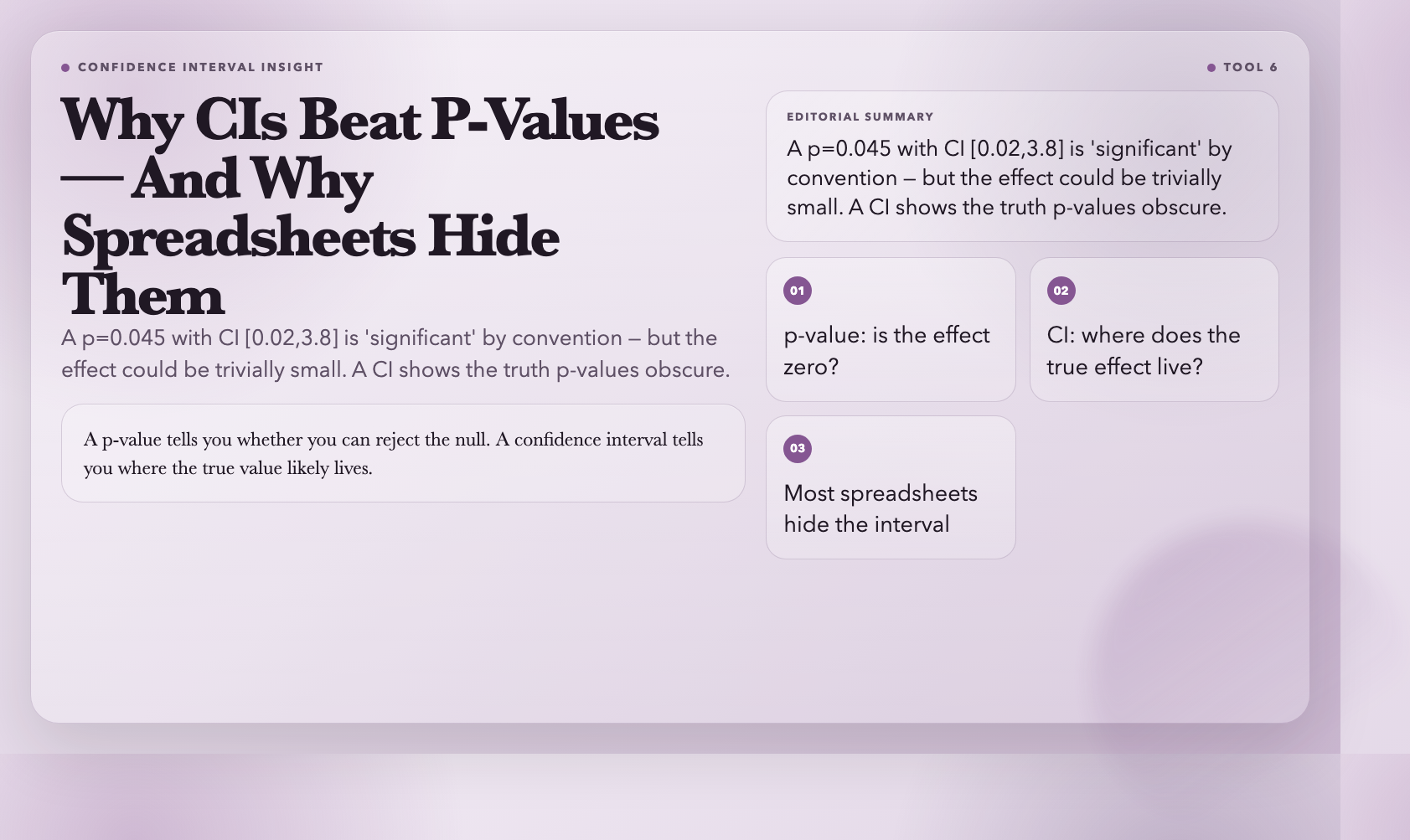
A confidence interval is more informative than a p-value. Instead of asking “is this effect zero?” it tells you “here’s the range where the true value likely falls.” But most spreadsheets give you the midpoint — and leave the interval as an exercise for the reader.
This calculator computes confidence intervals for both means and proportions. Feed it a raw dataset or enter summary statistics directly — sample mean, standard deviation, sample size. It supports confidence levels from 80% to 99% and shows the margin of error alongside the interval.
Use it when: You want to report effect sizes with uncertainty bounds, or you’re peer-reviewing a study and need to reconstruct the CI from reported statistics.
Try the Confidence Interval Calculator →
7. Correlation Calculator
Correlation is one of the first statistics students learn — and one of the first they misinterpret. A high correlation doesn’t prove causation. A low correlation doesn’t mean no relationship exists. But before interpretation, you first have to calculate it.
This tool computes Pearson’s correlation coefficient (r) from paired x/y data. Paste coordinates or enter x and y as separate lists. It returns r with decimal precision you control.
Use it when: You’re exploring relationships in bivariate data and need a quick, precise r value to report.
Try the Correlation Calculator →
8. Regression Calculator
Correlation tells you whether two variables move together. Regression tells you how — and lets you predict new values.
This tool runs a simple linear regression on xy data pairs. Input your data, optionally provide an x value for prediction, and it returns slope, intercept, and the full regression equation. Use it to model a trend, predict outcomes, or generate coefficients for your methods section.
Use it when: You need to model the relationship between two continuous variables, predict a continuous outcome, or report regression results in a paper.
Try the Regression Calculator →
The Question These Tools Still Can’t Answer
Every tool on this list handles its individual task well. But the question researchers struggle with most — which test should I use for this data? — still requires judgment.
Is your data paired or independent? Are your variances equal across groups? Is your sample size large enough to rely on the central limit theorem? Do you have one predictor or many?
Software can automate the calculation. Knowing whether your data meets a test’s assumptions — that’s still a human job. These eight tools handle the calculation step. The thinking, as always, is yours.