
# 8 Free Image Format Conversion Tools Every Developer Needs in 2026
Every developer knows this moment: you receive an image in the wrong format, need to ship a PNG as a JPEG, or discover your design team exported SVGs but your pipeline needs PNGs at 3x resolution.
You could open Photoshop. You could write a script. Or you could just drag the file into a browser tool and get a properly converted file in seconds — with the exact quality settings your project needs.
Here are 8 free browser-based image format converters that handle the real-world scenarios developers actually face: transparency handling, quality control, multi-frame animations, and next-gen format support.
1. PNG to JPEG — When Transparency Needs to Become a Background
JPEG doesn’t support transparency. This creates a recurring problem: how do you convert a transparent PNG to a web-optimized JPEG without the checkerboard background looking wrong?
This tool handles it by letting you choose a background color — white, black, or any hex — that fills the transparent areas before conversion. You also control JPEG quality (1–100), choose between baseline and progressive rendering, and decide whether to strip or preserve EXIF metadata.
Progressive JPEG rendering means large images load top-to-bottom rather than waiting for the full file to download. A 1.2MB transparent PNG at quality 85 typically becomes a 200–400KB JPEG with the same visual content.

Use it: PNG to JPEG Converter on ElysiaTools
2. JPEG to PNG — When You Need Lossless Quality or Transparency
JPEG compression is lossy. Every time you open and re-save a JPEG, quality degrades. If you receive a compressed JPEG from a client and need to composite it into a design, converting to PNG first prevents the double-compression spiral.
This tool outputs PNG at maximum quality (compression level 9) with adaptive filtering enabled — the algorithm that selects the best filter per image row automatically. No quality settings to configure. PNG is lossless by definition.
Designers often flatten layered work before sending. Converting to PNG first preserves what you have. From there, you can layer, resize, and re-export without accumulating compression artifacts across multiple save cycles.
Use it: Convert JPEG to PNG on ElysiaTools
3. GIF to WebP — Modern Animation Format for the Modern Web
GIF files max out at 256 colors and produce bloated files for anything complex. WebP supports 24-bit color, full alpha transparency, and typically produces files 25–35% smaller than equivalent GIFs — with better visual fidelity.
This tool handles both single-frame and animated GIFs. For animations, you can extract the first frame only, or batch-convert all frames to individual WebP files packaged in a ZIP archive. You control quality (1–100), toggle lossless mode, and choose how to handle transparency in multi-frame files.
Converting a 480KB animated loading spinner to WebP often lands around 300KB. Lossless mode preserves exact pixel reproduction for UI elements where compression artifacts are unacceptable.

Use it: Convert GIF to WebP on ElysiaTools
4. AVIF to PNG — Next-Gen Images to Universal Format
AVIF produces files roughly 50% smaller than JPEG at equivalent quality, with HDR support and both lossy and lossless modes. The catch: browser and tooling support is still inconsistent. Legacy CMS platforms, older native apps, and B2B integration endpoints still won’t accept AVIF.
This converter bridges that gap. Drop an AVIF file in, get a PNG out that opens everywhere. It preserves alpha transparency from the source, lets you choose PNG compression level (0–9), and optionally strips or keeps metadata.
For teams storing assets in AVIF for efficiency but needing to deliver PNGs to legacy systems, this is the zero-configuration bridge. No quality loss in the conversion itself — you’re choosing the right format for the delivery context.
Use it: Convert AVIF to PNG on ElysiaTools
5. SVG to PNG — Vector Graphics at Any Resolution
SVG scales infinitely without quality loss — but email clients don’t render SVG, many CMS platforms only accept rasters, and social media metadata requires fixed-dimension images. You need PNG output from your SVG source.
This tool converts SVG to PNG at exact dimensions you specify — width, height, and DPI for print-quality output. You control background color, PNG compression level, and whether SVG transparency carries through as PNG alpha.
One concrete workflow: a single logo.svg becomes a 32×32 favicon, a 180×180 Apple touch icon, and a 1200×630 Open Graph image — all from the same source, all crisp at their target sizes, no design software required.
Use it: Convert SVG to PNG on ElysiaTools
6. PNG to SVG — Raster Images Become Scalable Vectors
Converting raster to vector sounds like black magic, but it solves real problems: tracing a scanned logo, making a raster icon scalable, creating editable paths from pixel artwork.
This tool offers two methods. The embedded image method exports the PNG as base64 data inside an SVG wrapper — fast, preserves exact pixel appearance. The tracing simulation produces cleaner vector paths suitable for further editing — true scalability, smaller files, but works best on clean, simple graphics with clean edges.
Complex photographic content produces messy paths. But for logos, icons, and diagrams with clean edges, the result is an editable SVG you can open in any vector editor.
Use it: Convert PNG to SVG on ElysiaTools
7. JPEG to WebP — The Format Upgrade Your Images Probably Need
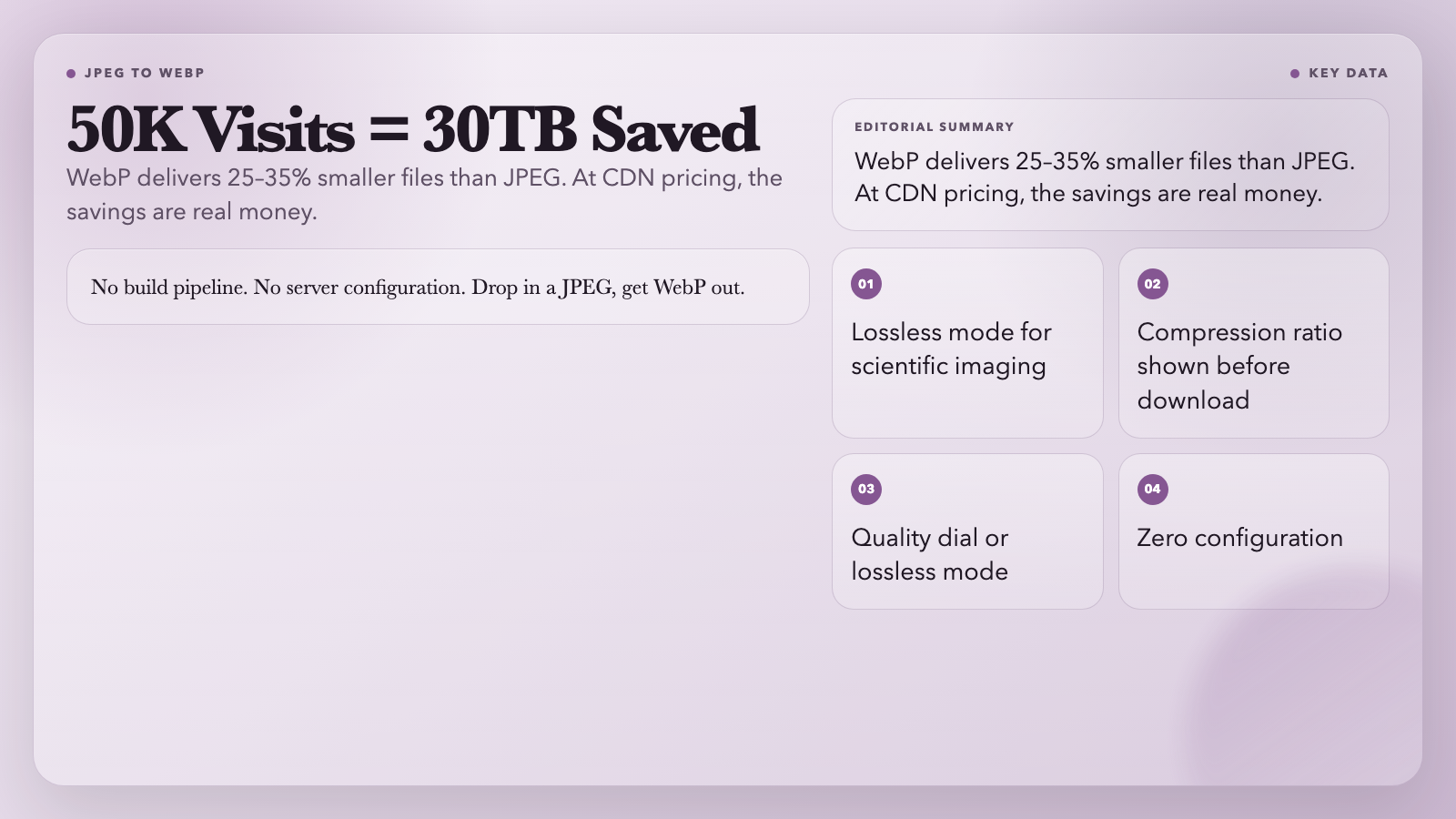
WebP delivers 25–35% smaller files than JPEG at equivalent visual quality. For a product site serving 50,000 monthly page views with 2MB of images per page, migrating to WebP saves roughly 30TB of bandwidth per month — at typical CDN pricing, that’s a real line item.
This converter makes the migration straightforward. Drop in a JPEG, choose quality or go lossless, and get a WebP file with the compression ratio displayed before you download. No build pipeline, no server configuration.
Lossless mode exists for contexts where exact pixel reproduction is required — scientific imaging, architectural photography, anywhere compression artifacts are unacceptable.
Use it: Convert JPEG to WebP on ElysiaTools
8. AVIF to JPEG — Next-Gen Format to Legacy Compatibility
AVIF excels as a storage format: exceptional quality at small file sizes, HDR support, both lossy and lossless modes. But legacy browsers, older native apps, and certain B2B integration endpoints still don’t support it.
This converter handles the compatibility layer. You control JPEG quality, set background color for transparent source areas, choose progressive or baseline rendering, and optionally preserve metadata. Mozjpeg-style optimizations produce the best quality-to-size ratio at any quality level.
The practical scenario: a modern image pipeline that stores originals in AVIF for storage efficiency, but generates JPEG previews for integration points that won’t accept AVIF. The conversion itself is lossless at maximum quality — you’re not losing quality, you’re matching the format to the delivery context.
Use it: Convert AVIF to JPEG on ElysiaTools

The Bottom Line
Image format conversion sounds like a solved problem. But most tools still force tradeoffs: install a library, write a script, accept default settings, or lose transparency somewhere in the pipeline.
These tools handle the specifics — exact quality control, transparency-aware background filling, multi-frame animation support, and next-gen format compatibility — with no account, no credit card, no terminal required.
The developer who keeps a browser tab open to their most-used converters ships faster. Bookmark the ones that match your pipeline — you’ll use them more than you expect.
All tools from ElysiaTools, a free browser-based tool library with tools spanning media, development, finance, science, and more.*



I really appreciate the PNG to SVG tracing tool because converting client logos that only arrived as low-res rasters is a daily struggle for me. The ability to set a specific background color when going from PNG to JPEG is also a huge time saver for web optimization.
Me viene genial la herramienta de SVG a PNG para los correos electrónicos, siempre sufro porque los clientes de Gmail no renderizan bien los vectores originales.
Uso muito o conversor de SVG para PNG para criar as imagens de Open Graph dos meus projetos, pois facilita muito não ter que abrir o Figma só para isso. Salvei o link aqui na minha barra de favoritos.