Stop Guessing Coordinates — 8 Free Geography Tools That Do the Math for You
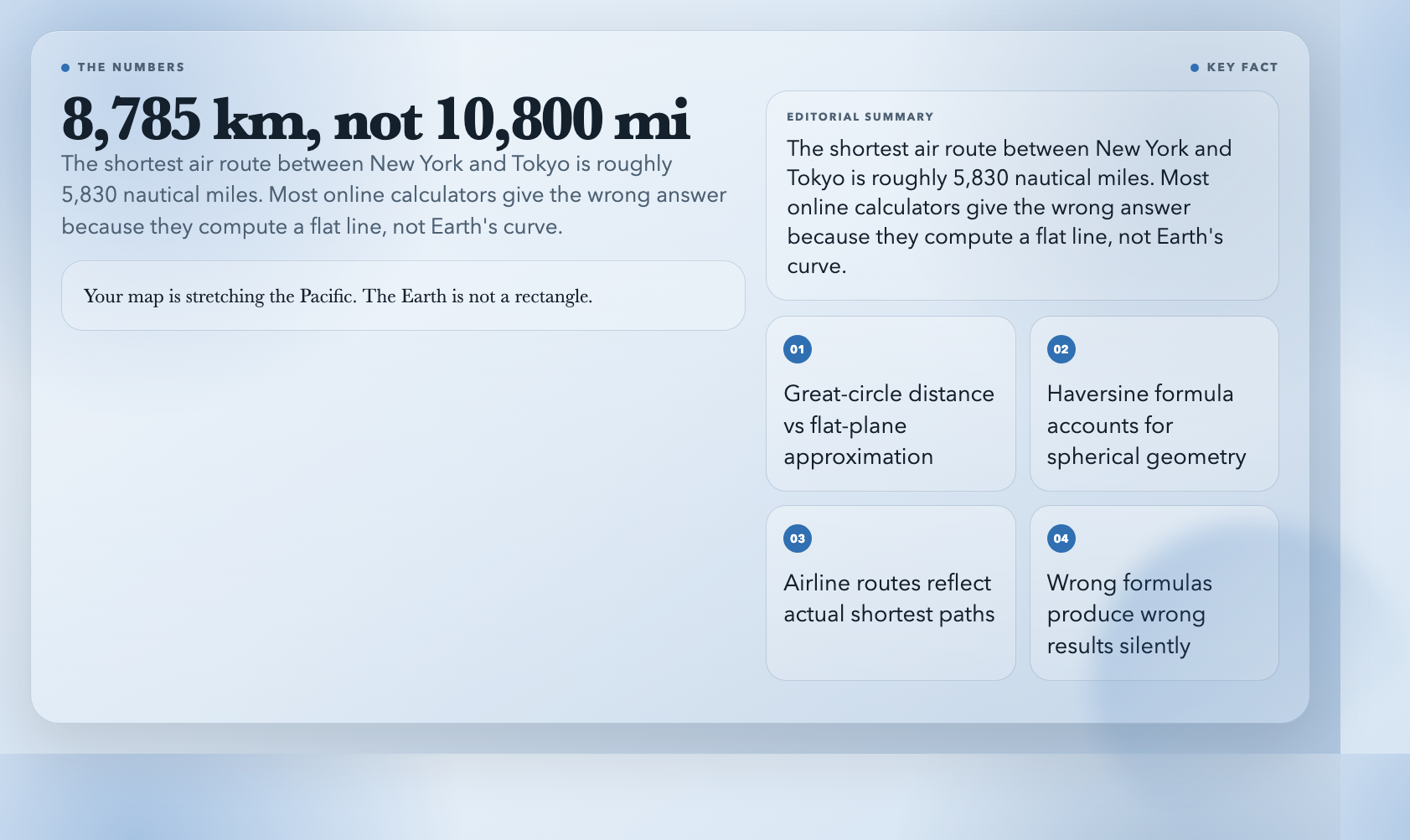
New York to Tokyo: your map probably says about 10,800 miles. That’s not right. The actual shortest air route is roughly 5,830 nautical miles—about 8,785 km. The discrepancy isn’t a rounding quirk. Your flat map is stretching the Pacific. The Earth, despite what every subway map implies, is not a rectangle.
I found this out the hard way debugging a routing feature that kept returning distances the client insisted were wrong. Turned out I was using Pythagoras on lat/lon deltas. The right approach—great-circle distance via the Haversine formula—isn’t complicated, but it’s also not what most quick online calculators do. I’ve been using these eight tools ever since. They all do the math correctly, and none of them ask you to create an account.
1. Great Circle Distance Calculator
The great circle is the shortest path between two points on a sphere. This calculator uses the Haversine formula, returning distances in kilometers, miles, nautical miles, and meters. It also gives you the initial bearing—the compass direction at the start of the route.
Airlines don’t fly straight lines on maps. Neither should your routing code. Plug in New York (40.7128° N, 74.0060° W) and Tokyo (35.6762° N, 139.6503° E) and you’ll see the real distance. The number surprises most people the first time.
Great Circle Distance Calculator
2. Bearing Calculator
Bearing is compass direction from A to B, expressed in degrees from 0 to 360° (0° = north). This calculator returns it in five formats: decimal degrees, DMS, compass direction (NE, SW, etc.), NATO mils, and full detail.
Here’s what trips people up: bearing changes along a long route. What this tool calculates is the initial bearing—facing direction at the start point. Hold that bearing from London toward New York and you’d slowly curve south, because you’re following a rhumb line, not the great circle. For navigation UIs or sensor data in bearing format, you usually want the initial bearing. But know what you’re looking at.
3. Midpoint Calculator
The geographic midpoint between two cities isn’t (lat1+lat2)/2 and (lon1+lon2)/2. That looks centered on a flat map but isn’t the real geographic center.
I learned this the hard way placing a relay server for users split between New York and London. My quick estimate on a map looked fine. The actual spherical midpoint was about 400 km off. Not trivial when you’re optimizing for latency.
Input two coordinate pairs. Get back the midpoint in decimal or DMS format. Precision is adjustable from 0 to 10 decimal places.
4.
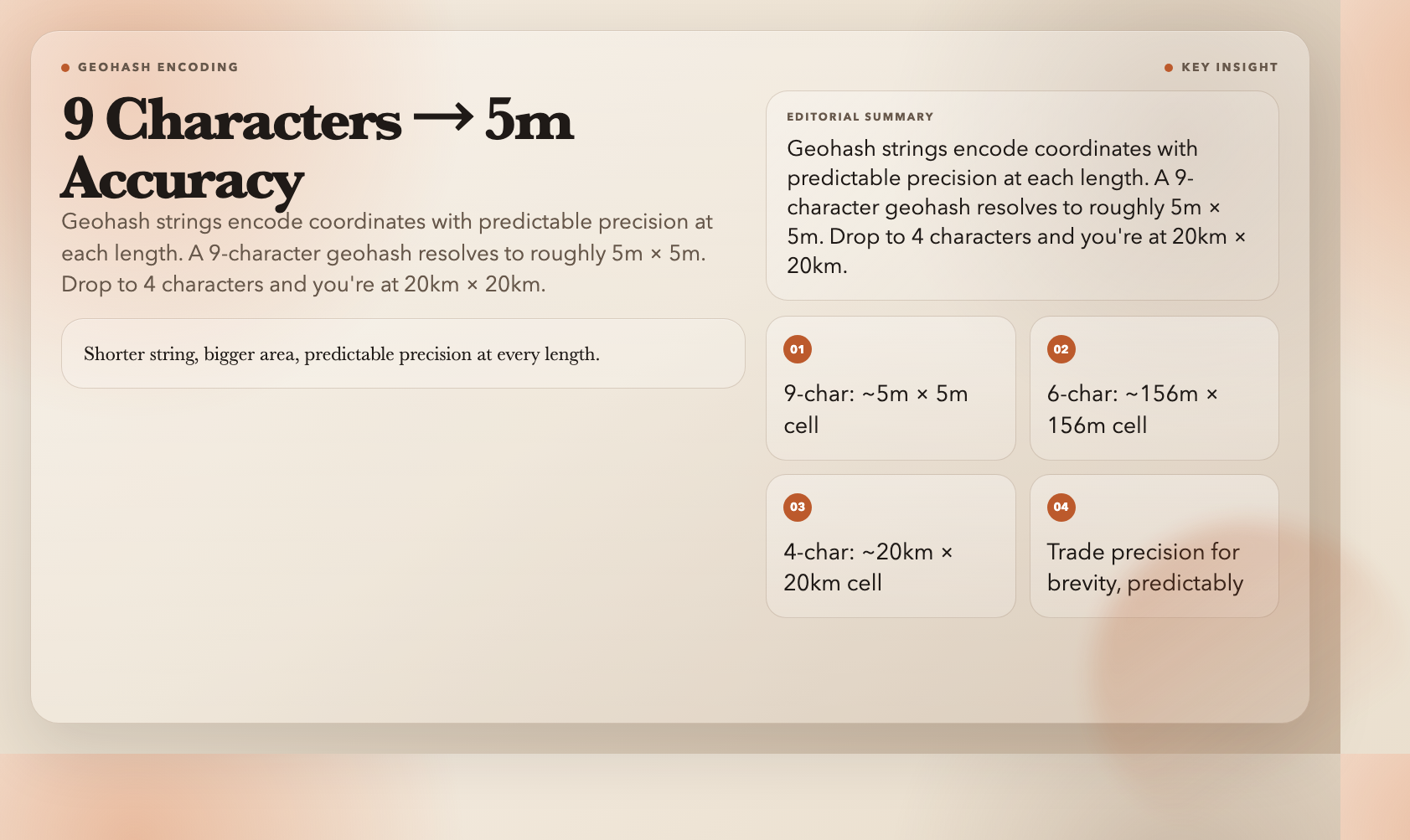
A geohash encodes latitude and longitude into a short string. “ww8p1r4t” resolves to roughly a 5m × 5m cell in Beijing. Trim two characters—”ww8p1r4″—and you’re at 39m × 19m. Go shorter: “ww8p1r” is about 156m × 156m. Shorter string, bigger area, predictable precision at each length.
The practical application is spatial indexing without a geo-aware database. Store geohashes as text columns, query nearby records with a prefix match. It’s not as precise as PostGIS, but it works inside almost any system and doesn’t require special infrastructure.
5. Geohash Decoder
Run the other direction: paste a geohash, get back the center coordinates, bounding box, precision, and latitude/longitude error margins. The error margin tells you how precise the encoding is at that character count—I use this for understanding how much uncertainty I’m introducing when I truncate a geohash for a prefix query.
I reach for this mostly when debugging. Incoming data in geohash format that needs to go into a map layer requires conversion. This is faster than writing the decode function from scratch.
6. Area Calculator Map
Drop pins on a map to define a polygon. Get back the enclosed area in five units—square meters, square kilometers, square feet, acres, and hectares—plus perimeter. The perimeter sums great-circle distances between consecutive points, so it’s not just a series of flat chords.
I used this to check a property listing that claimed a specific lot size. The listing was off by about 15%. The tool was right. I didn’t buy the property.
7. Distance Between Cities
Pick two cities from a built-in list of 30 major cities—New York, London, Tokyo, Beijing, Sydney, Dubai, São Paulo, and 23 others. Get the distance in km, miles, or nautical miles, plus the compass bearing from the first to the second.
No coordinate lookup required. When you just need the number and don’t want to open Google Maps in another tab, this is faster.
8. Coordinate DMS Converter
Decimal degrees (40.7128°, -74.0060°) is what most modern systems use. Degrees-minutes-seconds (40° 42′ 46″ N, 74° 0′ 22″ W) is what older marine GPS units, USGS topographic maps, and a surprising amount of historical data still report in.
This tool switches between the two formats and validates that coordinates are in valid range. DMS shows up more often than you’d expect—anything from the shipping industry, USGS data, historical datasets from government surveys. The manual math is tedious; this takes five seconds.
Why This Matters More Than It Seems
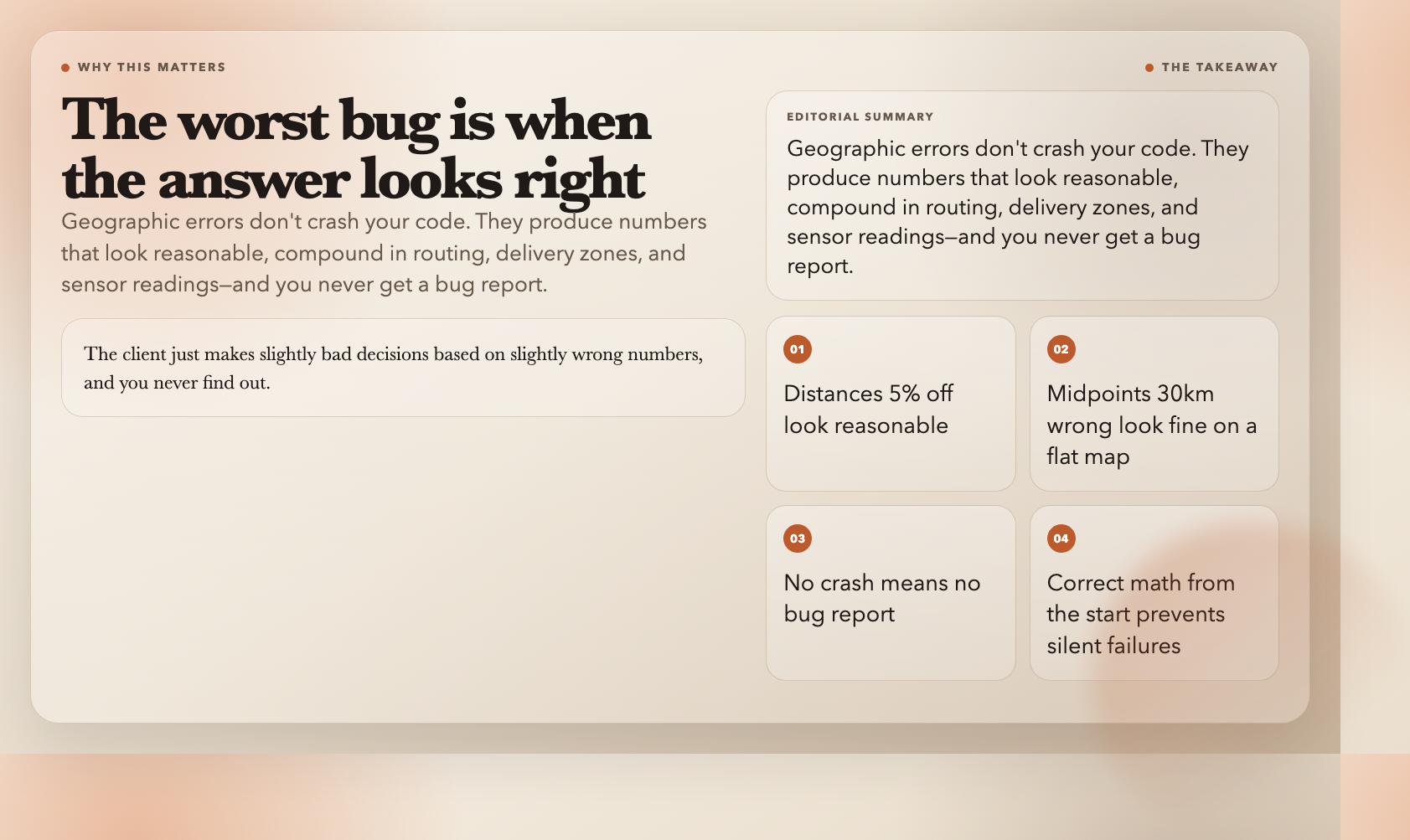
The worst geographic errors aren’t the obvious ones. They’re the ones where the answer looks right. The distance is 5% off. The midpoint is 30 km from where it should be. The polygon area is slightly wrong. Nothing crashes. The bug report never comes. The client just makes slightly bad decisions based on slightly wrong numbers, and you never find out.
I’ve shipped code like this. Took me a while to figure out why. The issue is that the wrong formulas produce numbers that look reasonable. Without a ground truth to compare against, there’s no obvious sign anything is broken. The only fix is to use the right tools from the start—ones that do spherical geometry correctly, not approximations that happen to look fine on a flat map.
These eight have been in my rotation for years. No sign-up, no ads, no API key. The most useful tools are often the least impressive-looking ones. These are.