
Your app calls a cloud face detection API. Latency climbs 400ms. The per-image bill follows. Then a privacy review derails the launch. Three months later, the team migrates to local models and the problem evaporates.
This pattern repeats in hundreds of engineering teams. Cloud vision APIs are easy to start with and painful to scale. Running AI vision models locally has matured to the point where the migration pays off for most production systems.
Here are eight tools that make the case.
—
#
Before you analyze a face, you find one. This tool scans an image and returns bounding box coordinates for every detected face using the SSD MobileNet model. Each detection includes top-left and bottom-right coordinates plus a confidence score.
The output feeds directly into downstream tools. Or use the coordinates to crop and normalize faces before further processing. The detector runs fast enough for real-time video frames on modern hardware.
—
#
Raw bounding boxes are imprecise. Faces at angles, partially occluded, or shot from unusual distances produce inconsistent crops that degrade later analysis stages.
This tool detects faces, estimates their pose, applies an affine transformation to normalize orientation, and outputs individual cropped images — zipped automatically when multiple faces are present.
This step matters for training datasets and any pipeline that requires consistent face inputs before running recognition models.
—
#
A bounding box tells you where a face is. A descriptor tells you who it belongs to — which cluster of similar faces it most closely matches.
This tool generates a 128-dimensional embedding vector for each detected face. Identical faces cluster together in this high-dimensional space. Comparing two faces is Euclidean distance between their descriptor vectors.
This is the raw material for any custom recognition pipeline that doesn’t fit a pre-built gallery model.
—
#
A bounding box is a rectangle. A landmark map is a detailed blueprint. This tool detects 68 predefined keypoints — the corners of the eyes, the tip of the nose, the outline of the lips, the contour of the jaw. These coordinates encode geometric structure independent of pose or expression.
Use this when you need to measure distances between features, align faces by eye position, detect gaze direction, or build any application where face shape matters more than identity.
—
#
Given a detected face, this tool estimates apparent age and predicts gender. The age estimate reflects the model’s perception of biological age — not a person’s actual years. The margin of error is around ±5 years, wider for faces at the extremes of the age range.
Use this for demographic analytics, content filtering, or any pipeline that segments by age or gender without identifying individuals.
—
#
Feed two images in, get a yes or no. The tool extracts 128D embeddings from both faces, computes their distance, and returns a boolean match against a calibrated threshold. Only the first detected face in each image is compared.
This operation powers login-by-face, identity verification, and duplicate detection in photo libraries.
—
#
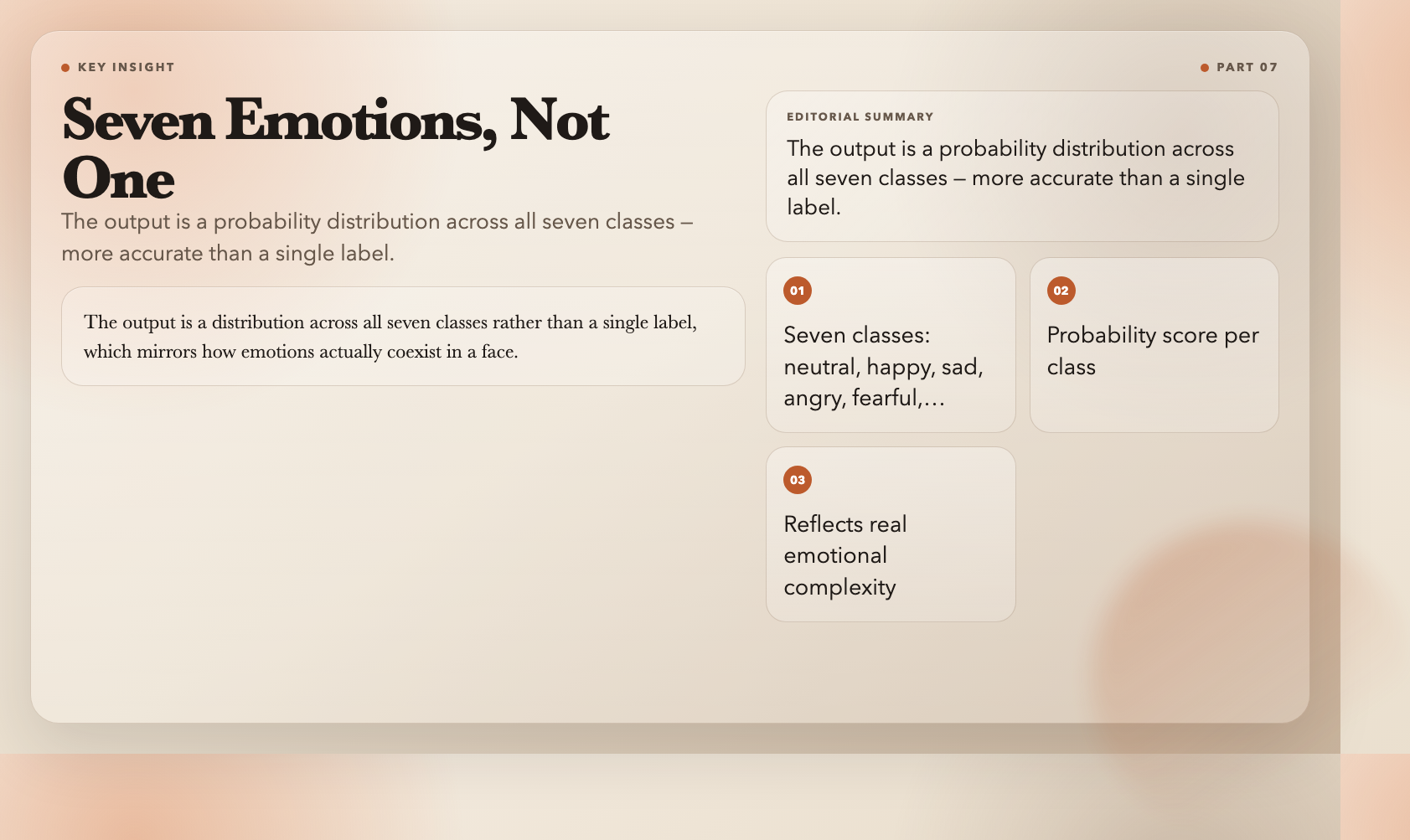
Seven emotion classes — neutral, happy, sad, angry, fearful, disgusted, surprised — each with a probability score. The output is a distribution across all seven classes rather than a single label, which mirrors how emotions actually coexist in a face.
Use this for UX analytics, customer sentiment analysis from video feeds, or any application where emotional state is a signal worth capturing without identifying individuals.
—
#
The previous tools handle individual operations. This one composes them into a complete pipeline: build a labeled gallery from known faces, then query a target image to find matches.
Supply labeled reference images. The tool generates embeddings, stores them, and when you submit a new image, it returns which gallery entries match and with what confidence. Multiple faces in the target image are evaluated independently.
Use this for access control, photo organization, or any scenario where you control the reference database.
—
#
Beyond face analysis, two other tools handle structured document extraction:
AI Image to Receipt JSON — parses invoice and receipt images, extracting line items, totals, merchant info, and tax details into structured JSON. Teams use this to automate expense reporting and bookkeeping workflows without a third-party OCR service.
AI Image to Markdown — converts text in images to clean Markdown. Handles natural scene text, screenshots, and scanned documents. Photograph a whiteboard, get properly formatted Markdown back.
—
#
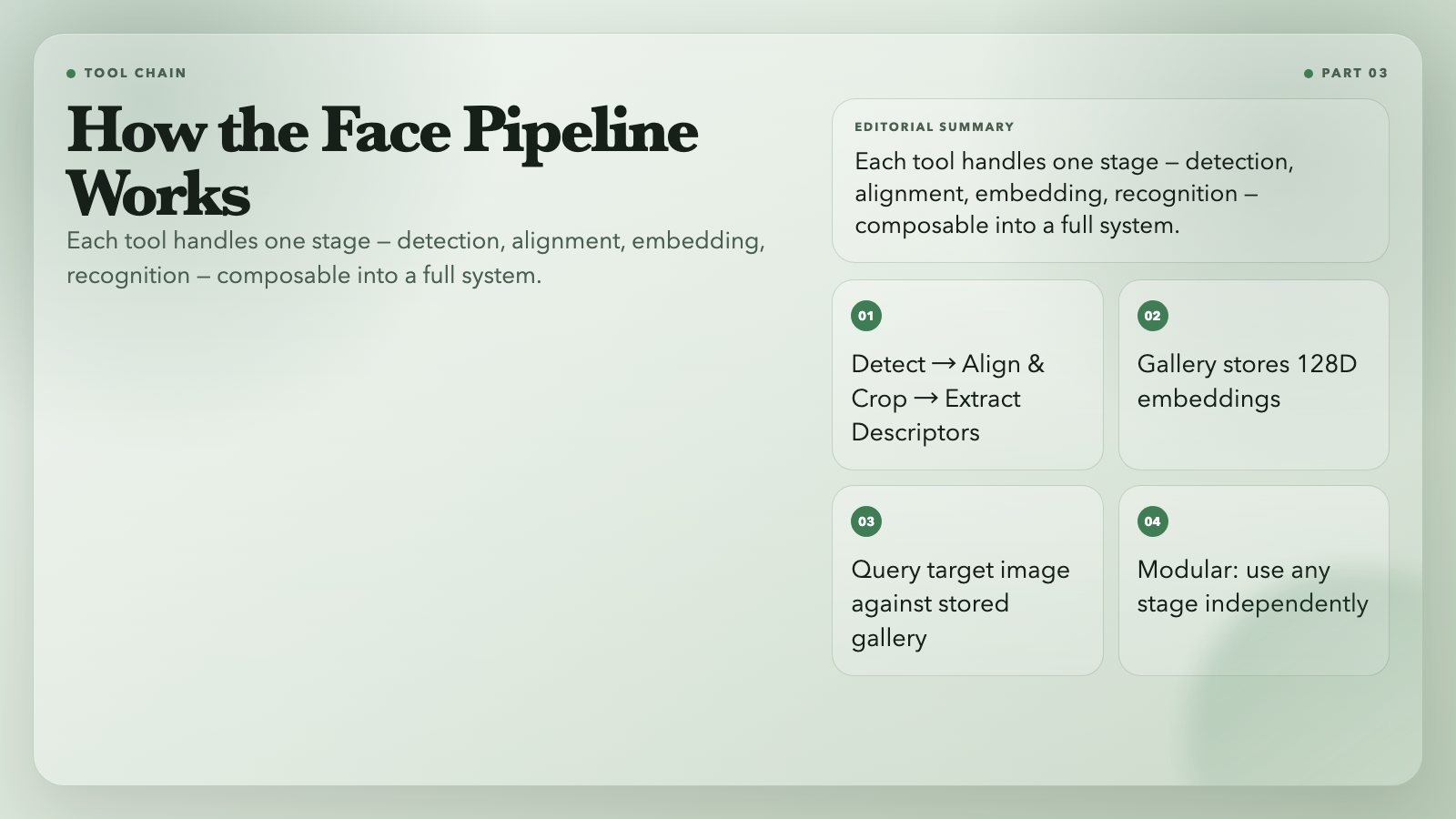
These tools are modular by design. Chain them together for a complete face analysis pipeline: detect faces, normalize with alignment and cropping, extract embeddings, and query against a gallery. Pick specific stages depending on what your application actually needs.
—
#
Cloud vision APIs charge per image, route your data through third-party infrastructure, and introduce latency that compounds under load. All these tools run locally using `@vladmandic/face-api`, an open-source model library that operates within Node.js without external service calls. After the initial model load, processing happens on your hardware.
This matters for privacy-sensitive applications, on-premise deployments, high-volume batch processing, real-time pipelines where 400ms round-trips are unacceptable, and any project where data sovereignty is a hard requirement.
What would you build differently if vision processing had zero marginal cost and zero network dependency?