Stop Writing Fragile E2E Tests. Use These 4 Advanced Playwright Patterns Instead.
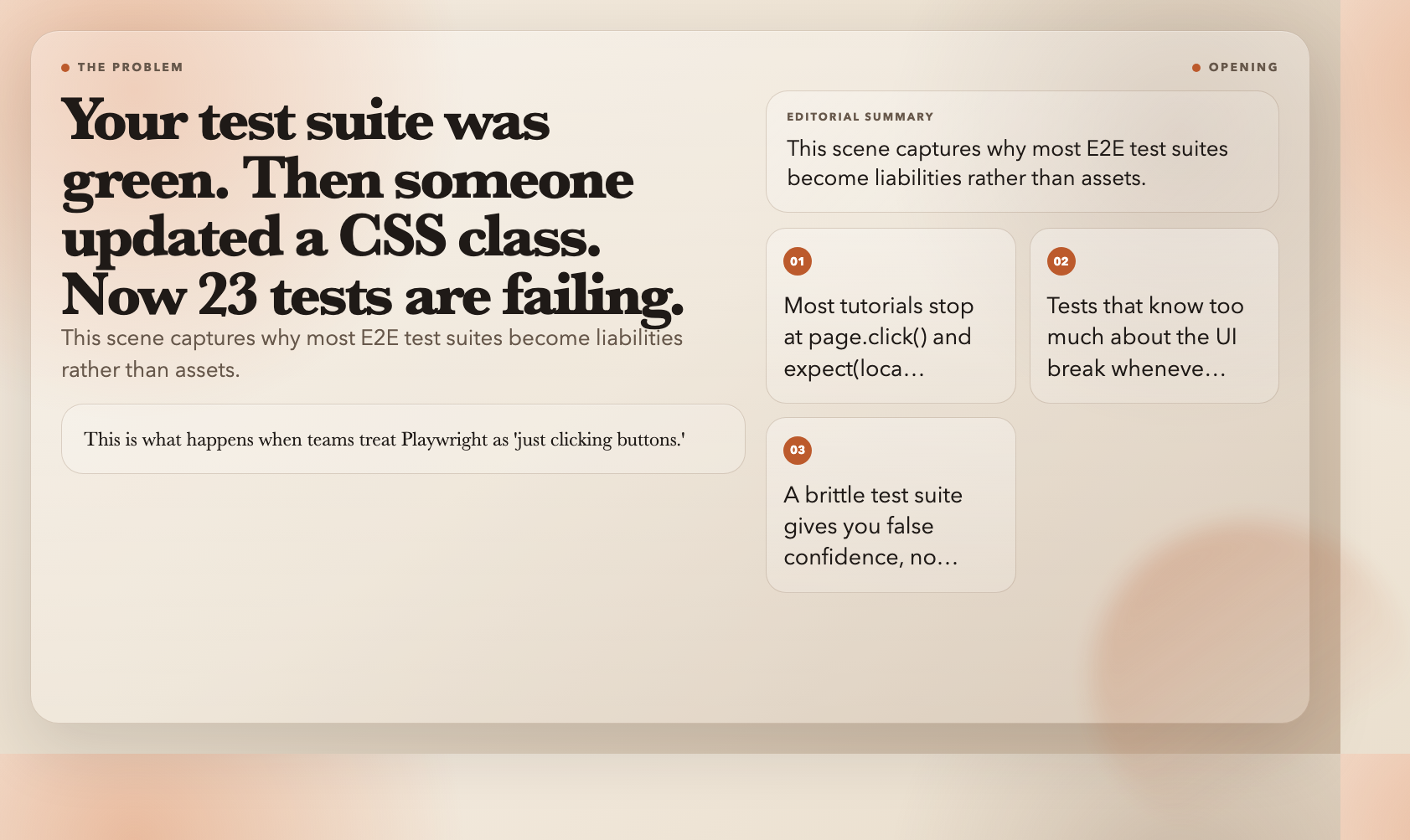
Your test suite was green. Then someone updated a CSS class. Now 23 tests are failing and it is 5 PM on Friday.
This is what happens when teams treat Playwright as “just clicking buttons.” The tool is genuinely powerful — but most tutorials stop at page.click() and expect(locator).toBeVisible(). That is not testing. That is wishful automation with extra steps.
Below are four production-tested patterns that senior engineers actually use. Not the basics. The stuff that makes a test suite survive a real, growing codebase.
1. Test Across Browsers, Not Just Chromium
Your app works in Chromium. But does it work in Safari’s WebKit engine? In Firefox? On a Pixel 5?
One config change covers all of them:
// playwright.config.ts
import { defineConfig, devices } from '@playwright/test';

const config = defineConfig({
  projects: [
    { name: 'chromium', use: { ...devices['Desktop Chrome'] } },
    { name: 'firefox', use: { ...devices['Desktop Firefox'] } },
    { name: 'webkit', use: { ...devices['Desktop Safari'] } },
    { name: 'mobile-chrome', use: { ...devices['Pixel 5'] } },
    { name: 'mobile-safari', use: { ...devices['iPhone 12'] } },
  ],
});
CSS Grid renders differently across engines. Flexbox alignment breaks in WebKit. Touch targets feel wrong on mobile. These bugs hide in the browsers you are not testing. One playwright test command now runs across five configurations — catching Safari-specific issues before they reach real users.
2. Test Your API Directly (It Is 10x Faster)
A browser-based login → dashboard → form submission flow can take 30 seconds or more. Your backend does not need a browser for that.
Use Playwright’s request API to hit REST endpoints directly:
import { test, expect, request } from '@playwright/test';

test('should create user via REST API', async ({ request }) => {
  const response = await request.post('/api/users', {
    data: {
      username: 'newuser',
      email: '[email protected]',
      password: 'securepass123',
    },
  });

  expect(response.status()).toBe(201);
  const user = await response.json();
  expect(user.username).toBe('newuser');
});
You can also intercept network requests mid-test to mock failures or verify what the frontend sends:
test('should display error on API failure', async ({ page }) => {
  await page.route('**/api/user/profile', route => {
    route.fulfill({ status: 500, body: 'Server Error' });
  });

  await page.goto('/profile');
  await expect(page.locator('[data-testid=error-message]')).toBeVisible();
});
Browser tests for UI. API tests for backend logic. Together they cut your suite runtime in half while covering more ground.
3. Mobile Testing: Do Not Ignore 60% of Your Users
Responsive design is not optional. Yet most test suites run exclusively at 1280×720 — ignoring every phone and tablet user.
Testing pull-to-refresh on an emulated iPhone:
test('should handle pull-to-refresh on mobile', async ({ page }) => {
  await page.setViewportSize({ width: 375, height: 667 });
  await page.goto('/feed');

  await page.touch.start(200, 50);
  await page.touch.move(200, 250);
  await page.touch.end();

  await expect(page.locator('[data-testid=refresh-indicator]')).toBeVisible();
});
Run across six viewports — from 375px mobile to 1920px desktop — and you catch layout regressions the moment they appear, not when a user files a bug report.
4. Page Object Model: Stop Selector Rot from Breaking Everything
The fastest way to a failing test suite: scatter data-testid selectors across 50 different test files. When the UI changes, 50 tests break.
The Page Object Model (POM) fixes this. Centralize page structure behind a clean interface:
// tests/pages/LoginPage.ts
export class LoginPage {
  constructor(private page: Page) {}

  get emailInput() {
    return this.page.locator('input[name="email"]');
  }

  get submitButton() {
    return this.page.locator('button[data-testid="submit-btn"]');
  }

  async login(email: string) {
    await this.emailInput.fill(email);
    await this.submitButton.click();
  }
}

// tests/login.spec.ts
test('should redirect to dashboard after login', async ({ page }) => {
  const loginPage = new LoginPage(page);
  await loginPage.login('[email protected]');
  await expect(page).toHaveURL('/dashboard');
});
When the UI changes, update one file. Every test continues to pass. No archaeology required.
The Shift That Changes Everything
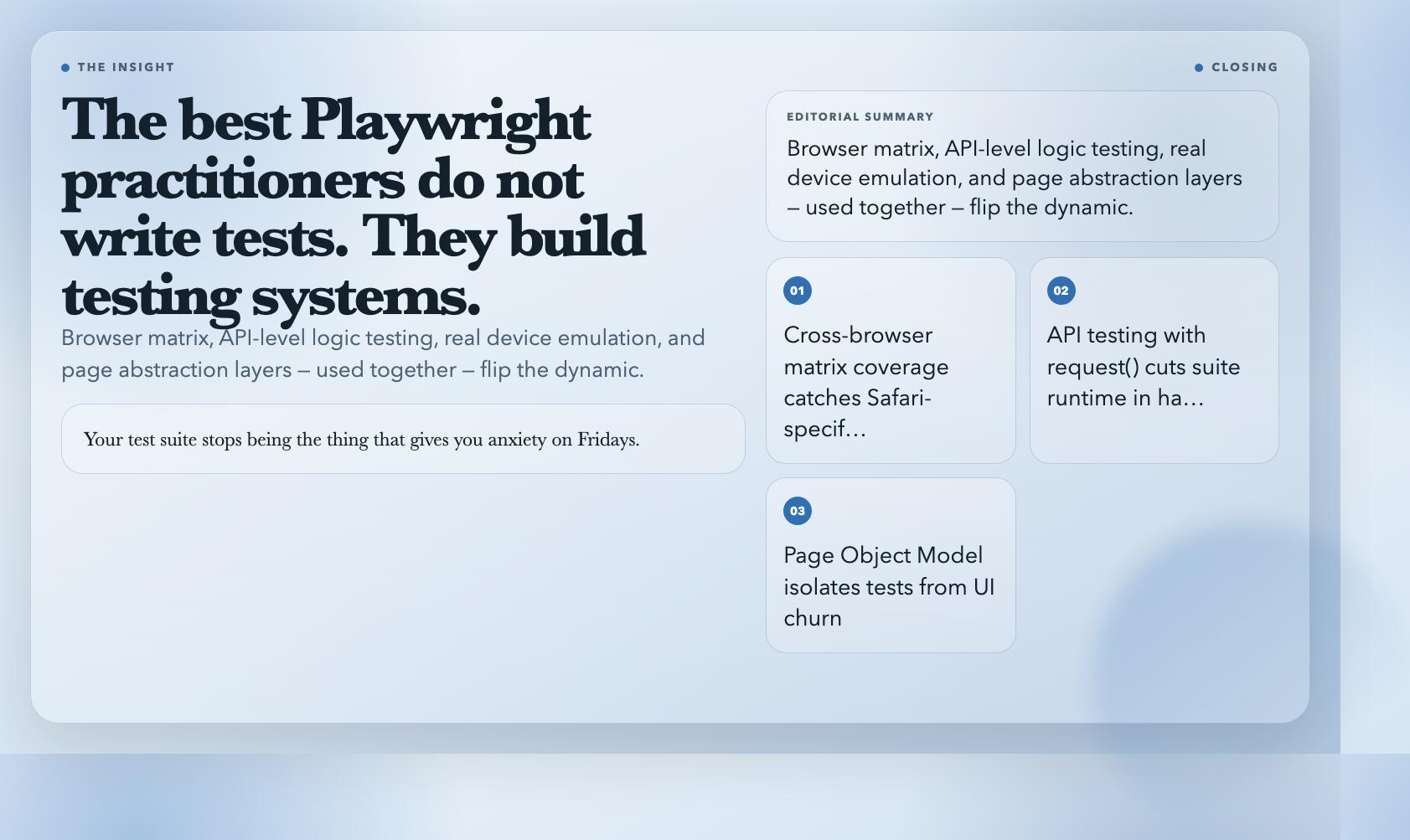
Here is the pattern no one talks about: the best Playwright practitioners do not write individual tests. They build testing systems.
Browser matrix coverage. API-level logic testing with request. Real device emulation with page.touch. Page abstraction layers that isolate tests from UI churn.
Use these four patterns together and the dynamic flips. Your test suite stops being the thing that gives you anxiety on Fridays. It becomes the thing that lets you deploy on a Friday without flinching.
Browse the full collection of production-ready Playwright samples — from project setup to advanced network interception and fixture management — at ElysiaTools.