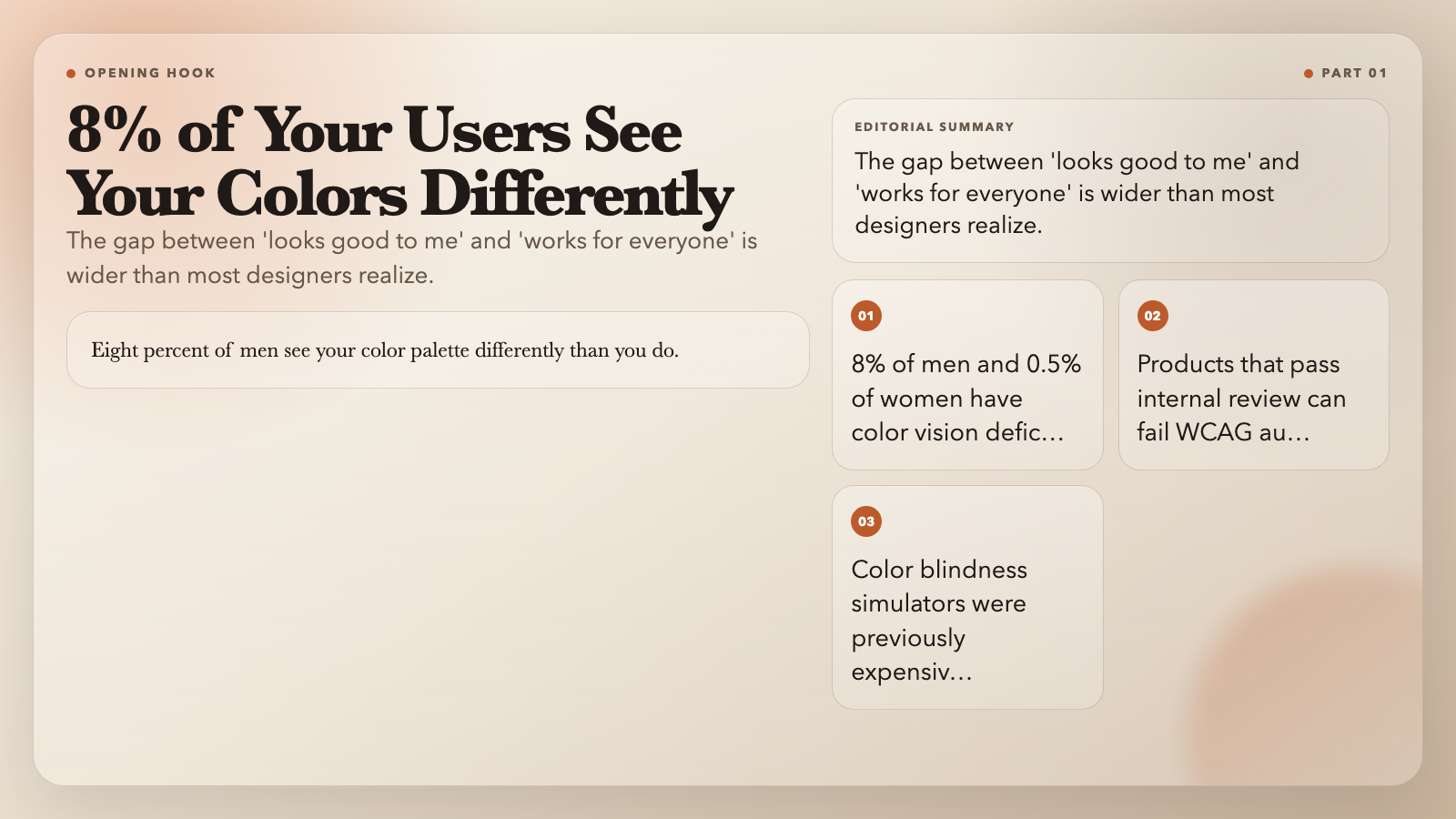
Eight percent of men see your color palette differently than you do. So do 0.5% of women. If you’ve ever shipped a product that looked perfect in Figma but failed a WCAG accessibility audit the moment it went live, you’ve hit the gap between “looks good to me” and “works for everyone.”
The tools that used to close that gap — color blindness simulators, contrast checkers, professional scheme generators — required expensive software or desktop installs. ElysiaTools has a different offer: eight free, browser-based color tools that run in a tab. No account. No credit card. No 30-day trial that quietly starts charging you $49 a month.
Here’s what they actually do.
Color Blindness Simulator
The problem is real: 8% of men and 0.5% of women have some form of color vision deficiency. In a team of 100, roughly eight colleagues perceive color differently than the designer does. If you’re building public-facing products or targeting accessibility compliance, “looks fine to me” isn’t a quality standard.
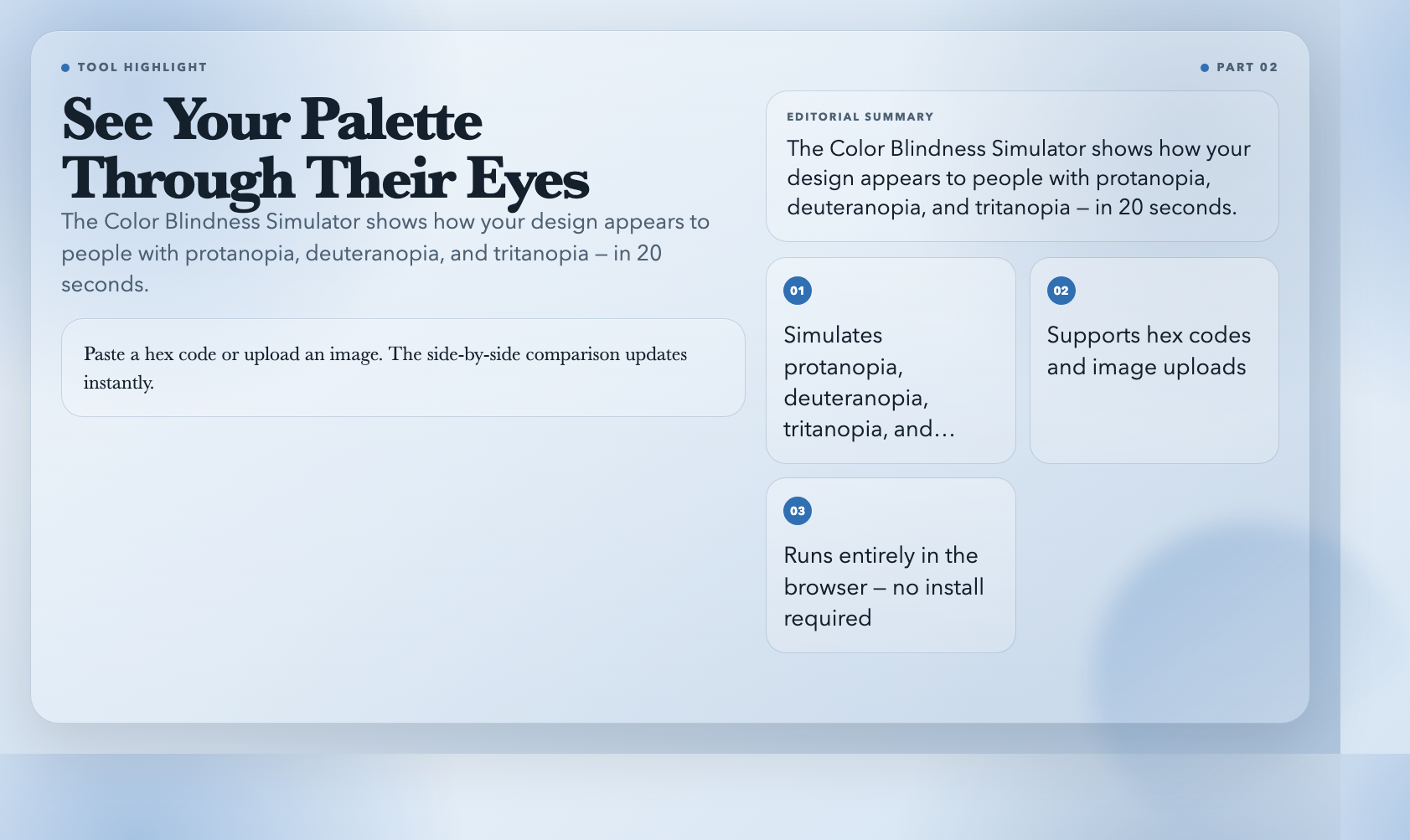
This tool simulates how your colors shift under protanopia (red-blind), deuteranopia (green-blind), tritanopia (blue-blind), and several rarer types. Paste a hex code or upload an image. The side-by-side comparison updates instantly.
This means: you catch the red-green confusion problem in 20 seconds, before a single line of code is written.
Color Contrast Checker
WCAG 2.1 requires a 4.5:1 contrast ratio for normal text and 3:1 for large text. These aren’t suggestions. They’re the minimum for AA compliance — and they’re the difference between a site that works for users with low vision and one that doesn’t.
Most designers eyeball this. Some use browser dev tools that give you a number without a clear pass/fail verdict. This tool enters your foreground and background colors and tells you definitively: pass or fail at AA and AAA, for normal text, large text, and UI components.
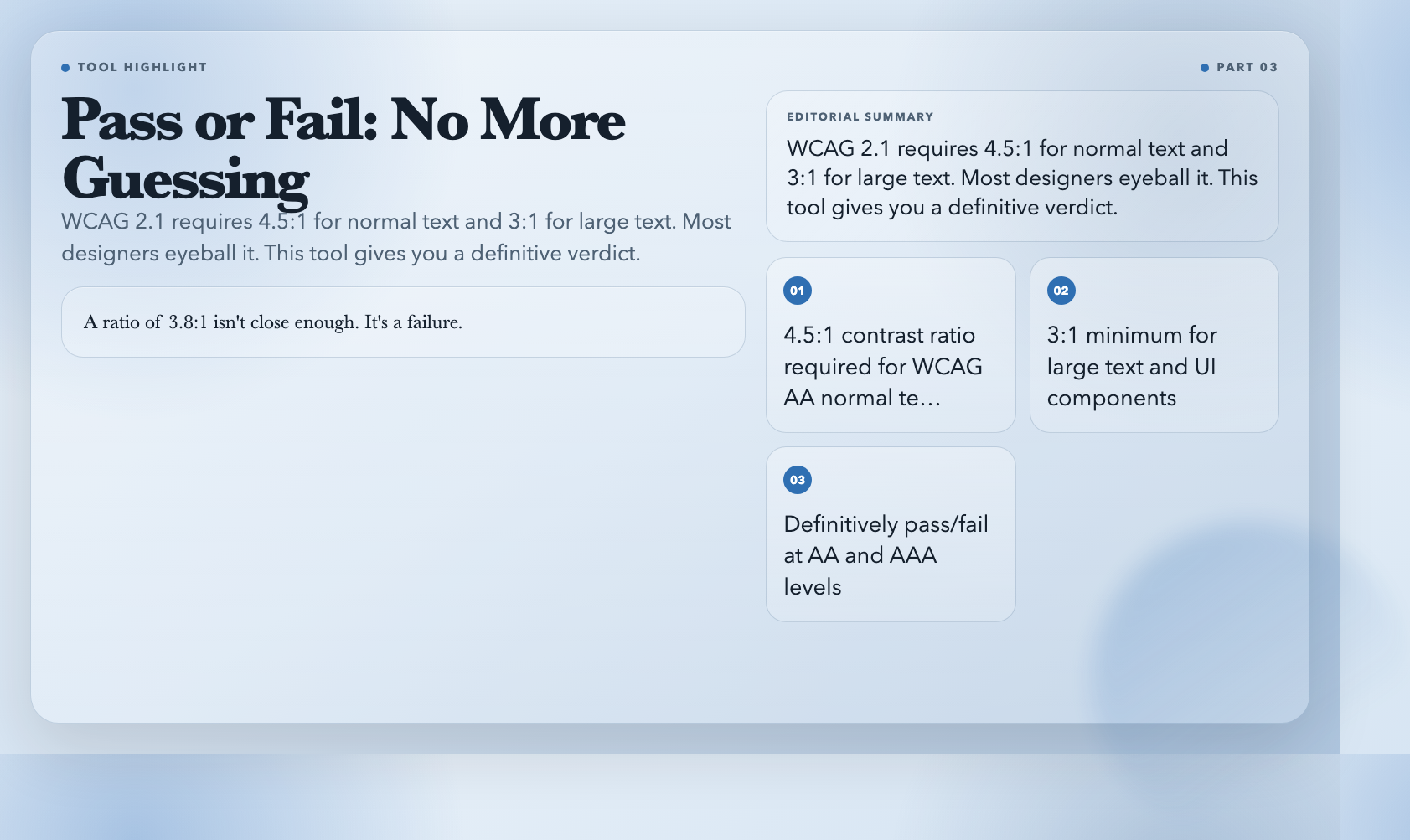
A ratio of 3.8:1 isn’t close enough. It’s a failure. The tool tells you exactly how far you are from the threshold and what to change to get there.
Color Scheme Generator
Starting a palette from scratch is a specific kind of creative block. You know what you want the brand to feel like — confident, calm, authoritative — but authoritative doesn’t come with a hex code.
Input a base color and this tool generates complete schemes using color theory: complementary, analogous, triadic, split-complementary, tetradic, and more. Each scheme includes hex codes, RGB values, and a live color preview.
You can generate 12 professional schemes in 30 seconds. The tool does the theory math; you make the creative call. That’s the right division of labor.
Color Mixer
Design rarely uses colors in isolation. Your primary brand blue at 70% opacity over white creates a different tone than 100% opacity over a dark textured background. Understanding how colors blend in different modes — multiply, screen, overlay, soft light — separates amateur palettes from professional ones.
This tool mixes up to three colors at adjustable ratios and blending modes, outputting the exact blended result in hex and RGB, ready to copy.
The same two colors in multiply mode versus overlay mode produce completely different results. Most tools give you one blend. This one gives you options — and the output to match.
Color Gradient Generator
CSS gradients are powerful and compact. But their syntax is unforgiving. A misplaced comma, a wrong number of stops, or an incorrect degree angle breaks the whole thing — silently, in production.
This tool handles the full gradient workflow: input two or more colors, set the stops, choose linear or radial, and copy the production-ready CSS. The live preview shows exactly what you’re getting before you paste it anywhere.
Gradient syntax is the kind of thing that takes 10 minutes to debug by hand and 30 seconds with a visual editor.
Color Temperature
Every display is calibrated differently. A neutral gray on your screen reads warm on a client’s laptop, cool on a MacBook Pro. In UI design, photography, or video work, temperature shifts can make the same palette feel like two different products across devices.
This tool shifts any color toward warm or cool tones with adjustable intensity. Output shows before/after side by side in hex and RGB.
Shifting a warm gray slightly cooler can make an entire UI feel more clinical and trustworthy — without changing anything else in the palette. This tool makes that adjustment measurable and reversible.
Color Tetrad
Complementary schemes give you two colors. Analogous schemes give you three. Rich, professional palettes often need four — but tetradic schemes are the hardest to build manually. You’re balancing two complementary pairs simultaneously, trying to keep hue, saturation, and lightness consistent across all four.
Input a base color and this tool generates four hues in a rectangular pattern on the color wheel. You control angle, saturation multiplier, and lightness. The tool does the math; you control the creative direction.
Color Accessibility Checker
Contrast checking is for one text-background pair. But interfaces aren’t one pair — they’re dozens. Miss a single failure and your accessibility audit is blocked. Check them all manually and you’ve burned an afternoon.
This tool runs your entire palette through WCAG compliance checks at once, reporting pass/fail for each combination across AA and AAA levels, flagging which pairs fail and by how much.
One failed contrast pair is enough to block an audit. Running your full palette through this tool takes two minutes and gives you an exportable report before every launch. That’s not a nice-to-have — it’s the workflow that prevents the failure.
The Missing Piece
These eight tools cover the full color lifecycle — generation, mixing, temperature, accessibility testing. But browser-based tools have a real gap: they’re RGB-first. Print color simulation — how your palette behaves across different paper stocks and CMYK conversion — still requires desktop software.
That’s the piece I’m still looking for. A reliable, free, browser-based print color preview tool doesn’t seem to exist yet. If you’ve found one, leave a comment. If you haven’t and you know your way around color science — that’s a tool worth building.