A single line of an Apache or Nginx access log contains nine facts about one request. A web server wrote it in 0.3 milliseconds. I have watched engineers spend 30 minutes reading five lines during an incident. The gap between writing and reading is the entire reason logs feel like noise, and the gap closes the moment a parser turns the line into a JSON object with named fields.
The fix is a thin layer that knows the grammar of a log line and pulls the pieces apart. A log parser takes a paste of raw access logs and returns JSON, a table, or CSV with one row per request — IP, timestamp, method, URL, status, size, referer, user agent — exactly the fields you would want for any analysis, audit, or incident investigation. Try it on real log lines at Elysia Tools.
A real line, in full
Take a single line from a default Nginx access log:
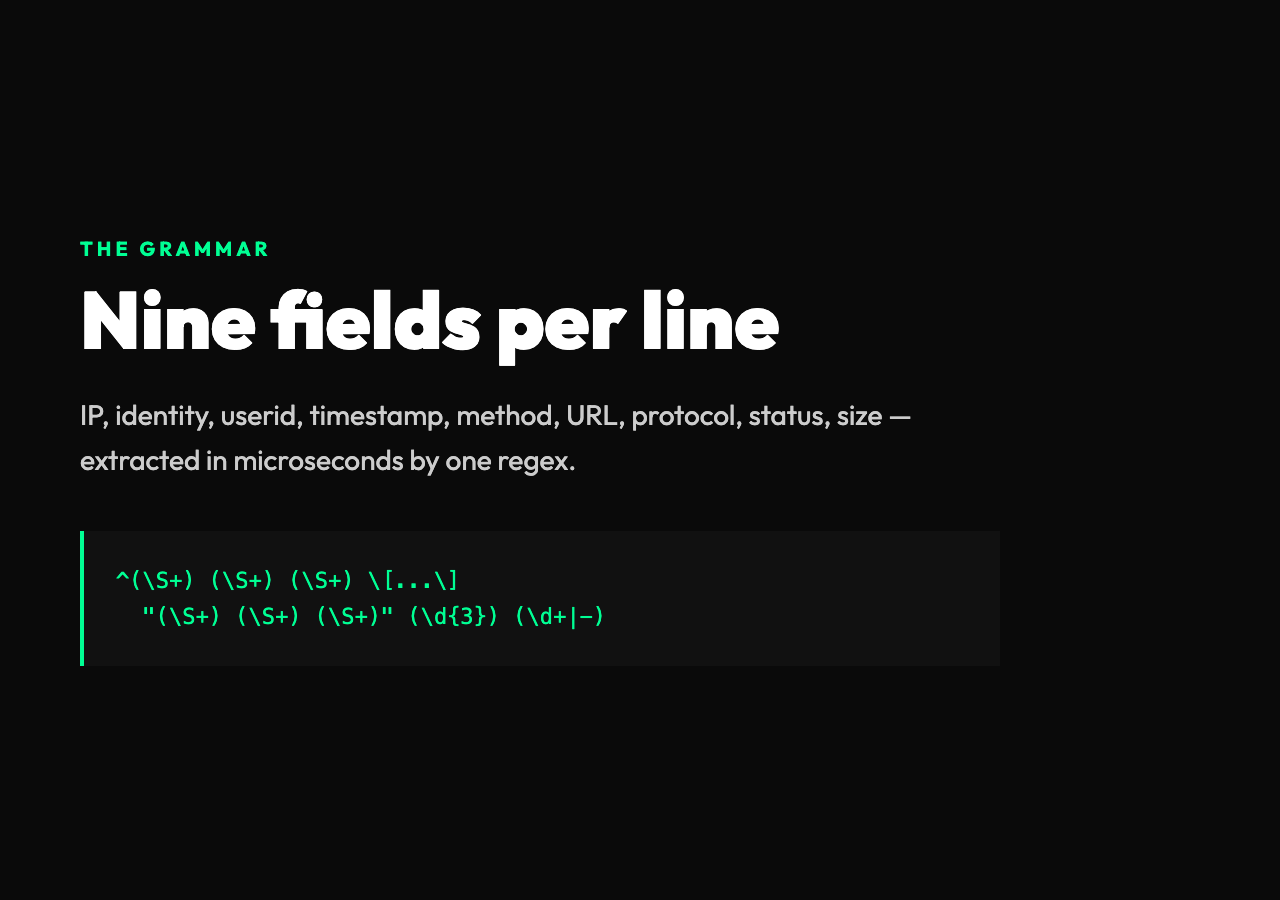
192.0.2.45 - - [10/Oct/2024:13:55:36 +0000] "GET /api/v1/orders HTTP/1.1" 200 2326 "https://example.com/dashboard" "Mozilla/5.0 (Macintosh)"Read it once and it looks like punctuation soup. Read it twice and the structure jumps out. There are nine facts in that one line:
– The client IP address (192.0.2.45) – The identity field, almost always - (the historical RFC 1413 placeholder) – The userid, also - unless basic auth is on – The timestamp in a bracket-quoted format with timezone – The HTTP method, URL, and protocol inside a quoted string – The status code, an integer – The response size, an integer or - for no body – The referer URL, in quotes (only present in combined log format) – The user agent string, in quotes (only present in combined log format)
The trick is that the format is deliberately hard for humans but easy for regex. The brackets, quotes, and dashes are markers that turn the line into nine capture groups. A parser that knows this grammar can extract every field in microseconds. The reason it feels intimidating is that you usually only see the raw text in a panic, and the panic is precisely when you need a fast answer.
The four log formats you will meet
Real servers do not all use the same log shape. There are three Apache-flavored formats and one Nginx-specific one that you should be ready to recognize.
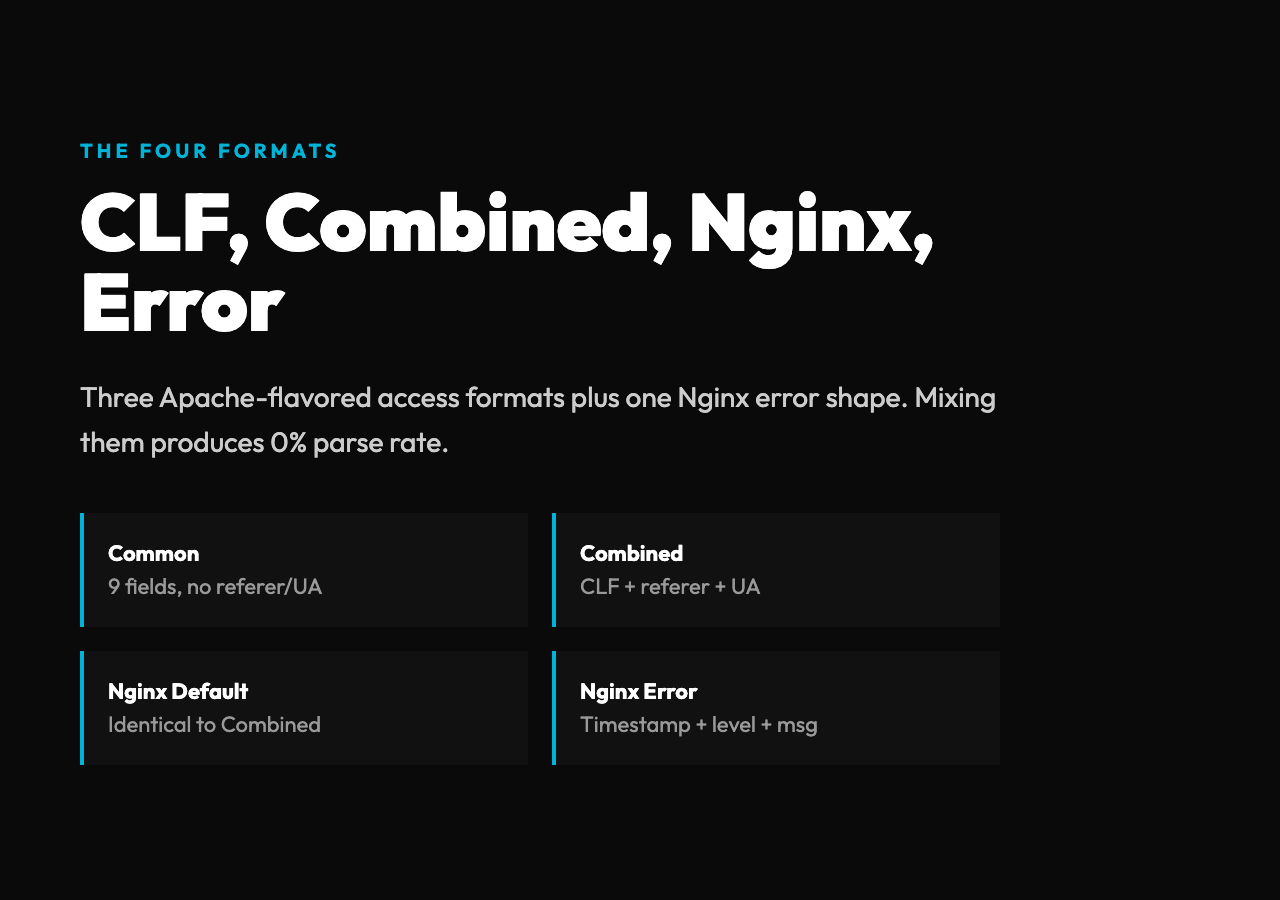
Common Log Format (CLF) is the original. It has nine fields ending at response size and no referer or user agent. Most legacy Apache configs still emit this. It is the smallest format that captures the request itself.
Combined Log Format is CLF plus referer and user agent. It is what almost every Nginx and modern Apache installation writes by default. The combined keyword in an Apache LogFormat directive or the implicit default in nginx.conf is the same shape. If you only ever learn one format, learn this one.
Nginx Default Format is byte-for-byte identical to Combined Log Format in the access log case — Nginx reuses the same wire format Apache defined. The naming distinction exists because Nginx also has a completely separate error log shape, which looks like 2024/10/10 13:55:36 [error] 12345#0: *123 client denied by server configuration: client: 192.168.1.50. A parser that does not understand error logs will silently fail to match every line.
Nginx Error Log Format has no IP, no method, no URL — only a timestamp, a level (error, warn, crit, etc.), and a free-form message. The shape is closer to syslog than to an HTTP access log, and mixing it into your access-log pipeline will produce a 0% parse rate. Always separate the two streams.
A good log parser offers all four as named presets. Trying to roll your own regex for each shape is how you ship 30 lines of mostly-correct captures that break on the next server upgrade.
The anatomy of a parseable line
A parser is a regex with nine capture groups for combined format. The pattern in plain English reads like the line itself:
^(S+) (S+) (S+) [([w:/]+s[+-]d{4})] "(S+)s?(S+)?s?(S+)?" (d{3}) (d+|-) "([^"])" "([^"])$Each group is a single piece of the line:
1. The IP — non-whitespace, no anchors needed 2. The identity field — also non-whitespace, almost always - 3. The userid — same 4. The timestamp inside brackets — letters, colons, slashes for the date and time, whitespace, then a sign and four digits for the timezone offset 5. The HTTP method — uppercase letters inside the quoted request string 6. The URL — anything until the next whitespace inside the quote 7. The protocol — usually HTTP/1.1, sometimes HTTP/2.0 8. The status code — exactly three digits 9. The size — a number, or - if the response had no body 10. The referer — anything but a quote, inside its own pair of quotes 11. The user agent — same, inside its own quotes
Notice how much of the complexity is in the quoting and the bracket structure, not in the data itself. The data is all the boring stuff — IPs, numbers, URLs. The punctuation is the grammar. Once you can name each piece, the line reduces to a single row.
The most common parsing bugs come from forgetting the optional pieces. A GET / request has a method and a URL but no protocol. A request with no body has a - where the size should be. A log line truncated by a buffer overflow might end mid-field. A parser that makes every group strict will reject lines that any relaxed parser would accept. Always mark the optional captures with ? and allow - where the spec allows it.
What the output looks like
The same line above, after parsing, becomes a JSON object you can query:
{
"ip": "192.0.2.45", "identity": "-", "userid": "-", "timestamp": "10/Oct/2024:13:55:36 +0000", "method": "GET", "url": "/api/v1/orders", "protocol": "HTTP/1.1", "status": 200, "size": 2326, "referer": "https://example.com/dashboard", "userAgent": "Mozilla/5.0 (Macintosh)" }
That object is small, friendly, and directly maps to the analysis you probably want: filter on status >= 500 to find errors, group by ip to find the noisiest clients, sort by size to find the largest responses, look for unusual userAgent strings to spot bots. The log line was always this data — the parser only makes it addressable.
For bulk work, CSV or a table format is usually easier to load into a spreadsheet or a database. The three output modes are not redundant. JSON is what your code will read. CSV is what your business team will read. Table is what you will paste into a bug report. A real log parser should let you switch between them without re-parsing the input.
The three things you will do with the result
Debug a 500 storm. Your monitoring shows error rate at 2% over the last hour. The dashboard says nothing about which endpoints, which users, or which input triggered it. Filter the parsed JSON to status >= 500, group by url and you will see that 95% of the errors hit /api/v1/orders?include=history and almost all of them come from one user agent. The raw log line would have shown you this in five minutes — if you could read it. The parser cuts the same answer down to five seconds.
Audit who hit a sensitive endpoint. Security asked which IP addresses accessed /admin/users last Tuesday. Without a parser, that is grep with a regex that almost matches the right shape. With a parser, you filter on url and you have a clean list of IPs, timestamps, and user agents to hand to the SOC team. Audit queries stop being scary.
Measure what users do. The combination of method, URL, status, and user agent is a behavioral log. If you can parse 100,000 lines into structured records, you can ask: which endpoints get 4xx errors most often, which user agents are mostly bots, which IPs return 200 in 30 ms and which take 5 seconds. None of this requires shipping logs to a SaaS — it requires being able to read them.
Why a regex parser beats a log shipper for one-off work
Splunk, Datadog, and ELK all ingest log lines and extract fields. They are the right tool when you have terabytes of logs and a permanent query load. They are the wrong tool when you have 200 lines, a 4 AM incident, and a question that needs an answer in the next ten minutes. Spinning up a Datadog pipeline to extract nine fields is a 20-minute setup for a 30-second answer.
A pure-regex parser that runs in your browser or in a single Python call is the right shape for one-off investigations. Paste the log lines, get JSON or CSV back, run the query. The regex is the same one a log shipper would ship, but the deployment cost drops to zero and the result is immediate. For ad-hoc work, “local regex parser” wins on every dimension except storage.
This is exactly the niche the Elysia Tools log parser fills — Common, Combined, Nginx default, and Nginx error format in a single paste, with JSON, table, and CSV output. For testing, the Nginx Log Parser Samples page has real-world access and error log lines covering each shape, so you can confirm the parser handles your format before you trust it in an incident.
A pattern you can paste into anything
The regex above is the only piece of intellectual property in parsing. Once you understand it, you can reshape it. Want to extract only the IP and the URL? Use ^(S+)."(S+) S+ S+". Want to also pull the user agent? Add "([^"])". Want to add response time, which Nginx emits in a custom log format as $request_time? Extend the pattern with (d+.d+)$ at the end and you have a one-line latency column.
The key insight is that you do not need a library for this. You need a regex and a small wrapper that splits input by line, runs the regex on each, and emits a record. The wrapper is 20 lines. The regex is the lesson, and it is a lesson you will reuse every time a log format shows up in your life — which is more often than you think.
Once you can read a log line, an entire class of problems becomes addressable. The data was always there. The grammar was always simple. The barrier was the line noise. A good parser makes the noise disappear.
What is left, in the end, is the same story every visitor has been telling your server all along — every click, every retry, every 404, every abandoned cart, one line at a time. The only question is whether you read it.