The last product launch I watched lose half a day wasn’t a software problem. The catalog had52 SKUs in a CSV. Each one needed a printed barcode. The team had three options: open a generator fifty-two times, write a script to drive one, or paste the CSV somewhere that did the iteration. They picked option three. The tool they used was the Barcode Batch Generator, and the reason it returned a folder of fifty-two PNGs in under a second is a math decision that pre-dates most of the people using it.
One row per code is the whole job
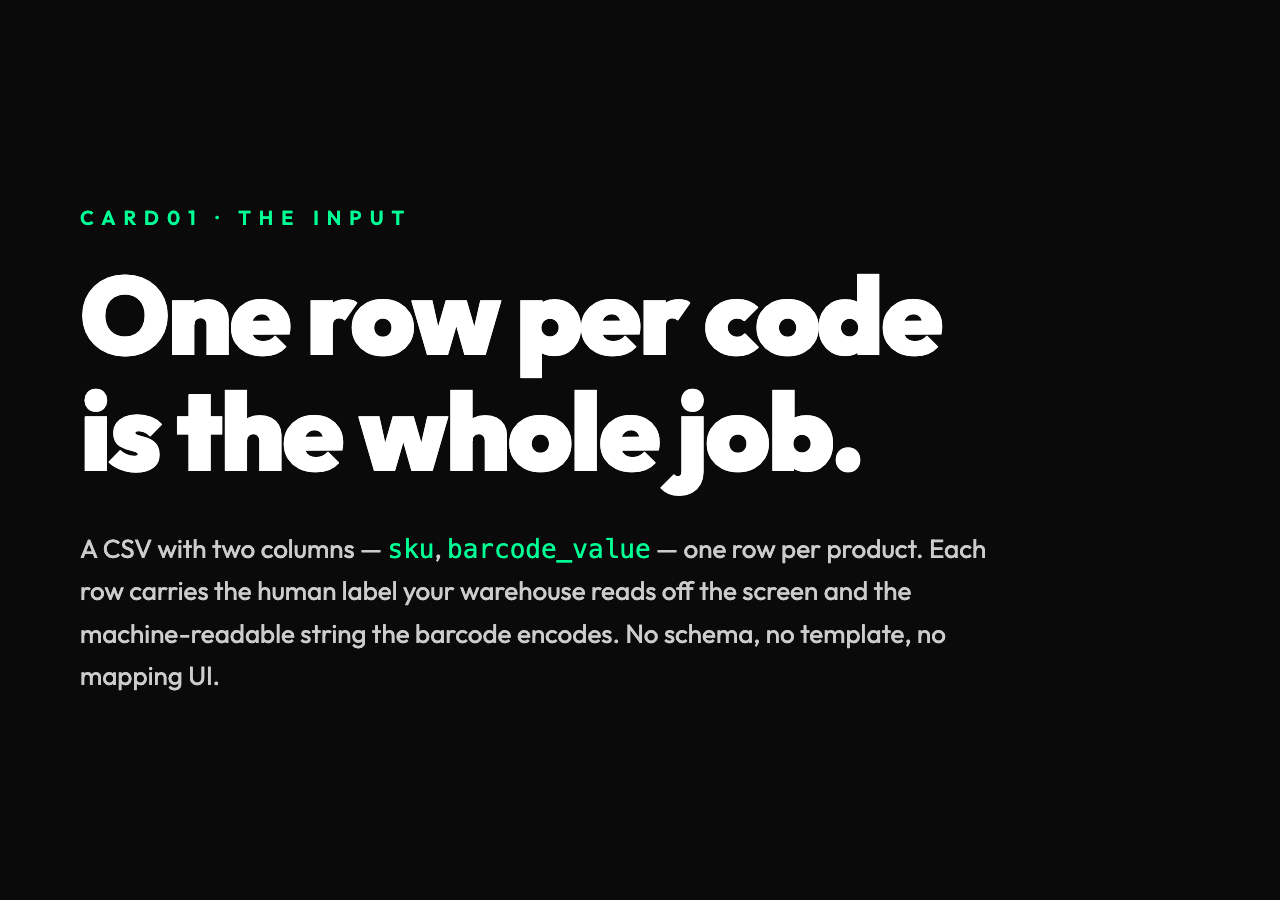
The input is the part people underestimate. A CSV with two columns — sku,barcode_value — and one row per product is enough. Each row carries the human label your warehouse team will scan off the screen, plus the machine-readable string the barcode encodes. No schema work, no template setup, no column mapping UI.
What the tool does is iterate that list and stamp each row into a different symbology: Code128 for internal SKUs, EAN-13 for retail, UPC-A for North American shelves, ITF-14 for shipping cartons, QR Code when you want the value to carry a URL, Data Matrix when the label is small. The format choice is per-row, which is the whole point — a single CSV can carry mixed output types and still produce a clean folder.
That decision matters because real product catalogs are not homogeneous. A retail apparel line mixes EAN-13 on hangtags, QR on care labels, and Data Matrix on inner packaging. Forcing them all through one symbology costs readability or barcode density — usually both. A batch tool that accepts per-row format gives back the right tool for each surface.
Why the math under it is older than your laptop
Each of those six formats has a check digit — a single calculated digit appended to the encoded string that lets a scanner detect a misread. EAN-13’s check digit uses a weighted modulo-10 algorithm: alternate digits are multiplied by1 and3, summed, and the result is subtracted from the nearest multiple of10. The13th digit is the difference. UPC-A, ITF-14, and Code128 each have their own variant, with different weights and ranges.
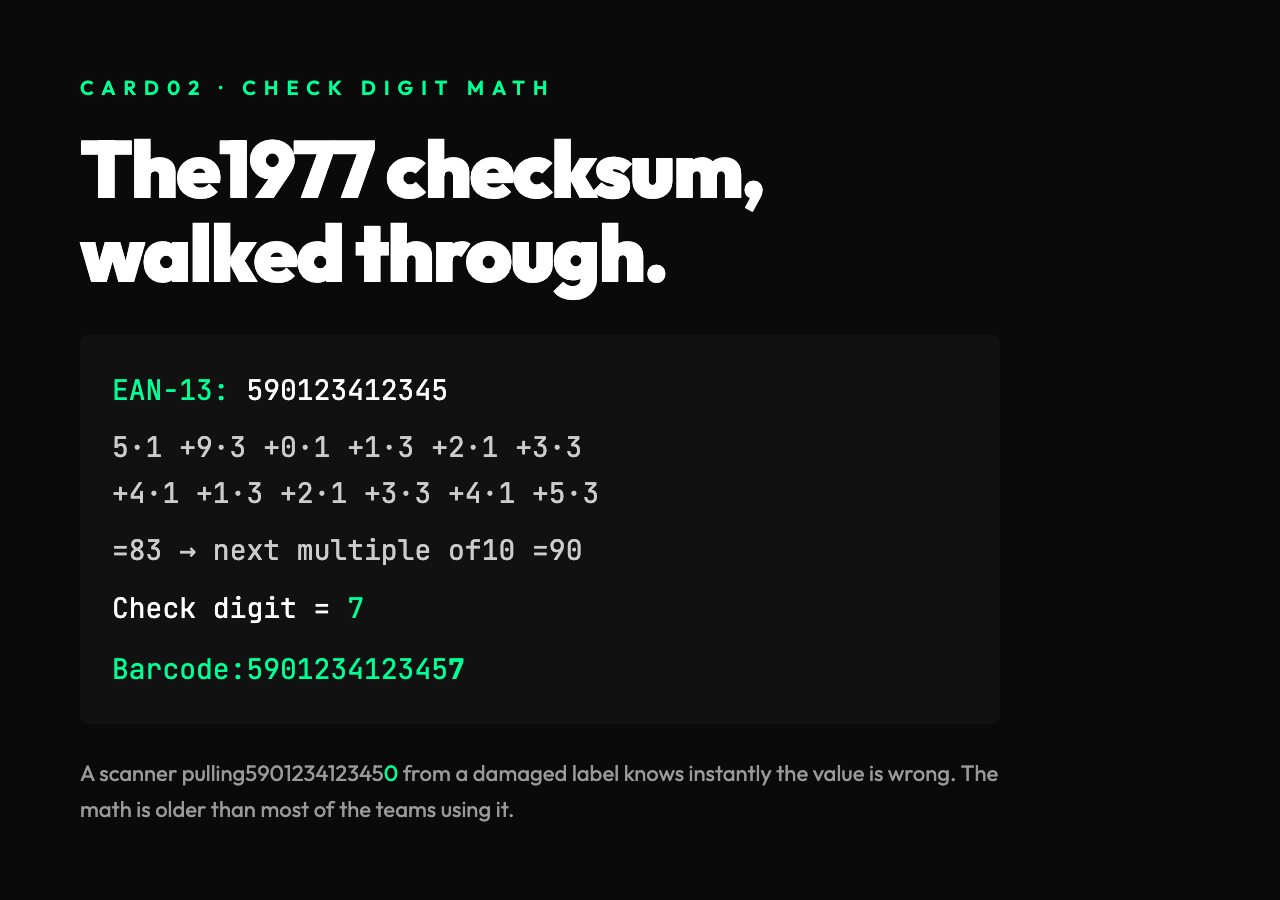
The math is concrete and short enough to walk through. Take EAN-13 value 590123412345: weight the odd positions by1, the even positions by3, sum them, and the check digit is whatever brings the sum to the next multiple of10. 5·1 +9·3 +0·1 +1·3 +2·1 +3·3 +4·1 +1·3 +2·1 +3·3 +4·1 +5·3 =5+27+0+3+2+9+4+3+2+9+4+15 =83. The check digit is 7 because 83+7 =90. The full barcode reads 5901234123457. A scanner that pulls 5901234123450 from a damaged label knows immediately the value is wrong.
The reason this matters for batch generation is that every row has to pass its own check digit test before the barcode is even drawn. A tool that produces50 codes from a50-row CSV will quietly fail the moment one of those rows has a malformed value — wrong length, non-numeric character, missing digit. The output folder will be49 PNGs and one error message, and the operator has to find which row was bad.
A real batch tool surfaces that error per-row. The CSV goes in, the folder comes out, and any rejected row is named in the output so the operator can fix and rerun that single SKU. Without that, the workflow is just faster failure.
Where batch generation earns its keep
The use case most people miss is revisions. A product catalog rarely ships once. New SKUs are added, prices change, packaging layouts shift, and the same50 barcodes need to be regenerated against the same CSV with one or two cells changed. Doing that50 times by hand is what the batch tool exists to remove.
A second case is multi-format output for the same data. If your CSV has sku, value, format, the tool can produce a Code128 PNG for the SKU column and a QR Code PNG for a URL column in the same pass. Two folders, one input, no scripting. That’s the operational definition of “one click.” It also forces the operator to fix the validation gap once, not per code — improve the data, regenerate, ship.
A third case — and the one most teams don’t see until they hit it — is regulatory drift. UPC-A and EAN-13 specs update over time. Old product catalogs that haven’t been regenerated against a current validator can quietly produce barcodes that scan at the warehouse but fail at retail. A batch tool that pulls against the spec, not a frozen version, lets you regenerate a thousand-row catalog in one pass and prove the labels still scan. Ship with that confidence, and you replace the recall conversation with a launch announcement.
For anyone shipping physical products at scale, the Barcode Batch Generator handles this without a per-row interface — paste the CSV, pick the output folder, walk away.
What the symbology choice costs
Code128 is dense, supports the full ASCII range, and is the safest default for internal SKUs that don’t need to scan at retail. EAN-13 is internationally regulated —12 digits plus a check digit, no exceptions. UPC-A is its North American cousin. ITF-14 is designed for shipping containers, where the bars are drawn thicker so damaged cardboard still scans.
QR Code and Data Matrix are2D codes. They carry more data per square inch and survive partial damage better than1D codes, but they require camera-based scanners, not laser wands. The right pick depends on what your warehouse is already using.
For teams building the catalog, the Barcode Batch Generator covers all six without forcing a single choice — pick per row, output per format, ship the folder.
The honest limits
Batch generation is not validation. A tool that draws a Code128 PNG from the string INVALID-12345 will still produce a perfectly scannable-looking image — the human-readable string sits underneath, but the scanner will reject the value the moment it tries to look up the SKU. For checking that real GTINs and ISBNs match their check digits before they hit the label printer, a separate validator is the right next step. The UPC/EAN Barcode Samples page is a quick way to test against real-world examples without hunting through your own catalog.
That’s the trade worth naming: batch generation closes the volume gap, validation closes the correctness gap. Most teams need both, and the order matters — generate first to ship, then validate to clean. The wider catalog of barcode, QR, and EAN tools lives in the Design category on Elysia Tools, where the same one-click pattern extends to color tokens, palettes, and accessible contrast checks.
The bigger picture
The reason batch tools like this matter is that barcode formats are old. EAN-13 was standardized in1977. Code128 dates from1981. The math behind check digits hasn’t changed because the math works — scanners, label printers, and warehouse management systems all speak the same protocol because that protocol was locked before most of the tools you use today existed. A2026 batch generator is, in operational terms, a CSV reader with a1977 checksum stapled on. That sounds like a small thing. It is also the thing that makes every product on a shelf scannable in the first place.
Run the catalog through the Barcode Batch Generator once, and the question every warehouse has been asking for forty years — does this label scan? — has a one-click answer. The math was settled in1977. The CSV reader is the new part. Everything in between is the gap the tool closes.