I dropped a 700-line markdown draft into a link extractor. The body read cleanly. The extractor returned 41 links, 3 duplicates, 1 invalid URL, and 1 undefined reference — all of which the prose editor had missed. The markdown link extractor is one of those tools that, once you use it on a long file, you stop trusting long files that have not been through it.
A file that looked fine
I dropped a 700-line markdown draft into the tool. The body read cleanly. No broken images, no obvious dangling references, no glaring syntax errors. The extractor returned 41 links across five categories: 24 inline, 8 reference, 6 image, 2 autolinked, 1 bare. The summary tab also reported 3 duplicates, 1 invalid URL, and 1 undefined reference.
The interesting part was the issue list. The undefined reference was buried on line 412: [citation needed][cn], a placeholder I had forgotten to remove. The invalid URL was on line 588 — a markdown image pointing to /img/chart-q3.png, a relative path that worked on the staging site but not in the production deploy. The three duplicates were all variants of the same documentation root URL written in slightly different ways.
None of these errors crashed the renderer. Markdown is forgiving in the way HTML used to be — it will quietly display what it can and skip the rest. But “skip the rest” is exactly the failure mode that breaks trust, especially in technical writing, where a missing reference is a credibility tax on the reader.
The five link syntaxes the spec recognises
The markdown link extractor covers five distinct link syntaxes the CommonMark spec recognises. Inline links — text — are the obvious majority. Reference links come in three sub-forms: full [text][ref], collapsed [ref][], and shortcut [ref], each resolved against the document’s reference definitions with usage tracking so you can see which definitions go uncited. Image links share the inline syntax but get their own category, which matters because a broken image and a broken text link deserve different fixes. Autolinks —
, reference [text][ref] / [ref][], image , autolink <https://...>, and bare URLs.](https://blog.flowrust.com/wp-content/uploads/2026/06/card1-51.png)
The validation step runs new URL() against every link. This is the cheap, decisive test: a URL that does not parse as a constructor argument is broken in a way no markdown renderer can paper over. The tool also normalises host casing for duplicate detection, so https://Example.com and https://example.com count as the same URL — a subtle detail that matters the moment drafts from multiple authors start merging.
The duplicate problem
Duplicates in a markdown file are rarely a bug. They are usually a sign that two sections of a document have drifted out of sync. The tool tracks duplicates by normalised URL, so the count you see is the count of distinct canonical addresses that appear more than once. A link to a documentation root showing up seven times across a long file is not an error — it is information about how the document is structured.
![The issue list from a 700-line file: line 412 undefined reference [citation needed][cn], line 588 invalid image URL /img/chart-q3.png, and 3 duplicate URLs of the same doc root.](https://blog.flowrust.com/wp-content/uploads/2026/06/card2-51.png)
The signal that actually matters is when a duplicate is a near-duplicate: https://example.com/docs and https://example.com/docs/ (trailing slash) are the same page, but the tool will count them as two distinct URLs because the normalisation does not strip a trailing slash. The fix is editorial, not algorithmic — pick one and replace the other. The tool gives you the line numbers to do that surgically instead of scrolling.
Where this fits in a writing workflow
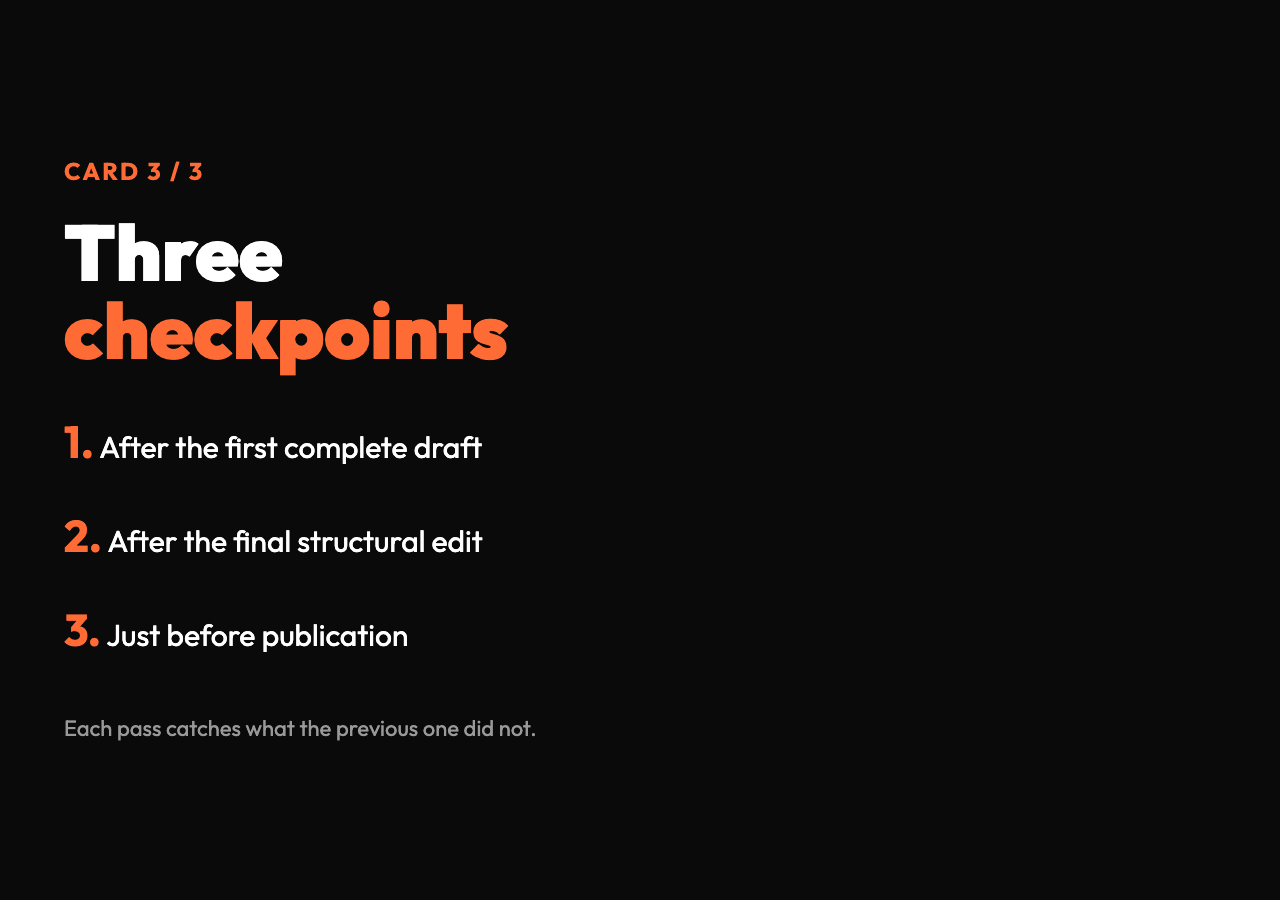
The pattern that works is to run the extractor at three points: after the first complete draft, after the final structural edit, and just before publication. The first pass surfaces structural errors — broken references, missing images, copy-paste leftovers. The second pass catches references that became orphaned when sections moved. The third pass is the canary: if anything new has appeared since the last edit, you want to see it before readers do.
For longer documents, the issue list is the part you actually read. Summary numbers tell you the file’s overall health; the issue list tells you what to fix. Most long-form technical writing has 2-5 latent issues at any given moment — not because the author is careless, but because markdown is a permissive format and a busy editor does not always have time to re-verify every URL after every revision.
The tool also exposes position data — line and column — for every link, which matters when you are auditing a 800-line document. You do not have to grep the file; you jump straight to the offending line. For documents with frequent collaborative edits, this is the difference between a 20-minute review and a 90-minute one.
A small but useful nuance
One detail worth understanding: the extractor treats reference definitions and reference usages as a connected graph. A definition on line 50 that is used on lines 200, 340, and 510 will be reported as a single URL with a usage count of 3. A definition that has no usages — the [citation needed][cn] case from my draft — gets flagged as undefinedReference, severity warning. This is the link-equivalent of an unused import in code: harmless at runtime, but a sign that something is stale.
The tool also distinguishes between inline and reference link types even when they point to the same URL. That sounds pedantic, but it is the only way to know whether a link is robust to text changes. Inline links travel with the text that surrounds them; reference links are decoupled, and the URL can be updated in one place. Knowing which kind of link you are reading matters when you decide what to keep and what to rewrite.
Try it on your own file
If you write markdown regularly, pick one of your longer drafts and run it through the link extractor. The first thing you will notice is the count: most people underestimate how many links a long document actually contains, because the eye filters them out as part of the prose. The second thing you will notice is the issue list. Almost every long file has at least one latent problem — a definition nobody uses, a duplicate URL in two slightly different forms, a relative path that no longer resolves.
The tool does not write or edit for you. It hands you a structured list of what is actually in the file, with line numbers, and gets out of the way. That is the entire job, and it is the job that no text editor does well on its own.
Explore more tools at elysiatools.com.
Every long markdown file has a few links it is quietly lying about. The extractor is how you find out which ones, before a reader does.