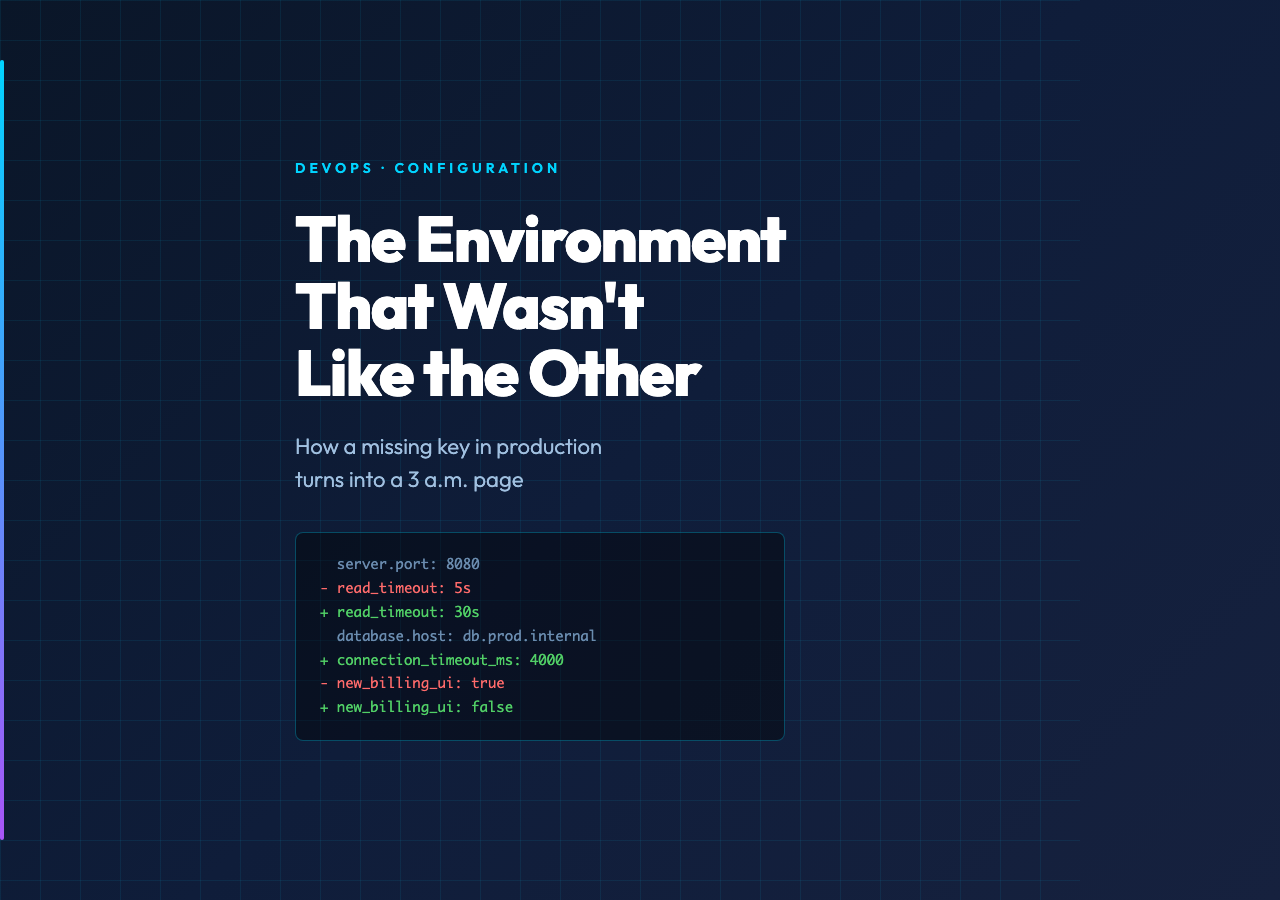
Most outages that get blamed on “the deploy” are actually config drift. A setting that was set in staging, a key that quietly changed shape in a hot-patch, a TOML table that has a slightly different default on a different OS image — these are the things that escape a unit test and a code review, then explode the moment production serves real traffic. The fix is unglamorous: snapshot your environments, diff them, and never ship without looking at the diff.
The Environment Config Diff Visualizer at Elysia Tools is built for exactly that moment. You paste two or three config bundles — JSON, YAML, TOML, or .env-style KEY=VALUE lines — and it renders the structural diff: missing keys, type changes, value drift, and keys that exist in staging but are silently absent in production. The output is an HTML report with a side-by-side tree view and a flat list of every delta, color-coded by severity.
Why environment drift is the deploy problem nobody catches
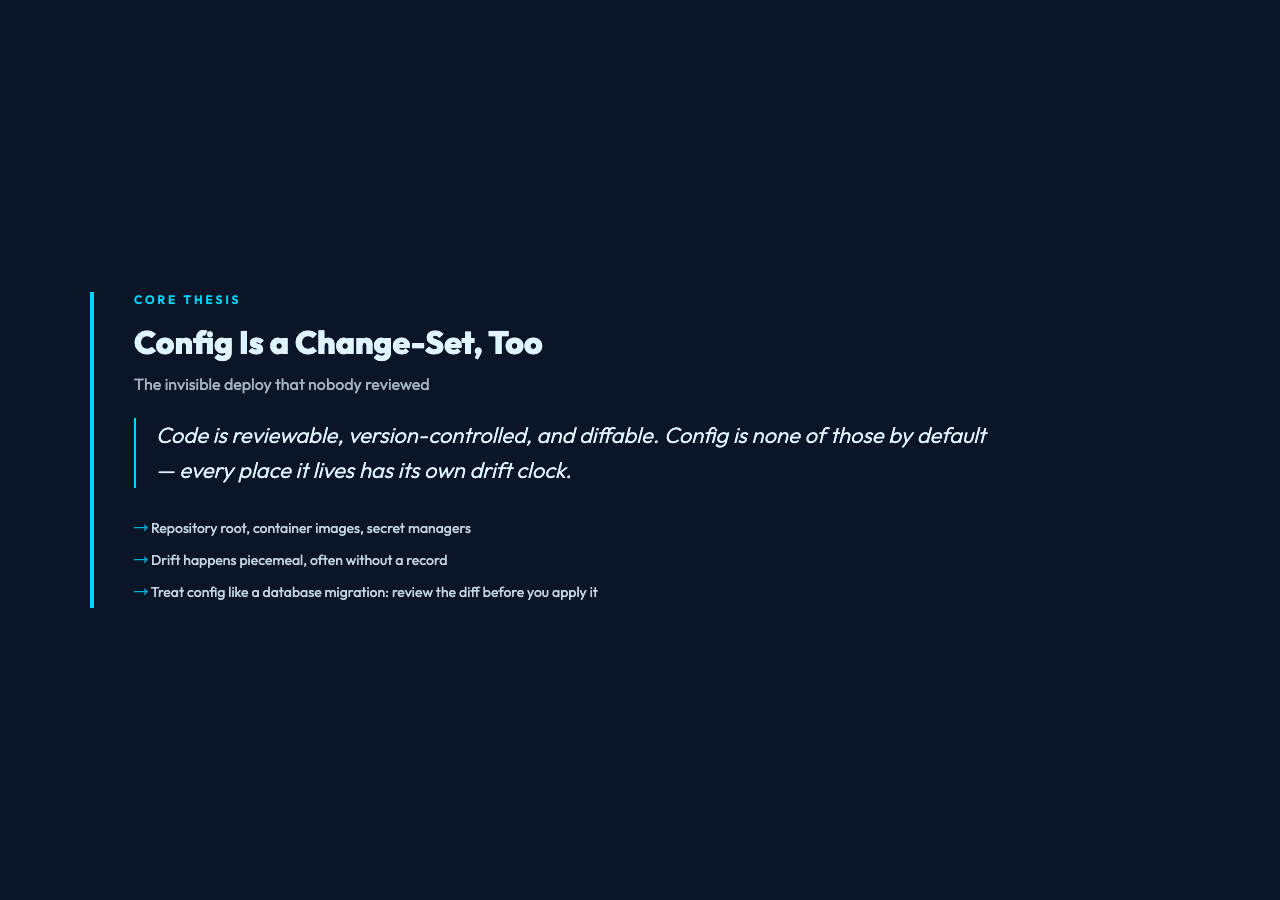
Code is reviewable, version-controlled, and diffable. Config is none of those by default. It lives in a dozen places — repository root, container images, secret managers, orchestrator overlays, feature-flag dashboards — and every one of those places has its own drift clock. A key that was set to 120s in staging.yaml last quarter may be 30s in production right now, and the only person who knows is whichever on-call engineer last touched the values-production.yaml file under pressure.
Static checks can help, but they only catch things you remembered to write a test for. A diff visualizer catches the things nobody thought to test — the missing key, the type that quietly changed from integer to string, the value that a CLI flag overrode two months ago and never got reverted. You see, in one screen, the entire surface area of “what’s different between these two environments.”
This is the same shape of problem as a database migration review: you trust the change-set, but you want to read it before you apply it. Config drift is a change-set too, except the changes were made piecemeal, often without a review, and often without a record.
How the visualizer works
Paste a config bundle into the Configuration Bundle textarea. Repeat for each environment you want to compare. The tool normalizes JSON, YAML, TOML, and KEY=VALUE lines into a unified internal tree, then walks the trees in parallel and flags four classes of difference:
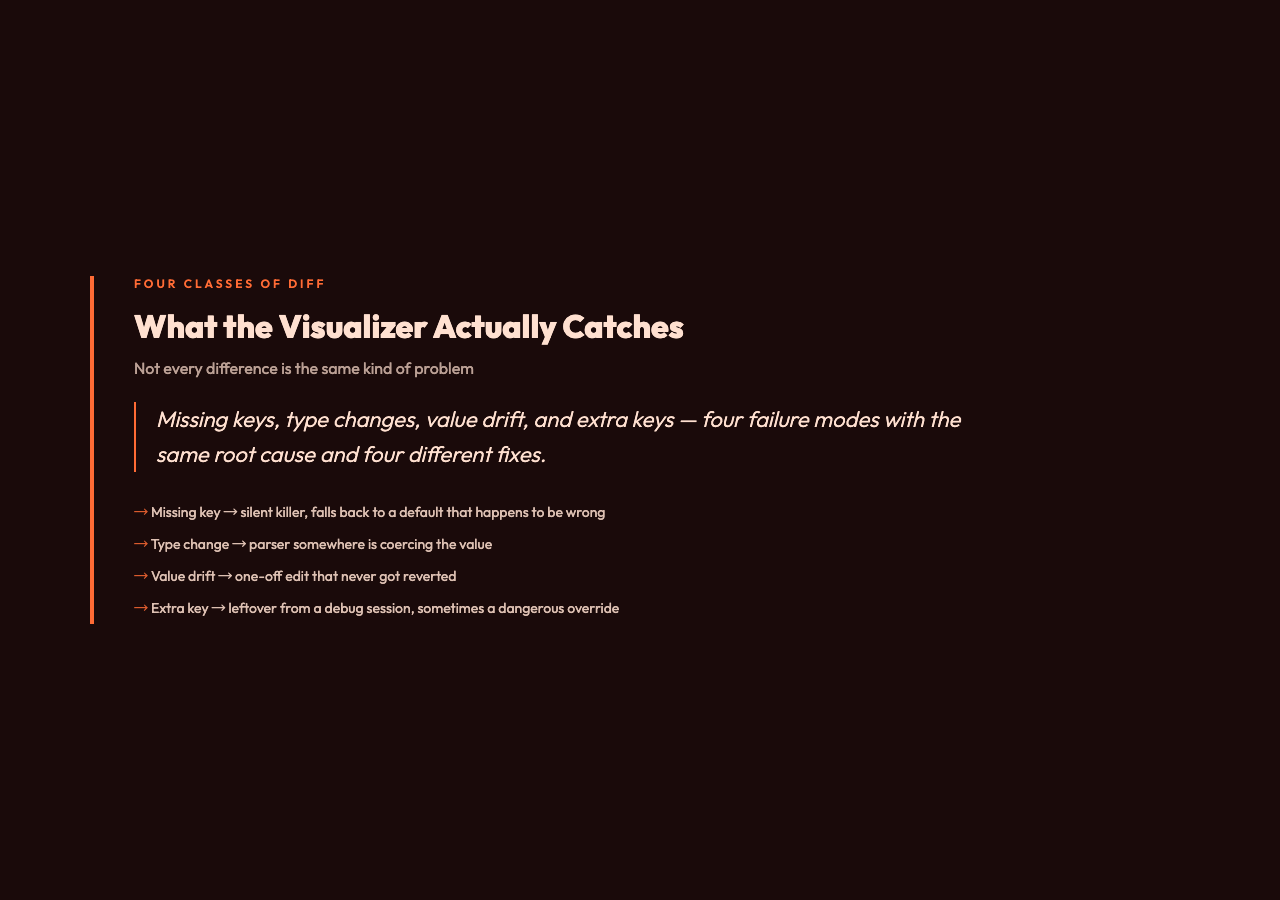
- Missing key — defined in one environment, absent in another. This is the silent killer: a feature flag that’s only set in staging, a timeout that’s only set in production, a database pool size that’s missing from
staging.yamland falls back to a default that happens to be wrong. - Type change — a string in one environment, a number in another. Usually means a parser somewhere is coercing the value, and the coerced form will eventually reach a strict validator.
- Value drift — same key, same type, different value. The classic staging-vs-production mismatch, often the result of a one-off edit that never got reverted.
- Extra key — a setting that’s only in one environment, often a leftover from a debugging session, sometimes a dangerous override you forgot to remove.
The output is an HTML report with two views: a structural tree that mirrors the nesting of your config, and a flat list of every delta with its severity, path, and the values on each side. Toggle the Mask Secret Values checkbox to keep database passwords and API keys out of the rendered diff (the values are replaced with *** in the report). Toggle Ignore Letter Case when you’re comparing environments that normalize case differently (Windows paths, DNS names, ENV-var conventions). Toggle Show Tree View to get a nested collapse-and-expand rendering that’s easier to scan on long files.
The HTML report is the deliverable. Save it next to your release notes, attach it to the deploy PR, and the next engineer will thank you for the receipt.
What good config hygiene actually looks like
Diffing is the read side. Writing is the other half, and it has its own rules. Three that pay off the first week you adopt them:
– One schema, many values. Define the shape of your config in a typed schema — Zod, Pydantic, JSON Schema, Go struct tags, whatever your stack uses — and validate every environment against it at boot. The diff visualizer catches drift between values; the schema catches drift between shapes. Together they cover most of the surface area.
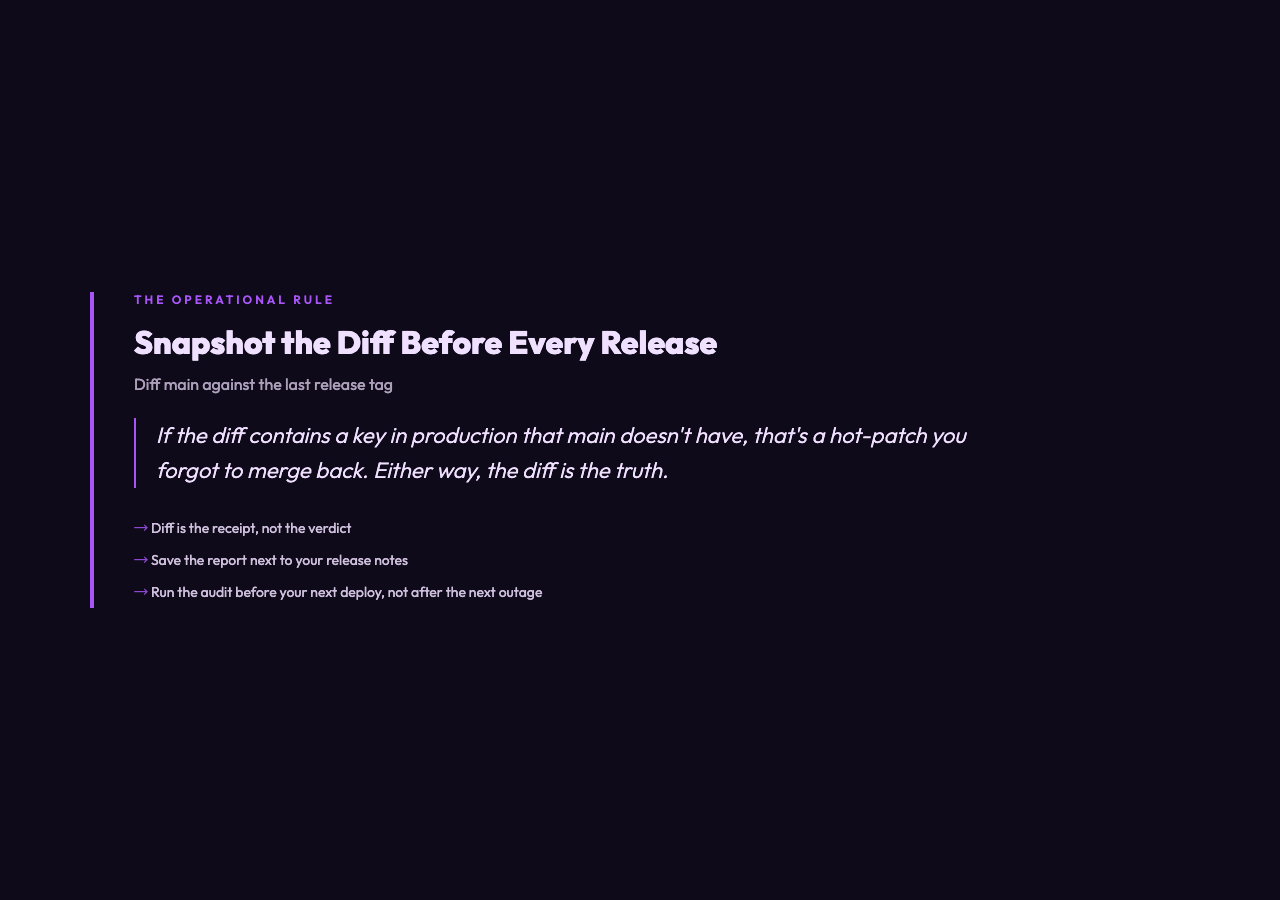
– Snapshot the diff before every release. Diff main against the last release tag. If the diff contains a key in production that main doesn’t have, that’s a hot-patch you forgot to merge back. If the diff contains a key in main that production doesn’t have, that’s a pending change you haven’t rolled out yet. Either way, the diff is the truth.
– Treat secrets as a separate channel. Real secrets should not live in the same files as ordinary config. They belong in a secret manager, injected at runtime, masked in any diff output. The visualizer’s Mask Secret Values toggle exists precisely for the moments when you have to diff a file that still has a few secrets left in it — and it’s the kind of toggle you want on by default.
A worked example
Suppose your staging app.yaml looks like this:
server:
  port: 8080
  read_timeout: 5s
  write_timeout: 10s
database:
  host: db.staging.internal
  pool_size: 20
  ssl: true
feature_flags:
  new_billing_ui: true
  experimental_search: false
And your production app.yaml has drifted into this:
server:
  port: 8080
  read_timeout: 30s
  write_timeout: 10s
database:
  host: db.prod.internal
  pool_size: 50
  ssl: true
  connection_timeout_ms: 4000
feature_flags:
  new_billing_ui: false
  legacy_billing_fallback: true
Run both bundles through the Environment Config Diff Visualizer and the report tells you, in one screen, that production’s read timeout is six times longer than staging’s, that the database connection timeout is a production-only addition, and that the billing feature flags are flipped. The next time someone asks “why is the new billing UI not appearing for paying customers?” the answer is in the diff from two months ago.
For a more visual comparison of drift in real-world environments, the Elysia Tools visualization library has interactive demos that animate how config drift propagates through a deploy. Watching a tree of keys turn red as one environment inherits a stale default is a faster way to teach the concept than a paragraph of prose.
What the visualizer does not do
It will not tell you which difference is the one that matters. A diff is a list of facts, not a verdict. You still need a human (or a policy file) to decide that a 5-second-vs-30-second read timeout is a real bug while a 20-vs-50 connection-pool size is a deliberate capacity choice. The tool gives you the receipt; you decide what to do with it.
It also will not catch every class of drift. If two environments are running different versions of the same library, and that library has changed the meaning of a key, the diff will not see it — the keys are identical, the values are identical, only the runtime semantics have shifted. That kind of drift needs a dependency-version diff, not a config diff.
It will not replace a real secret manager. The Mask Secret Values toggle is a safety belt, not a parking brake. If your config file contains a literal AWS_SECRET_ACCESS_KEY=…, the right answer is to move that value to a secret manager and inject it at runtime, not to keep it in the file and rely on a checkbox to hide it from the report.
Closing
Sticky environments, identical names, and a single missing key in production are the things that take services down at 3 a.m. A good config diff tool makes the invisible visible — turns a vague “it works on my machine” into a concrete, line-by-line audit. Treat your environments like databases, snapshot the diffs, and review them before every release. That’s the boring, durable work that keeps the pager quiet. Run the audit before your next deploy, not after the next outage.
Explore more tools at elysiatools.com.