Why Every Tracking Number You Copy-Paste From an Email Is Probably a String, Not a Number
There is a particular moment, somewhere between the order confirmation and the front door, when the human hand types a 18-character string into a search bar. The string is a tracking number. The person typing it does not know if they have the last four characters or the first. The carrier’s website does not care; it will return a confident “no record found” no matter what the string says, as long as the format is wrong by a digit. The customer service representative, if escalated to, will read the same number back, and the loop will continue.
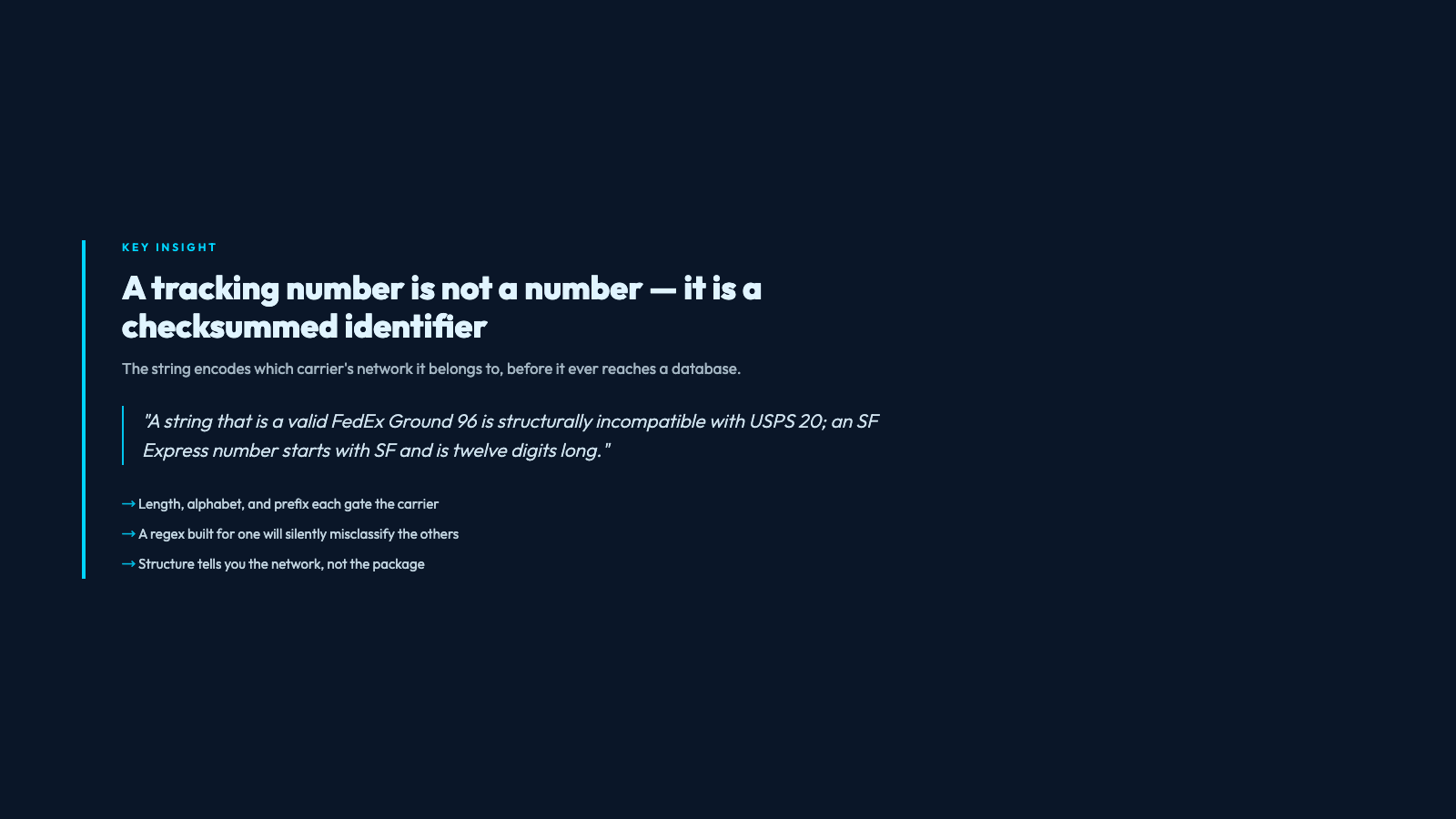
The reason is that a tracking number is not really a number. It is a checksummed identifier whose length, alphabet, and modulo behavior encode which network it belongs to. A string that is a valid FedEx Ground 96 is structurally incompatible with USPS 20; an SF Express tracking number starts with SF and is twelve digits long, and the S alone is enough to disqualify it from every other carrier’s parser. A regex built for one will silently miss or misclassify the others, and the bar where a customer is told “your number is wrong” is exactly the bar where the validator — not the customer — is wrong.
This is the problem a tracking number validator is designed to solve. Not “is this string in our database” (it almost never is, unless you are the carrier itself) but “does the structure of this string match a known carrier’s specification, and if so, which one.” Two questions, answered in milliseconds, with no network call to anyone.
The Five Carriers, and Why Their Numbers Look Nothing Alike
The five carriers most North American and Chinese e-commerce shipments travel on — FedEx, UPS, USPS, DHL, SF Express — each have tracking number formats that evolved separately and have never been harmonized. A real validator must encode all of them, because a “tracking number validator” that only handles UPS is not a tracking number validator.
– FedEx — Two formats. The classic 12-digit 012345678901 for FedEx Express. The 15-digit 96 ground format starting with 96, and the 20-digit door tag format starting with 023. A 12-digit number that is not a 96 or 023 prefix is still potentially a valid FedEx Express tracking number; a 15-digit number that does not start with 96 is not.
– UPS — The 18-character 1Z format: literal 1Z, then six alphanumeric characters, then ten digits. The 1Z prefix is mandatory, the body has a check digit at position 18, and the format is so distinctive that 1Z alone is often enough to recognize it.
– USPS — The most variable. 20-digit numeric, 13-character alphanumeric starting with two letters (like 9400 1000 0000 0000 0000 00), and 22-digit “Intelligent Mail” barcodes. A 20-digit all-numeric string is valid for both USPS and could also be misread as FedEx Express 12 by an un-discriminating parser.
– DHL — 10-digit numeric for older waybills, 11-digit for newer, plus the express format with a JD prefix. A 10-digit number that is not a FedEx Express 12 is ambiguous between DHL and various Chinese domestic carriers; only context or the explicit carrier field disambiguates.
– SF Express — 12-digit numeric, optionally prefixed with SF. In practice a Chinese e-commerce user is more likely to see the 12-digit bare form; the SF prefix is more common on international consolidated waybills.
The Check Digit Is the Hidden Math That Stops Typos
Almost every modern carrier tracking number ends in a check digit — a value computed from the preceding digits using a mod-10 or mod-11 algorithm, designed so that a single-character typo has roughly a 9-in-10 chance of being caught. This is why a tracking number is structurally not just a sequence: it is a sequence with a self-validating tail. The validator’s job is to recompute that check digit and compare.
For the UPS 1Z format, the 18th character is a mod-10 check digit computed by weighting the previous 17 characters with the pattern 2,1,2,1,…, multiplying each digit-pair product’s digits by 9 mod 10, and summing the results. The pattern looks like this: a string whose check digit is missing or wrong is rejected before it is ever sent to a network. For FedEx Express 12, position 12 is a mod-10 check computed over positions 11 and 1 (not the previous digit). For USPS 20-digit, position 20 is a check over the prior 19. Each carrier’s algorithm is short, documented in their developer guides, and totally absent from any validator that just does a length-and-prefix check.
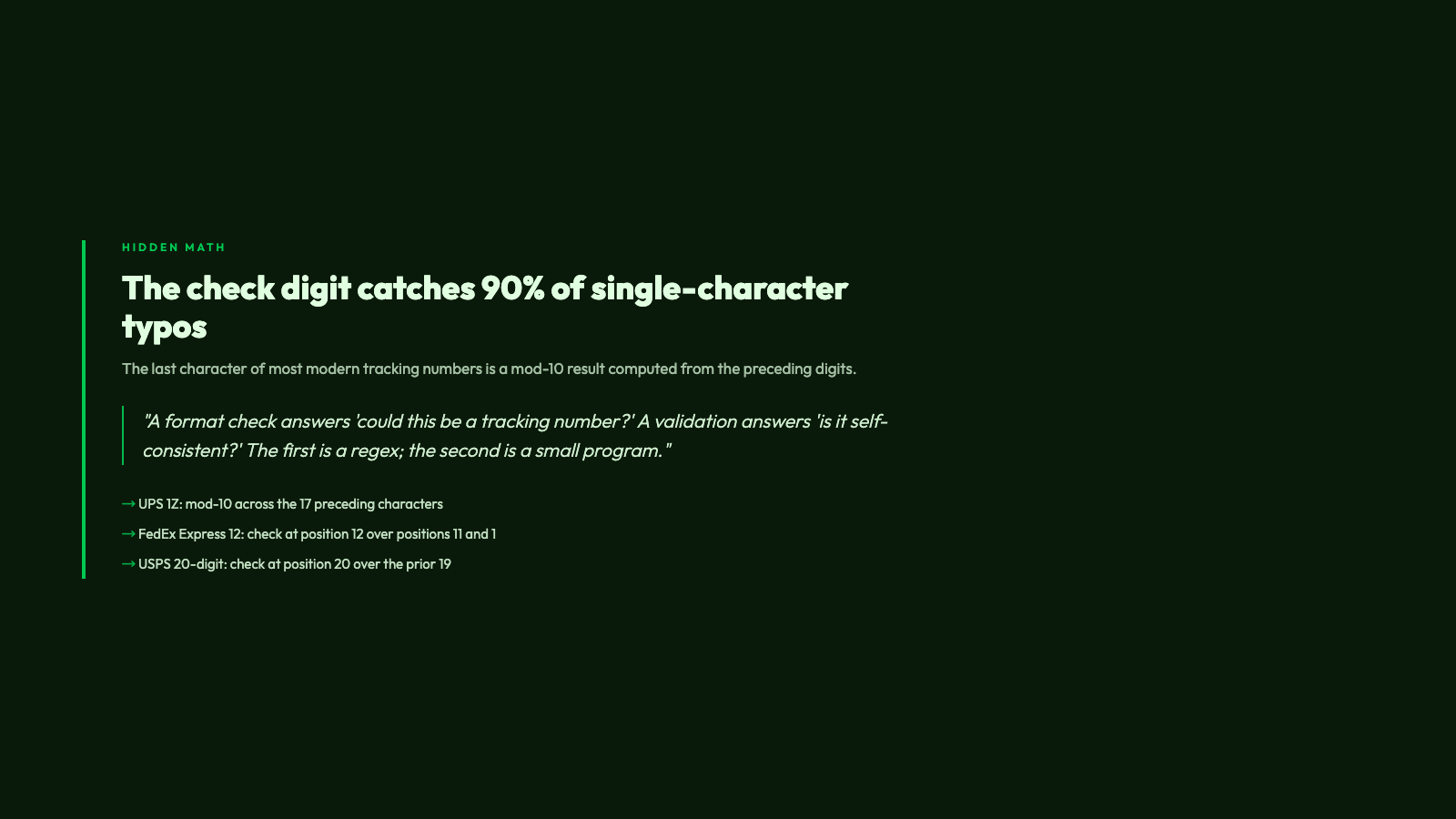
This is the difference between a “format check” and a “validation.” A format check answers “could this string be a tracking number?” A validation answers “is this string self-consistent, given the rules of the format it appears to belong to?” The first is a regex; the second is a small program. A tracking number validator that does only the first will pass 1Z999AA10123456780 (visually plausible, but the check digit is wrong) and fail the moment the carrier’s website is asked about it.
Auto-Detect vs. Explicit Carrier Selection
A real validator offers both modes, and they are not interchangeable.
– Auto-detect: given a string, determine which carrier’s format it matches and report the carrier along with the validation result. The validator tries each carrier’s pattern in order, runs the check digit math, and the first one that passes wins. This is the right mode for an inbox full of mixed shipping notifications.
– Explicit carrier: the user (or the calling code) says “this is a UPS number, validate it as UPS.” The validator then runs only the UPS check digit math and returns success or failure. This is the right mode for a backend that already knows the carrier (because it issued the waybill) and just wants to catch transcription errors.
Most shipment tracking code defaults to auto-detect because it is harder to get right, and the tools that get it wrong are the ones you remember. A parser that says “this 12-digit number is DHL” when it is actually a 12-digit SF Express number will route the customer’s “where is my package” click to a page that does not load. A parser that defaults to FedEx Express 12 on any 12-digit number will do the same.
You can see this for yourself in the Tracking Number Validator — it exposes both modes as a select field, with “Auto-detect” as the default. Drop in a UPS 1Z, and it will identify UPS and report whether the check digit is consistent. Drop in a 12-digit numeric, and it will run through the possibilities (FedEx Express 12, SF Express 12, possibly DHL 10/11) and tell you which one matches.
How a Validator Is Different From a Tracking API
This is the distinction that gets confused most often. A tracking validator is a pure function over a string: it tells you whether the string is well-formed and which carrier it appears to belong to. A tracking API is a network call to a carrier’s system: it tells you whether the carrier has ever seen this string and, if so, where the package is right now.

The two have different costs. A validator runs in microseconds and is free. A tracking API has per-call costs, rate limits, requires authentication, and is keyed off the very strings you want to pre-validate. The right architecture is: validate first (cheap, fast, catches 90%+ of typos before they cost a network round-trip), then ask the carrier’s API only for the strings that passed validation. This is why validators belong in the input layer — at the point of paste, before the request leaves the browser — and APIs belong in the post-validation layer.
The Tracking Number Samples page collects valid tracking numbers from each of the five carriers, so a developer building this pipeline can grab a real test string for each format and confirm their parser handles it. There is no need to make a test order at each carrier just to get a number.
When Validation Alone Is Not Enough
A string that passes validation is not the same as a string that exists in a carrier’s system. Validation tells you the string is well-formed for a format. Existence tells you someone paid to send a package and a label was printed. The two diverge in the obvious cases (a label was printed but the package was never dropped off, the package was delivered years ago, the number was a test print) and in the less obvious ones (the carrier is the one used by the marketplace, not the one the customer typed in their email).
This is why a validator is necessary but not sufficient. It is the sieve. It catches the typo before it costs anything; it disambiguates the carrier so the right API gets called. What it does not do is tell you the package is in Memphis. For that, you still need the carrier — but you need the carrier to be called with a string that is at least structurally right, and that is the validator’s job.
Try a few real numbers at Elysia Tools — the Tracking Number Validator accepts any of the five carriers’ formats and reports the result in under a second, with no account, no rate limit, and no network call to anyone but your browser.