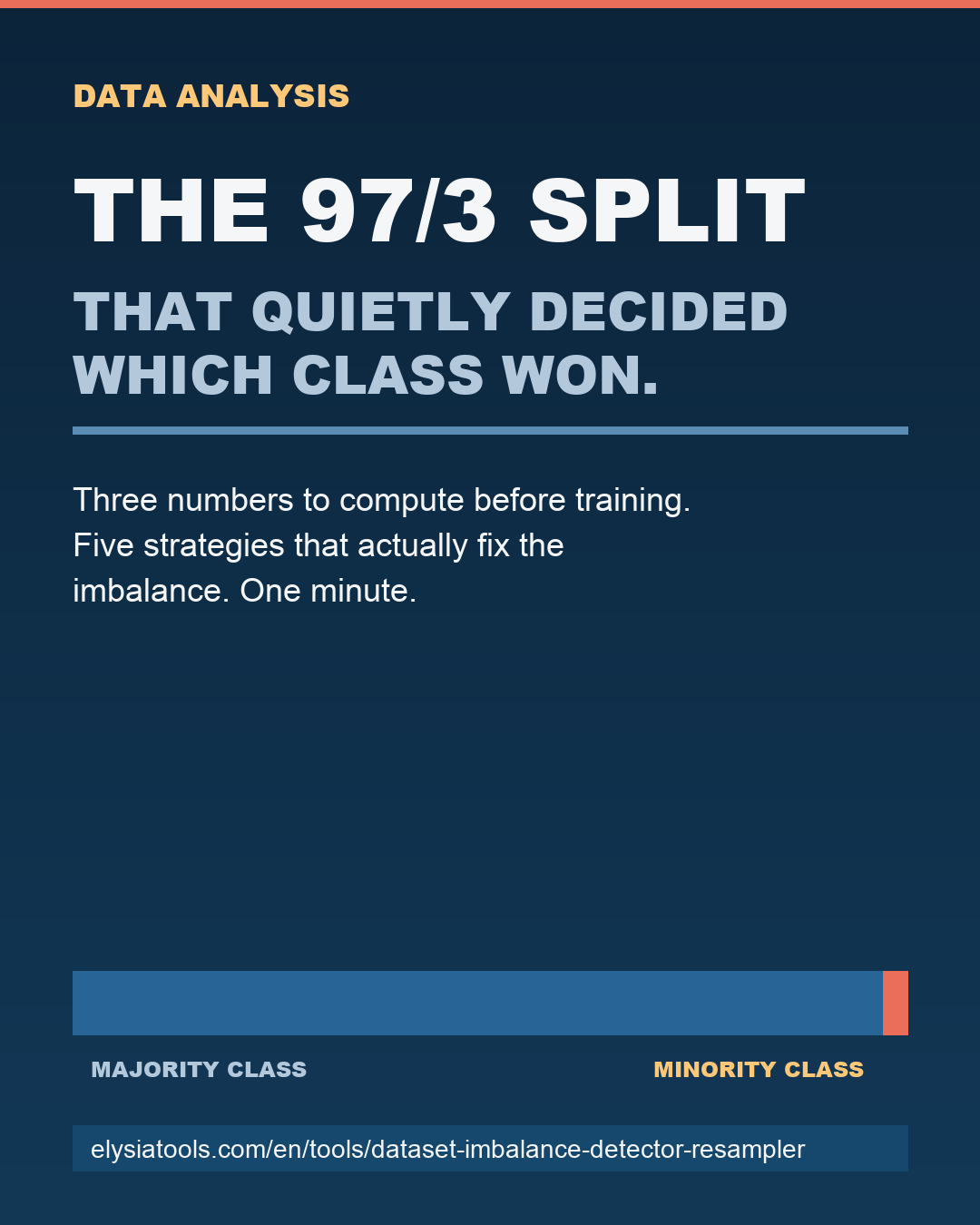
You trained a classifier, the accuracy came back at 94 percent, and your dashboard looks fine. Three weeks later someone asks why the model never catches the one class that actually matters, and you open the training file to discover 9,400 rows of legit and 312 rows of fraud. The split was 97/3 the whole time. The accuracy was real. The model was useless.
Class imbalance does not announce itself. The dataset loads, the histogram looks balanced, the file size feels right, and every chart on the data profiling page shows a healthy-looking bar. The first sign that something is wrong is the model — and by then you have already split, validated, and shipped. The Dataset Imbalance Detector & Resampler catches the problem in the file you have, not the model you already trained.
The 90/10 split that quietly decides which class wins
Most classification tutorials stop warning about imbalance at the 80/20 line. Anything worse than that, the textbook says, is the danger zone. In practice the danger zone is much wider than that, and the textbook number is from a generation of datasets that no longer look like the ones your team ships. Modern tabular data is sparse, long-tailed, and labeled by humans who disagreed about edge cases. A 90/10 split is normal. A 95/5 split is common. A 99/1 split is the rule, not the exception, in fraud, churn, defect detection, and any rare-event classification task.
The reason accuracy keeps lying to you is that it weighs every row equally. If 99 percent of your rows are class A, a model that always predicts class A is 99 percent accurate and 100 percent useless. The metric is correct. The model is wrong. And the dataset that produced it was wrong in a specific, fixable way that nobody looked at before training started.
Three checks turn this from a guess into a measurement, and each one costs less than one minute on a real CSV. They are: the count ratio, the minority-row count, and the per-class variance. Skipping any of the three produces a different kind of surprise later.
Three numbers you should compute before touching a model
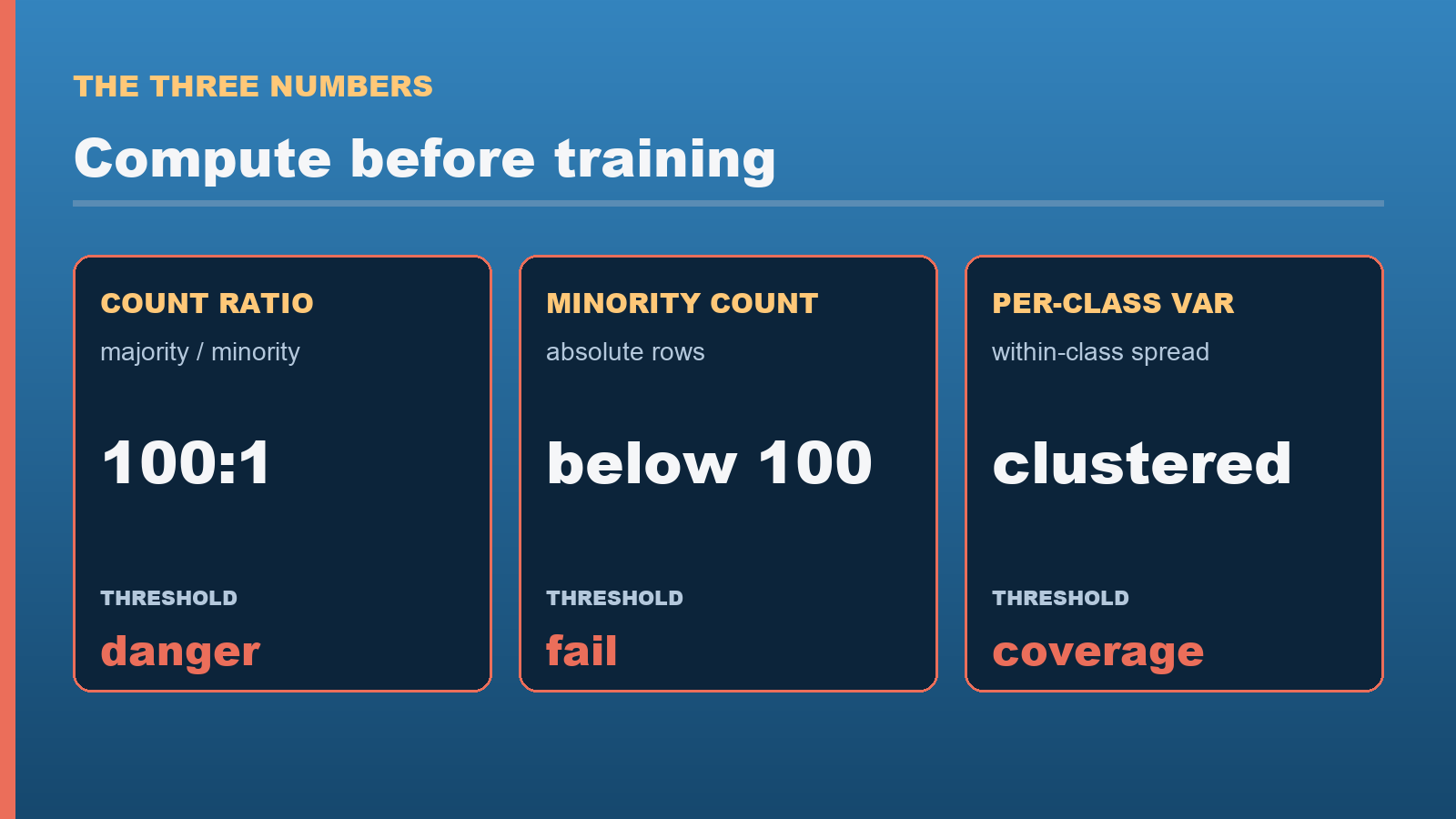
The first number is the count ratio. Take the count of the majority class, divide by the count of the minority class, and read the result out loud. A ratio of 50 means you have 50 majority rows for every minority row; a ratio of 200 means 200. Anything above 100 is the range where most off-the-shelf classifiers silently give up on the minority class. The interesting threshold is not a single number — it depends on the absolute size of the minority class. 500 minority rows in a 50,000-row dataset at 100:1 is trainable. 50 minority rows in a 5,000-row dataset at 100:1 is not.
The second number is the minority-row count in absolute terms. This is the number that gets lost in the ratio. A 100:1 ratio sounds intimidating until you check and discover the minority class has 4,000 rows. A 50:1 ratio sounds manageable until you check and discover it has 80 rows. The absolute count tells you whether resampling is even possible — you cannot oversample 80 rows into 4,000 without producing a model that memorizes those 80 rows.
The third number is the per-class variance, and it is the one nobody checks. Two classes can have the same row count and dramatically different within-class spread. If the majority class has rows scattered across the entire feature range and the minority class is clustered in one corner, the imbalance problem is really a coverage problem. Resampling will not fix coverage. Only collecting more data, or re-engineering the features, will fix coverage. A dataset quality profiler surfaces this directly without you writing any code.
Run all three before you train. The combination is the difference between knowing your dataset is broken and suspecting your dataset is broken. Paste the file into the imbalance detector, set the label column, and the tool returns the count ratio, the per-class counts, the variance across the numeric columns per class, and a recommended strategy in under a second.
Five strategies that actually fix the imbalance
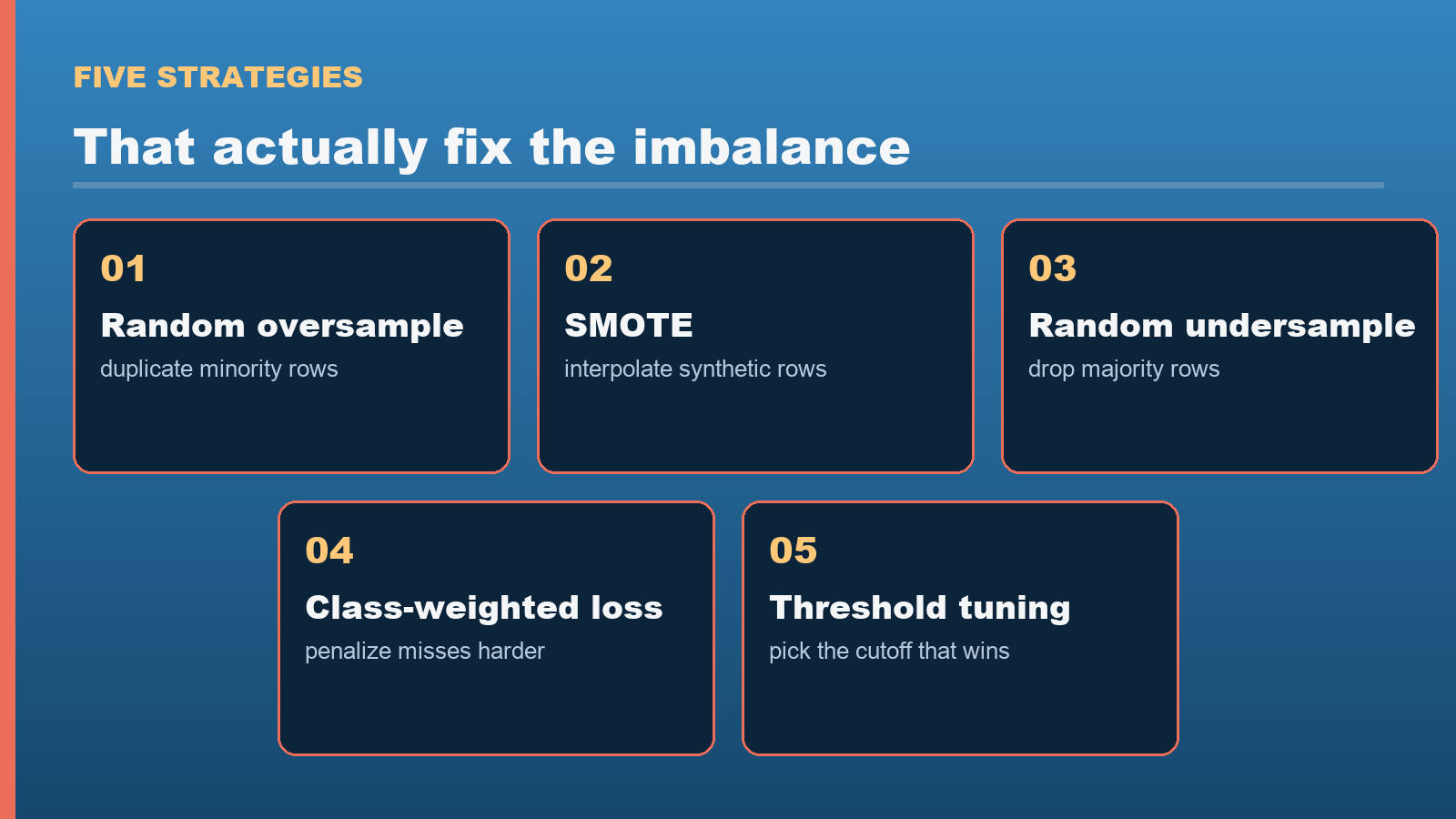
Once you know which numbers are wrong, the strategies split into two camps: those that rebalance the data and those that reweight the loss. Resampling falls in the first camp. Cost-sensitive learning falls in the second. You usually want a mix.
- Random oversampling. Duplicate minority rows until the counts match. Cheap, fast, and almost always wrong at high ratios because the model memorizes the duplicated rows and produces overconfident predictions. Use only when the minority class has at least a few thousand rows.
- SMOTE (Synthetic Minority Oversampling). Generate new minority rows by interpolating between existing minority rows and their nearest neighbors. Better than random oversampling for moderate ratios (up to about 20:1) because the synthetic rows are novel. Fails when the minority class is too sparse to find meaningful neighbors.
- Random undersampling. Drop majority rows until the counts match. Works when you have so many majority rows that throwing some away costs nothing. Fails when the majority class has internal structure you needed.
- Class-weighted loss. Leave the data alone. Multiply the loss for minority rows by the count ratio so the model treats missing a minority row as N times worse than missing a majority row. Best default for deep learning, where resampling is awkward.
- Threshold tuning. Train a model that outputs probabilities. Pick the classification threshold that maximizes your metric of choice (F1, recall at fixed precision, expected cost) instead of the default 0.5. Often the highest-impact single change. Combine with any of the above.
Run two or three of these and compare the per-class precision, recall, and F1 on a held-out set. The strategy that wins on your metric on your data is the one you ship. There is no universally best resampling strategy. There is only the one that fits your class counts, your minority-class variance, and the cost of a false negative versus a false positive in your domain.
When NOT to resample
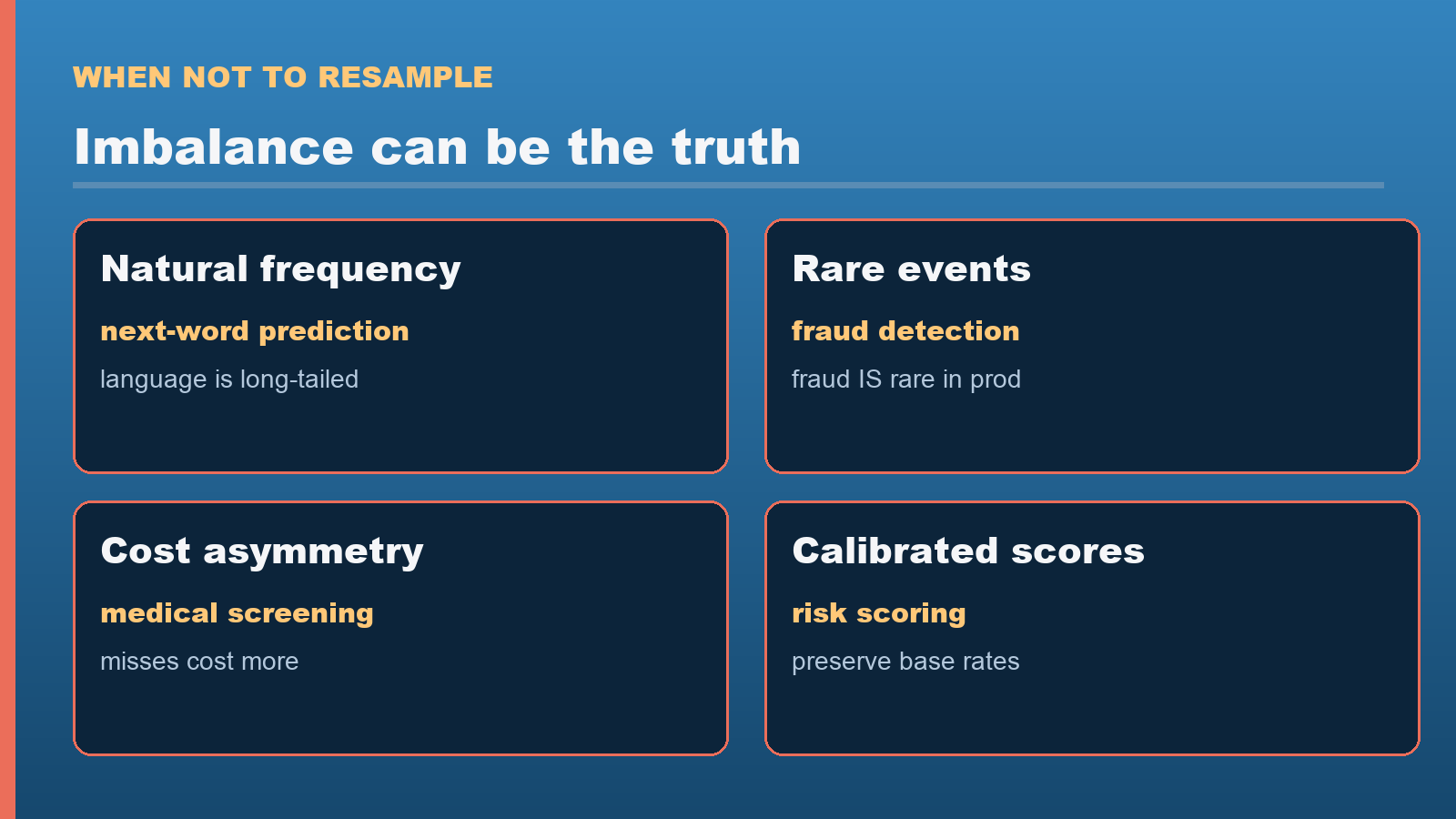
Resampling is the wrong move when the imbalance is a signal, not a bug. If you are predicting the next word in a sentence, the class distribution is the language’s natural frequency distribution, and “fixing” it to 50/50 between words destroys the model. If you are predicting whether a transaction is fraudulent, and 0.3 percent of transactions are fraudulent in production, training on a 50/50 split gives you a model that over-predicts fraud by a factor of 100 in production. The model needs to learn that fraud is rare, because fraud is rare.
The rule is straightforward: resample when the imbalance is an artifact of your labeling process, your sampling process, or your data collection window. Do not resample when the imbalance is the ground truth. Use the imbalance detector to confirm the imbalance exists, then make the call about whether to fix it before you reach for the resampling dropdown.
The one-minute check before every training run
Open the Dataset Imbalance Detector & Resampler, paste your CSV or JSON, set the label column, and read the three numbers back. If the count ratio is below 20, train as-is and tune the threshold after. If the ratio is between 20 and 100, run SMOTE and threshold tuning in parallel and pick the winner. If the ratio is above 100, switch to class-weighted loss and budget time to collect more minority data, because no resampling strategy will save you at that point.
Pair this with a quick check of the per-class variance via the distribution analyzer and a sanity pass on the numeric ranges via the outlier detector, and you have covered the four places a dataset silently sabotages a model. Each tool runs in the browser, takes a CSV, and returns a number you can act on. The whole sequence is shorter than the average feature-engineering pipeline and catches the class of bug that takes weeks to find once it ships.
The next time the dashboard says the model is fine, look at the dataset first. The answer is almost always there, written in row counts nobody checked.
Explore more tools at elysiatools.com.