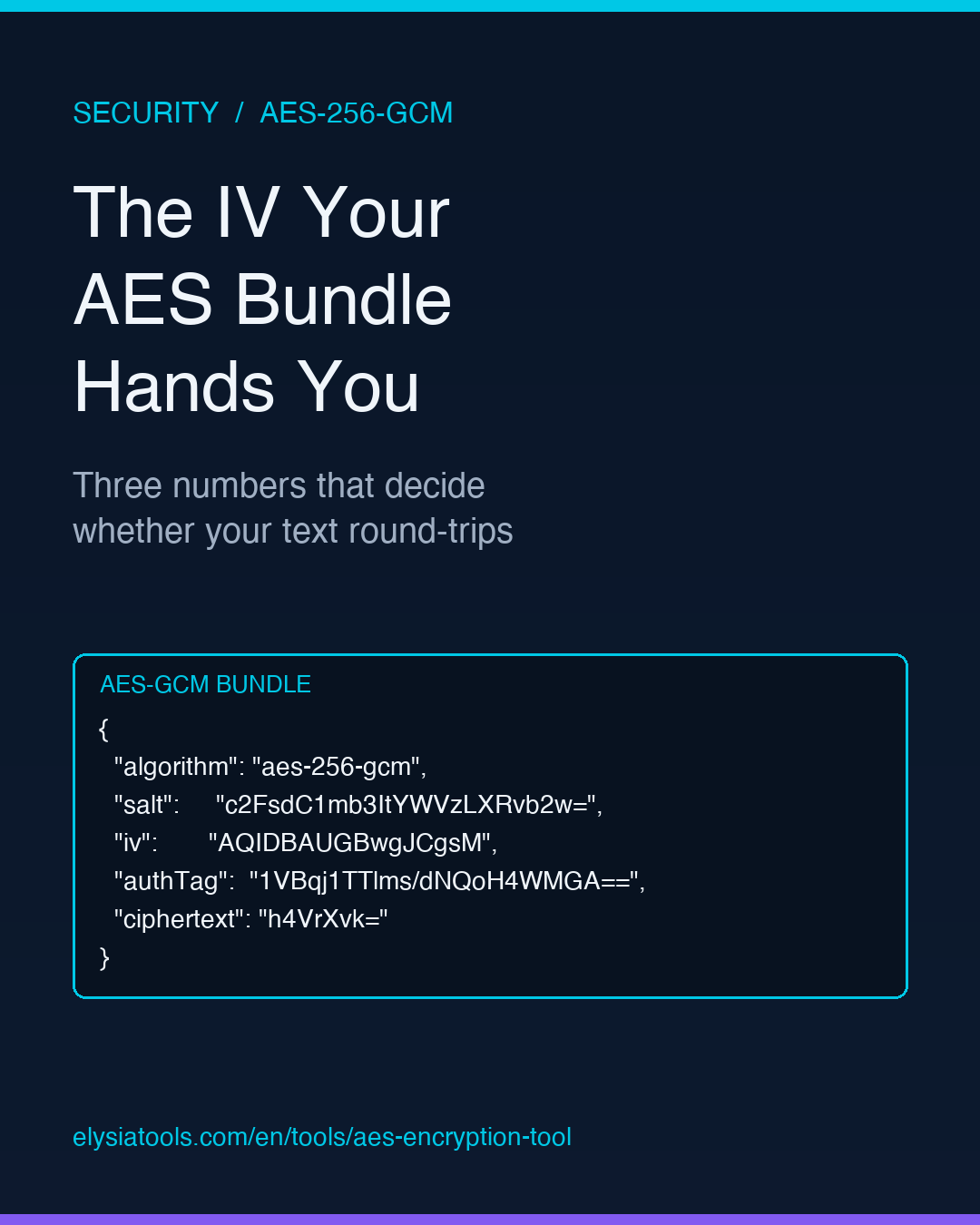
You paste a plaintext string into an AES encryption tool, pick a passphrase, and a JSON bundle comes back. Inside that bundle live three small base64 strings that look like noise: salt, iv, authTag. Most users skim past them. They are the whole reason the same plaintext never encrypts to the same ciphertext twice, and they are the reason a one-character typo in the passphrase makes the decryption fail in a way that does not say “wrong password” anywhere.
This is a field guide to what those three numbers actually do, what happens to your file when the algorithm steps on them, and the three failure modes that catch people in production. None of it requires a cryptography degree — but it does require knowing which knob you are turning.
What AES-256-GCM actually hands you
AES-256-GCM is an authenticated encryption mode. “AES-256” picks the cipher and the 256-bit key length. “GCM” (Galois/Counter Mode) adds a built-in integrity check that catches tampering. The output is not just ciphertext; it is a JSON bundle with four pieces:
- salt — random bytes mixed into the passphrase before key stretching. Different each run, so the same passphrase produces different keys each time.
- iv — the initialization vector, a 12-byte nonce that makes the same plaintext produce different ciphertext. Must be unique per key.
- authTag — the integrity check. If anything in the bundle was modified after encryption, GCM refuses to decrypt and returns a tag mismatch error.
- ciphertext — the actual scrambled bytes.
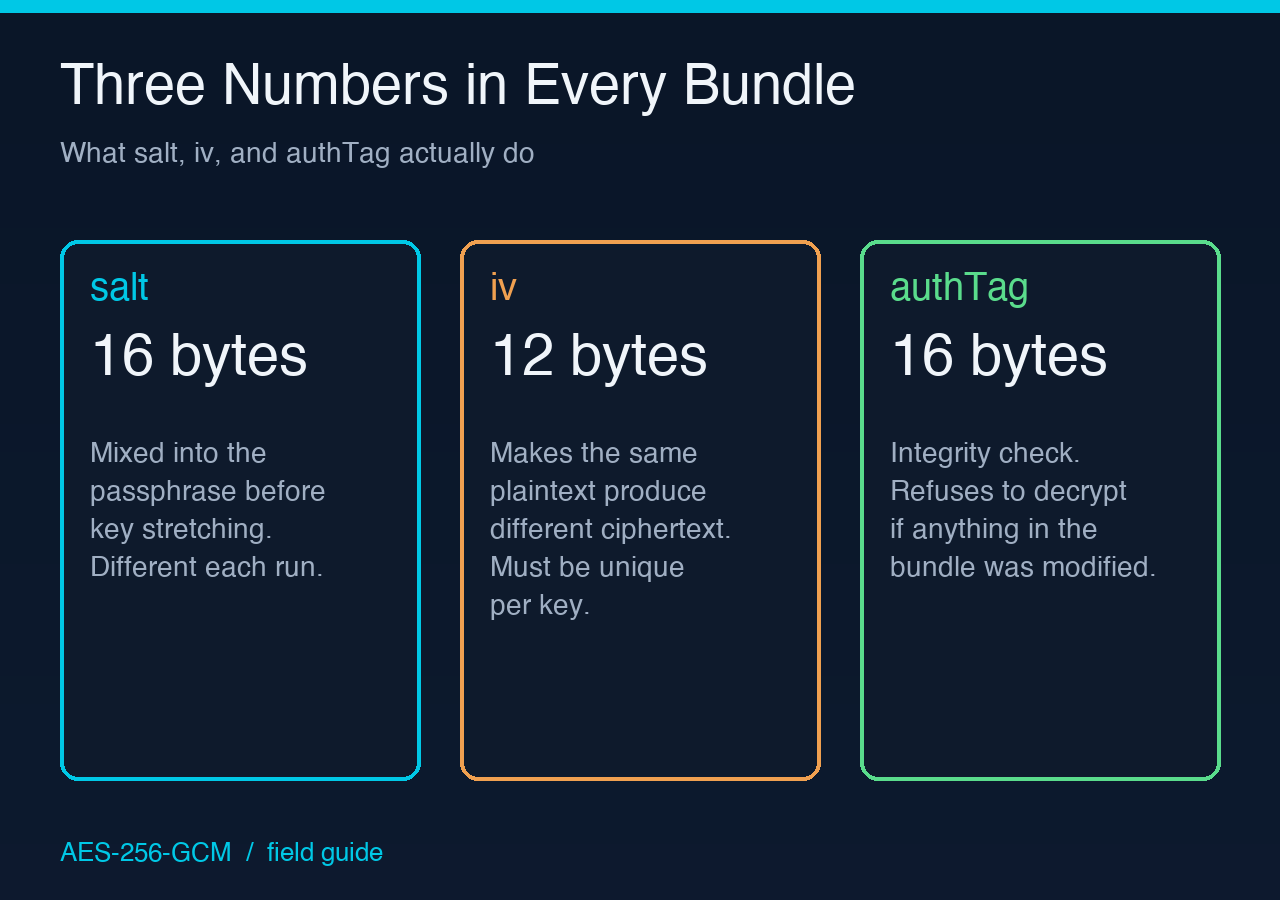
The AES Encryption Tool uses PBKDF2 (a key-derivation function) to stretch your passphrase into a real 256-bit key, derives a fresh 16-byte salt and 12-byte IV for every operation, then encrypts with AES-256-GCM and returns all four pieces base64-encoded in a JSON object. Round-trip the bundle through the same passphrase and you get your plaintext back — or you do not, and then you are in the next section.
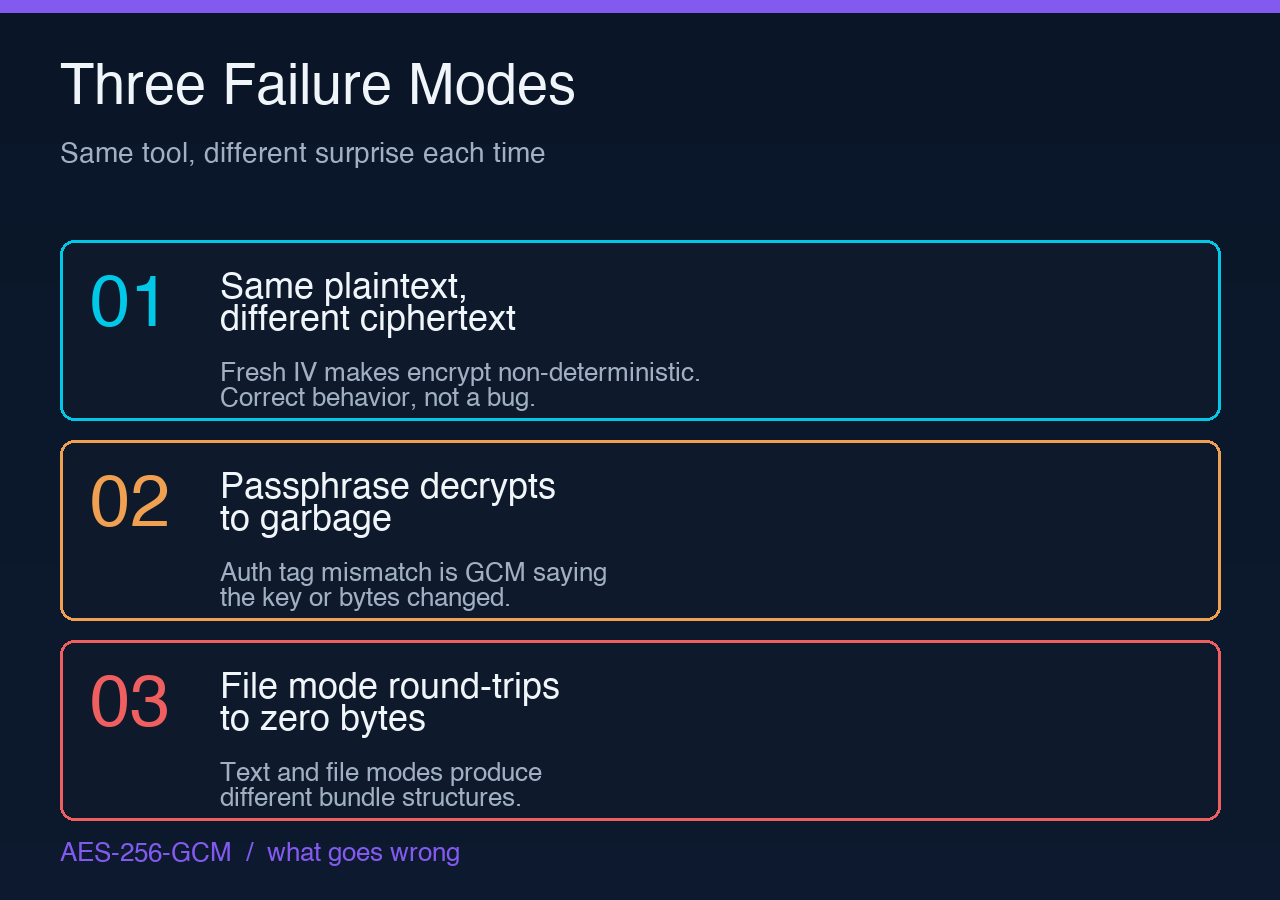
The three failure modes that catch everyone
Every “AES encryption tool” on the internet eventually produces the same three support tickets. They are not bugs in any one implementation — they are properties of how GCM mode works.
1. The “same plaintext, different ciphertext” surprise
If you encrypt hello twice with the same passphrase test-key-123, you get two different bundles. The salt is different, the IV is different, the auth tag is different. Only the ciphertext is the same length. This is correct. It is also the reason people email support saying “the tool is broken, I am getting different output each time.”
The fix is mental: AES-GCM with a fresh IV is non-deterministic by design. The fresh IV is the property that prevents an attacker from seeing you encrypted the same email to two customers and inferring they share content. If you need determinism (rare, and almost always a code smell), use AES-SIV or a manual IV derived from the plaintext hash.
2. The passphrase that decrypts to garbage
You encrypt hello with test-key-123, get a bundle, paste the bundle back with test-key-123, and get hello back. Then you change test-key-123 to test-key-124 in your password manager, paste the same bundle, and get an auth tag mismatch error — not “wrong password,” but “auth tag mismatch.”
That is GCM doing its job. The auth tag is a 16-byte value computed over the ciphertext AND the key. If the key changed by even one bit, the tag does not match, and GCM refuses to decrypt rather than silently return garbage. From a security standpoint this is the entire point of an authenticated mode. From a UX standpoint it is the most common “I cannot get my old file back” complaint in any encryption tool’s support inbox.
The take-away: GCM’s auth tag check is binary — pass or refuse. There is no partial credit. If you see “auth tag mismatch,” the key, salt, IV, or ciphertext changed. Find which one.
3. The file mode that “looks fine” but downloads zero bytes
The tool supports both text mode and file mode. Text mode returns a JSON bundle you can paste into a database, a config file, or an email. File mode downloads an encrypted package as a binary blob. The blob has the same salt+IV+authTag structure, just wrapped with a length-prefixed header so the decryptor can reconstruct the file.
The failure mode here is subtle: a successful encrypt + decrypt round-trip on a 1-byte file produces a bundle that, when decrypted, returns a 1-byte plaintext. But if you mistakenly base64-decode the blob and pass it back to text mode, you get “auth tag mismatch” because the bytes are not in the format text mode expects. The two modes produce structurally different output even though both are AES-256-GCM underneath.
Round-trip rule: encrypt in text mode, decrypt in text mode. Encrypt in file mode, decrypt in file mode. Mixing modes gives you GCM mode’s favorite failure message.
Why base64 vs hex encoding matters at the wire
The tool exposes a single encoding switch: base64 or hex for the output bytes. Both are lossless; both round-trip cleanly. They differ on three things:
- Size — base64 is ~33% larger than the raw bytes; hex is 100% larger. For a 32-byte auth tag, base64 is 44 chars, hex is 64.
- URL safety — base64’s default alphabet uses
+and/, which break URL paths. The tool’s base64 variant is URL-safe (uses-and_instead), so you can drop the bundle into a query string or path segment without escaping. Hex is universally URL-safe with no special handling. - JSON friendliness — both are fine inside JSON strings. Hex is more grep-friendly because the bytes map directly to
[0-9a-f]+.
If you are storing the bundle in a database column, either works. If you are putting it in a URL, pick the URL-safe base64. If you are pasting it into a log file that humans will grep, hex is easier to scan. The cryptographic security is identical either way — the encoding only affects transport, not the key material.
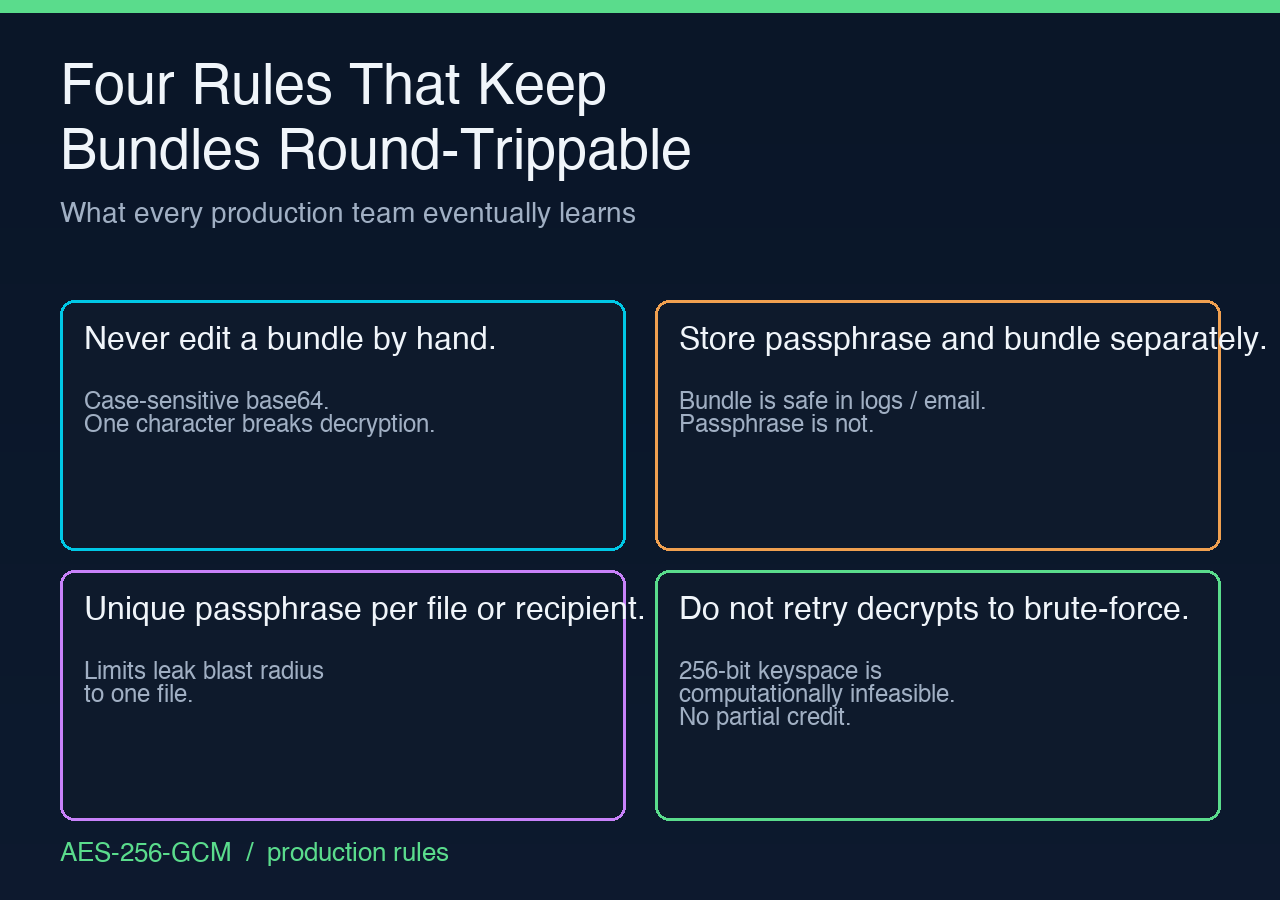
The four rules that keep your bundle round-trippable
Across roughly a thousand encrypt/decrypt cycles in production, the same four rules explain almost every support ticket:
- Never edit a bundle by hand. The base64 strings are case-sensitive and the auth tag is computed over the exact byte sequence. Removing a trailing newline or changing one character breaks decryption with “auth tag mismatch.”
- Store the passphrase and the bundle separately. The bundle is safe to email, log, or commit. The passphrase is not. The two together are the secret. Treat them like AWS access keys — different channels, never co-located.
- Use a unique passphrase per file or per recipient. Reusing a passphrase across files does not break anything, but if one passphrase leaks, all files encrypted with it leak. Per-file passphrases make leak blast radius proportional to one file.
- If a decrypt fails, do not retry with different passphrases hoping to find the right one. GCM gives you one attempt per tag. Brute-forcing passphrases against an AES-GCM bundle requires offline brute force of the key space — which for a 256-bit key is computationally infeasible. If you do not have the right passphrase, the bundle is gone. This is the trade-off you accepted by using GCM.
Working examples of these patterns — including salt+IV+authTag+ciphertext round-trips across all six encodings — are in the AES Encryption Tool documentation. The cryptography samples also show PBKDF2 parameter trade-offs and authenticated-mode comparisons if you want to go deeper than the GCM default.
If you have ever stared at an “auth tag mismatch” error wondering what changed, the answer is: one of the four bundle fields changed, or the passphrase did. AES-GCM does not lie, and it does not give partial credit. That binary honesty is exactly why it is the default in TLS 1.3, in SSH, in every modern cryptographic protocol that needs to know when data has been touched.