Why Venn Diagrams Still Matter in 2026
If you have ever tried to explain "users who bought X AND viewed Y AND live in region Z" to a stakeholder, you already know why Venn diagrams refuse to die. They compress set logic into a single image that a five-year-old can read and a CTO can defend. The problem is not the concept — the problem is the tooling. Excel does not draw them. PowerPoint makes you drag ovals by hand. Most charting libraries ship a "Venn" option that only handles the textbook three-circle case and falls apart the moment you need a parent-child hierarchy or a disjoint layout.
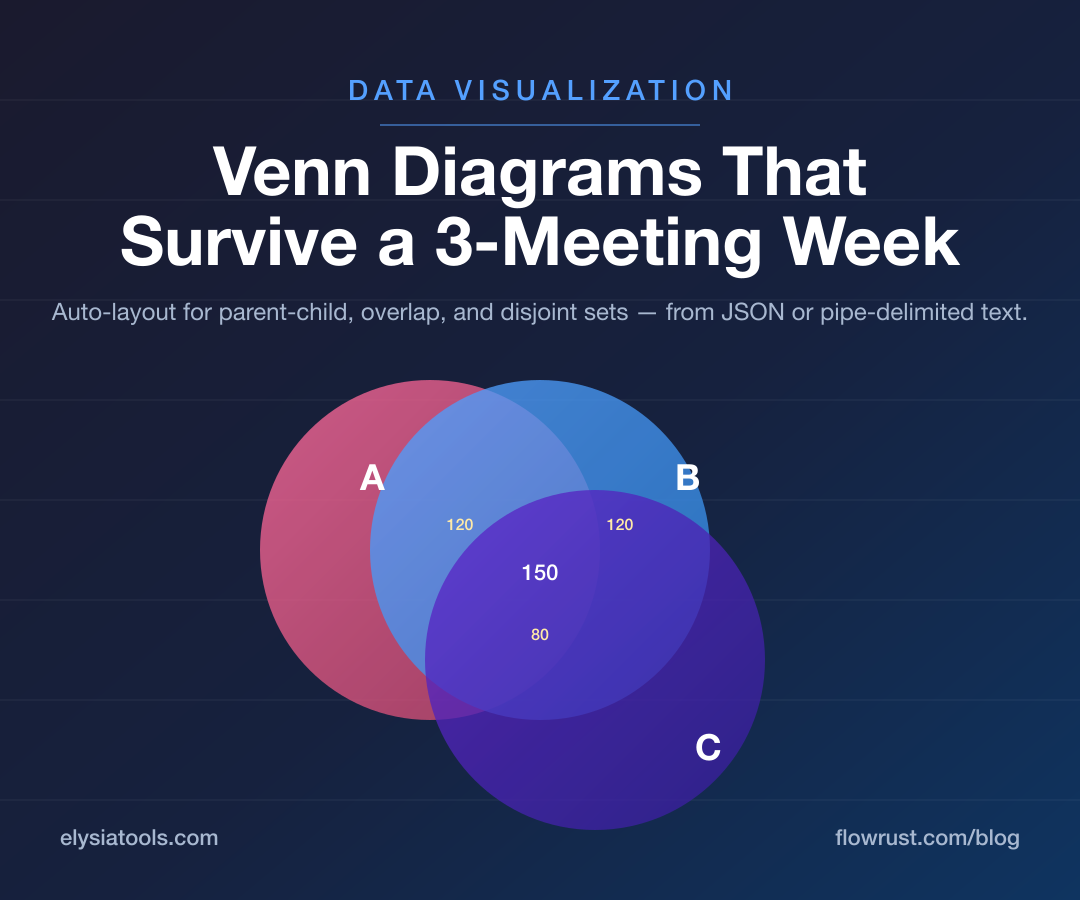
That is the gap the Venn Diagram Generator on Elysia Tools fills. It accepts JSON or a plain pipe-delimited format, auto-detects the layout your data implies, and renders an SVG you can drop into a slide, a docs page, or a Confluence space. No installs, no accounts, no API keys.
What It Actually Does
The tool's purpose is best described by its real name and description in the manifest: "Generate customizable Venn diagrams to visualize set relationships, intersections, exclusions, and hierarchical structures." Three words deserve unpacking.
"Customizable" means the data drives the shape. You are not picking from a gallery of pre-built diagrams. You write the set definitions and the engine draws whatever geometry your numbers imply — two overlapping circles, three rings, a parent-child containment, or four disjoint clouds.
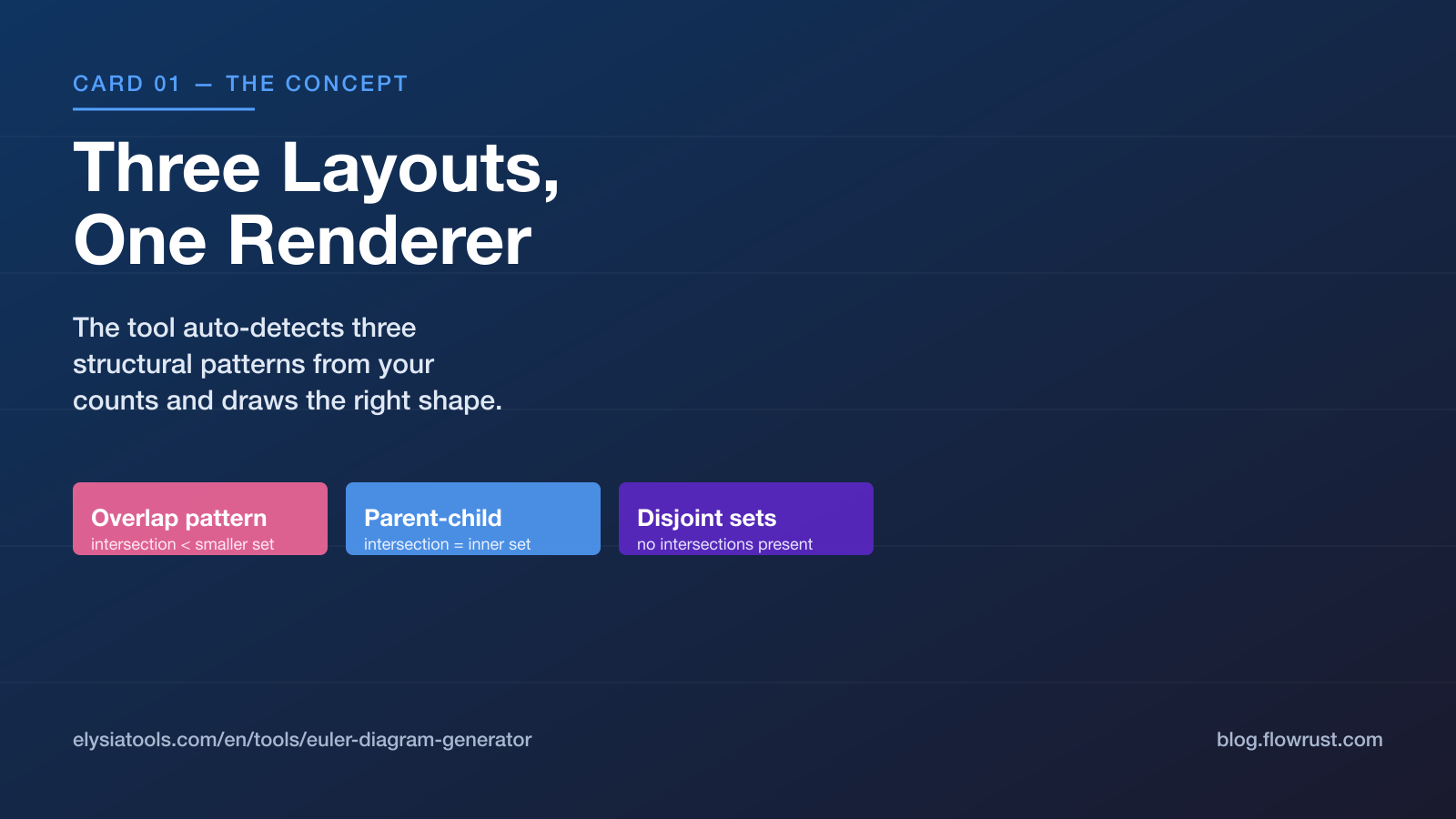
"Set relationships" goes beyond the union-intersection-complement trio that most tutorials stop at. The renderer recognizes three structural patterns: intersections where the overlap is smaller than the inner set (overlap pattern), intersections equal to the smaller set (parent-child containment), and three-plus sets with no intersections (disjoint partition). You do not have to label the layout type — the tool infers it from the numbers you provide.
"Hierarchical structures" is the underappreciated feature. A common real-world case is "Customers ⊃ Paying Customers ⊃ Enterprise Customers." Drawing that in three nested circles is faster and more honest than the four-quadrant matrix most BI tools produce. The Venn Diagram Generator handles this case correctly because the intersection count equals the inner set count in parent-child relationships.
The Keywords That Reveal the Use Cases
The manifest lists eleven keywords for the tool: venn diagram, set diagram, intersection, union, exclusion, hierarchy, subset, superset, relationship, logic, data analysis. Three of them carry distinct workflow signals.
Intersection and union suggest marketing-funnel analysis. "Leads" and "MQLs" overlap; the unique zone is the MQLs who were never leads (re-imports), and the overlap is the converts. Drawing this as a Venn is far clearer than a Sankey.
Hierarchy, subset, and superset map cleanly to taxonomy work. Taxonomy editors spend half their time arguing about whether a category is a sub-class or a sibling. A parent-child Venn diagram resolves the argument in one picture.
Exclusion and logic point at boolean-rule debugging. When a rule says "(A or B) and not C," the "not C" region is where the bug usually lives. Coloring the excluded intersection red beats re-explaining De Morgan's law to a junior every sprint.
The Simplified Input Format
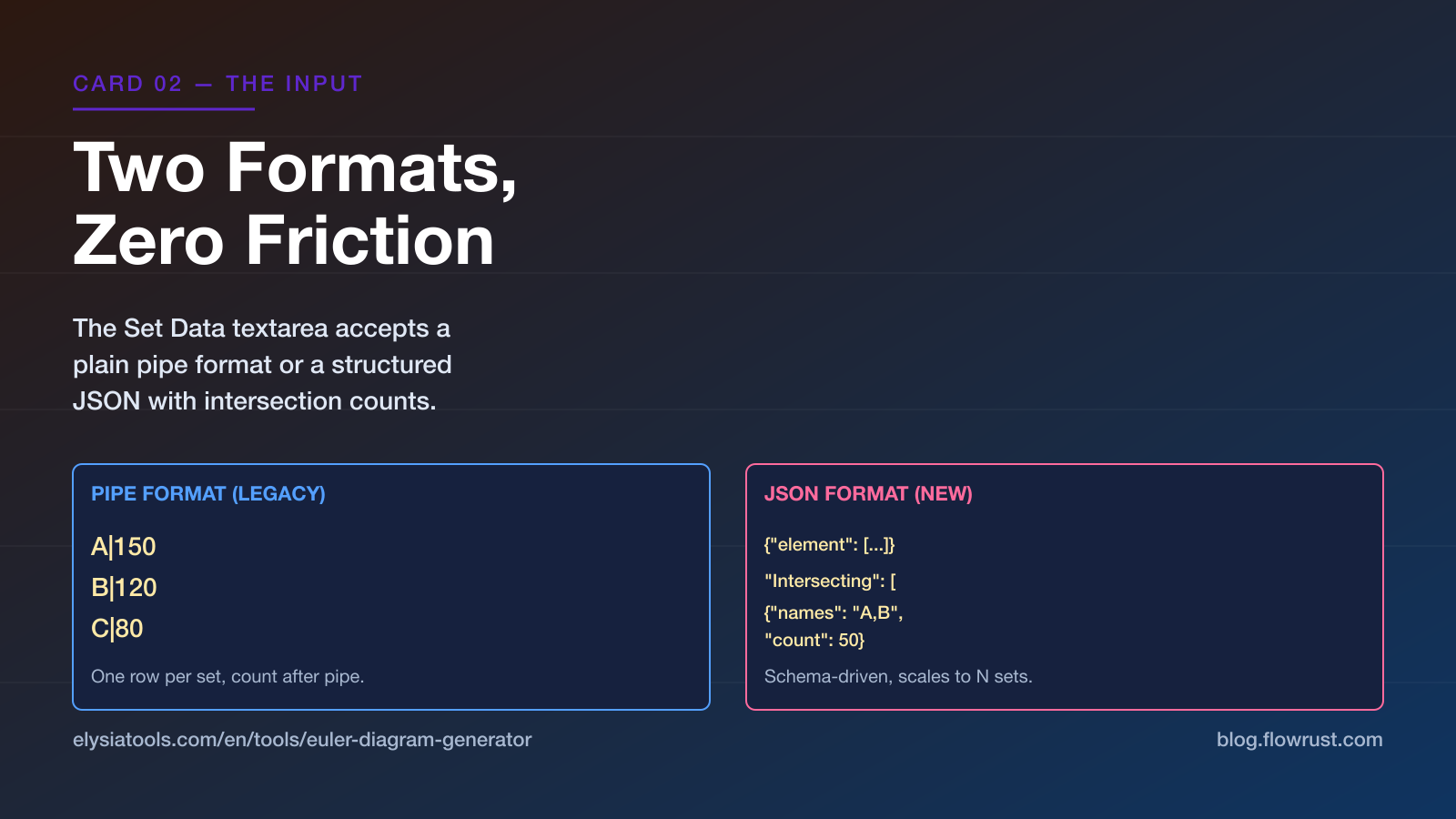
The tool accepts two formats side by side. The legacy pipe format reads:
A|150
B|120
C|80
The new JSON format, which the placeholder in the schema explicitly documents, looks like this:
{
  "element": [
    {"name": "A", "count": 150},
    {"name": "B", "count": 120},
    {"name": "C", "count": 80}
  ],
  "Intersecting": [
    {"names": "A,B", "count": 50}
  ]
}
The JSON form scales further because the intersecting array can list every pairwise or triple overlap with its count. For a parent-child case, the placeholder shows the rule: when the intersection count equals the smaller set's count, the renderer treats the relationship as containment rather than overlap:
{
  "element": [
    {"name": "Animals", "count": 100},
    {"name": "Mammals", "count": 80}
  ],
  "Intersecting": [
    {"names": "Animals,Mammals", "count": 80}
  ]
}
That single rule — "if intersection == smaller set, draw a parent-child" — is what most homegrown scripts get wrong and what this tool gets right by default.
How to Use It in Practice
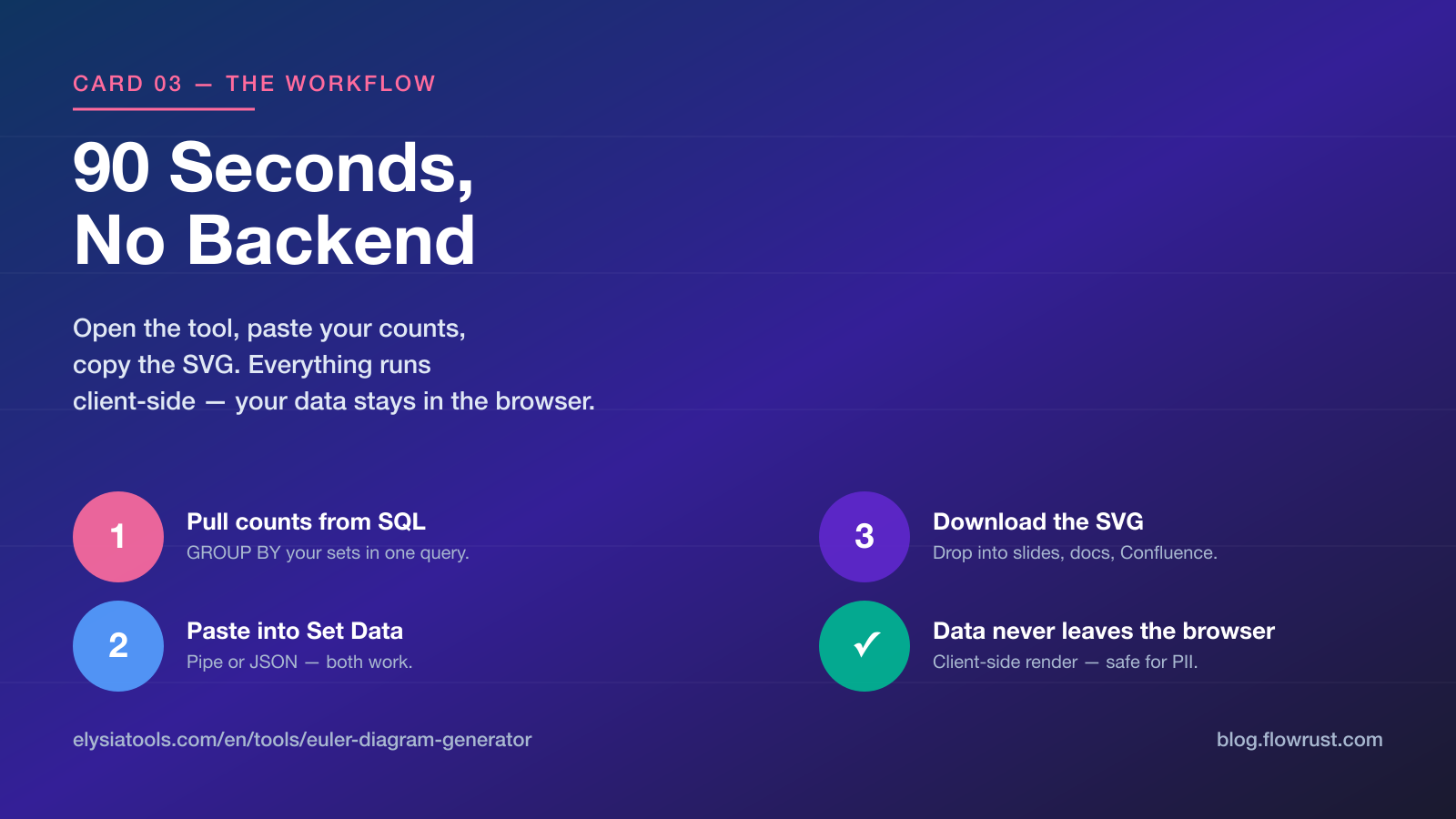
Open the Venn Diagram Generator in a browser tab. Paste your data into the Set Data textarea using either format above. Give the diagram a title if you want one — the optional text field accepts up to 100 characters. Hit run. The renderer returns an SVG you can download, embed, or screenshot.
A typical workflow: pull your counts from a SQL query, paste the JSON into the tool, and ship the SVG into your weekly review deck. Total time, roughly 90 seconds, including the SQL.
The chartData field is required; the chartTitle is optional. There is no upload limit because the tool runs entirely client-side — your data never leaves the browser. That single fact matters for any team handling customer lists or PII.
Why a Static Generator Beats a Charting Library
Every modern charting library ships a Venn plugin. Almost all of them hard-code the three-circle case and break when you push four or more sets. Most also force a JavaScript import and a build step, which adds friction for a one-off diagram. The Elysia Tools generator trades live interactivity for correctness: the layout math is solved once, the SVG is the output, and you can hand it to anyone with a browser. See the tool's documentation page for the full schema, supported counts, and export options at Elysia Tools.
Stop hand-drawing circles in PowerPoint. The Venn Diagram Generator on Elysia Tools turns JSON or plain-text data into publishable set diagrams in under a minute. Auto-layout detects parent-child, overlapping, and disjoint relationships, so the geometry stays correct even when you add a fourth set. Open the tool, paste your data, and download the SVG — no library imports, no desktop install. Try it at Elysia Tools and see how clean set visualization should feel.
Explore more tools at elysiatools.com.