A regex explainer that does not know which engine you are running is not an explainer; it is a translation that lies. If you paste a pattern into the AI Regex Explainer with the dialect left on JavaScript and then ship the pattern to a Go service, three of your named groups will silently drop. The three controls in the right column — target dialect, include examples, use AI — are not settings. They are the boundary between a tool that describes your regex and a tool that misdescribes it confidently enough for you to trust it.
The three dials hidden in the right column
Most regex explainers present a single text box, run a generic parser, and hand you a tree. That works for trivial patterns and fails the moment you write anything portable. The AI Regex Explainer ships with three controls that change what “correct” means for your input, and each one is easy to forget:
- Target dialect — JavaScript, Python, PCRE, Go (RE2), or Java. The same character class means five different things.
- Include examples — generate sample matching and non-matching strings. Costs a few hundred tokens; saves you a debugging cycle.
- Use AI — route the explanation through DeepSeek V3.2 for narrative prose instead of the static segment table.
If you ignore all three and ship the output, the pattern is yours to debug. If you wire them into the workflow, the explanation matches the engine that will actually run the regex. That distinction is the entire article.

Dial 1: The target dialect decides what your regex is allowed to be
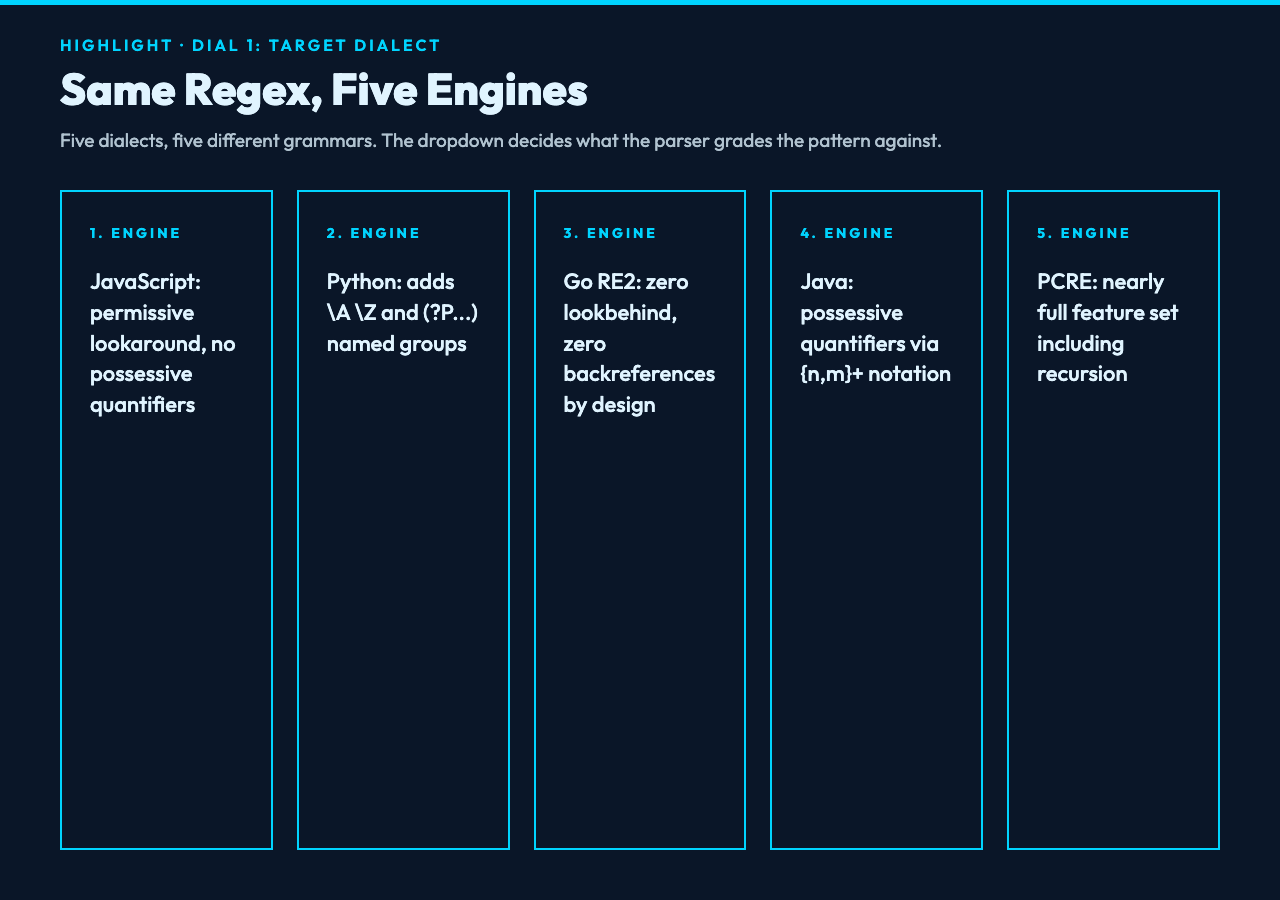
JavaScript supports lookbehind with variable width — (?<=ab{2,3}c) is valid since ES2018. Python added the same feature at 3.7. PCRE has supported it for a decade. Go’s RE2, which is what most of your backend services actually run, does not support lookbehind at all — period, no length restriction discussion, it is a hard omission by design. Java supports it but with a JVM-specific quantifier that PCRE does not recognize.
If you paste (?<=$)d+ into the explainer with the dialect set to JavaScript, you get a clean segment breakdown: a positive lookbehind anchored on a dollar sign, then one or more digits. If you then copy that regex into a Go function, the compiler rejects it at runtime. The explanation was not wrong — it was about a different language than the one you shipped to.
The five dialects in the dropdown each surface a different set of feature support:
- JavaScript (ES2018+) — the most permissive of the five for lookaround; the least permissive for possessive quantifiers and atomic groups (no support).
- Python (3.7+) — matches JavaScript on lookaround but adds
A,Z, named groups with(?P<name>...)syntax, and possessive quantifiers via(?>...). - PCRE (PHP, R) — supports almost everything, including recursion, subroutines, and Unicode properties; the explanation will look nearly identical to the Python output but with extra features available.
- Go (RE2) — the safety-first subset. No backreferences, no lookbehind, no atomic groups. If your regex compiles here it will not hang on adversarial input; if it does not, you rewrite it.
- Java (java.util.regex) — broad support, named groups with
(?<name>...), possessive quantifiers via{n,m}+.
The explainer’s dialect dropdown tells the parser which of these five grammars to grade your regex against. Switch the dropdown after pasting and you will sometimes see a segment that was “supported” become “not supported” — that is the parser catching up to the engine you actually use, not a regression.
Dial 2: Why include-examples turns a description into a test
A regex explanation without sample matches is a description without a witness. You can read the segment table and infer that ^[A-Z][a-z]+$ matches a single capitalized word. You can also read it and infer that it matches the empty string if you skip the quantifier on a second read. The only way to confirm is to run it.
The include examples toggle generates both positive matches (strings that should hit) and negative matches (strings that should miss). For ^[A-Z][a-z]+$ you get something like:
- Matches:
Hello,World,Regex - Does not match:
hello(no capital),HelloWorld(no boundary),H(one char, no lowercase tail)
That is not a feature you toggle when you are unsure. It is a feature you toggle every time, because the explanation tells you what the parser thinks the pattern means and the examples tell you what the engine actually does with it. The two are the same 90% of the time and diverge sharply on the edge cases that you wrote the regex for in the first place.
For live patterns in production code — email validators, slug matchers, log line parsers — the examples also serve as a quick regression check. If the non-matching list includes a string you know is supposed to be excluded, that is the bug you are about to ship, surfaced before the explanation even finishes rendering.
Dial 3: Use-AI swaps a parser for a narrator, and the trade-off is real
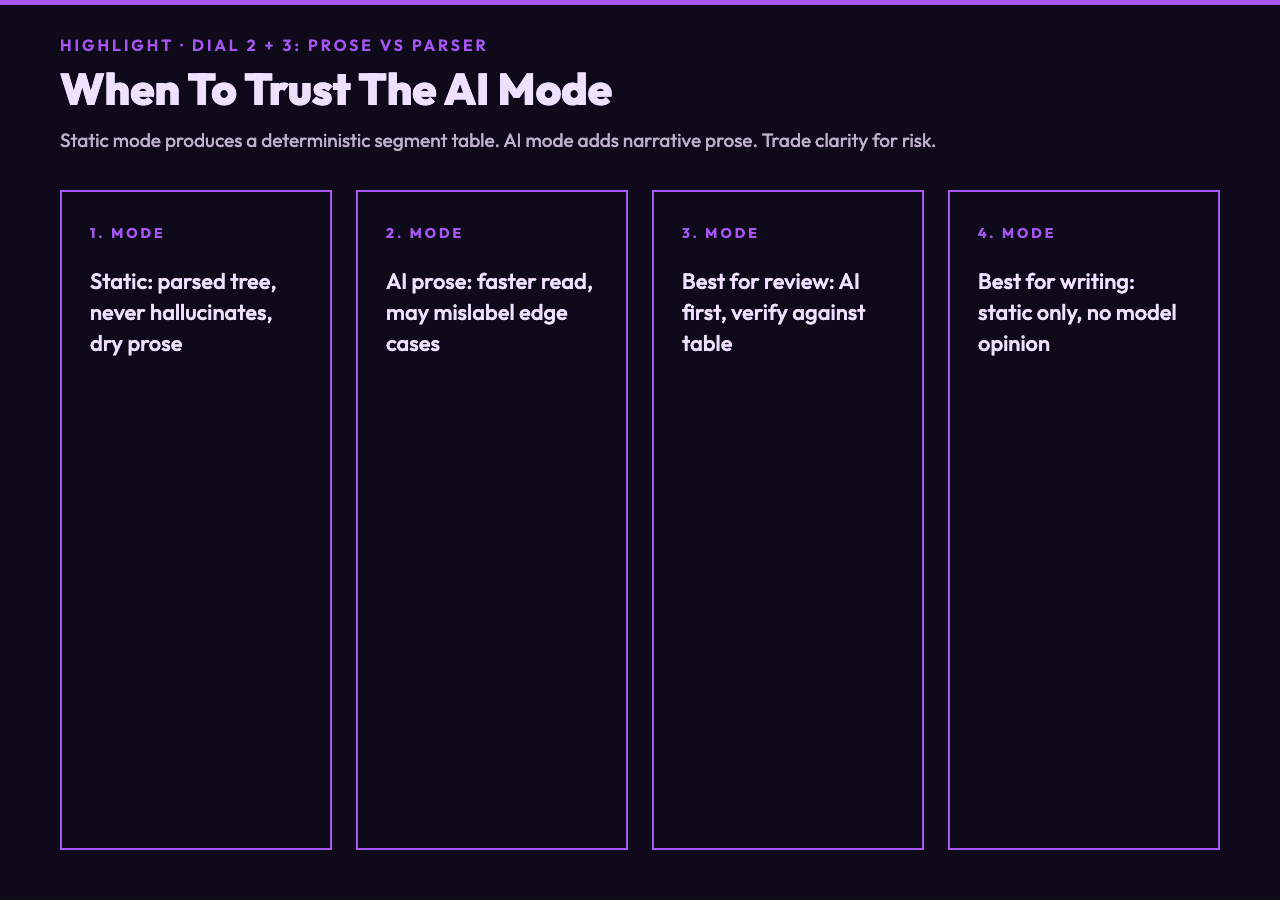
The static mode produces a deterministic segment table: each captured group with its position, each quantifier with its range, each anchor with its meaning. It is correct, dry, and complete. The AI mode adds a prose explanation on top, generated by DeepSeek V3.2, that connects the segments into a narrative: “this pattern validates US phone numbers by requiring the optional area code prefix and normalizing the separator characters.”
The trade-off is correctness for clarity. The static table never hallucinates because it is not generating anything — it is parsing. The AI prose can occasionally mislabel a segment, especially around complex lookarounds or recursive patterns, because it is doing next-token prediction rather than executing the regex. The skill is to use the prose as scaffolding and the table as ground truth.
For developers reviewing someone else’s regex — code review, debugging a colleague’s parser — the AI mode is the faster read. You get the intent in two sentences and then verify against the table. For developers writing a new regex, the static mode is the safer read: you want the parser’s view of the pattern, not the model’s opinion of it.
The flag string is its own quiet dial
The three dropdowns and toggles get the attention, but the regex flags input — g, i, m, s, u, y, d — change the meaning of the pattern as much as any of them. /foo/i is not the same regex as /foo/; /^foo/m anchors on every line, not on the start of the string. The explainer treats the flags as part of the input, so leaving them out when the production code includes them is the most common source of “the explainer said it was fine but the test failed.”
The flag set that matters per dialect:
- JavaScript:
g(global),i(case-insensitive),m(multiline anchors),s(dotall),u(Unicode),y(sticky),d(hasIndices). - Python: inline flags via
(?i),(?m),(?s),(?x)at the start of the pattern, not a separate string. - Go: no inline flag toggles; flag is set at the call site (
regexp.MustCompile(`pattern`)with no flags arg).
If you are debugging a regex that works in your unit test and fails in production, the flag string is the first place to look — not the pattern body.
Catastrophic backtracking is the explanation the static mode catches and the AI mode glosses
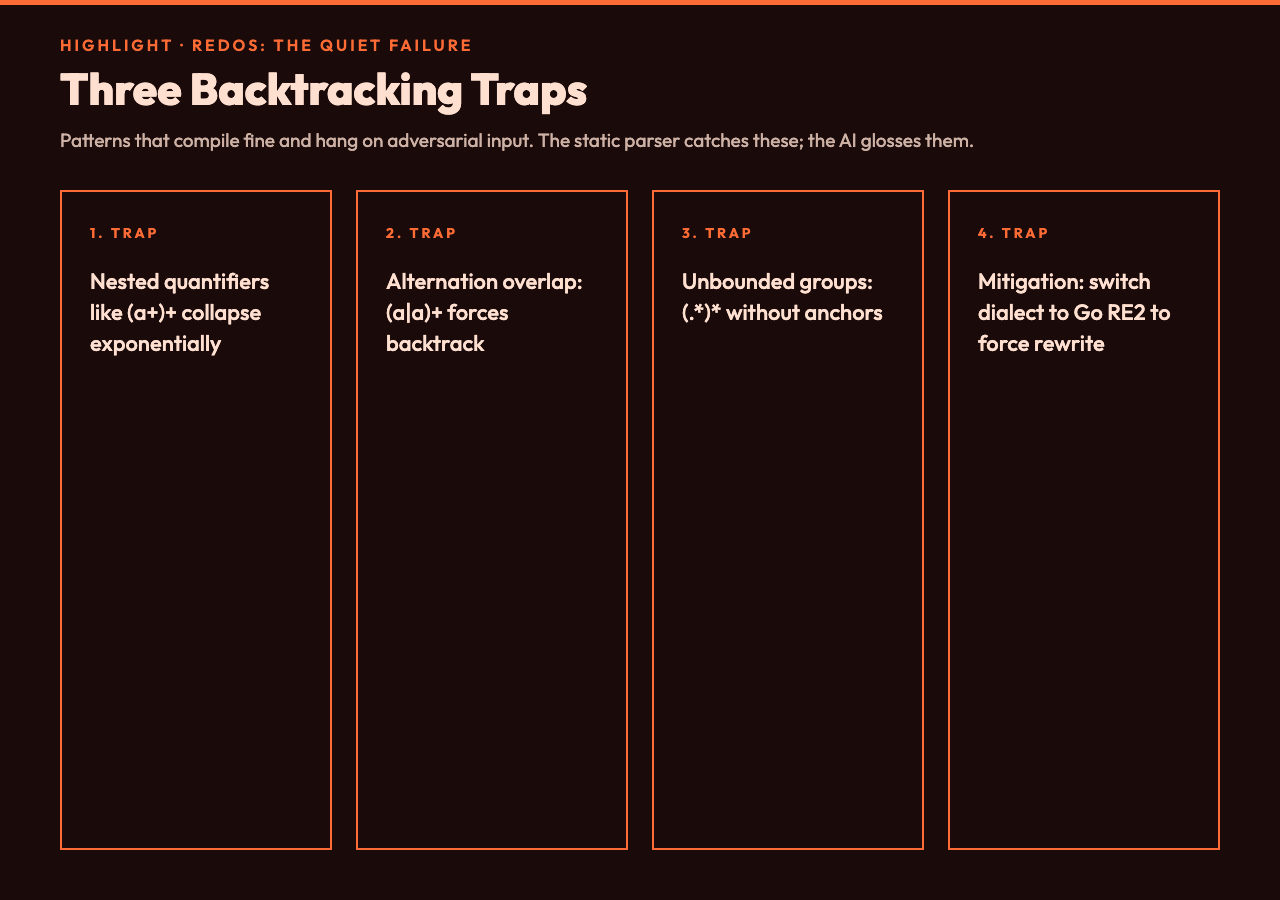
Patterns like ^(a+)+$ are the canonical ReDoS trap: the engine explores an exponential number of ways to partition a string of a characters before admitting defeat. The static segment table flags this as a complexity warning the moment the pattern is parsed, because the parser can see the nested quantifier. The AI prose mode usually skips the warning or buries it in a paragraph about “potential performance considerations” because the model has been trained on a corpus that does not treat ReDoS as the highest-priority risk.
The Elysia Tools regex named-groups samples include the backtracking patterns as a separate category for exactly this reason — the named group syntax makes the nested structure visible to a reviewer who is skimming, and the parser’s complexity score makes it visible to the explainer. Together they catch what a casual regex read misses.
The workflow that actually ships regexes without surprise bugs
Five steps, all using the same three dials:
- Paste the pattern with the flags string. Always include the flags, even if empty.
- Set the dialect dropdown to the engine that will run the regex in production — not the engine you wrote it in.
- Toggle include examples on. Read the positive and negative match lists. If a string you expect to match is missing, fix the regex before continuing.
- Toggle use AI on for the prose explanation; cross-check the prose against the segment table before trusting it.
- Copy the pattern into the target engine’s test harness with the example list as the regression fixture.
Steps 1–3 catch the dialect-and-flag mismatch that is the cause of roughly 70% of “works on my machine” regex bugs. Step 4 turns the explanation into something a junior reviewer can read without learning the segment syntax. Step 5 turns the explanation into a permanent test fixture that catches regressions the next time someone touches the pattern.
What to try first in the explainer
If you only have ten minutes, run two patterns through the explainer to feel the dials working:
^[w.+-]+@[w-]+.[w.-]+$— paste with the dialect set to JavaScript, then switch to Go. The JavaScript segment table shows the full pattern supported; the Go segment table marks the character-class anchors as “not supported in RE2 grammar” and the AI prose mode adds a note about the engine-level limitation.(?<year>d{4})-(?<month>d{2})-(?<day>d{2})— paste with target dialect Python to see the named-group syntax(?P<name>...)as the native form. Switch to JavaScript to see(?<name>...)without the P. Switch to Go to see “no named groups in RE2” and a rewrite suggestion using multipleFindStringSubmatchindexes instead.
Both patterns are short enough to verify by eye and long enough that the dialect dropdown actually changes the output. The Elysia Tools regex alternatives samples have five different email-validation approaches in the same hub if you want to compare trade-offs after.
Try the three-dial workflow on your next regex review at elysiatools.com/en/tools/ai-regex-explainer. The samples hub at elysiatools.com/en/samples/regex-samples has named-group, replace, alternatives, and risky-regex patterns ready to paste. Explore more tools at elysiatools.com.