International phone validation is one of those tasks that looks trivial until you actually try it. A US mobile is ten digits. A UK mobile starts with 7. A French mobile is nine digits beginning with 6 or 7. An Australian mobile is nine digits beginning with 4. Each country has its own length rule, its own leading-digit rule, and its own way of splitting the number with spaces, dashes, or parentheses. Hard-coding all of that in your own code is a maintenance trap.
The Phone Validator at Elysia Tools wraps the country-specific rules for the United States, United Kingdom, Canada, Australia, Germany, France, plus a generic international fallback, and gives you back a clean, readable report with the original input, the cleaned digits, the country label, the number type, the international E.164-style format, and a valid/invalid verdict. This post walks through when the tool shines, what it returns, and how to use it as part of a larger validation pipeline.
What the validator actually checks
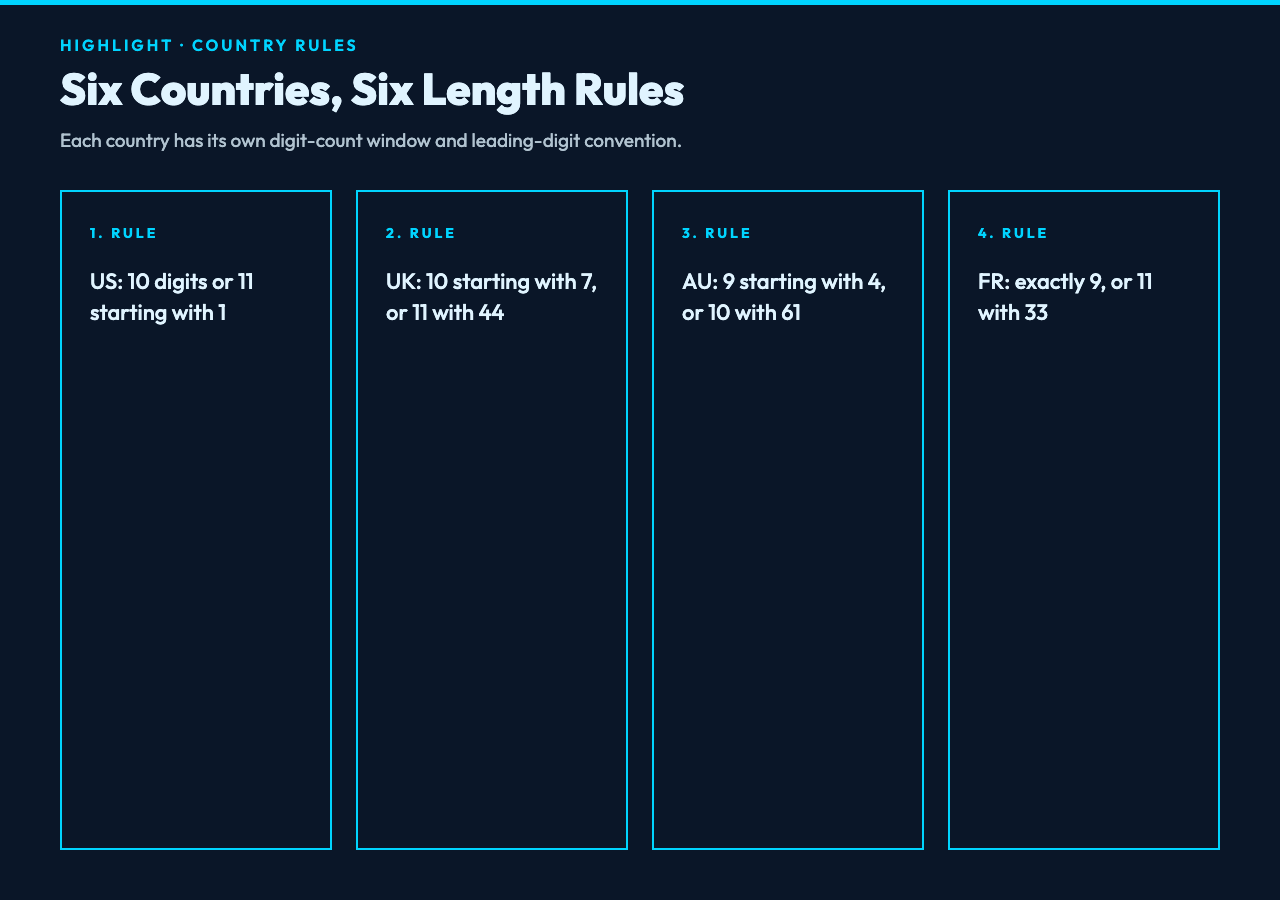
At a high level, the validator does three things in sequence. First, it strips every non-digit character from your input, so (415) 555-2671, +1 415 555 2671, and 4155552671 all collapse to the same cleaned string. Second, it enforces a 4-to-15 digit length window, which is the ITU-T E.164 range. Third, if you selected a specific country from the dropdown, it applies the country-specific rules below:
- US — exactly 10 digits, or 11 digits starting with country code
1. Reformatted as+1 (xxx) xxx-xxxx. - UK — 10 digits starting with
7(mobile), or 11 digits starting with44. Reformatted as+44 xxxx xxx xxxx. - CA — same shape as US: 10 digits, or 11 starting with
1. Reformatted as+1 (xxx) xxx-xxxxwith the Canadian country code. - AU — 9 digits starting with
4(mobile), or 10 digits starting with61. Reformatted as+61 4xx xxx xxx. - DE — 3 to 12 digits, or 4 to 13 starting with
49. Reformatted as+49 .... - FR — exactly 9 digits, or 11 starting with
33. Reformatted as+33 x xx xx xx xx. - Other / International — falls back to the 8-to-15 digit generic range and emits a
+<digits>international format.
For every accepted number, the validator also classifies the type: Landline if the cleaned digits contain a 2, Mobile if they contain a 5, 6, 7, or 9, and Toll-Free if the cleaned digits contain the prefixes 800, 888, or 877. That classification is intentionally simple — it is a heuristic, not a definitive line-type lookup — but it is enough to drive most “is this a mobile or landline?” routing decisions in a CRM or contact-import workflow.
If you want to test it against real numbers from fifteen-plus countries without writing your own fixtures, the Global Phone Number Samples page includes valid Chinese mobile, US toll-free, UK geographic, Japanese, German, French, Indian, Brazilian, Italian, Spanish, Canadian, Australian, South Korean, Russian, and Mexican numbers, plus a deliberate edge-case section with too-short, too-long, alphabetic, and all-same-digit inputs.
Walking through a few real inputs
Take the US number (415) 555-5678. Stripped of punctuation that is 4155555678, ten digits long, valid US. The validator returns the original input, the cleaned digits, the country label United States, a Mobile classification (the digits contain a 5), a formatted +1 (415) 555-5678, and an international +1 (415) 555-5678 that happens to coincide with the formatted output. Verdict: valid.
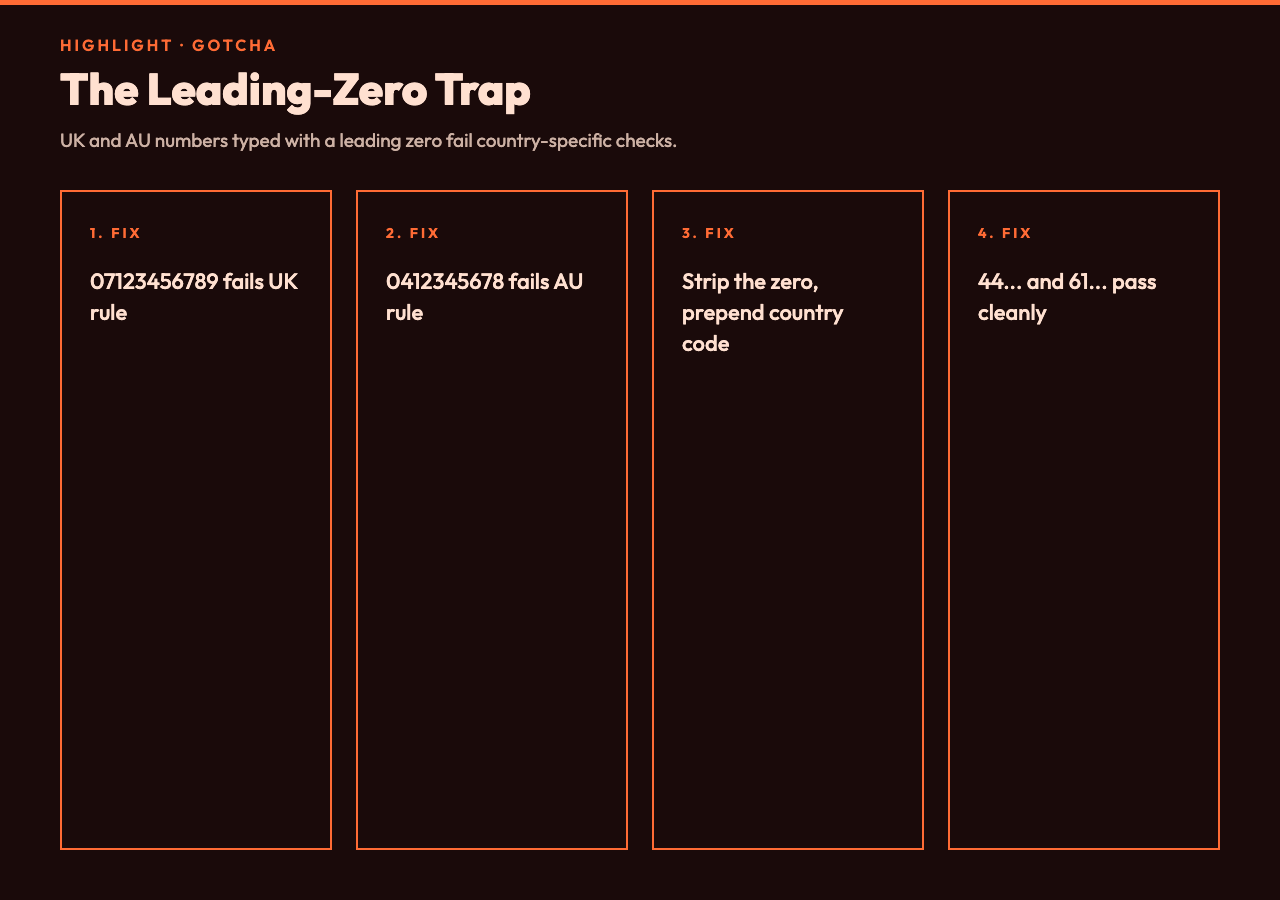
Take the UK number 07123 456789. Cleaned: 07123456789, eleven digits starting with 0. The UK rule expects either ten digits starting with 7 or eleven digits starting with 44. The leading-zero convention is a common UK gotcha — the validator is strict about the 44 international prefix and will mark 07123456789 as invalid. Strip the leading zero and prepend 44 first, then re-run, and it passes.
Take the Australian mobile 0412 345 678. Cleaned: 0412345678, ten digits starting with 0. The AU rule expects nine digits starting with 4 or ten digits starting with 61. Again, the leading-zero convention trips the rule. Convert to +61 412 345 678 form (i.e. 61412345678) and the validator returns Australia, Mobile, +61 412 345 678.
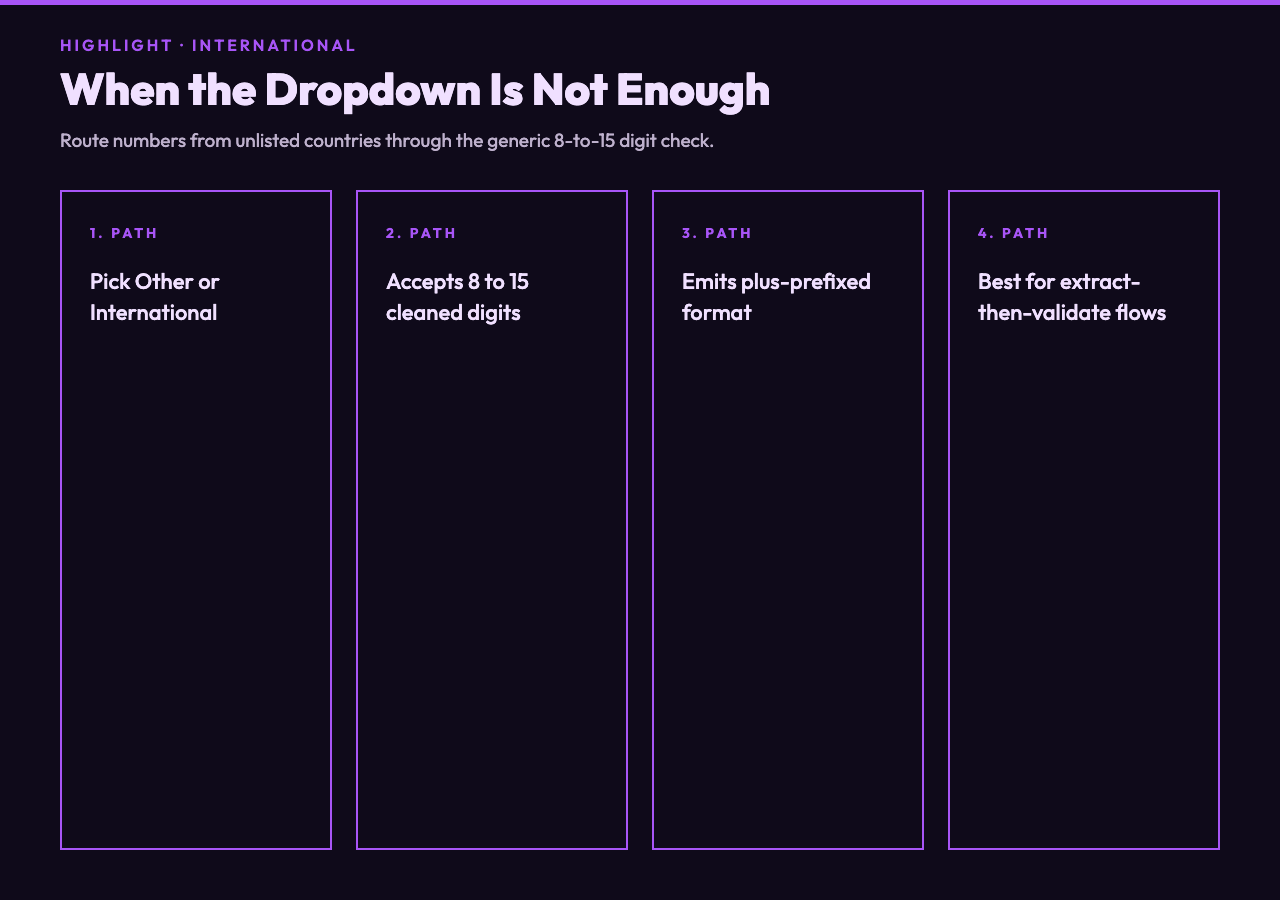
For an international fallback case, take +55 11 99876-5432 (Brazil). With the country dropdown set to Other/International, the cleaned digits are 5511998765432, thirteen digits long, inside the 8-to-15 generic range. The validator outputs Acceptable length for international number, classifies it as Mobile, and emits the international format +5511998765432. This is the path you want when your form accepts users from countries the dropdown does not yet cover.
For deliberately invalid inputs, the tool also helps you build negative-test cases. Pass 123 and the validator returns Number too short. Pass a 20-digit string and it returns Number too long. Pass abcdefghij and the cleaned digits are empty, which trips the too-short branch. Pass +12345 and it falls through to the country-specific length check and fails on the US branch. Pass 9999999999 with the country set to US and the validator accepts the length but never makes a positive claim about reachability — that is the right level of strictness for a form-side check.
Where the validator fits in a real pipeline
The validator is not a libphonenumber replacement and it does not try to be. It is a fast, copy-paste-friendly check that answers two questions at once: is the shape of this number plausible for the country the user picked? and what is the canonical E.164-style format I should store?. If you need full E.164 metadata, carrier lookup, or time-zone inference, route the cleaned digits into a heavier library. If you need a real-time form check that catches the obvious typos before a user hits Submit, route them through the validator first.
A common pattern is to wire the validator as the front door of a contact-import flow. Drop a CSV column of raw phone strings into the input, choose Other/International from the country dropdown to skip the country-specific rules, and read back the formatted output. Numbers that come back marked invalid are the ones worth eyeballing before they reach your CRM. Numbers marked valid get stored in the international +<digits> form so downstream tools never have to re-parse parentheses or dashes.
For mixed-country CSVs — say a sales list with US, UK, and AU numbers — run the validator twice per row: once with the country dropdown set to the row’s declared country, once with Other/International. If the country-specific run returns valid, store the country’s formatted output (with parentheses and dashes, useful for human display). If it returns invalid but the international run returns valid, the user’s country declaration is probably wrong — fall back to the international format and flag the row for review.
Honest limitations
The number-type classification is a digit-content heuristic, not a regulatory lookup. A US number starting with a 2 is not automatically a landline, and a number starting with a 9 is not automatically mobile. Treat the type as a hint, not a fact. For toll-free detection, the validator checks for the 800, 888, and 877 prefixes; it does not yet check 866, 855, 844, or 833, so a US toll-free number using one of those newer prefixes will be marked Mobile rather than Toll-Free. The country dropdown covers six countries explicitly and routes everything else through the international fallback, so if you need exact length rules for Japan, Germany, Brazil, or India you should run them through the international fallback or your own library.
The validator does not consult any external numbering-plan database, so it cannot detect numbers that have been legitimately allocated but are no longer in service, or numbers that are valid in shape but reserved for testing. If your workflow needs that level of certainty, pair the validator with a carrier-lookup API.
Try it on your own data
Open the Phone Validator, paste a number from your contact list, and pick the country from the dropdown. Toggle the Format Output checkbox off if you only want the valid/invalid verdict. If you want a ready-made test corpus, copy a block of numbers from the Global Phone Number Samples page and run them through in sequence. For a text-processing companion that extracts phone numbers from messy prose before you validate them, see the Phone Number Extractor Samples page — pair the two and you have a full extract-then-validate pipeline without writing any regex yourself.
International phone validation will never be a solved problem, because the underlying numbering plans keep evolving. But for the shape check that 90 percent of forms actually need, a focused country-aware validator is the right tool — fast, predictable, and easy to slot into the import step you already have. The Phone Validator at Elysia Tools is a clean implementation of that idea, and it is free to use online with no signup required.