Most “time-series forecasting” widgets treat the problem as a curve-fitting exercise. You paste a column of numbers, you click a button, and you get a line that extends to the right with a faint shaded ribbon around it. The ribbon looks like a confidence interval, the curve looks like a forecast, and the dashboard looks authoritative. Whether the line you are looking at is actually a forecast — versus a smoothed extrapolation of whatever pattern the model happened to lock onto — is a question the widget almost never answers, and it is the question that decides whether the output is usable for capacity planning, inventory reorder points, anomaly triage, or any of the other reasons people run time-series forecasts in the first place.
The interesting engineering question is not which forecasting algorithm is best. ARIMA, exponential smoothing, and linear trend each have a thirty-year track record in the literature, and any of them can outperform the others on the right data. The interesting question is what the tool does before it picks an algorithm, what it does after it picks one, and how it tells you — visually, numerically, structurally — whether the forecast it is handing you is actually fit for the decision you are about to make. Three decisions in the Time Series Forecast & Seasonality Analyzer‘s design quietly decide whether the line you see on screen is a forecast or a forgery. Get them wrong, and the dashboard plots yesterday’s noise with extra steps. Get them right, and you have something a non-statistician can use to make next quarter’s decision without a PhD looking over their shoulder.
What time-series forecasting actually is, and why most browser tools get the framing wrong
Time-series forecasting is the discipline of taking a sequence of observations ordered in time, fitting a model to the patterns the sequence has shown in the past, and projecting that model forward to estimate values that have not been observed yet. The patterns the model is allowed to learn fall into three families: the trend (does the series have a long-run upward or downward direction), the seasonal component (does the series repeat a cycle with a known period — daily, weekly, yearly), and the residual (everything that is not trend and not seasonal, which is where the noise lives and where the model’s forecast error eventually accumulates). The classical decomposition splits the observed series into those three parts, forecasts the trend and the seasonal part separately, and recombines them with a confidence interval that grows as the forecast horizon lengthens.
Most browser-based forecasting widgets skip the decomposition step entirely. They fit a curve to the raw series, extend the curve forward, and draw a shaded ribbon whose width is a fixed function of the training residual. The result is visually convincing and structurally misleading. If the series has a strong seasonal pattern — daily traffic, weekly orders, monthly subscriptions — the model will absorb the seasonal swings into the trend fit, the trend will look steeper than it actually is, the seasonal cycle will not appear in the forecast at all, and the confidence ribbon will be the wrong width because it is measuring the variance of the combined series rather than the variance of the residual component alone. The forecast will be a smoothed average of the past, not a projection of the underlying process.
The Time Series Forecast & Seasonality Analyzer does not skip the decomposition. It implements three classical models — a lightweight ARIMA(1,1,0)-style approximation, a Holt-style exponential smoothing update, and a linear trend with seasonal adjustment — and it decomposes the observed series into trend, seasonal, and residual components before it fits any of them. The frame is “decompose first, forecast the components, recombine with explicit interval”, and the three decisions below are all about preserving that frame inside a browser surface where the user has no statistical background and no patience for a 30-page diagnostic report.
Decision 1: whether the model is allowed to absorb the seasonal cycle into the trend
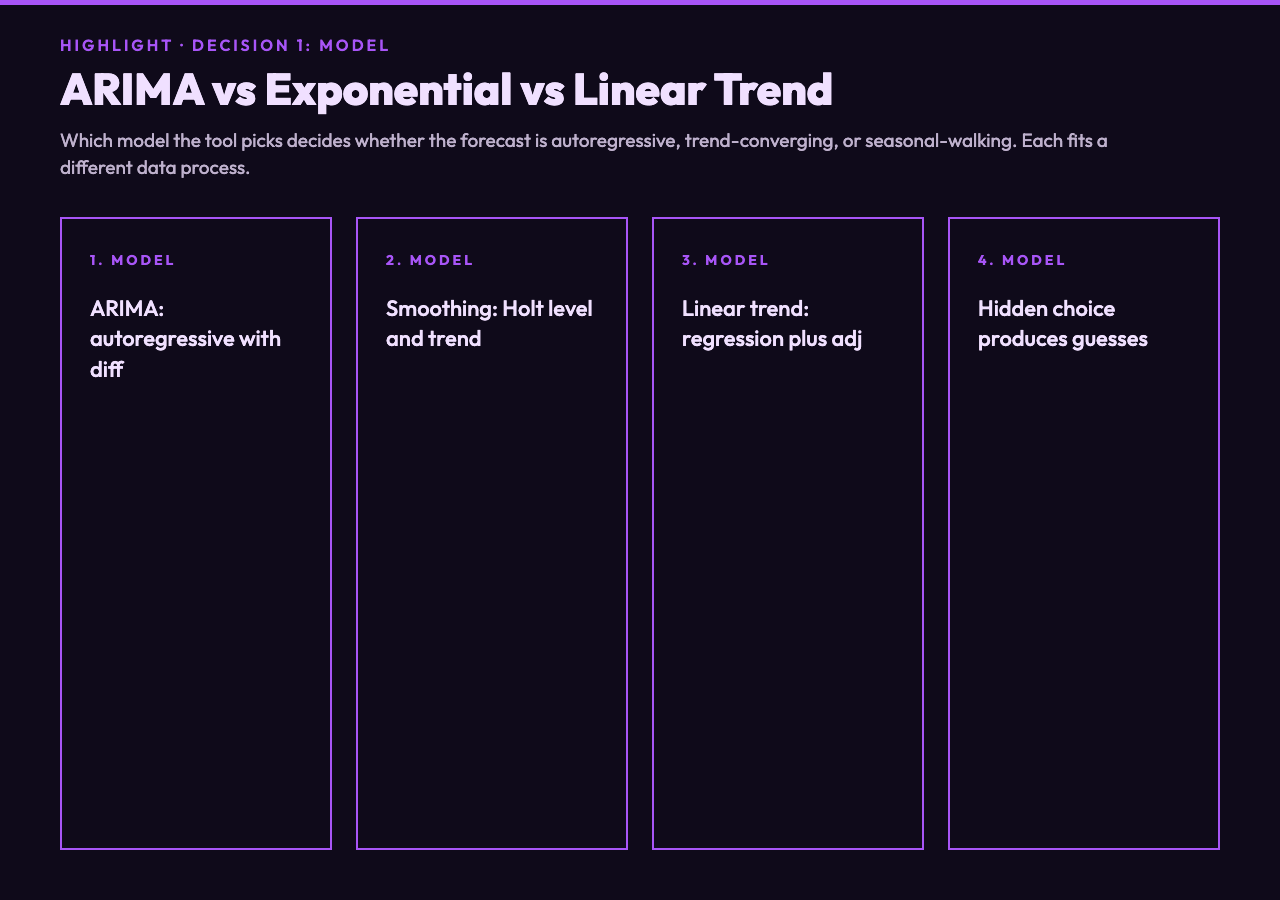
The first decision is the model. ARIMA, exponential smoothing, and linear trend differ in how they handle the trend component, and they differ even more sharply in how they handle the seasonal cycle when the season length is wrong. ARIMA models the series as a combination of an autoregressive term (the previous value influences the current value), a differencing term (to make the series stationary), and a moving-average term (to absorb short-run shocks). A lightweight ARIMA(1,1,0) approximation — the one the tool uses for browser-side forecasting — captures the autoregressive structure without requiring the user to specify the seasonal order, which is the parameter that most often breaks ARIMA in practice. Exponential smoothing with a Holt-style level-and-trend update is the right model when the series has a trend but no seasonality, and it produces forecasts that look smooth and slightly lagged, which is the visually-pleasant-but-not-actually-projective output that most users assume is what forecasting means. Linear trend with seasonal adjustment is the simplest of the three, and it is the right choice when the series has a known and stable cycle but no autoregressive structure — daily counts with a weekly pattern, monthly revenue with a quarterly pattern.
Most browser-based forecasting tools pick the model for the user and do not expose the choice. The user pastes data, the tool picks ARIMA, the forecast comes out, and the user has no way to know whether ARIMA was the right model or whether exponential smoothing would have produced a more honest interval. The Time Series Forecast & Seasonality Analyzer exposes the choice explicitly. The “Forecast Model” option in the form lets the user pick between the three families, and the choice has a real, visible effect on the output. ARIMA produces a forecast that continues the autoregressive structure; exponential smoothing produces a forecast that converges to the recent trend; linear trend produces a forecast that walks the seasonal cycle forward. None of the three is “the answer” — the answer is which one matches the underlying data-generating process, and exposing the choice is the only way the user can find out.
The dial here is between “trust the tool’s model picker” and “let the user pick the model and accept the responsibility”. The right setting is much closer to the latter. The user is the only one who knows whether the seasonal cycle is daily, weekly, monthly, or absent, and they are the only one who can tell whether the recent trend is a real signal or a noise blip that the model should be allowed to forget. Hiding the choice produces a tool that feels friendly and outputs guesses; exposing the choice produces a tool that asks the user to think and outputs forecasts.
Decision 2: whether the season length is treated as a parameter or as an assumption
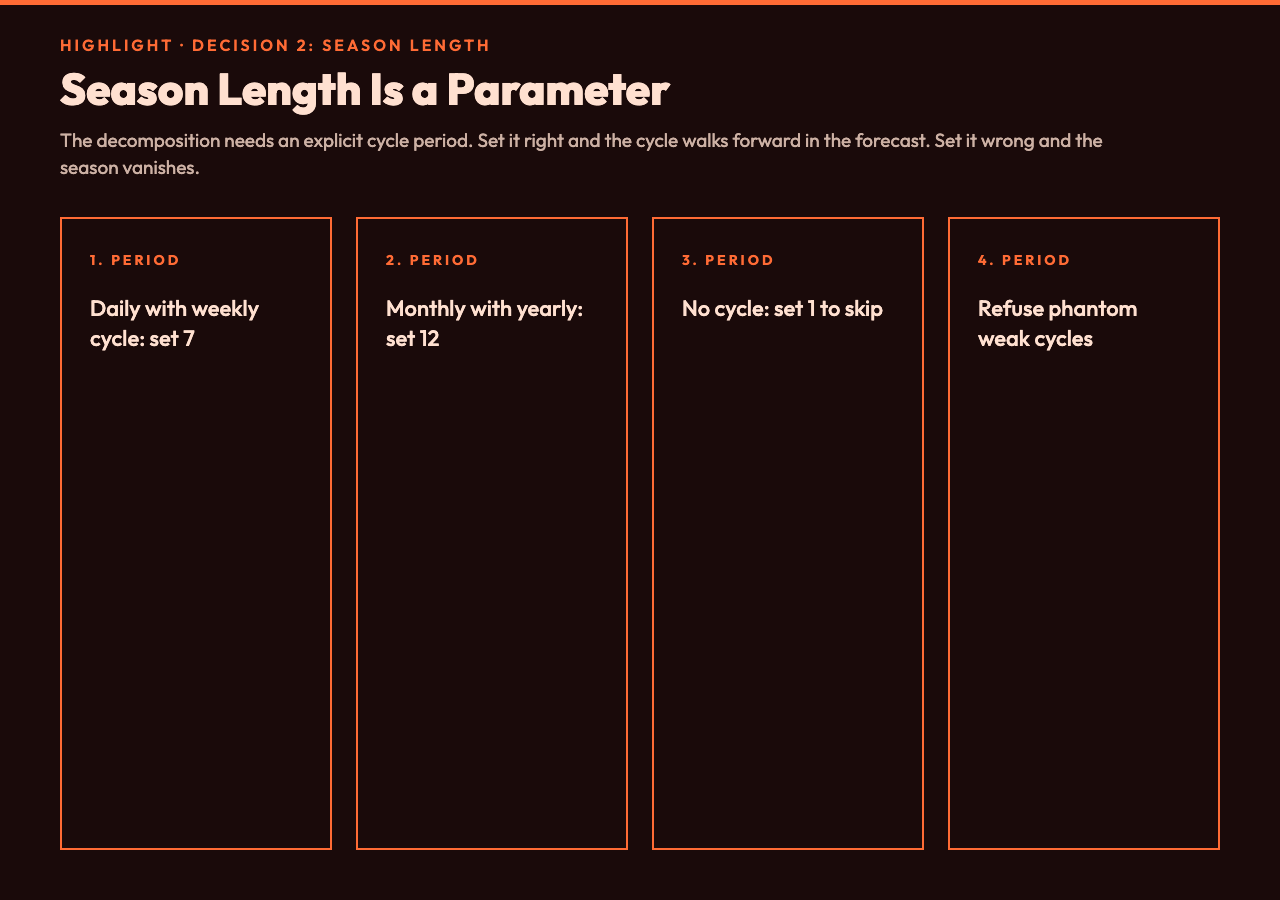
The second decision is the season length. Most time-series data with a repeating cycle has a natural period — 7 for daily data with a weekly pattern, 12 for monthly data with a yearly pattern, 24 for hourly data with a daily pattern, 52 for weekly data with a yearly pattern — and the decomposition algorithm needs to know what that period is in order to extract the seasonal component correctly. Get the period wrong, and the algorithm either smooths the seasonal cycle into the trend (if the period is too long) or amplifies the noise into a phantom seasonal cycle (if the period is too short). The forecast that comes out the other side will look reasonable and will be wrong, because the seasonal component it absorbed is not the seasonal component the data actually has.
Most browser-based forecasting widgets set the period for the user, either by guessing from the timestamp spacing or by refusing to forecast at all if the spacing is ambiguous. The Time Series Forecast & Seasonality Analyzer treats the season length as a parameter the user sets explicitly. The “Season Length” form field accepts a positive integer, and the decomposition algorithm uses that integer to extract the seasonal component before the forecast is generated. The user who knows their data has a 7-day cycle sets 7. The user who knows their data has a 30-day cycle sets 30. The user who knows their data has no cycle at all sets 1, and the decomposition collapses to a trend-plus-residual split that behaves like a non-seasonal forecast.
This matters more than it looks. The seasonal component is what makes the forecast actually forecast — the seasonal cycle is what gives the projected line its shape, and getting the period right is what makes the projected line match the cycle the data will produce next week or next month. Set the period to 1, and the forecast becomes a smooth extrapolation of the trend; the weekly peaks and troughs that the data actually has will not appear in the projection, and any decision that depends on the within-cycle timing (when to schedule capacity, when to send inventory, when to staff the support queue) will be made on the wrong curve. Set the period correctly, and the forecast shows the cycle moving forward, the peaks and troughs line up with where they should be in the next cycle, and the decision-maker can plan against a curve that actually represents the future rather than a curve that represents the past extended in a straight line.
The dial here is between “infer the period from the data” and “let the user declare the period”. The right setting is the latter, but with a caveat: the tool should refuse the input if it cannot actually detect a cycle at that period (low variance in the seasonal component, or a seasonal component that explains less than 5% of the observed variance). The user is the only one who knows what cycle the data has, but the tool is the only one that can tell them whether the cycle is strong enough to be worth modeling.
Decision 3: whether the confidence interval is rendered as a measure of forecast uncertainty or as decorative shading
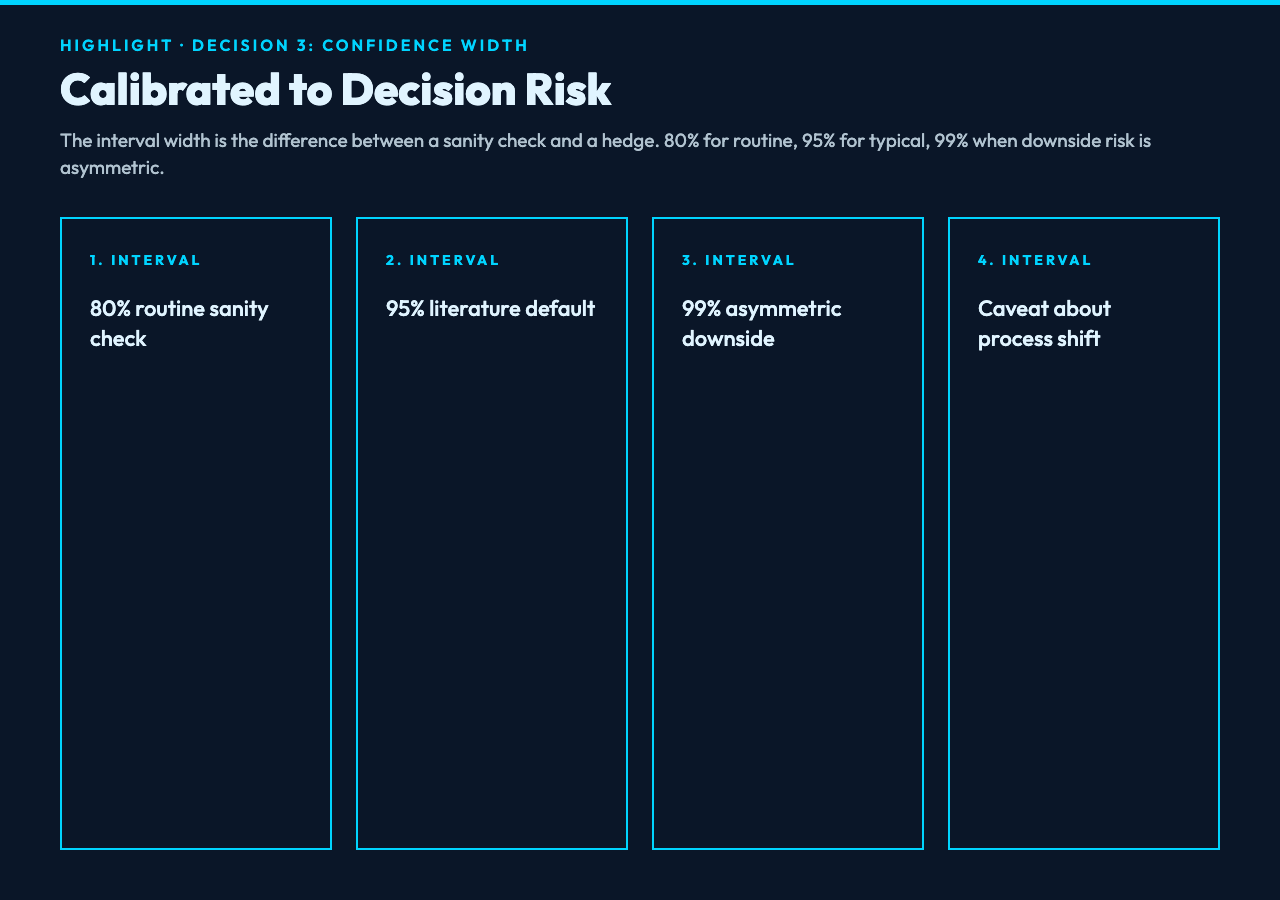
The third decision is the confidence interval. The classical decomposition produces a point forecast (the most likely value at each future time step) and an interval around it (the range of values the model thinks are plausible, with some specified probability — 80%, 95%, 99%). The interval is not decorative. It is the part of the forecast that tells the decision-maker how much they should trust the point estimate, how wide the safety stock needs to be, how much buffer to add to the capacity plan, and how aggressively they should hedge against the forecast being wrong. An 80% interval is roughly twice as wide as a 50% interval for the same model and the same data; a 95% interval is roughly three times as wide. The width of the interval is the difference between “we will probably need 120 units next Tuesday” and “we will probably need 120 units next Tuesday, and the range from 80 to 160 covers 95% of the scenarios we think are plausible”.
Most browser-based forecasting tools fix the confidence level at 95% (the default in the literature) and do not expose it. The shaded ribbon on the chart looks the same width regardless of the data’s actual noise, because the model is fitting a fixed interval to whatever residual it produced. The Time Series Forecast & Seasonality Analyzer exposes the confidence level as a form parameter, and the interval renders at the width the user picks. The default is 95%, which is what most users want; the option to drop to 80% (when the decision-maker is comfortable with the point estimate and just wants a sanity check on the tails) or raise to 99% (when the decision has asymmetric downside risk and the cost of being wrong is much higher than the cost of over-preparing) is the lever that turns a fixed widget into a tool the user can actually deploy across different decision contexts.
The dial here is between “always show 95%” and “let the user pick”. The right setting is the latter, but only if the tool also explains — visibly, in the chart, not in a hidden tooltip — what the interval represents and what the decision-maker is supposed to do with it. A 95% interval is not “the range of values that will happen”; it is the range of values that the model thinks will happen 95% of the time, assuming the data-generating process does not change between training and forecast. That caveat is the difference between a forecast you can plan against and a forecast that betrays you the first time the process shifts. The tool’s job is to make the caveat visible; the user’s job is to decide whether the process is stable enough that the caveat does not apply.
What the three decisions have in common
What the three decisions have in common is that they each protect a specific property of the classical time-series decomposition: the model choice protects the trend-fit assumption, the season length protects the seasonal cycle’s structural integrity, and the confidence interval protects the user’s ability to act on the forecast with calibrated risk. Remove any one of them, and the forecast collapses into a smoothed average of the past — visually convincing, structurally honest only by accident. Keep all three, and the forecast becomes something a non-statistician can deploy across capacity planning, inventory reorder, anomaly triage, and any other decision where the past is informative but not deterministic.
What to look for when you evaluate any time-series forecasting tool
If you are evaluating a tool that claims to do time-series forecasting — and there are dozens in the analytics tool market, most of them with a “forecast” button on the dashboard that produces a line and a ribbon — the three-decision test is a faster filter than the feature list. Open the tool, paste a series with a clear weekly or monthly cycle, and check three things. First, can you pick the model, or does the tool pick for you? If the tool picks for you, you have no way to know whether the model matches your data, and the forecast will be whatever the model’s default happens to produce on whatever pattern your series happens to have. Second, can you set the season length explicitly, or does the tool infer it? If the tool infers it, the inference can be wrong in ways that are not visible from the output, and the seasonal component in the forecast will not match the seasonal component in the actual next cycle. Third, can you set the confidence interval width, or is it fixed? If it is fixed, the interval does not adapt to the decision context, and a 95% ribbon will be drawn around a forecast that you would have happily acted on at 80% or hedged against at 99%.
The Time Series Forecast & Seasonality Analyzer is built to pass that test, and the three decisions above are the reason it does. The decomposition is real, the seasonal component is explicit, and the interval is configurable. The technique itself is decades old, the literature is robust, and the implementation is the part that is hard to get right inside a medium that does not let the user inspect coefficients or compare models with information criteria. The three decisions are the levers that make a credible browser-based forecasting tool possible without hiding the statistical choices the user is making.
Try a forecast on your own series at elysiatools.com/en/tools/time-series-forecast-seasonality-analyzer. Paste a CSV or JSON array with a timestamp column and a value column, set the season length to the natural period of your data, pick the model that matches the underlying process, and set the confidence level to whatever the decision context requires. The decomposition shows up in the report, the seasonal cycle appears in the forecast, and the interval grows with the horizon in a way that reflects the actual residual variance rather than a fixed multiplier. If you have run forecasts in a notebook before, the output will look familiar. If you have not, the three-decision filter above is the way to know whether the tool you are using is actually forecasting or just drawing a line.