Three Numbers That Decide Your Loan
Every amortization schedule, no matter how elaborate the spreadsheet, comes down to three numbers: the principal you borrow, the rate the lender charges, and the term over which you promise to repay. Once you fix those, the monthly payment, the total interest, and the date your balance hits zero are mathematical consequences — not choices. What you do with those consequences is where the real decisions happen.
This guide walks through the Amortization Schedule tool at Elysia Tools and the three numbers that drive it, then explores the three downstream decisions that quietly shape whether your loan helps or hurts: frequency, extra principal, and early-payoff math. By the end you’ll see why a $300,000 mortgage at 6.5% over 30 years is not one decision but a chain of small ones, each pulling the final cost in a different direction.
The full Elysia Tools collection includes more than two thousand browser-based calculators and converters that share the same input-then-output pattern. For finance specifically, the amortization generator is the workhorse, but the same three-number core shows up across the category.

What an Amortization Schedule Actually Shows
An amortization schedule is a month-by-month ledger of how each payment splits between interest (the lender’s cut) and principal (the part that reduces what you owe). Early in the term, interest dominates — sometimes shockingly so. On a 30-year mortgage at 6.5%, your very first payment might be roughly 80% interest and only 20% principal. By year 20, the ratio flips.
The schedule answers four questions every borrower eventually asks:
- How much will each payment actually be?
- How much of the total goes to interest versus principal?
- When does my balance cross below 50% of the original loan?
- If I add extra to one payment, how much sooner am I free?
You can compute these by hand with the standard mortgage formula, but the algebra gets tedious once you switch to biweekly payments or model a lump-sum extra. The Amortization Schedule tool handles all of that in one pass and returns a clean JSON breakdown — payment number, interest portion, principal portion, remaining balance, and running totals. It also lets you model different payment frequencies, which is where the first big decision lives. Run it directly from the Elysia Tools finance shelf alongside related generators for currency, percentages, and time-value math.
Decision One: Payment Frequency
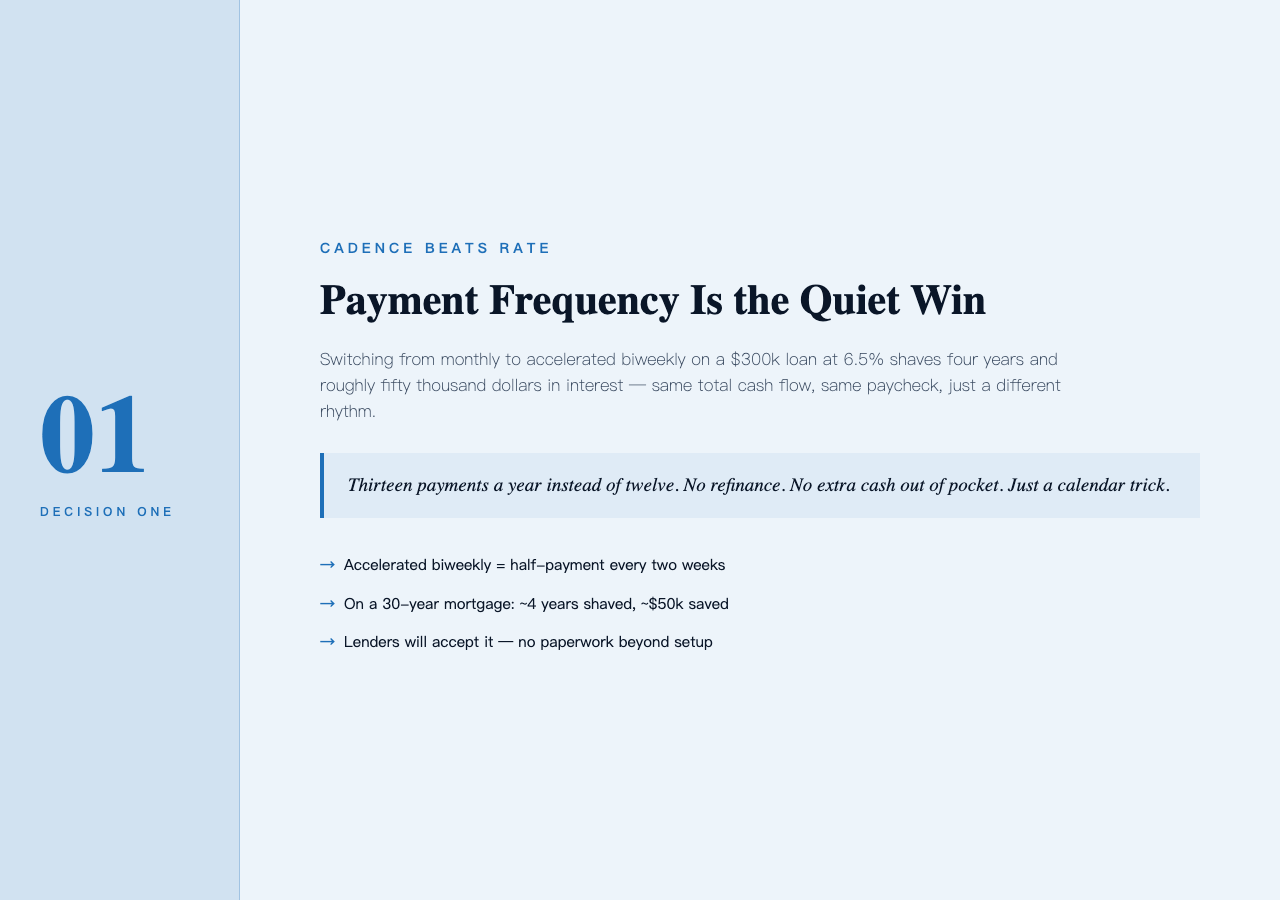
The default assumption on most loan calculators is monthly. But lenders will happily accept weekly, biweekly, or accelerated biweekly payments. The frequency choice changes the total cost in a way that surprises most people.
Accelerated biweekly is the most common trick: instead of one payment every two weeks, you pay half your monthly amount every two weeks. The math works out to 13 full monthly payments per year instead of 12. On a $300,000 loan at 6.5%, that single change cuts the term by roughly 4 years and saves around $50,000 in interest. No refinancing, no extra cash out of pocket — same paycheck, just a different cadence.
The tool’s paymentFrequency option lets you compare these side by side. Run it with monthly first, then with accelerated biweekly, and watch the “remaining balance” column hit zero years earlier. The schedule exposes what the headline rate hides: the timing of your payments matters as much as the rate itself.
Decision Two: Extra Principal and Where to Apply It
The second decision is what happens when you have an extra $1,000 — a tax refund, a bonus, a freelance gig. You have three places to put it:
- Send it as a one-time extra principal payment on your next due date.
- Recast the loan (lender re-amortizes the remaining balance over the original term).
- Hold it in a savings account and pay it as a lump sum at the end of the year.
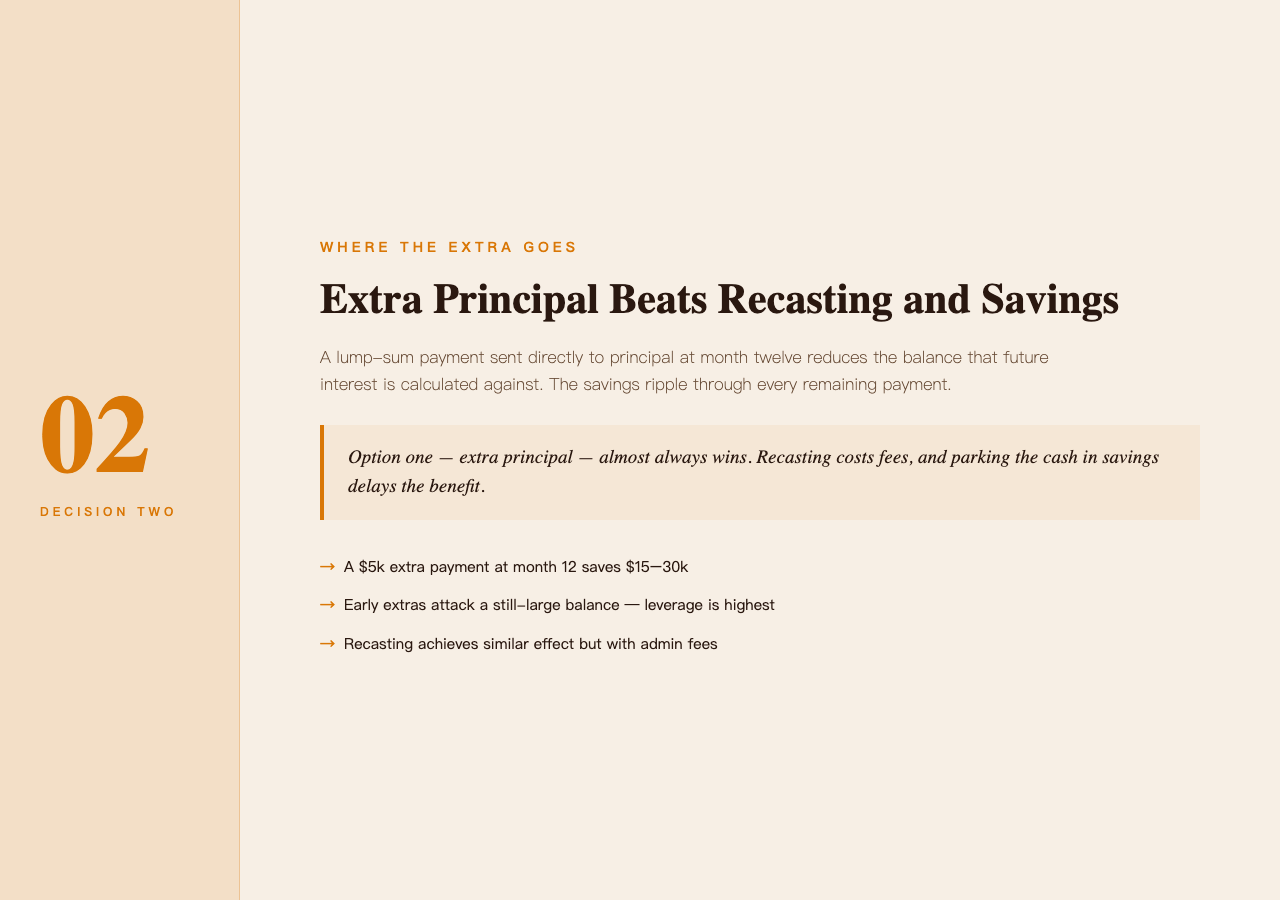
Option 1 is almost always the winner. A lump-sum payment applied directly to principal reduces the balance that future interest is calculated against, and since interest compounds on the remaining balance, the savings ripple through every subsequent payment. Option 2 (recasting) achieves a similar effect on monthly payments but typically costs a few hundred dollars in fees. Option 3 delays the benefit — and in a high-rate environment, the opportunity cost of sitting in cash can exceed the interest saved.
Use the schedule tool to model a single $5,000 extra payment at month 12 of a $300,000 loan. Compare the total interest with and without that payment. The schedule will show the new payoff date and the running total of interest saved — usually somewhere between $15,000 and $30,000 depending on when in the term you apply it. Early extra payments save dramatically more than late ones because they attack a still-large principal balance.
The same compounding effect shows up in any interest-driven calculator at Elysia Tools — the principal-versus-interest flip is a property of the math, not a quirk of mortgages.
Decision Three: The Payoff Date vs. The Investment Trade-off
The third decision is the one most calculators never surface: if you can afford an extra $200 per month, should you pour it into the loan or into an investment that might earn more than the loan’s interest rate?
The classical answer is straightforward — if your after-tax investment return exceeds your after-tax loan rate, invest; otherwise, prepay. But three complications make this messier than it looks:
- Loan rates are fixed but guaranteed. Investment returns are variable and not guaranteed. A 6.5% mortgage is a 6.5% mortgage; the stock market can deliver 12% or -15% in any given year.
- Psychological certainty has value. Owning your home free-and-clear in 22 years instead of 30 is a qualitatively different life than one extra investment cycle.
- Liquidity matters. Money in your home is locked. Money in a brokerage can be accessed in days. If you lose your job, the prepayments are gone.
The tool helps here by exposing the exact date your balance hits zero under different scenarios. Run the schedule with $200 extra principal each month and note the payoff date. Then run it without the extra. The calendar difference — usually 4 to 7 years — is the visible cost of choosing investment flexibility instead.
Three Patterns the Schedule Reveals
Once you generate a few schedules, three patterns become obvious. The first is the front-loaded interest trap: on long-term loans, you can spend a decade paying mostly interest with the principal barely budging. The schedule makes this tangible — at month 60 of a 30-year mortgage, you might still owe 95% of what you borrowed.
The second pattern is the crossover point, the month when your monthly payment flips from majority-interest to majority-principal. For most 30-year fixed mortgages, this happens somewhere around year 18 to 22. Once you cross it, every payment is doing meaningful work on the principal.
The third pattern is the rate sensitivity. A 0.5% rate difference on a $400,000 30-year loan is roughly $140 per month and over $50,000 over the life of the loan. The schedule doesn’t tell you which rate to take — that’s a market question — but it makes the cost of waiting for a better rate viscerally clear.

Running the Numbers Yourself
The tool takes five inputs: loan amount, annual interest rate, term in years, start date, and payment frequency. It returns a structured JSON breakdown that includes per-payment interest, per-payment principal, the running balance, and lifetime totals. The output is also friendly for spreadsheets — paste it into Excel or Google Sheets and you’ve got a model you can fork.
For a quick win, try these three comparisons back to back:
- 30-year fixed at monthly versus accelerated biweekly.
- 15-year fixed versus 30-year fixed at the same rate.
- Your current loan versus the same loan with one $5,000 extra principal payment at month 12.
Each comparison turns a vague intuition (“I should pay this off faster”) into a specific number (“this saves me $47,200 and 4.3 years”). That kind of clarity is what separates financial planning from financial hoping.
The amortization schedule is one of those rare tools where the math is exact and the decisions are entirely yours. Run it once with the defaults, then run it again with the version of the loan you actually want, and let the difference between the two schedules be your decision aid. To explore other loan and finance calculators, browse the full set of tools at Elysia Tools — the same generator pattern shows up in mortgages, auto loans, student loans, and small-business credit lines, with the same three-number core driving all of them. For a deeper look at the broader finance-and-decision landscape, the amortization generator’s input shape is identical to the rest of the finance shelf.