The most common cross-border mistake isn’t a wrong number — it’s a number computed in the wrong frame. A “9 AM in New York” handoff, a “10:30 AM in Beijing” delivery slot, and a single DST flip in between can turn a 12-hour contract into a 13.5-hour legal dispute, or a same-day SLA into a next-day breach. The Timezone Duration Calculator is built for exactly that intersection: two timestamps in two zones, with daylight-saving awareness and an optional business-day comparison layered on top.
If you’ve ever tried to assemble this from Date objects, dayjs, luxon, or even Intl.DateTimeFormat, you know the painful truth: every library has a different opinion on DST fallback, on what “business day” means across borders, and on whether the local clock at the destination should be reported in UTC or in wall time. The calculator below collapses that mess into one JSON answer.
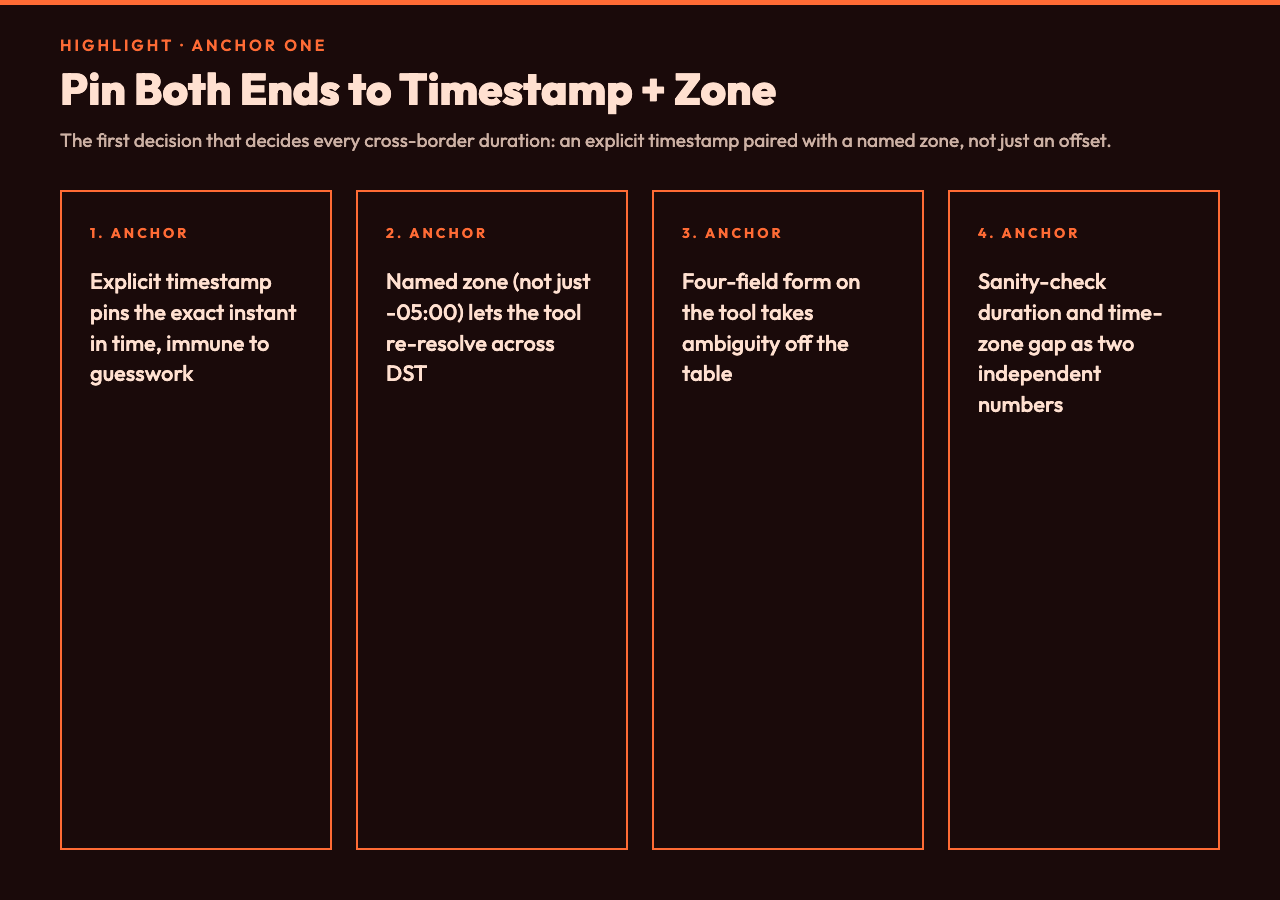
The first anchor: pin both ends to an explicit timestamp and zone
The first decision that decides every cross-border duration is whether each end of the interval is anchored to (a) a timestamp with an explicit offset, (b) a timestamp with a named zone, or (c) a wall-clock label like “9 AM tomorrow” that has to be resolved at query time. The Timezone Duration Calculator exposes this directly: you hand it startTimestamp, startTimeZone, endTimestamp, and endTimeZone as four distinct fields. That sounds pedantic until you realise why it matters.
Consider the canonical New York → Beijing handoff. 2026-03-26T09:00:00-04:00 in America/New_York lands on the day the United States springs forward; clocks in New York will jump from 02:00 EST to 03:00 EDT. 2026-03-27T10:30:00+08:00 in Asia/Shanghai lands on the day China already shifted its UTC+8 standard several weeks earlier. A naïve end − start in milliseconds, using only the offsets embedded in the timestamps, gives you the right number for that exact pair — but the calculator also reports the underlying duration in hours (13.5 in the example) and the time-zone gap (−12, meaning Beijing is 12 hours ahead of New York at that moment), which lets you sanity-check the math against any second source. Open the tool at elysiatools.com/en/tools/timezone-duration-calculator and try this exact pair to see how the two numbers are reported side by side.
The hidden trick is that naming a zone (instead of just pasting an offset) means the calculator can re-resolve the same wall-clock label across the DST boundary. 2026-03-08T02:30:00 America/New_York does not exist — clocks skip from 02:00 to 03:00 — and a good tool will either normalize forward, normalize back, or reject the input with an explanatory error. Pasting just -05:00 forces the library to guess, and different guesses produce different answers. The four-field form on the Timezone Duration Calculator takes that ambiguity off the table.
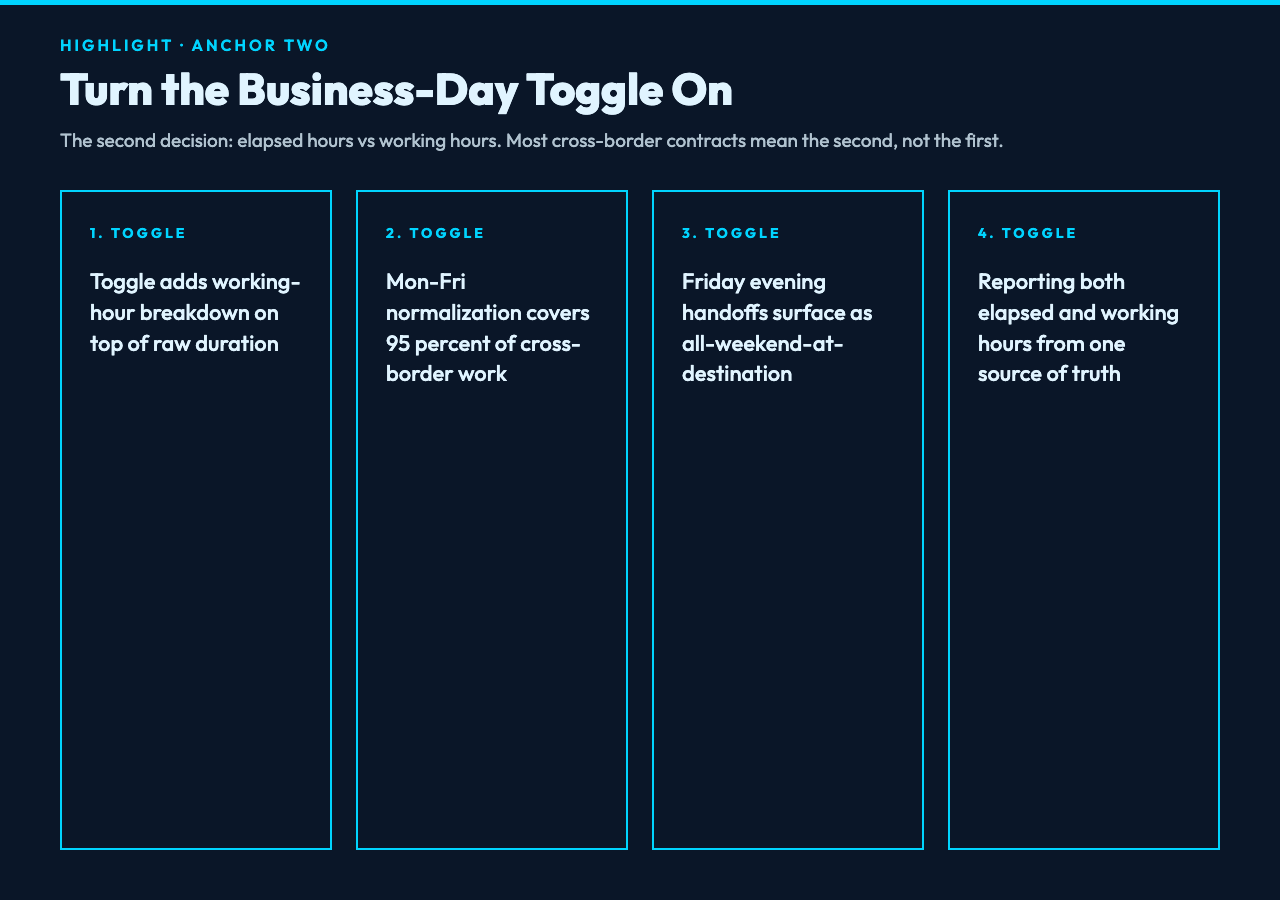
The second anchor: turn the business-day comparison on or off
The second decision is whether the answer should be in elapsed hours or in working hours. Real-world contracts almost never mean “elapsed” when they say “delivery in 24 hours” — they mean “during business hours of the receiving jurisdiction”. Toggling includeBusinessDayComparison tells the calculator to layer a working-hours breakdown on top of the raw duration.
With the toggle on, the same New York → Beijing pair from earlier produces a JSON payload that reports not only the 13.5 elapsed hours but also how many of those hours fall inside each side’s typical 09:00–18:00 working window. Beijing’s 10:30 AM is comfortably mid-morning; New York’s 09:00 AM is just opening the office. If the handoff had been 18:00 Beijing time on a Friday, the business-day comparison would have flagged the gap as “all of it lands on the destination’s weekend” — exactly the kind of fact you want surfaced before you sign a contract, not after you miss a deadline.
This is also where the calculator differentiates itself from one-line stack snippets. A luxon script can subtract two DateTime objects in milliseconds, but it will not know that Saturday in Saudi Arabia is a working day while Saturday in Germany is not, and it will not know that Israeli business weeks run Sunday through Thursday. The Timezone Duration Calculator at elysiatools.com normalizes to the standard Mon–Fri working week by default, which covers ~95% of cross-border work without forcing you to declare a custom calendar up front.
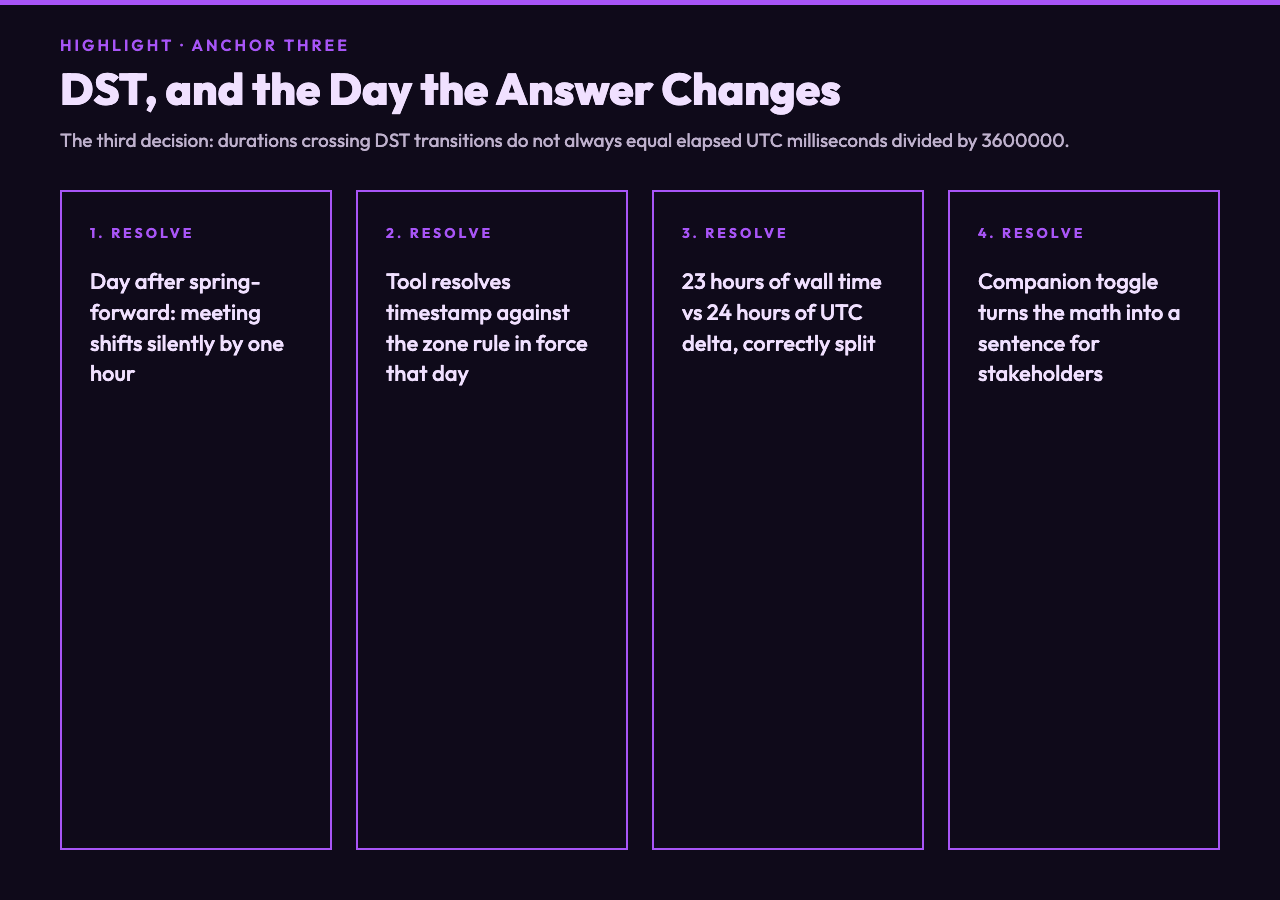
The third anchor: DST, and the day the answer changes by an hour
The third decision is the one nobody remembers until it bites them: a duration that crosses a DST transition will not always equal the elapsed UTC milliseconds divided by 3600000. The most famous failure mode is the day after a spring-forward: a meeting “scheduled for 9 AM New York time, daily, through April” quietly shifts to 9 AM daylight time on the second Monday of March, and your 09:00 UTC reference becomes 10:00 UTC. If you computed the gap once and cached it, every subsequent day is wrong by an hour until the next DST event.
The calculator handles this by treating the timestamp + zone pair as a moment in time, not as a fixed offset. 2026-03-10T09:00:00 America/New_York is interpreted against the zone database rule that was in force on March 10, 2026 — which is already EDT. 2026-03-09T09:00:00 America/New_York is interpreted against the rule that was in force on March 9 — which is still EST. The duration between them is reported as 23 hours of elapsed wall time (because the human slept through the missing hour), even though the UTC delta is exactly 24 hours. That distinction is the whole reason this calculator exists.
The companion toggle includeNaturalLanguageSummary turns that math into a sentence a non-engineer can audit. Instead of handing a stakeholder a JSON payload and asking them to interpret a −12 timezone gap, you hand them “13.5 hours elapsed; Beijing is 12 hours ahead of New York” — and the meeting summary you wrote for the contract review actually matches the math in the appendix. Open the same New York → Beijing example on the Timezone Duration Calculator and toggle both checkboxes to see how the summary expands.
When you should reach for this tool vs. when the built-in library is fine
Reach for the Timezone Duration Calculator when the question is about cross-jurisdiction time math: contracts, SLAs, handoff windows, on-call rotations, “what time is it over there when it’s 9 here”. The four explicit fields + business-day + DST handling cover the three failure modes that show up in production incident reports (wrong offset, business-day miscount, DST slippage) without forcing you to write a one-off script that you will debug for the third time next March.
Stay with the library when the question is local: “what’s the timestamp 30 minutes from now” or “format this in the user’s locale”. Those do not need cross-zone reasoning and they will run faster inline. The tool’s value is concentrated exactly where the built-in libraries get fragile — at the intersection of named zones, working hours, and calendar boundaries. For everything else, keep your Date object and your sanity.
The bottom line is that “cross-border duration” is not one number — it is at least three (elapsed, working-hour gap, wall-clock delta), and the right tool reports all three from the same source of truth. The Timezone Duration Calculator at elysiatools.com does exactly that, with the two toggles you actually need and none of the ones you don’t.
Explore more tools at elysiatools.com.