Most editors online have a button labeled “Title Case” that does one thing: it walks the string and capitalizes the first letter of every whitespace-delimited token. The result is technically title-cased, and visually wrong. “The Lord Of The Rings” reads like a typo, not a title. “A Well-Balanced Approach To Machine Learning” announces itself as machine-generated. The words that should sit quietly — the articles, the short prepositions, the conjunctions — have been shouted.
Editorial title casing is not a single transformation. It is a small style decision made once per publication, applied to every headline, book title, chapter heading, and slide title in that publication. AP, the Chicago Manual of Style, and Wikipedia each draw the line in a slightly different place. A title that is correct under one style guide is silently wrong under another, and a tool that only knows “capitalize every word” cannot tell you which.
This is the gap the Title Case Converter fills. It implements the rules of three real style guides — AP, Chicago, and Wikipedia — plus a “Simple” mode for contexts where every word does need to be capitalized (button labels, table column headers, breadcrumbs). The differences between the styles are small but visible, and once you see them side by side you stop trusting the “Capitalize Every Word” button.
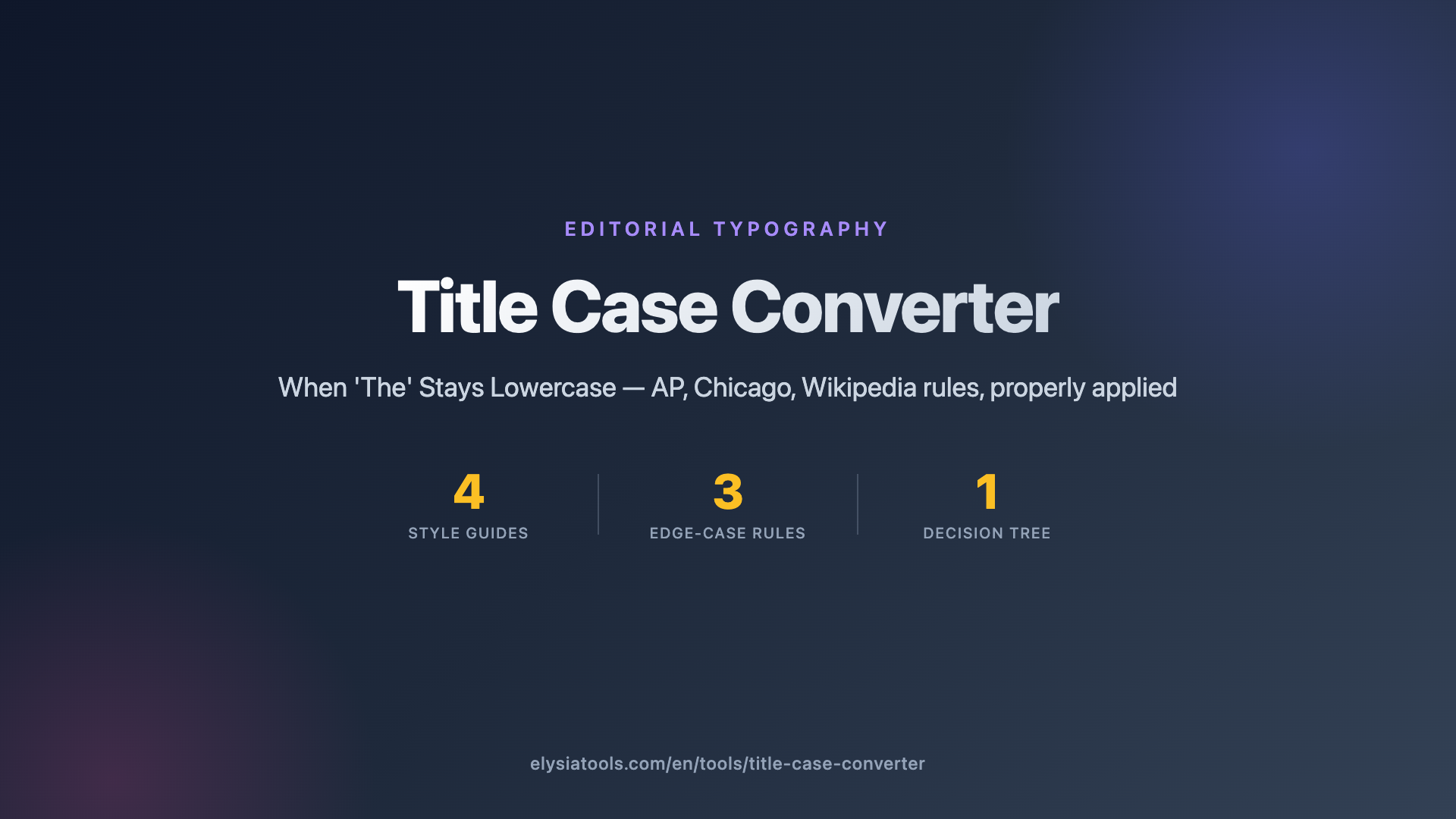
The Three Style Guides, In One Sentence Each
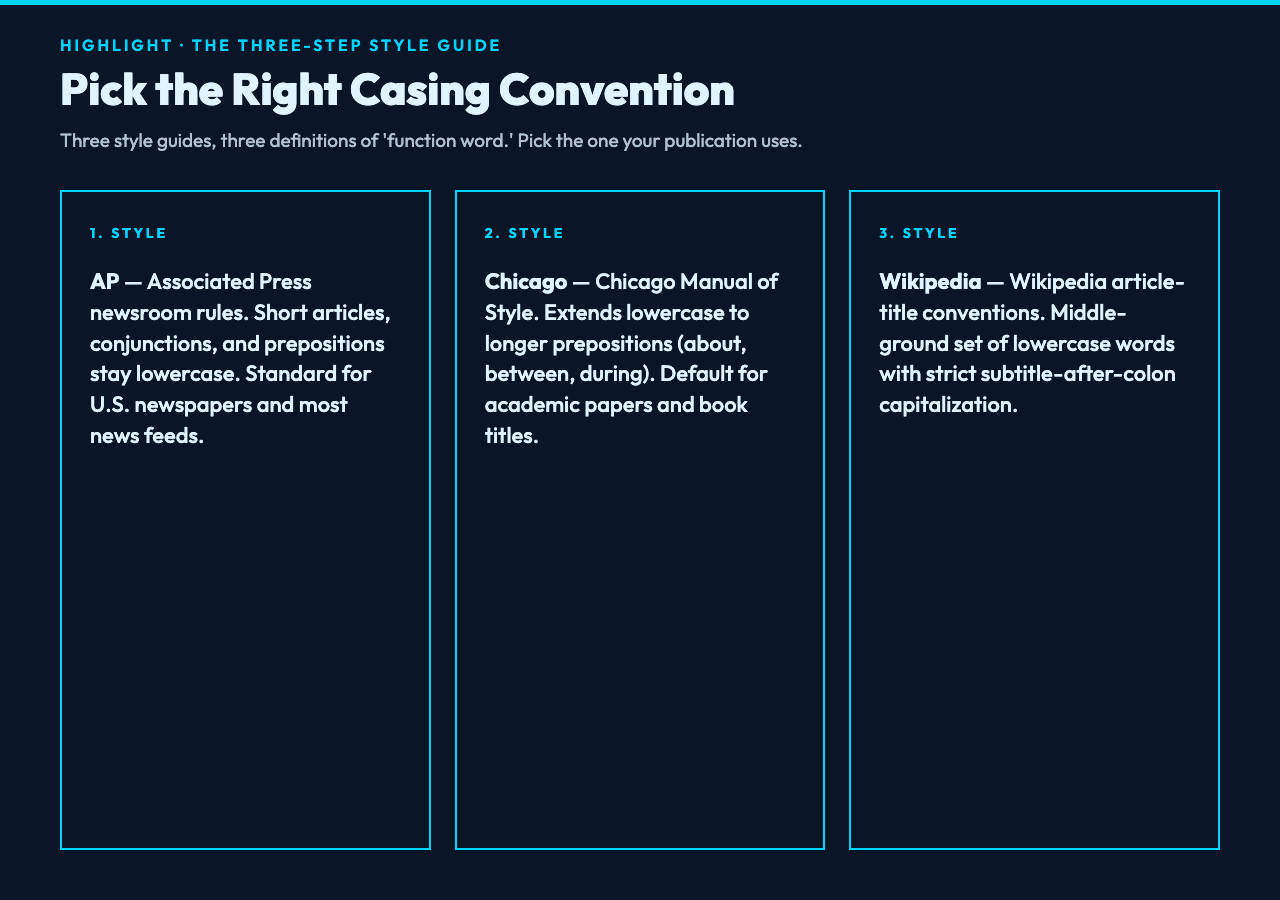
AP style, the rules used by Associated Press newsrooms and most U.S. newspapers, treats articles (a, an, the), short coordinating conjunctions (and, but, for, or, nor), and short prepositions (as, at, by, for, in, of, on, to, up, via) as lowercase function words unless they happen to be the first or last word of the title. So “The Lord of the Rings: Return of the King” in AP renders as exactly that, with “of” and “the” sitting in lowercase, but “The” — the first word — getting its capital. That looks correct on a news page because the eye has been trained on AP for over a century.
Chicago style, the rules in the Chicago Manual of Style and the default for academic publishing and book titles, takes the same basic principle and extends the lowercase list to include longer prepositions (about, across, after, between, during, without, and roughly fifteen more). “A Well-Balanced Approach to Machine Learning” in Chicago keeps “to” lowercase, which is what you’d see on the dust jacket of a Springer textbook. If you’re writing a chapter heading, a thesis section title, or the title of an academic paper, Chicago is what your style guide probably wants.
Wikipedia sits in between. It treats prepositions of any length as lowercase only when they are short common prepositions, and it preserves capitalization for proper nouns and certain always-capitalized forms. “Big Data and the Law” in Wikipedia renders identically to AP. “Return of the Jedi: A Cultural History” in Wikipedia keeps “of” lowercase but capitalizes “Cultural History” because the colon-separated phrase is a subtitle, and subtitles get every word capitalized regardless of function-word status.
All three styles share three rules that don’t depend on which style you pick. The first word of the title is always capitalized, even if it is “the” or “a.” The last word is always capitalized, even if it is “of” or “to.” And any word that appears immediately after a colon, em-dash, or sentence-ending punctuation is capitalized — that’s the subtitle rule, and it overrides the function-word rules. So “the lord of the rings: return of the king” in AP correctly becomes “The Lord of the Rings: Return of the King,” not “The Lord of the Rings: return of the King.”
Function Words Are the Whole Story
Once you internalize “function words lowercase, content words capitalized,” you stop seeing “Capitalize Every Word” output as wrong for a reason you can articulate. It’s wrong because function words are not content. The reader’s eye skips over them. When “Of” and “The” are capitalized in the middle of a title, the eye no longer skips — it trips. The title looks busy. It looks like every word is competing for attention.
Different style guides draw the function-word line at different lengths, and that is the entire mechanism by which AP differs from Chicago differs from Wikipedia. AP is the most conservative: only very short prepositions (three letters or fewer in common usage) get demoted. Chicago is the most generous: any preposition that isn’t genuinely long — say, anything under five letters — gets demoted. Wikipedia just lists the words.
This is why a hand-rolled title-caser is so easy to write and so hard to write well. You can implement “lowercase articles, conjunctions, and prepositions under four letters” in ten lines of Python. You will get a result that is approximately AP. It will be wrong on edge cases — possessives, hyphenated compounds, Roman numerals, abbreviations like NASA or iOS — in ways that no reader can name but every copy editor will notice. The styles in the Title Case Converter are implemented against the published rule lists, so “NASA → Nasa” in AP (because AP normalizes acronyms to title-case when used as a common word) is the kind of detail that shows up when the rules are actually consulted rather than guessed at.
Subtitles, Colons, Em-Dashes, and Hyphenation
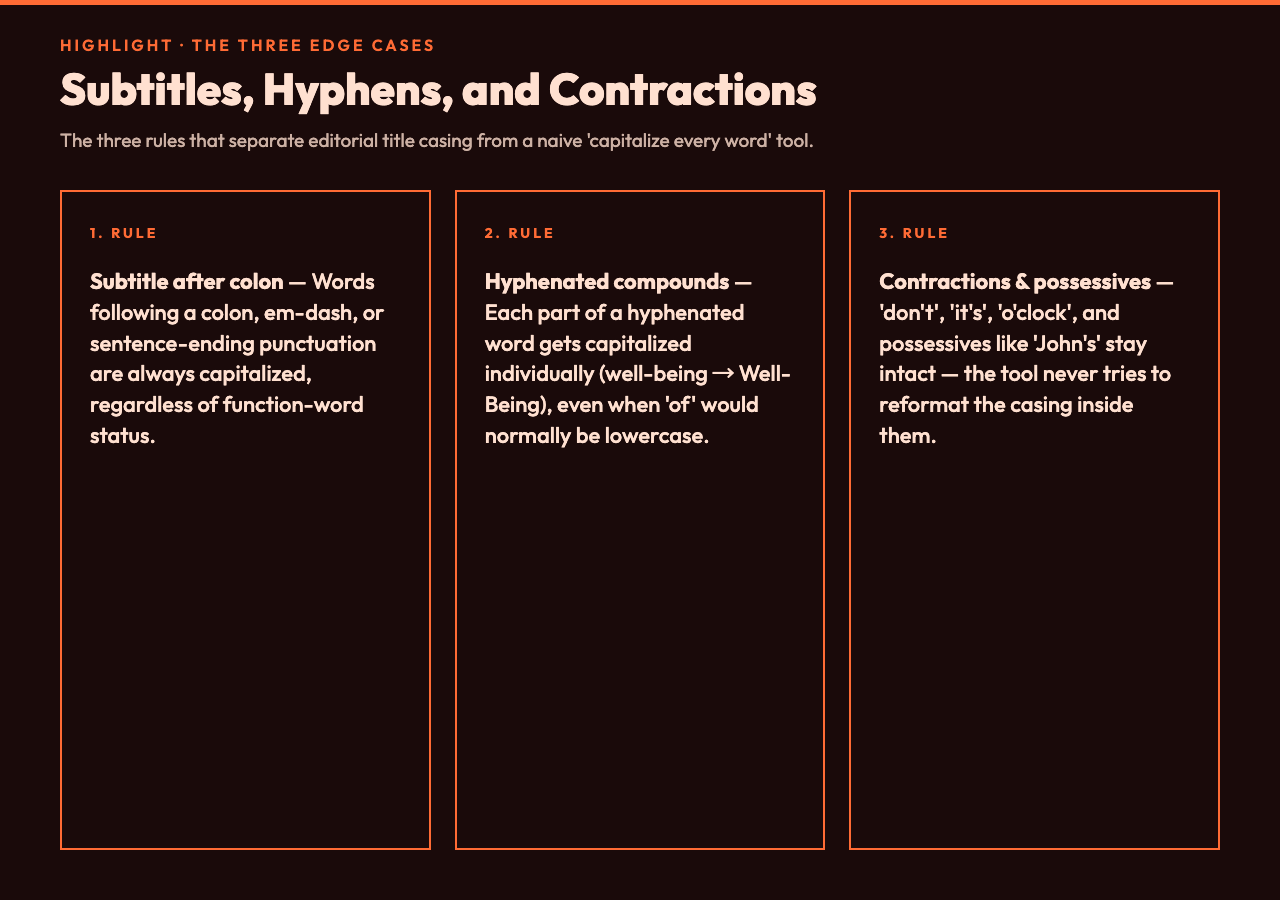
Three edge cases come up constantly, and each one has a clean rule. First, the subtitle: any word after a colon, em-dash, or sentence-ending punctuation is capitalized regardless of style. This is because subtitles are conventionally treated as titles in their own right, and the same function-word-lowercase rules don’t apply at the second-tier level. “Big Data: The End of Theory” capitalizes “The” and “End” because they’re after a colon, even though “the” would be lowercase at the start of the title and “of” is a function word in any style.
Second, hyphenated compounds: each part of a hyphenated word is capitalized individually, so “well-being” becomes “Well-Being” and “state-of-the-art” becomes “State-of-the-Art” — even in AP, which lowercases “of” everywhere else. The hyphen is treated as a word boundary that preserves the capitalization rule for each half. This is the rule most casual title-casers get wrong because they tokenize on whitespace and miss the internal hyphenation entirely.
Third, contractions and possessives: “don’t,” “it’s,” “o’clock,” and possessives like “John’s” are handled as single tokens with the apostrophe-s intact. The Title Case Converter doesn’t try to break these apart or reformat them, because trying to “fix” the casing inside an existing contraction usually produces something worse than what you started with. If “It’s a Wonderful Life” comes out as “It’s a Wonderful Life,” that’s the correct AP output — “it” is a pronoun, and pronouns are content words.
When to Use Simple Mode
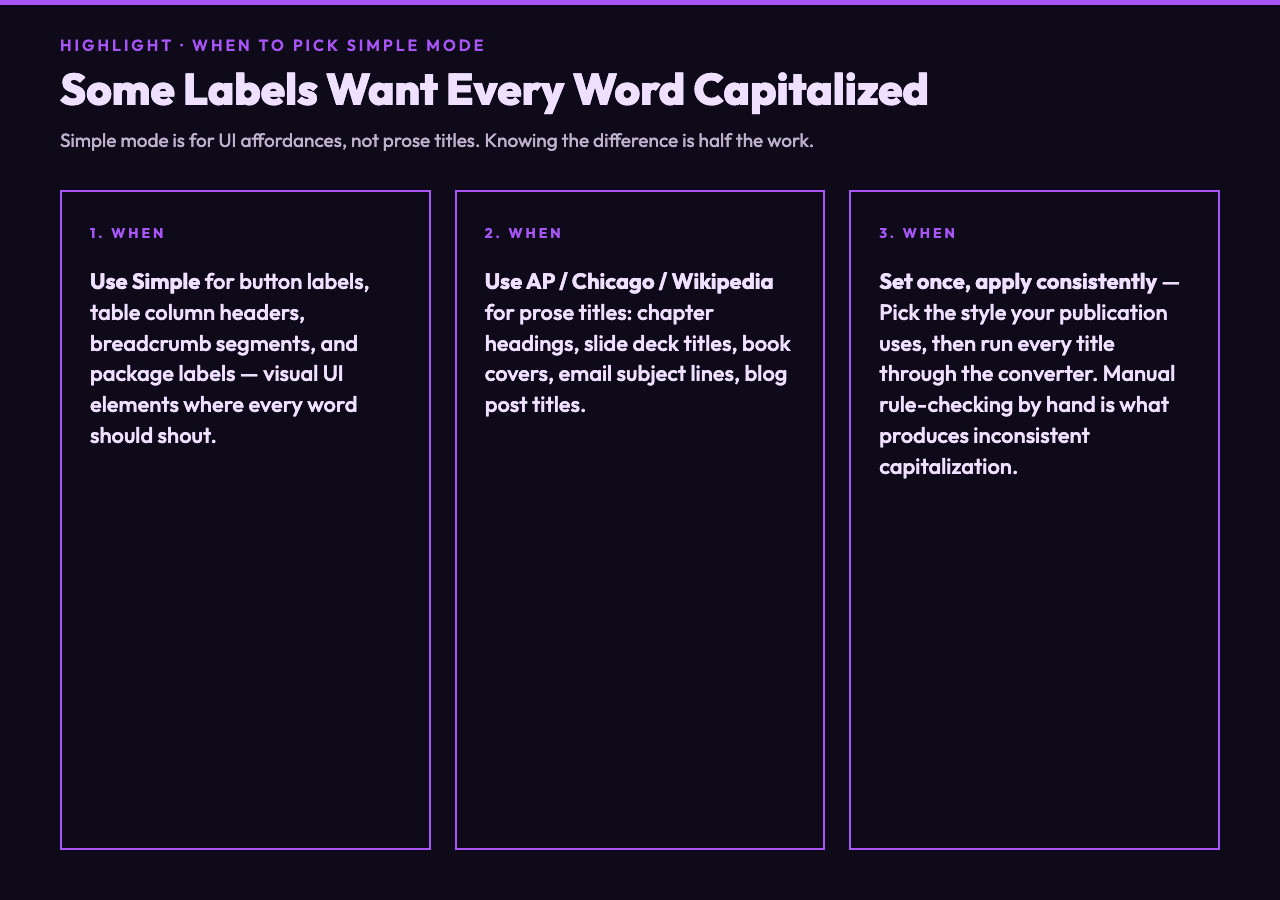
The “Simple” mode in the Title Case Converter is the same naive “capitalize every word” logic that every basic editor has — but it’s there deliberately, not by accident. There are contexts where every word does need to be capitalized: button labels (“Click Here to Continue”), table column headers (“First Name / Last Name / Email Address”), breadcrumb navigation segments, package labels, and any UI affordance where the visual weight of a capital letter signals “this is a label, not a sentence.”
The mistake is using Simple mode for prose titles. A button labeled “Click Here To Continue” reads fine because the button is a single visual unit. A chapter heading labeled “Chapter Four: The Beginning Of The End” reads wrong because the chapter heading is part of a publication that follows a style guide. The same string lives in different contexts and needs different casing.
The four-mode selector — AP, Chicago, Wikipedia, Simple — is the right shape for this problem because it lets you set the convention once and apply it consistently. Pick the mode that matches your publication. Paste a title. Get back the correctly-cased version. The alternative is keeping a style-guide PDF open in a second tab and applying the rules by hand, which is exactly the workflow that produced inconsistent capitalization in the first place.
What It Doesn’t Try To Do
The Title Case Converter does not preserve specific capitals you have manually chosen. If you write “iOS Development for NASA Engineers” and run it through AP, you get “Ios Development for Nasa Engineers” — because AP normalizes both acronyms to title-case when they’re not at the start of a title. The tool treats casing as a function of style, not of your prior formatting choices.
This is the right tradeoff for batch processing — titles pulled from a CMS, a database, or a CSV column where every entry needs to match the publication’s style. The few titles where you genuinely need to preserve “iOS” or “NASA” or “PhD” can be fixed by hand after the batch pass, and that’s faster than building a custom-casing engine that respects every per-word override. The tool’s job is to enforce the style consistently across thousands of titles; the per-title exceptions are a human editorial call.
It also doesn’t try to detect which language the input is in. If you paste German text, the converter will still apply English-style function-word rules, which will produce subtly wrong output for German titles (where every noun is capitalized regardless of position). This is documented as a limitation rather than a hidden gotcha — English-style title casing in English text is what the tool does, and other languages have their own conventions that warrant their own tools.
The Tool In Your Workflow
The natural place for a title-case converter is any pipeline where titles are pulled from data and rendered to a UI. CMS bulk import, e-commerce product title normalization, blog post slug back-conversion, email subject line generation, slide deck title formatting — any of these benefit from a consistent style pass.
For a single title, the converter is faster than opening a style-guide PDF and faster than writing the rule yourself. For a batch of titles, it’s the difference between an hour of manual proofreading and a paste-and-copy that produces consistent output in one go. The four-mode selector means you can run the same batch under each style to see which one reads best for your publication, which is something you’d never do if you had to re-implement the rules from scratch each time.
If you write headlines, book titles, slide decks, or any other prose that gets formatted to title case, the Title Case Converter is worth bookmarking. The first time you see “the lord of the rings: return of the king” come out as “The Lord of the Rings: Return of the King” with the right words in lowercase, you’ll understand why the “Capitalize Every Word” button was never quite enough. Title case is a style, not a transform. The tool knows the difference.
For related text work, the Em-Dash & Typographic Purifier handles the other half of editorial typography — converting straight ASCII punctuation into proper em-dashes, en-dashes, curly quotes, and ellipses. If you’re normalizing titles for a publication, you usually want both: the right words capitalized and the right punctuation. The Text Obfuscator sits in a different direction — rendering English into leet, small caps, or number-substituted variants — but it shares the underlying case-conversion logic that the Title Case Converter uses for the “Simple” mode. The Markdown Lint and Style Checker catches a different class of formatting issue but uses similar style-rule matching under the hood. And if your titles are coming from a URL slug that needs to be humanized, the Twitter / X Thread Splitter applies title-casing as part of its per-tweet formatting when the post length justifies splitting.