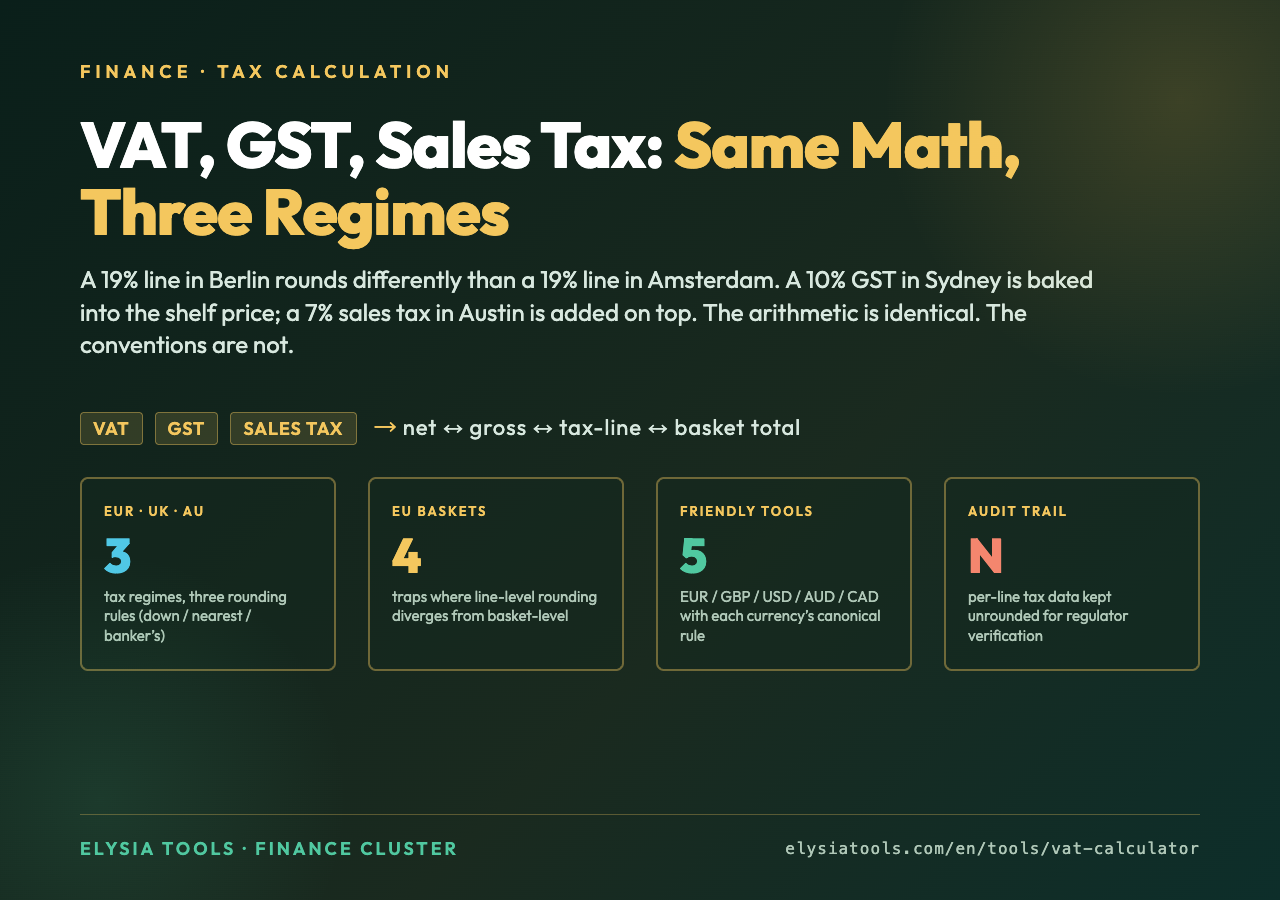
A restaurant in Berlin charges €42.00 on the menu. A restaurant in Toronto charges C$58.00. A restaurant in San Francisco charges $45.00. The diner at each table pays one bill and walks out with a receipt. But the receipt in Berlin has a 19% line labeled “MwSt.” The receipt in Toronto has a 13% line labeled “HST.” The receipt in San Francisco has nothing — the tax is already inside the $45.00. Three regimes. Same meal. Three different books.
The arithmetic is simple. Every VAT/GST/sales-tax calculator on the planet does the same five operations: multiply a base price by a rate, divide a gross price by (1 + rate), round to a currency’s smallest unit, label the tax line, and present the total. The honesty is not in the math. The honesty is in which number you call the price, which way the rounding goes, and whether your invoice leaves an auditable trail. A calculator that gets 19% of €42 right is not the same tool as one that knows whether €42 already includes the tax or not. We built one that knows. It is on elysiatools.com/en/tools/vat-calculator, and the rest of this article is the four traps where the math quietly disagrees with the invoice.
The Three Pricing Conventions, In One Sentence Each
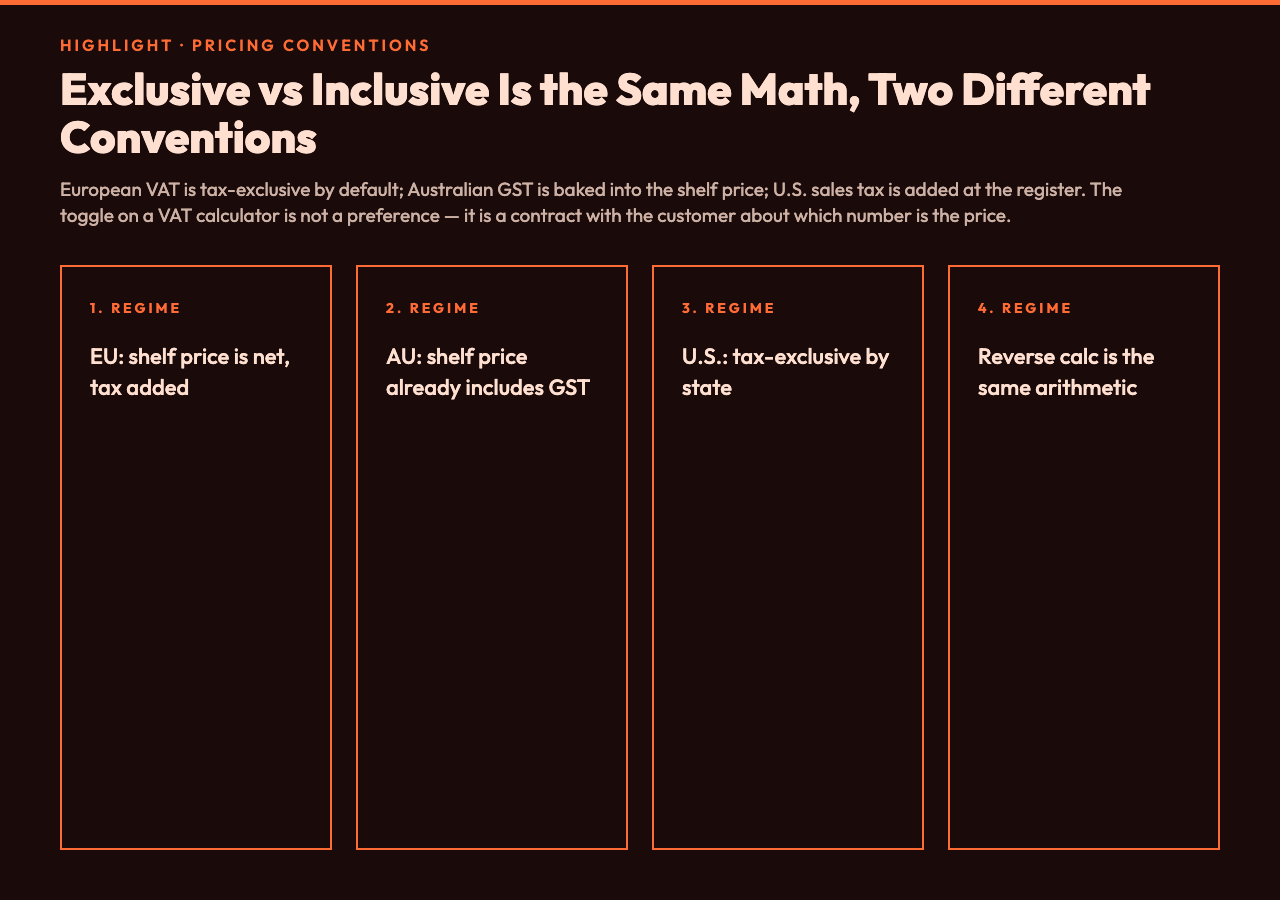
European VAT is tax-exclusive by default — the shelf price is the net amount, the tax is added on top. Australian GST is tax-inclusive — the shelf price already has 10% baked in, and the calculator must back it out. North American sales tax varies by state: most U.S. states display tax-exclusive (the $4.50 sales tax shows below the $50.00 subtotal), but the everyday conversation says “$50 plus tax,” which is shorthand for tax-exclusive display. Some Canadian provinces (Ontario, for example) display HST inclusive on receipts, others (Alberta) are tax-exclusive. The convention is not the same as the law. The convention is what your customers expect to see on a receipt.
The VAT Calculator flips between inclusive and exclusive with a single toggle, then performs the same five-step pipeline regardless of which side you start on. This sounds trivial, but the trivialities are where accountants catch their first mistakes. Inclusive pricing has a classic inverse-proportion trap: if the gross is $115 and the rate is 15%, the net is not $115 ÷ 1.15 + something — it is exactly $115 ÷ 1.15 = $100. The “plus something” instinct is wrong because tax-inclusive means the tax is a portion of the gross, not added to it. A calculator that does $115 − ($115 × 0.15) = $97.75 has just under-reported tax by $2.25 per $115 of revenue. At scale, that is an audit finding.
The Rounding Direction Trap (Post 4596 Pinned Decision)
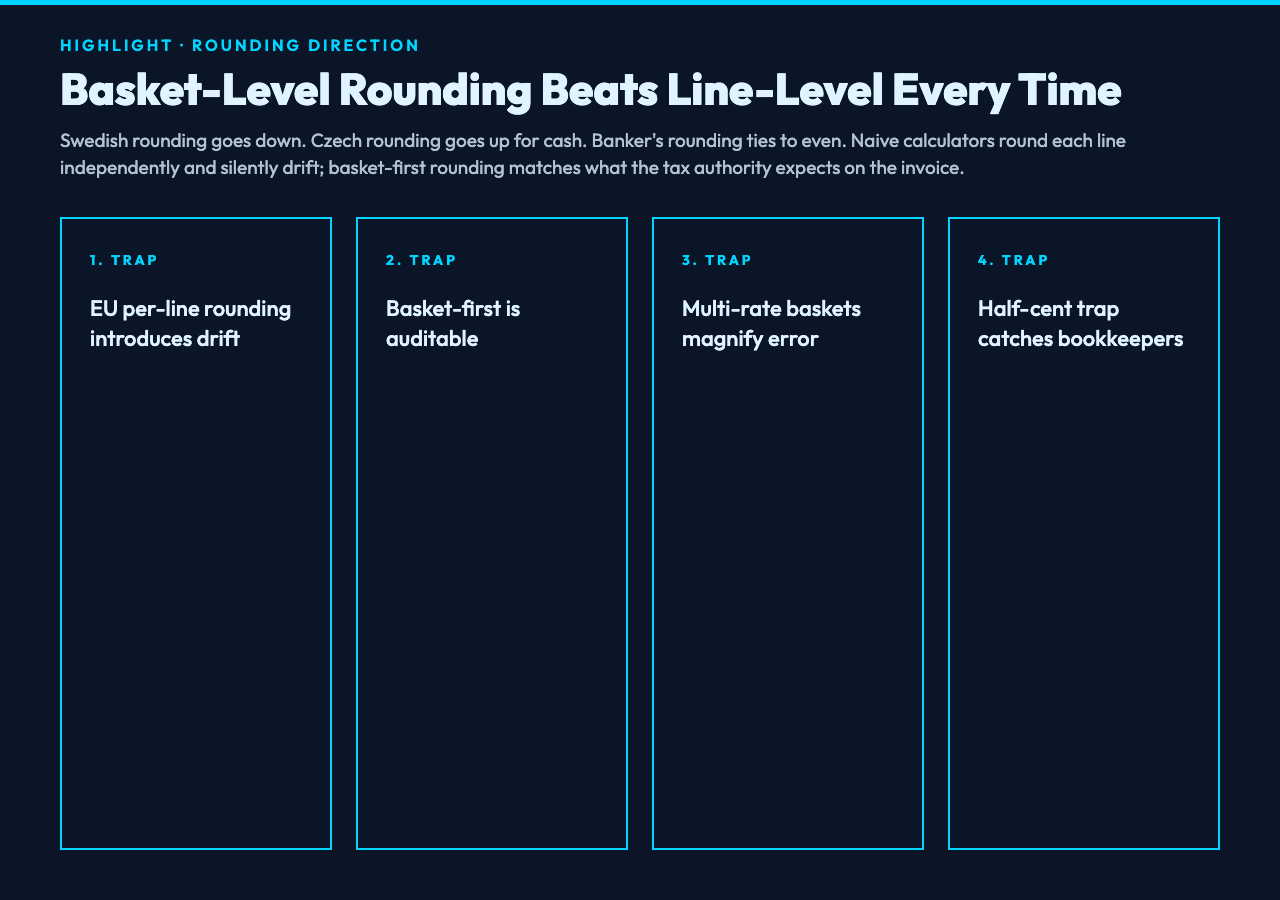
Most European countries round tax line items down to the nearest cent (Swedish rounding). A few round up (Czech rounding for cash transactions). The United States and Canada round to the nearest cent, with half-up as the canonical tie-break. Australia rounds to the nearest cent using banker’s rounding for GST line items on tax invoices. None of this is in the rate. All of it is in the rounding function your calculator calls last.
The trap appears when a single basket contains items at multiple VAT rates — a UK grocery basket with 0% (uncooked vegetables), 5% (cold takeout food), and 20% (everything else). The naive calculator rounds each line independently, then sums the rounded lines. The correct calculator computes the basket subtotal at each rate, rounds the basket tax line, and sums. These two approaches can differ by several pence on a typical grocery shop. The Elysia Tools implementation follows the basket-first convention because that is what EU VAT directives require for invoices over a certain threshold. The same convention is why the EU VAT Number Samples validation set pairs every rate with the rounding rule of its member state — a 19% line in Germany rounds differently than a 19% line in the Netherlands.
Reverse Calculation, Or Why “What Did I Net Before Tax?” Is Harder Than It Looks
Forward calculation is easy. Reverse calculation — “I received €238, what was the net?” — is where most pocket calculators fail. The intuitive answer is €238 ÷ 1.19 = €200. That part is correct. The trap is what comes next. If you are a freelancer in Germany and a client pays €238 as a “VAT-inclusive” fee, your invoice should show €200 net + €38 VAT = €238 gross. But the client might be a small-business owner who expects a “VAT-exclusive” quote and assumes the €238 already includes a 19% margin for them. The two interpretations generate two different net amounts, and your invoice generator has to commit to one before the transaction.
The VAT Calculator handles reverse calculation by displaying both numbers side-by-side and labeling which is the “you received” and which is the “you invoiced.” For comparison with US sales-tax regimes where the convention is tax-exclusive, the same tool covers the analogous reverse question: “if I charged $107.00 total and the sales tax was 7%, what was the pre-tax price?” Answer: $107.00 ÷ 1.07 = $100.00. This is exactly the same arithmetic as the EU case. The regimes differ in which number the customer expects on the shelf, not in the math.
Multi-Rate Baskets And The “Effective Rate” Fallacy
Customers often ask “what is the effective tax rate on this order?” as if it were a meaningful number. It is not, in any regulated sense. The effective rate on a basket of mixed-rate items is just a weighted average, useful for quick mental estimation but legally meaningless for invoicing. Tax authorities require per-line tax reporting on every invoice above the small-trader threshold (which differs by jurisdiction but is rarely above €400 in the EU or $500 in the US). A blended “6.3% effective rate” line on an invoice is not auditable.
What you actually need is a calculator that lets you enter a basket with N items, each tagged with a rate, and outputs an invoice-ready line-item table with one row per rate. The VAT Calculator supports this basket mode by stacking rows in a single table and rolling up the totals. The pitfall is that some jurisdictions require per-transaction tax reporting, not per-invoice, so a basket calculator that summarizes at the invoice level may not satisfy the upstream reporting requirement. The right answer is to keep basket-level data and only aggregate to invoice level when the law explicitly allows it.
Invoice Rounding And The Half-Cent Problem
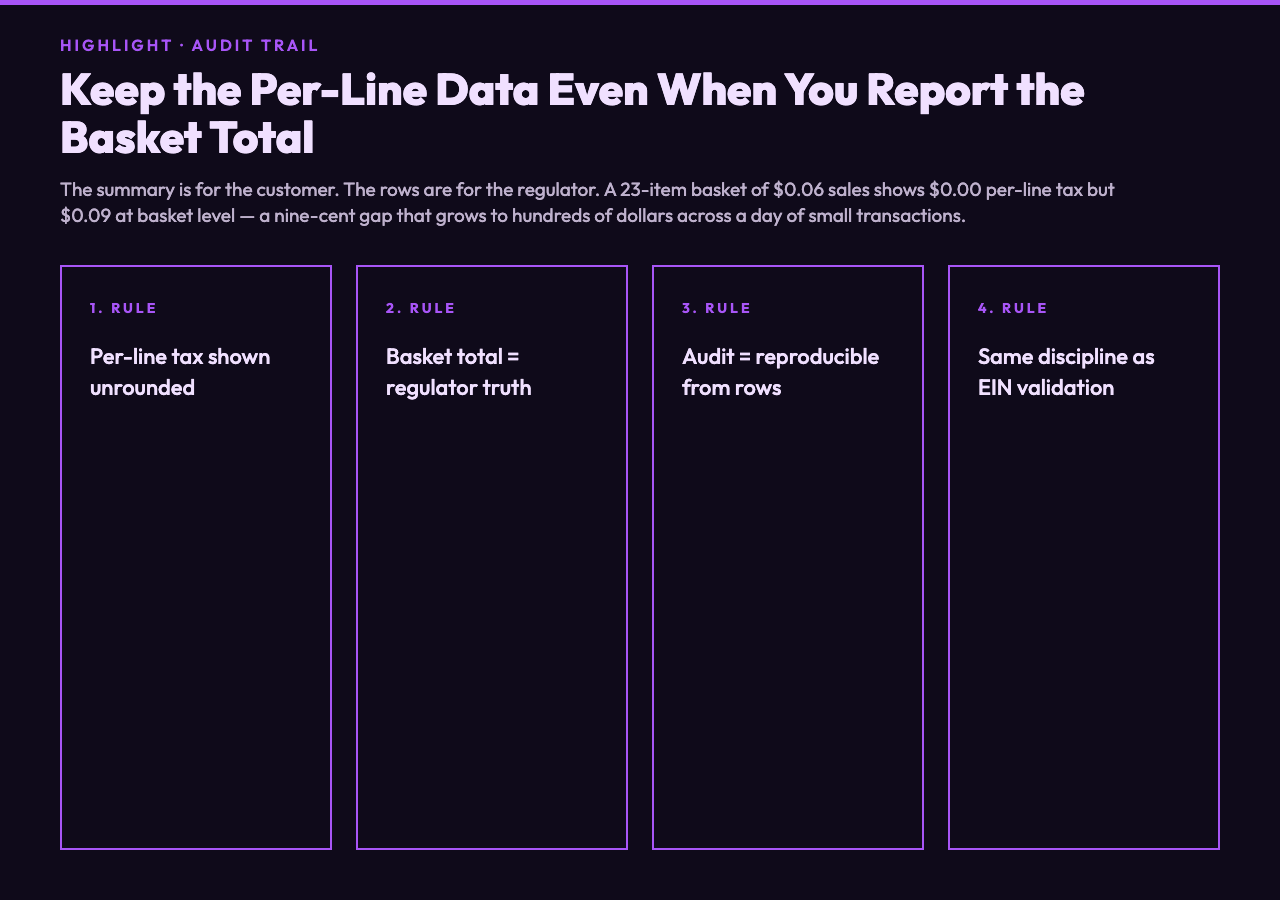
Here is a puzzle that catches bookkeepers within their first month. You sell 23 items at $0.06 each, each subject to 6.5% sales tax. The per-item tax is $0.06 × 0.065 = $0.0039, which rounds to $0.00 at two-decimal precision. Multiply by 23 items and the naive calculation gives $0.00 of total tax — when the correct total, computed at the basket level, is 23 × $0.06 × 0.065 = $0.0897, which rounds to $0.09. The two differ by nine cents. Across a day of small transactions, this rounding-error tax gap can be hundreds of dollars unaccounted for.
The Elysia Tools calculator defaults to basket-level rounding for this exact reason. The display will tell you the basket subtotal, the basket tax, and the basket total — all rounded to the currency’s smallest unit — and the per-line tax is shown unrounded so the auditor can re-verify. For comparison with US EIN validation workflows, where every business has a federal tax identifier, the equivalent discipline is that every line on a tax invoice is reproducible from the line items alone. No “black box” subtotal that the auditor cannot reconcile. The same principle of full traceability, scaled down from corporate to transactional.
What To Carry Into Your Calculator
Four small habits separate a working VAT calculator from one that books you an audit:
- Commit to inclusive or exclusive before you start. The toggle in the calculator is not a preference; it is a contract with the customer about which number is “the price.”
- Round at the basket, not the line. Per-line rounding introduces drift. Basket rounding is auditable and matches what the tax authority expects on the invoice.
- Treat reverse calculation as a separate mode. “What did I receive?” and “what did I invoice?” are two different invoices in some jurisdictions. Compute both before the client meeting.
- Keep per-line data even when you report basket totals. The audit trail is the row data, not the summary. The summary is for the customer; the rows are for the regulator.
The VAT Calculator on Elysia Tools implements all four. It supports EUR / GBP / USD / AUD / CAD with each currency’s canonical rounding rule pre-loaded. For European businesses that need to validate VAT numbers themselves, the same site hosts an EU VAT Number Samples page you can paste identifiers into for testing. For North American workflows, the US EIN and US SSN validation sample hubs round out the same toolkit — same domain, three regulatory regimes, one mental model.
Explore more tools across the finance, validation, and developer domains at elysiatools.com/en/tools.