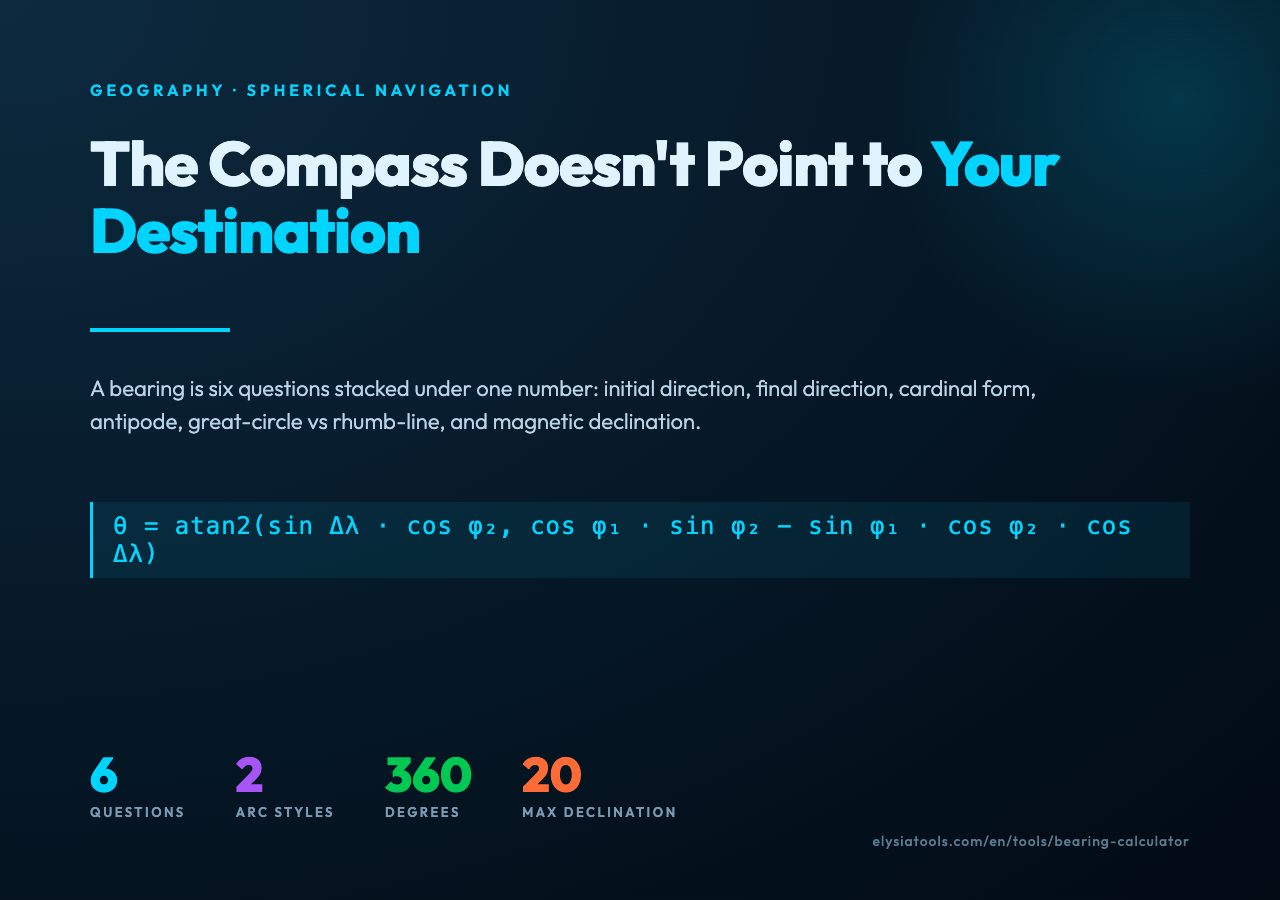
The Compass Doesn’t Point to Your Destination
Stand in Central Park at 40.7128° N, 74.0060° W. Set your compass for a heading of 90°. Walk forward and you will not arrive at any ocean. You will arrive in Portugal. The Earth is curved, and the line that looks straight on a Mercator map is an arc on a sphere, and the angle that arc makes with true north changes constantly as you walk it. A bearing calculator answers the question that pre-GPS navigators had to answer in their heads: what compass heading do I keep, from where I am right now, to reach where I want to be?
That is the initial bearing. It is the angle, measured clockwise from true north, of the great-circle arc that connects two points. It is not the same as the heading you would draw with a ruler on a flat map, and confusing the two is the first mistake most people make when they try to compute direction by hand.

Six Questions the Tool Actually Answers
Most users will type two coordinates, read out a number between 0 and 360, and move on. But the bearing calculator is doing six separate jobs underneath that single output, and knowing what those jobs are turns the result from a number into a navigation plan.
The first job is the initial bearing itself: the forward direction from point A to point B at the moment you leave A. The second job is the final bearing, the direction you would be facing if you walked the whole arc to B and stopped there; on a great circle the two are rarely the same. The third is cardinal normalization: bearings come back in degrees from 0 to 360, and translating that to N, NE, E, SE, S, SW, W, NW (or the 32-point compass rose) is the step that turns a number into a sentence a sailor can repeat.
The fourth job is the antipode. Every point on Earth has a directly opposite point, and the bearing to it is undefined or 180° depending on the formula you use, and the calculator has to handle that edge case without dividing by zero or returning NaN. The fifth is great-circle vs rhumb-line: a great-circle arc is the shortest path, a rhumb line crosses every meridian at the same angle (so you can hold a constant heading), and the bearing along a rhumb line is just the constant bearing. The rhumb line form is what your car GPS uses to keep you on a single heading across a continent; the great-circle form is what a transatlantic flight follows.
The sixth job is the one nobody asks for until they need it: magnetic declination. True north and magnetic north are not the same place. In 2026 the offset is small in Europe and up to 20° in parts of Canada and Alaska. A bearing of 90° true requires a compass heading of 110° magnetic if you are standing near the magnetic pole. The calculator returns true bearings; converting to magnetic is a separate, smaller operation.
The Formula, Once
For two points at (φ₁, λ₁) and (φ₂, λ₂), the initial great-circle bearing θ is computed as:
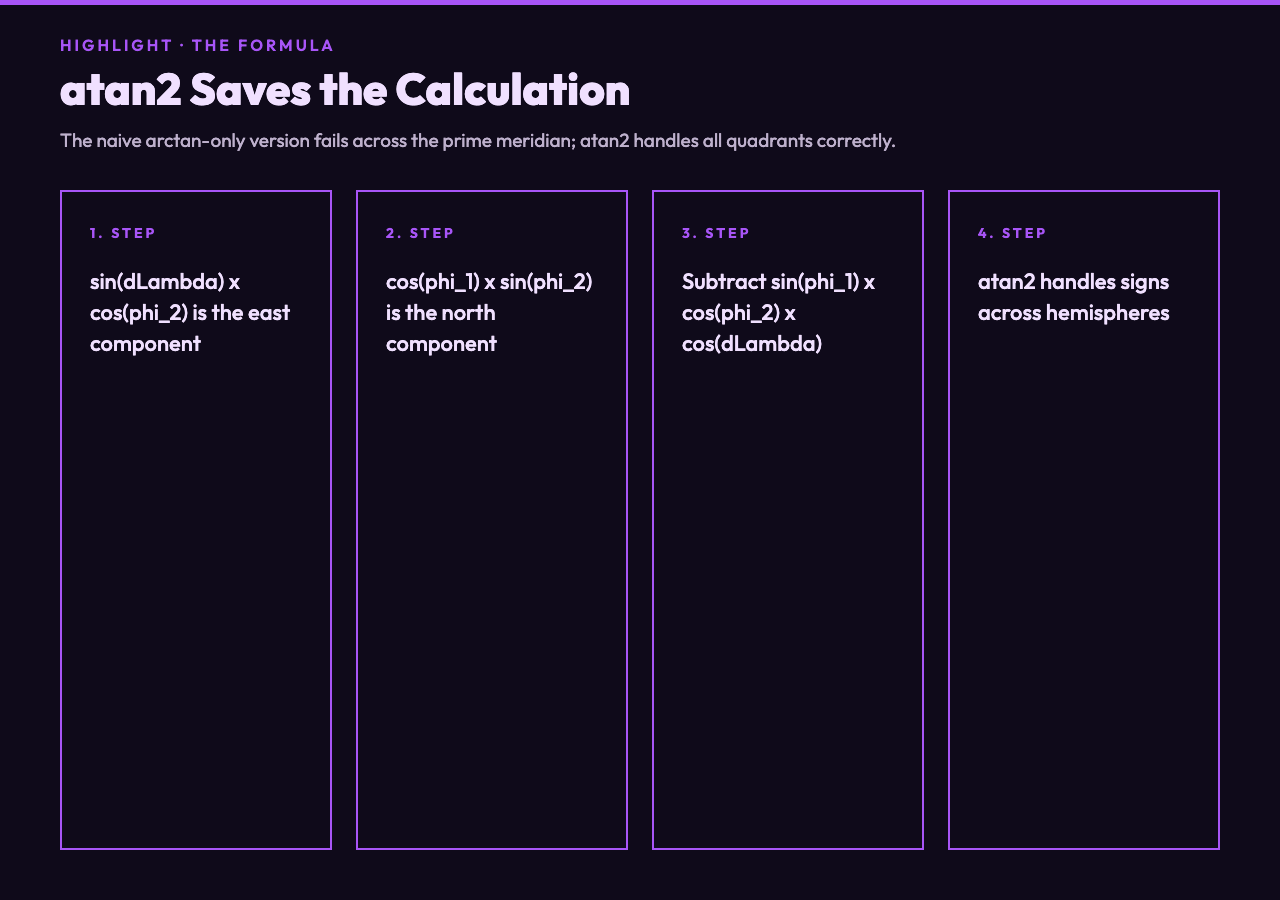
θ = atan2(sin(Δλ) · cos(φ₂), cos(φ₁) · sin(φ₂) − sin(φ₁) · cos(φ₂) · cos(Δλ))
The result is in radians; multiply by 180/π to get degrees. Normalize to [0, 360) by adding 360 and taking the modulo. That is the entire algorithm. The bearing calculator does this in your browser, with no server round-trip, which means you can paste coordinates into it from anywhere — a paper map, a satellite image, a spreadsheet of bus stops — and get an answer in under a second.
Where the Formula Breaks Down
The atan2 version handles the sign of the longitude difference correctly; a naive arctan-only version fails for points on opposite sides of the prime meridian or when the destination is south of the origin. The calculator uses atan2, which is why it returns sensible values for Sydney-to-Lima, a trip that crosses the date line and reverses east-west orientation mid-arc.
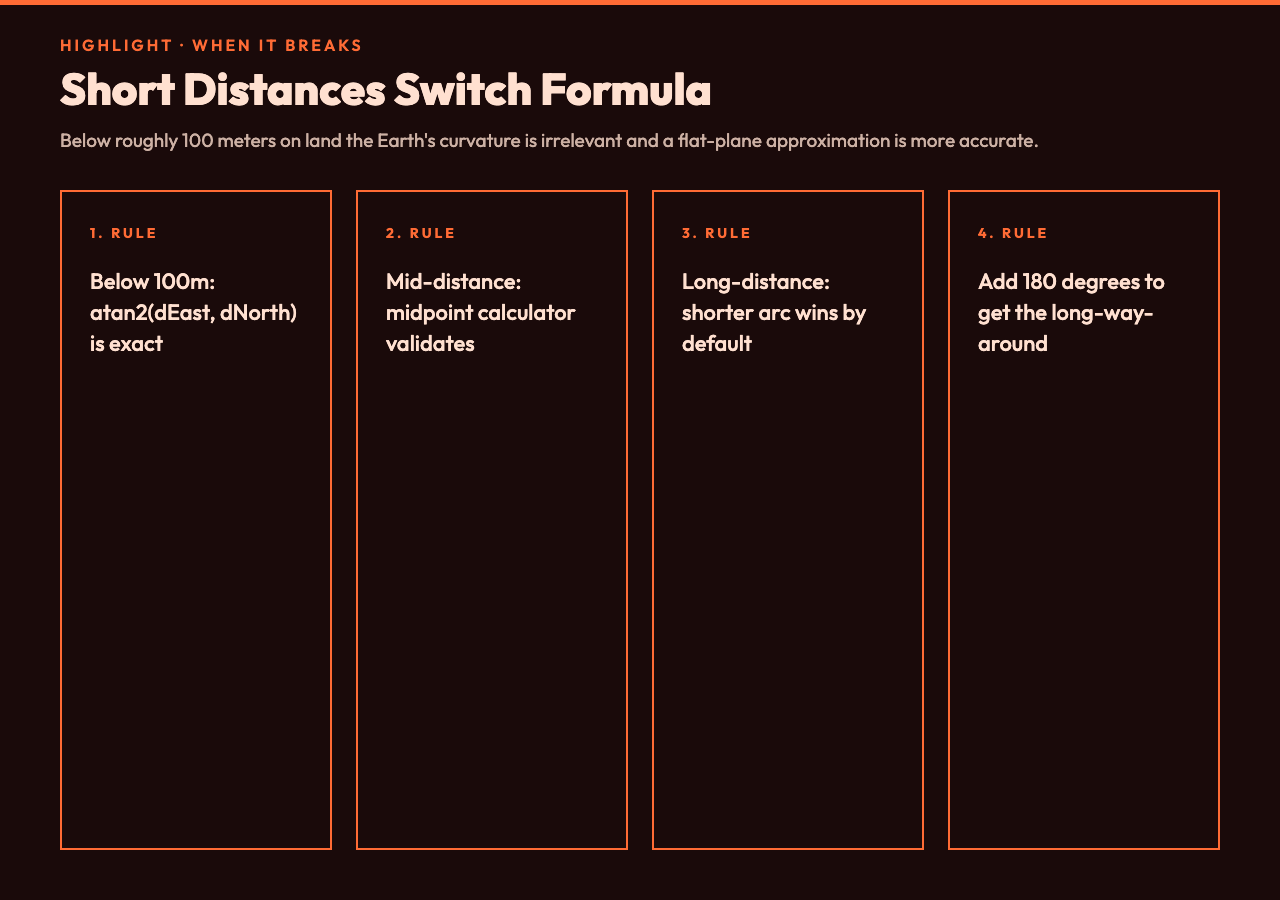
For very long distances, on the order of half the Earth’s circumference, the formula is still valid but the “short way around” question starts to matter. The great-circle path from Tokyo to New York can be expressed as a 20,000 km arc across the Pacific or as a 25,000 km arc across the Atlantic. The calculator returns the shorter of the two; if you need the longer, you add 180° to the result and you have it.
For distances below roughly 100 meters on land, the curvature of the Earth is irrelevant and you can switch to a flat-plane approximation: Δheading = atan2(Δeast, Δnorth). The midpoint calculator is the natural companion here, since it gives you the halfway point between two short coordinates so you can verify your arc.
Sibling Tools in the Geography Cluster
Bearing does not exist in isolation. The great-circle distance calculator tells you how far you would actually walk on the arc; the distance between cities tool packages the same algorithm for named places instead of raw coordinates. If you need to convert a street address to latitude and longitude in the first place, the address to lat-lon tool does the geocoding step. Once you have coordinates, the Maidenhead converter turns them into the 6-character grid squares that amateur radio operators use to describe their location.
For working with the converted grid square, the Maidenhead-to-coords tool runs the inverse. The timezone lookup tool uses the same coordinate system to figure out what time it is where you are pointing. And if you need to find the geographic center between two points instead of the heading, the midpoint calculator runs the perpendicular-bisector logic on the sphere.
Closing the Loop
The bearing between two coordinates is a single number with six questions stacked underneath it. The bearing calculator gives you that number and lets you treat the rest of the questions as separate, deliberate steps: pick the arc style, pick the reference frame, normalize the cardinal direction, handle the antipode, convert to magnetic. The cost of skipping any of those steps is a number that looks correct and points the wrong way.
For more coordinate-aware tools, the elysiatools geography cluster collects everything from area measurement on a map to tide timing at a coastal coordinate. Each tool does one thing and returns a number you can paste back into the next tool, which is how navigation has always worked: not one big calculation, but a chain of small answers.