Every data engineer has seen the same Excel export at least once: a users.csv that opens cleanly on the analyst’s Mac, then explodes on the staging server with _csv.Error: Expected 12 fields, saw 13. One row has an unescaped quote. Another row silently switched from comma to tab. The header starts with a UTF-8 BOM that turns the first column name into ufeffid on the loader side. CRLF line endings sneak in from a Windows upload. A trailing empty line at EOF makes wc -l report one more row than the file actually contains.
Most CSV validators stop at the first broken row and call it a day. The CSV Malformed Row Surgeon takes the opposite stance: parse tolerantly, fix what you can, and show every change with a before/after diff so you can decide whether to trust it. The result is a deterministic, audit-trail-style repair that turns a corrupted dump into something a Postgres COPY or a pandas read_csv will actually accept.
This article walks through the six repair passes the surgeon applies, why each one matters, and where the tool fits alongside CSV Validator, CSV Splitter, and CSV to JSON in a typical ETL cleanup pipeline.
Why “tolerant parsing” is the right starting point
A strict RFC 4180 parser sees id,name,noten1,Ada,"loves, commas"n2,Grace" Hopper,unescaped quote and dies on line 3. That is technically correct — line 3 is broken — but it leaves you with no information about the 14,997 rows that come after it. The surgeon treats malformedness as a feature, not a failure mode: it walks the entire file, applies every repair that is locally safe, and produces a per-row report so you can spot the ones that genuinely need human review.
This matters even more in batch ETL jobs. A nightly ingest that crashes on one bad file takes down downstream dbt models, BI dashboards, and stakeholder reports. A pipeline that records “repaired 4 rows, flagged 2 rows for review, wrote clean output to S3” can keep moving while a human investigates the flag list in the morning.
The six repair passes, in order
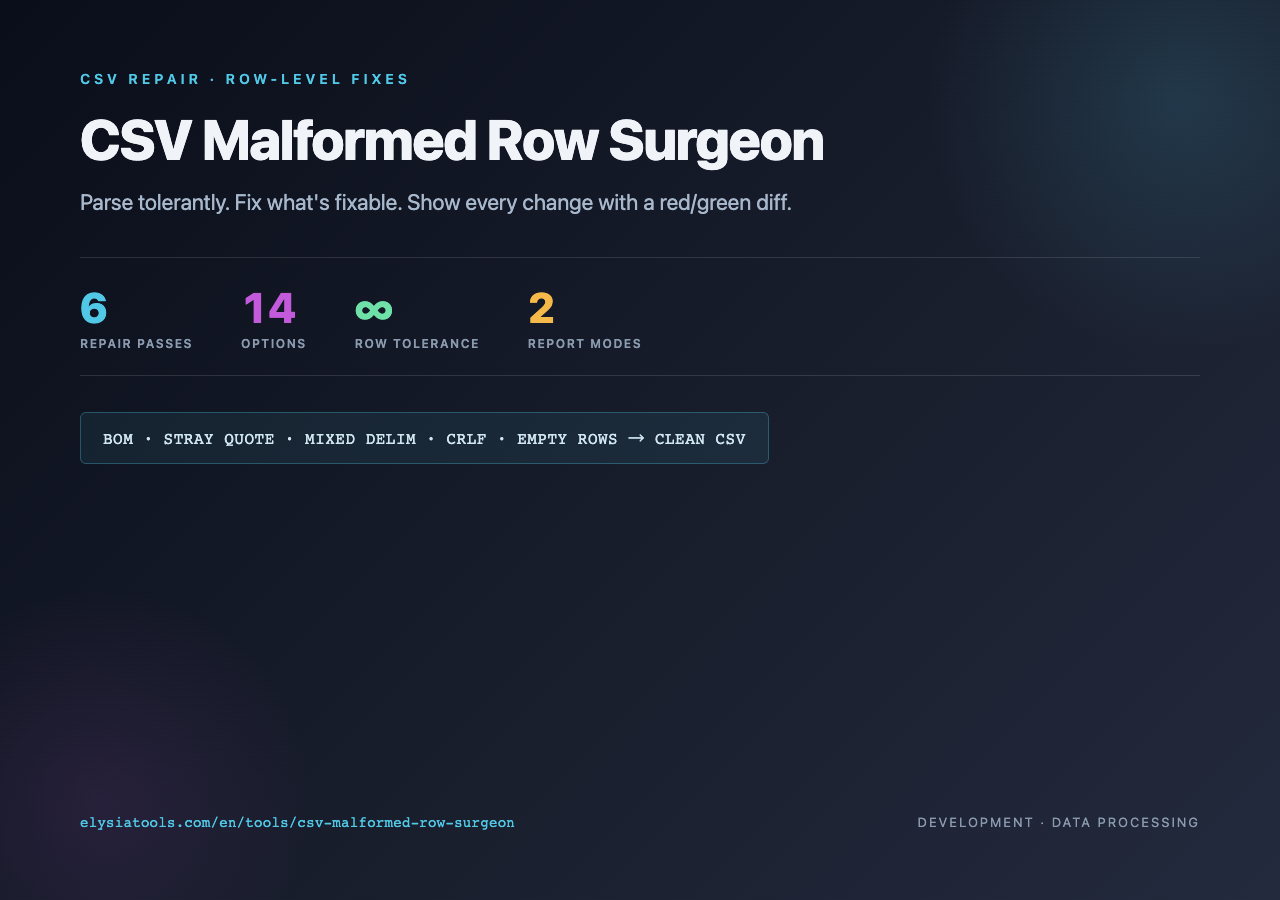
Open the tool, paste your CSV, and pick an input delimiter. The surgeon’s six repair passes run in a deterministic order so the output is reproducible across runs. You can toggle each one independently, which is useful when you want to fix BOM and CRLF but leave quoting untouched.

1. Strip a leading UTF-8 BOM
A BOM is a three-byte sequence (EF BB BF) that Windows tools like Notepad and some Excel saves prepend to “UTF-8 with BOM” files. It is invisible in most editors but your parser sees it as part of the first header cell, turning id into ufeffid. The surgeon strips it before parsing, so the resulting header row is clean.
2. Escape stray (unescaped) quotes inside fields
This is the most common Excel-export failure. A user types a name with an apostrophe — Grace" Hopper (or rather Grace" Hopper with a stray double quote that was never opened) — and suddenly the row has an unbalanced quote. RFC 4180 says a literal double quote inside a quoted field must be doubled (""); the surgeon applies that doubling wherever a stray quote breaks the row’s structure.
3. Quote any field that contains the delimiter or a newline
The reverse direction: a field like loves, commas is valid CSV but only if it is wrapped in quotes. The surgeon auto-quotes any cell that contains the target delimiter, a literal newline, or a double quote, so the output is always parseable by an RFC 4180 reader.
4. Normalize CRLF/CR line endings to LF
Files saved on Windows carry rn at the end of every row. Files edited in old Mac tools carry r. The surgeon rewrites both to n so downstream parsers don’t see a trailing r glued to the last cell of each row.
5. Drop empty lines
Trailing empty rows are nearly always noise — leftover from a save-as in Excel, or an editor that auto-appended a newline at EOF. They make wc -l lie and confuse chunked readers. Toggle this on unless your data is genuinely allowed to have intentional blank rows in the middle.
6. Detect and rewrite mixed delimiters
The trickiest case: a file that starts out comma-delimited but quietly switches to tab on row 47 because someone copy-pasted from a different Excel sheet. The surgeon scans each row, infers the most likely delimiter, and rewrites the inconsistent rows to the target delimiter. Toggle this off if you are sure the source is homogeneous.
What the report looks like
After the six passes, the surgeon emits three blocks. Repaired rows shows a red/green diff for every changed row, with the repair reason tagged inline — Escaped stray quote(s), Delimiter ',' → 't', Normalized line ending, and so on. Accepted unchanged lists the rows that needed no repair, so you can confirm the surgeon didn’t accidentally rewrite anything. Repaired CSV is the cleaned output, ready to download or paste into the next step of your pipeline.
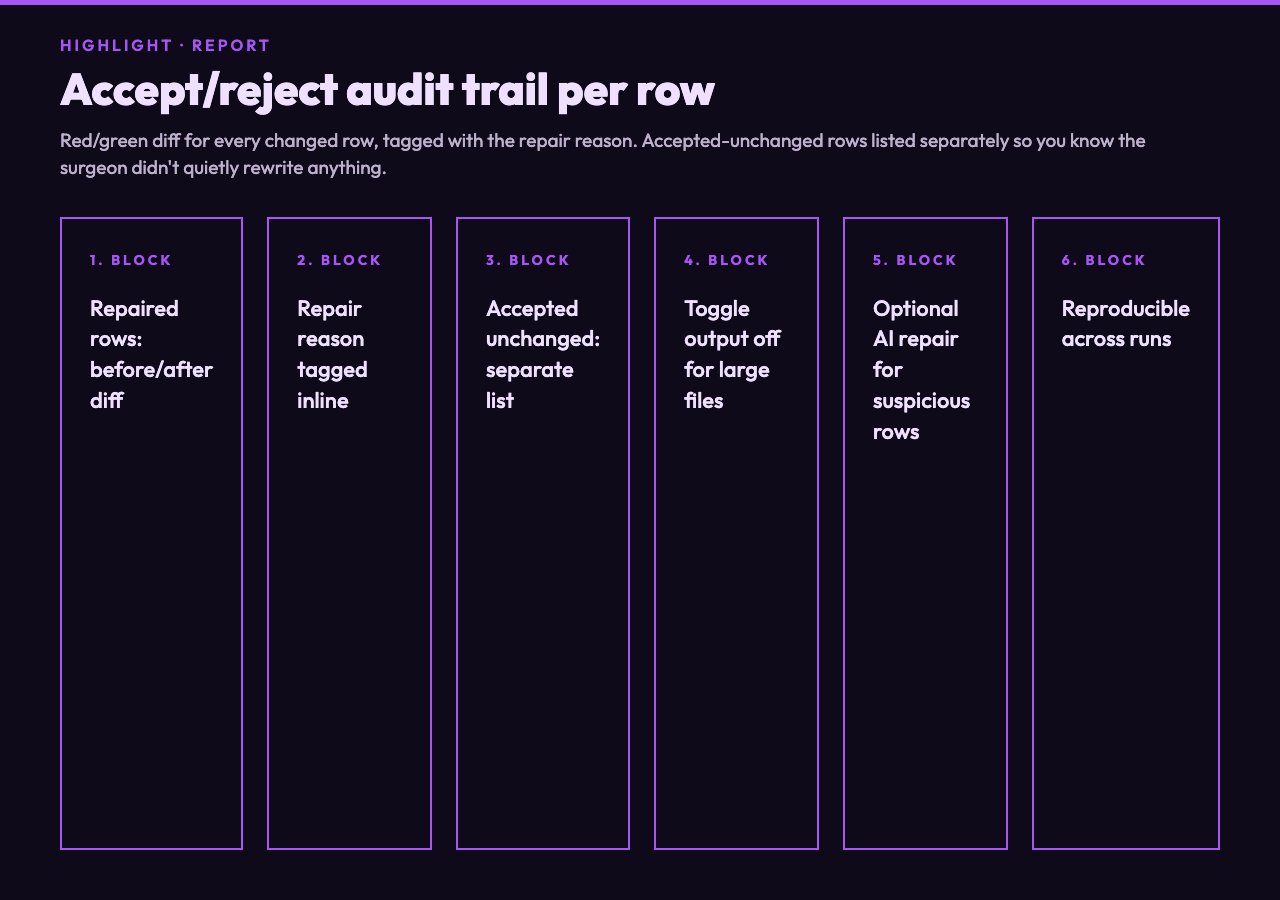
This report is the accept/reject audit trail. If a row was rewritten in a way you don’t like, you can paste the original back, toggle the relevant repair off, and rerun. For larger files, toggle Output repaired CSV off during exploration so the output area doesn’t lock up the browser.
When the deterministic pass isn’t enough
Some rows look wrong but the surgeon can’t decide why. Maybe a row’s quoted text contains a sequence that resembles a delimiter mid-field, or a numeric cell was accidentally stored as text with a thousand separator in some locale. For those, toggle Use AI repair for suspicious rows. The AI gets only the rows the deterministic pass flagged as suspicious — the rest of the file stays byte-identical to the rule-based output. If the AI’s field shape doesn’t match (wrong column count, missing required column), the surgeon falls back to the deterministic result for that row and flags it for manual review.
This two-pass design is intentional: you never want an LLM silently rewriting 30,000 rows that are actually fine.
Where it fits in the wider CSV toolchain
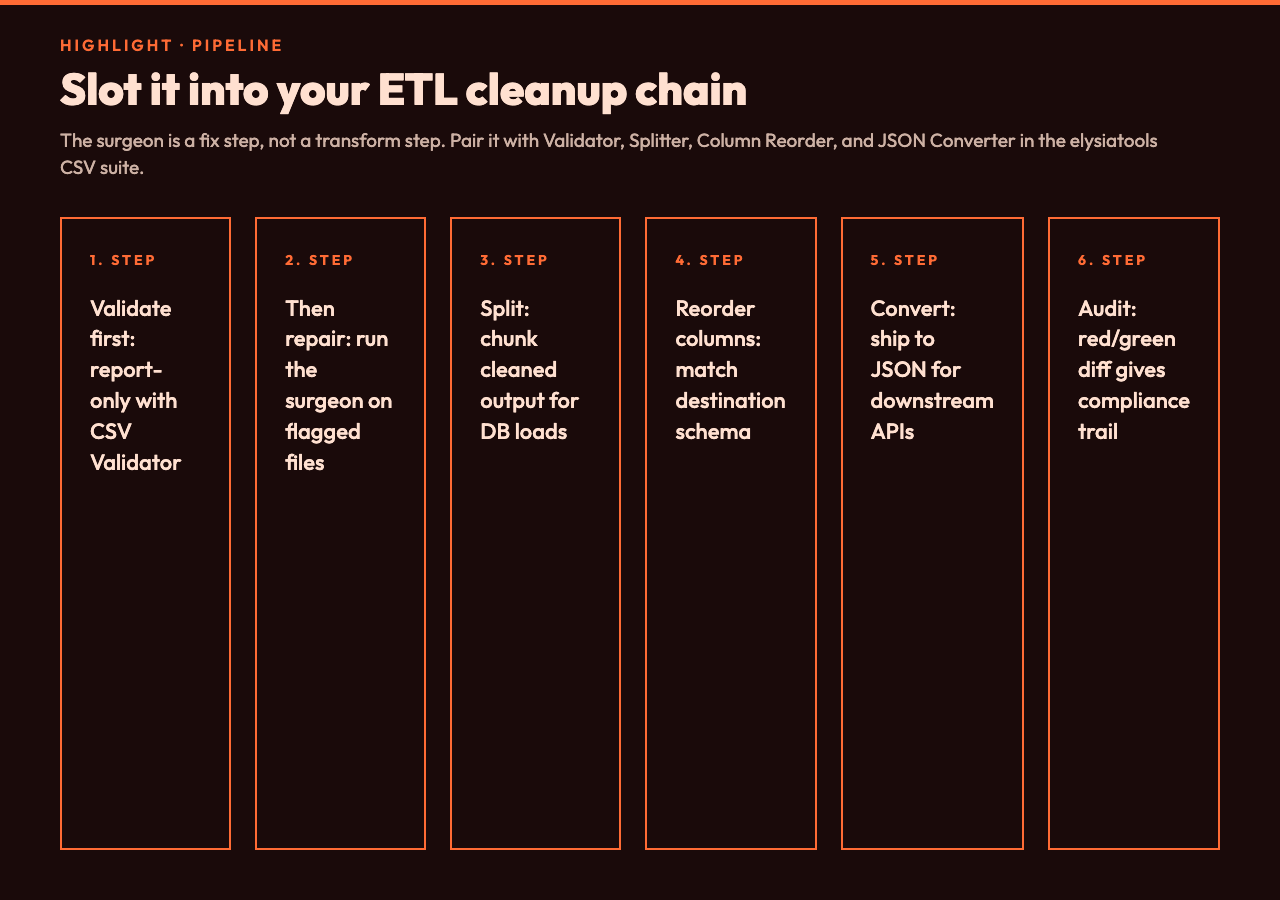
The surgeon is a fix step, not a transform step. Pair it with the surrounding cleanup tools in the elysiatools suite:
- CSV Validator — run first if you only want a report. The surgeon runs the same checks plus the actual rewrite.
- CSV Splitter — split the cleaned output into N-row chunks before loading into a database that has per-file row limits.
- CSV Column Reorder — reorder columns to match the destination table’s expected layout.
- CSV to JSON — convert the cleaned CSV into JSON for downstream APIs that consume structured payloads.
For non-CSV tabular sources that share the same “mixed delimiters, weird line endings, prefix bytes” failure modes — newline-delimited JSON, Parquet exports from older Hadoop pipelines, or tab-separated files pasted out of spreadsheets — the same six repair rules apply conceptually. Working test files for those formats are a useful sanity check before pointing the surgeon at a real production dump:
- CSV Samples — small-to-medium CSVs from simple students to multi-MB log exports, perfect for testing the repair passes.
- NDJSON Samples — newline-delimited JSON files where line-ending normalization is the most common defect.
- Parquet File Samples — columnar file samples from simple schemas to ETL warehouse test fixtures.
The closing argument
Most “CSV is broken” tickets come down to one of six things: a BOM hiding in the header, a stray quote, a missing wrap around a field with a comma, CRLF line endings, trailing blanks, or a delimiter switch mid-file. The CSV Malformed Row Surgeon handles all six in a single deterministic pass, shows you exactly what it changed on a per-row diff, and leaves the rows it didn’t touch byte-identical. The optional AI repair is gated behind a toggle so it never silently rewrites a row the rule-based pass could have handled. The whole thing runs offline in your browser, so the file never leaves your machine.
If your pipeline is the kind that drops a 14,998-row file because row 47 has one stray quote, paste that file into the surgeon, walk through the red/green diff, and ship the cleaned output downstream. Audit trail included, no surprises.
Try the full tool at elysiatools.com/en/tools/csv-malformed-row-surgeon. For more in the same suite, browse the Elysia Tools catalog.