

Why Your “Realistic” Test Data Is Not Stressing Your Code
Your parser was tested on 100 rows. Production handed it 100 rows on a Tuesday — and 30 of them had a stray zero-width space, 12 had a comma inside a quoted field, and 4 had a date written 13/07/26 instead of 2026-07-13. None of those showed up in your test fixture, so the bug that crashed you never had a chance to surface. The fix is not more sample rows. The fix is injecting the kind of noise your parser will actually see.
Test data realism is one of the most underweighted variables in software testing. A dataset can be “real-looking” — plausible names, plausible email addresses, plausible numbers — and still be completely unrealistic in the one way that matters to your code: the failure modes it leaves wide open. Real production data has typos. It has stray whitespace. It has inconsistent casing, missing punctuation, mis-encoded characters, and a dozen other tiny imperfections that pile up into the kind of edge case that ships a CVE. A test suite that never sees those imperfections is not testing the same system it is running in production.
This is what data noise injection is for. Instead of hand-writing messy fixtures or scrubbing production logs, you take a clean test dataset and inject the specific kinds of mess your code will encounter. You control the noise type, you control the intensity, you control which columns get hit. With a fixed random seed, the same test fixture produces the same messy output on every run — so your test cases are reproducible, your CI does not flake, and your regression suite catches the new bug you just introduced without false-flagging the one you already fixed.
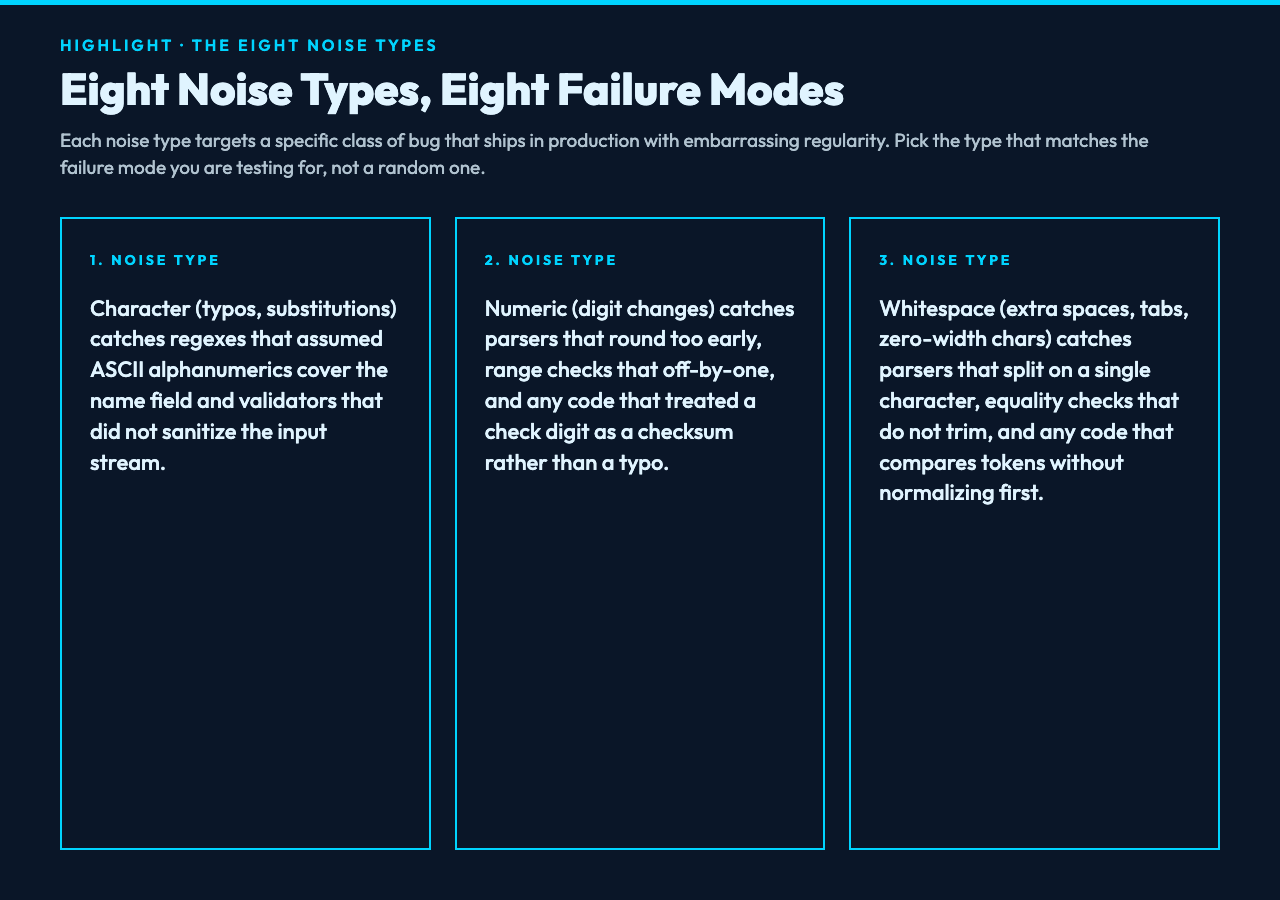
The eight noise types matter because real failure is not one thing. A character-substitution noise (typos like John becoming J0hn) catches regex patterns that assume alphanumeric. Numeric noise (digit changes) catches parsers that round or floor too aggressively. Whitespace noise (extra spaces, tabs, zero-width characters) catches parsers that split on the wrong delimiter. Case noise (random cAsE flips) catches string equality checks that forgot toLowerCase(). Punctuation noise (missing commas, extra periods) catches serializers that assumed well-formed input. Special character noise (stray symbols) catches anything that did not sanitize properly. Format noise (CSV column misalignment, missing quotes) catches parsers that assumed the format was already enforced. Encoding noise (mojibake, replacement characters, control characters) catches anything that assumed UTF-8 round-trips.
Used together, these eight noise types form a vocabulary for the question every QA engineer should be able to answer: “What does my code do when the input is wrong, and what kinds of wrong did I actually cover?”
What the tool does, in three pieces
The tool is a single-input, single-output processor. You paste text, choose a noise type and an intensity, and you get noisy text back.
The three pieces are the noise injector, the column selector, and the output formatter. The noise injector applies the chosen corruption rule to each character (or word, depending on the noise type) with a configurable probability. The column selector lets you target only the columns you want — for CSV, that means the phone-number column gets numeric noise while the email column stays clean. The output formatter decides how the result is presented: modified text only, side-by-side comparison, highlighted diff, or a JSON analysis with statistics on the modifications.
You can set the noise intensity anywhere from 0 to 100. Zero is the identity transform — useful for confirming the tool does not corrupt clean data. 100 is maximum chaos — useful for confirming your code does not silently accept gibberish. Most real-world test scenarios live in the 5-30 range, where 5% noise is enough to expose the typical “I forgot the trim” bug without being so heavy that the underlying test scenario becomes unrecoverable.
The random seed deserves its own paragraph. A noise injector without a seed is a flake generator — every test run produces a different messy output, and your regression suite starts catching and un-catching the same bug as the random number generator drifts. With a fixed seed, the same input produces the same noisy output every single time, so the test that failed yesterday fails today, and the test you fixed yesterday stays fixed. This is the difference between a test suite and a dice roll.
Eight noise types, eight failure modes
Let me walk through the noise types with concrete examples. These are not abstract categories — each one targets a specific class of bug that ships in production code with embarrassing regularity.
Character noise substitutes random characters into words. John Doe becomes J0hn D!e. This catches regexes that assumed the A through Z range covers the name field, parsers that ran input through encodeURIComponent without first sanitizing, and validation that rejected empty strings but accepted !!! as a valid username.
Numeric noise changes digits. 123-456-7890 becomes 123-456-7891. This catches parsers that round too early, range checks that off-by-one, and any code that assumed a phone number’s check digit was a checksum rather than a typo.
Whitespace noise adds or removes spaces, tabs, and zero-width characters. John Doe becomes John Doe (with a zero-width space) or JohnDoe. This catches parsers that split on a single character, equality checks that do not trim, and any code that compares tokens without normalizing first.
Case noise flips character case randomly. [email protected] becomes [email protected]. This catches email validators that did not lowercase the local part, case-sensitive database lookups, and string equality checks that forgot about toLowerCase().
Punctuation noise removes or duplicates punctuation. Hello, world! becomes Hello world or Hello,, world!!. This catches serializers that assumed well-formed input, formatters that do not handle missing commas, and any code that joined strings without checking for trailing delimiters.
Special character noise inserts symbols. John Doe becomes John$Doe#. This catches everything that did not sanitize user input — the full long tail of XSS, SQL injection, and shell injection bugs that show up in security audits with depressing regularity.
Format noise corrupts CSV structure. A row that should be name,age,city becomes name,agecity (column lost) or name age, city (delimiter changed). This catches CSV parsers that assumed the format was already enforced, importers that did not validate column count, and any code that built a SQL INSERT by string-concatenating a row.
Encoding noise introduces mojibake and control characters. café becomes café. This catches anything that assumed UTF-8 round-trips, code that did not specify an encoding when reading a file, and any system that stored strings in a database without an encoding column.
Picking the right intensity
The intensity slider is a probability, not a guarantee. At 10% intensity, roughly 10% of eligible characters (or 10% of eligible words, depending on noise type) get modified. This is not the same as “exactly 1 in 10 characters will be wrong” — the actual rate has variance.
For most test scenarios, 5-15% is the sweet spot. Below 5%, the noise is too sparse to reliably trigger a code path that only fires on rare conditions. Above 30%, the noise is so heavy that the underlying test scenario becomes unrecoverable — you are no longer testing your code, you are testing whether your code can parse random text. The 30%+ range is for adversarial testing: confirming that your input validation does not crash on gibberish, confirming your error handling does not leak stack traces, confirming your resource limits do not let a 10MB payload eat all your memory.
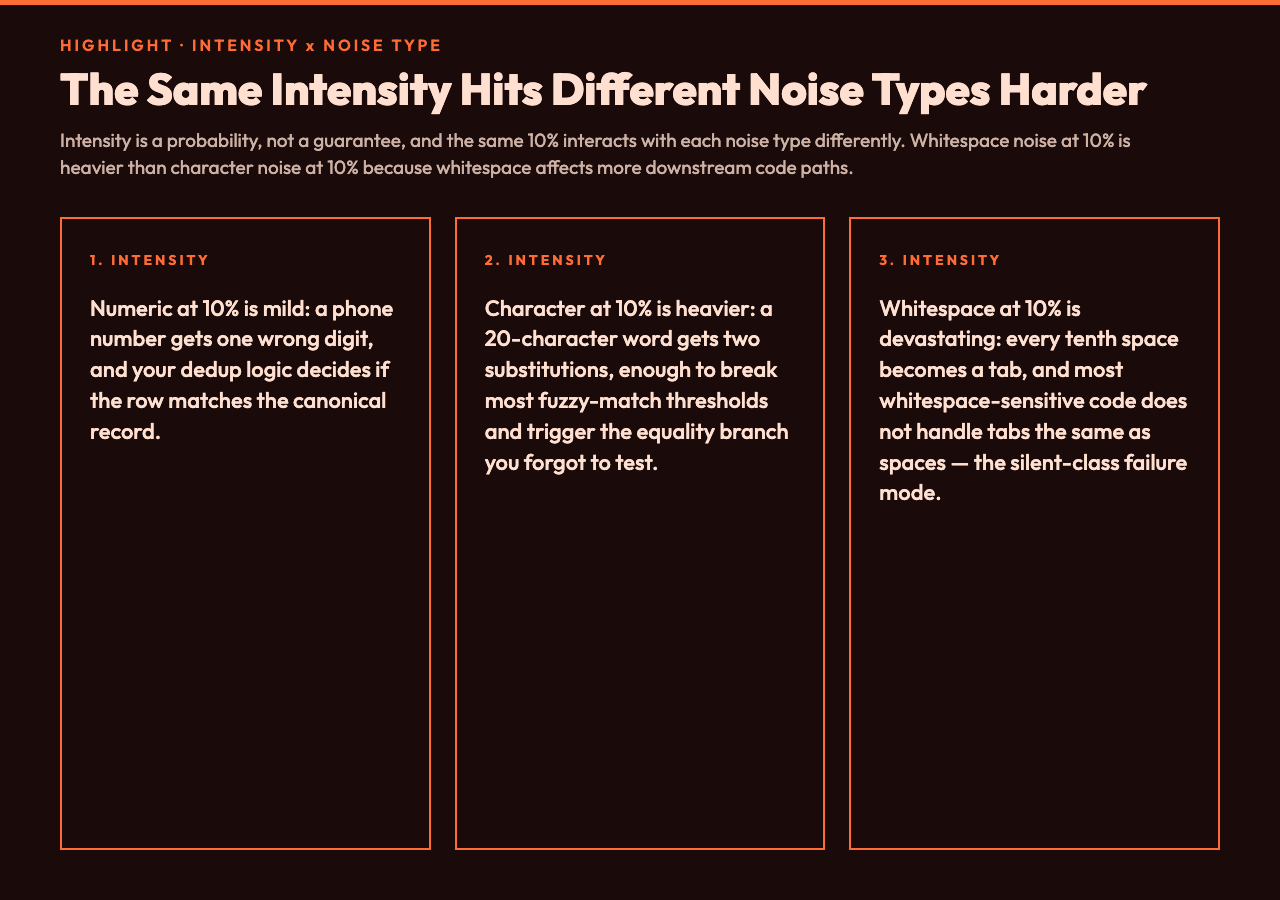
The intensity interacts with the noise type. Numeric noise at 10% is mild — a phone number gets one wrong digit. Character noise at 10% is heavier — a 20-character word gets two substitutions, and that is enough to break most fuzzy-match thresholds. Whitespace noise at 10% is devastating — every tenth space is now a tab, and most whitespace-sensitive code does not handle tabs the same as spaces. The right intensity is “as low as possible to trigger the bug you are testing for.” Start at 5, escalate until your code breaks, then back off by 1-2 to find the test-friendly level.
Reproducible chaos: the seed parameter
The seed parameter is what turns a noise injector from a toy into a testing tool. With a fixed seed, the same input produces the same noisy output on every run. This means you can write a test like:
Given input
John Doewith character noise at 10% and seed 12345, the output should beJ0hn D!e.
That is a deterministic test. It either passes or fails, and the answer is the same on every CI run. Without the seed, that test would fail sometimes and pass sometimes, and your CI dashboard would fill with flakes.
The seed is also how you version your test data. When you find a new edge case in production, you can reproduce it in your test suite by setting the seed, recording the input, and pinning the expected output. When the edge case evolves, you bump the seed and record the new expected output. The test suite stays synchronized with the failure modes you have already seen.
For most workflows, seed 12345 is the default and is fine. If you find two test cases that produce the same noisy output with the same seed (rare but possible for very short inputs), bump the seed of one of them to a different value. The seed range is 0-999999, which gives you more than enough headroom.
A worked example: testing a CSV importer
Imagine you are testing a CSV importer that reads customer records with columns name,email,phone. The “happy path” test passes — your parser handles the clean fixture. Now you want to test what happens when the input is messy.
With character noise at 5% and seed 42, the fixture:
John Doe,[email protected],123-456-7890
Jane Smith,[email protected],123-456-7890
Bob Johnson,[email protected],123-456-7891
becomes:
John Doe,[email protected],123-456-7890
Jane Smith,[email protected],123-456-7890
Bob Johnson,[email protected],123-456-7891
The first thing you should notice: two of the three email addresses are corrupted. The l in example becomes a 1 in two of them and an I in the third. This is realistic — that is exactly the kind of typo users actually make, and it is exactly the kind of typo your email-validator regex should handle without rejecting the row.
With numeric noise at 10% on the same fixture, you get a different failure mode: one of the phone numbers changes. The question becomes: does your deduplication logic treat 123-456-7890 and 123-456-7891 as the same person (because they share most digits) or as different people (because they are not equal)? If your dedup is strict equality, the noisy data will produce false positives — two different rows for the same person. If your dedup is fuzzy match, the noisy data will produce false negatives — different people who share a typo getting merged. The test you just wrote catches both.
This is the test-writing pattern: clean fixture, target the noise, run it, see what breaks, write a test case for whatever you found, lock in the seed. Repeat with the other seven noise types. The end result is a test suite that covers failure modes you have actually seen in production, not failure modes you have imagined.
What to watch for when the noise is too loud
Three failure modes show up reliably when intensity creeps above 30%.
The first is over-corrupted fixtures. The test scenario becomes unrecoverable. You wanted to test what happens when a phone number has one wrong digit, and the noise injector changed three of the digits. The expected output is so far from the input that the test is no longer testing what you thought it was. Fix: drop the intensity to 5-10% and re-run.
The second is multiple modifications to the same token. The noise injector picks characters or words independently, so there is no guarantee that a particular token gets modified at most once. A 30-character name might get two substitutions in the first 10 characters and one deletion in the last 20. This is realistic, but it makes the expected output hard to write by hand. Fix: lower the intensity, or pre-compute the expected output once and pin it in the test.
The third is noise on whitespace-only tokens. For the whitespace noise type, the injector needs to know which tokens are whitespace so it does not corrupt them into a non-whitespace character (which would no longer be whitespace noise — it would be character noise). The current implementation splits the input on whitespace, runs noise on the non-whitespace tokens, and rejoins. This means the noise is applied to words, not to individual whitespace characters. If you want pure whitespace noise (extra spaces, tab conversion, zero-width insertion), the input needs to contain text that survives the word-level split. Pure-whitespace input becomes pure-whitespace output.
The right way to integrate this into a CI pipeline
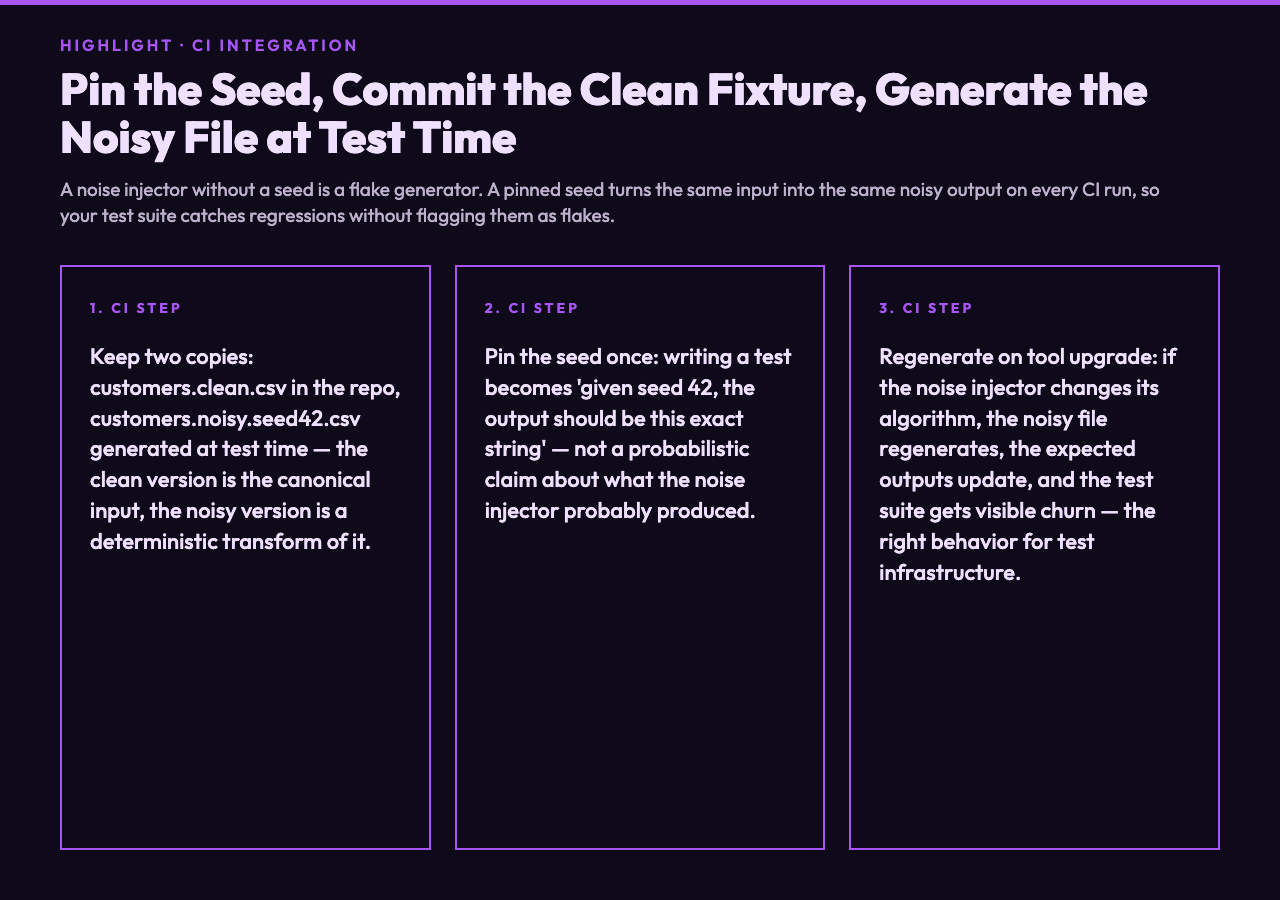
The pattern that works in production is to keep two copies of the test fixture: the clean version, committed to the repo, and the noisy version, generated at test time with a pinned seed.
fixtures/
  customers.clean.csv         # the canonical input
  customers.noisy.seed42.csv  # generated by CI, not committed
The CI step regenerates the noisy version from the clean version using the noise injector with seed 42. The test cases then run against customers.noisy.seed42.csv. If the noise injector ever changes its algorithm, the noisy file regenerates, the expected outputs update, and the test suite gets a fresh set of failures — which is the right behavior. The noise injector is part of the test infrastructure, and changes to it should produce visible test churn.
The alternative — committing the noisy file directly — is tempting but fragile. A hand-edited noise pattern drifts over time, a regenerated file is brittle to tool upgrades, and a versioned noise pattern becomes a maintenance burden as the test suite grows. Generating at test time with a pinned seed is reproducible, regenerable, and self-documenting: the seed is in the filename, the intensity is in the test code, and the noise type is in the test name.
A closing thought on what a noise injector actually protects
A noise injector does not protect you from bugs. It protects you from the specific class of bugs that ship because the test suite was too clean. The clean-fixture test pass tells you your code works on clean inputs. The noisy-fixture test pass tells you your code works on the inputs it will actually see in production. The difference between those two is the difference between a test suite and a guessing game.
If your parser has never seen a row with a typo, you do not know whether it handles typos. If your validator has never seen an email with a wrong character, you do not know whether it rejects them. If your serializer has never seen a CSV with a missing column, you do not know whether it produces malformed output. The noise injector exists to close that gap — to make sure the test suite is testing the same system it is running in production, not a cleaner version of it.
The eight noise types, the intensity slider, the column selector, and the seed are not features for the sake of features. They are the minimum set of controls you need to express “I want to test this specific failure mode, in this specific column, at this specific frequency, and I want the test to be reproducible.” Anything less and you are back to hand-writing messy fixtures, which is the exact problem the tool was built to solve.
You can try the Data Noise Injection tool with the eight noise types, configurable intensity, column targeting, and seed-based reproducibility. The clean-fixture default at intensity 0 is a useful baseline; the noisy-fixture sweet spot for most test scenarios is in the 5-15% range. Set the seed once, write the expected output, and your test suite becomes a record of the failure modes you have already seen in production. Explore more tools at elysiatools.com.
