

The Regex Cheat Sheet That Actually Gets Used: A Field Guide to Reading Patterns Faster
You probably have a tab open to MDN, Stack Overflow, or a long-dead GitHub gist every time a regex slips into your day. That is the wrong default for a 30-entry reference table that fits on one screen. A good regex cheat sheet organizes the syntax the way you actually search for it — by the question you are asking, not alphabetically — and lets you paste a pattern into a tester without leaving the page. The Regex Cheat Sheet does both, with seven built-in categories, full localization across seven languages, and a live tester that highlights matches as you type. Below is the field guide to making it your default reference: how the categories are organized, where the easy wins hide, and the four patterns that pay for the bookmark on their own.
What “character class” really means, and the four shorthands that matter
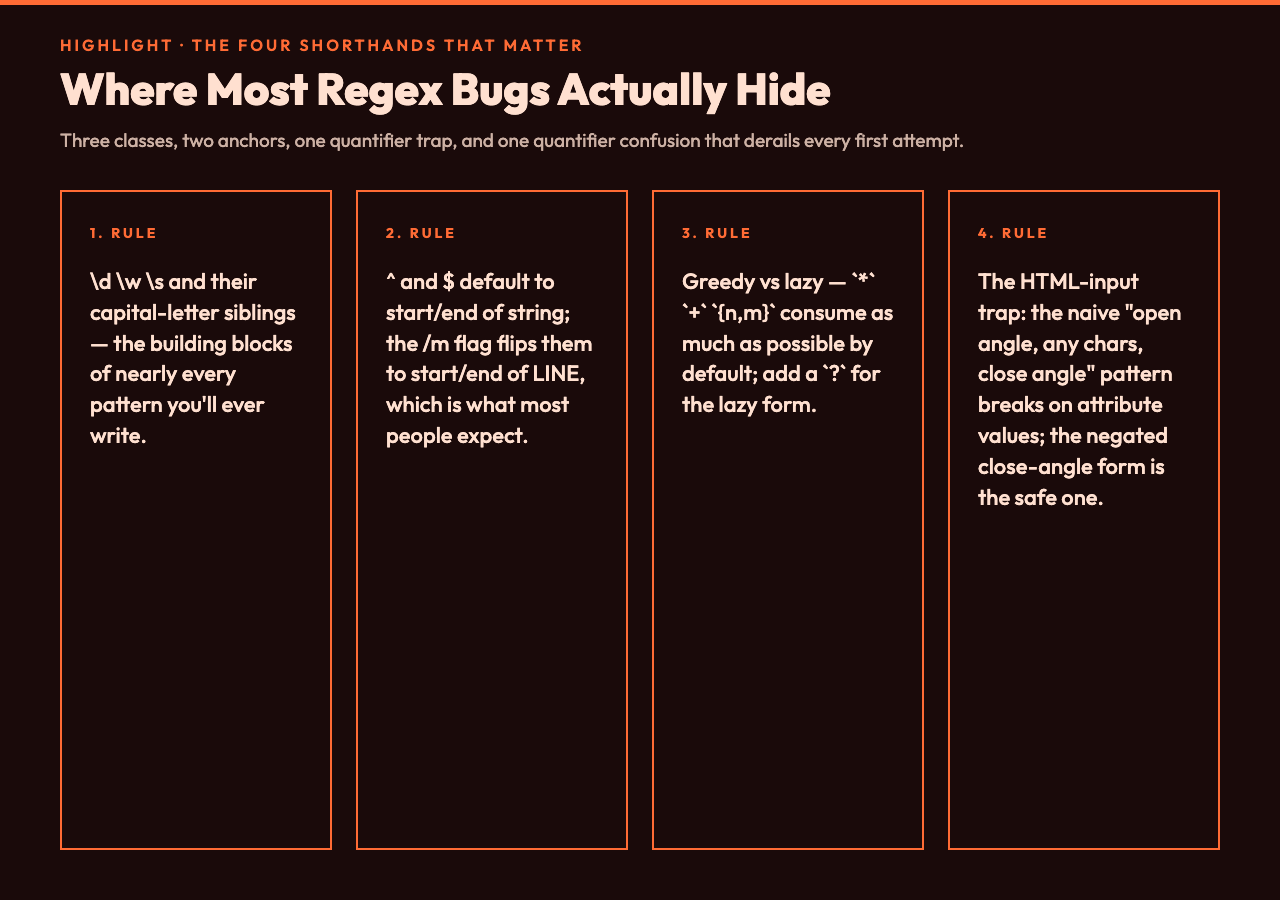
Character classes are the part of regex most engineers think they understand and most use incorrectly. The shorthand \d is widely known to mean “digit”, but \w (word character: letters, digits, and underscore) and \s (whitespace: space, tab, newline, carriage return, form feed, vertical tab) are quietly powerful, and their capital-letter siblings \D, \W, \S invert them. The two patterns that catch real bugs: \w+ for a “word” pulls in underscores, which is rarely what you want for a username or slug; a negated character class (the syntax that says “anything except a, b, or c”) is often confused with the start-of-string anchor, which is the bare ^ outside a class.
Anchors are not what they look like
^ and $ only mean “start of string” and “end of string” by default. With the multiline flag (/m), they match start-of-line and end-of-line, which is what most people expect. The word-boundary anchors \b and \B are the unsung heroes of input validation: \bcat\b matches the word “cat” but not “concatenate” or “category”. If your email validator rejects “concatenate@…” or lets through “notanemail”, the fix is almost always \b plus a tighter class.
Quantifiers: greedy vs lazy, and the trap of {n,m}

, +, and {n,m} are greedy by default — they consume as much as possible while still allowing the rest of the pattern to match. Add a ? to make them lazy: *?, +?, {n,m}?. The pattern that is famously broken on HTML input is the naive “open angle, any chars, close angle” form, because a stray close angle inside an attribute value ends the match early; the safe form is “open angle, anything that is not a close angle, close angle” — a negated class of close-angle characters, repeated one-or-more, instead of the catch-all dot-plus. The fixed-count quantifier {n} and the range form {n,m} both work, but {0,1} is identical to ? and {1,} is identical to + — pick whichever reads cleaner.
Groups and backreferences: when () becomes two different things
(abc) is a capture group; (?:abc) is a non-capturing group. The non-capturing form is faster and signals intent when you do not need to reference the matched text later. Named groups — the syntax that assigns a name to a capturing slot, e.g. a “year” group around four digits — make complex patterns readable and survive refactors where adding or removing a group would shift the numeric references. Backreferences (using the same named-group form, or the numeric \1) are powerful but rarely needed in day-to-day code; the common use is matching paired delimiters or finding repeated words.
Lookaround: assertions that do not consume input
Lookarounds are the hardest regex feature to read and the most useful once you internalize them. The positive lookahead is written (?=abc) — “the next characters are abc, but do not consume them.” The negative form is (?!abc). Lookbehinds follow the same idea looking backward: a positive lookbehind (the syntax that asserts what comes immediately before the current position) and a negative lookbehind (the same, asserting the opposite). The textbook use: validating a password has at least one digit without writing it into the match — (?=.*\d).{8,} asserts a digit exists somewhere ahead, then matches the full 8+ characters. The cheat sheet has all four forms side by side because that is the only way to memorize which symbol goes where.
Flags: the three you actually use and the four you should know
g (global, match all not just first), i (case-insensitive), m (multiline anchors) — these three cover 95% of real usage. s (single-line, . matches newlines), u (Unicode-aware), and y (sticky, match from lastIndex only) round out the standard set. The y flag is the most underused: it forces the match to start exactly at lastIndex, which makes tokenization loops dramatically simpler than the equivalent g-flag code.
Escape sequences beyond \n and \t
The four that earn their keep: \\. to match a literal dot (otherwise it is the metacharacter), \\d for digits, \\w for word characters, and \\uXXXX for a specific Unicode code point (e.g. \\u00e9 matches é). The single most common regex bug in the wild is forgetting to escape . in a URL or filename pattern — [a-z]+.com matches “Xcom” through “zcom” and everything between, not just domains ending in “.com”.
Live testing: why the built-in tester changes the workflow
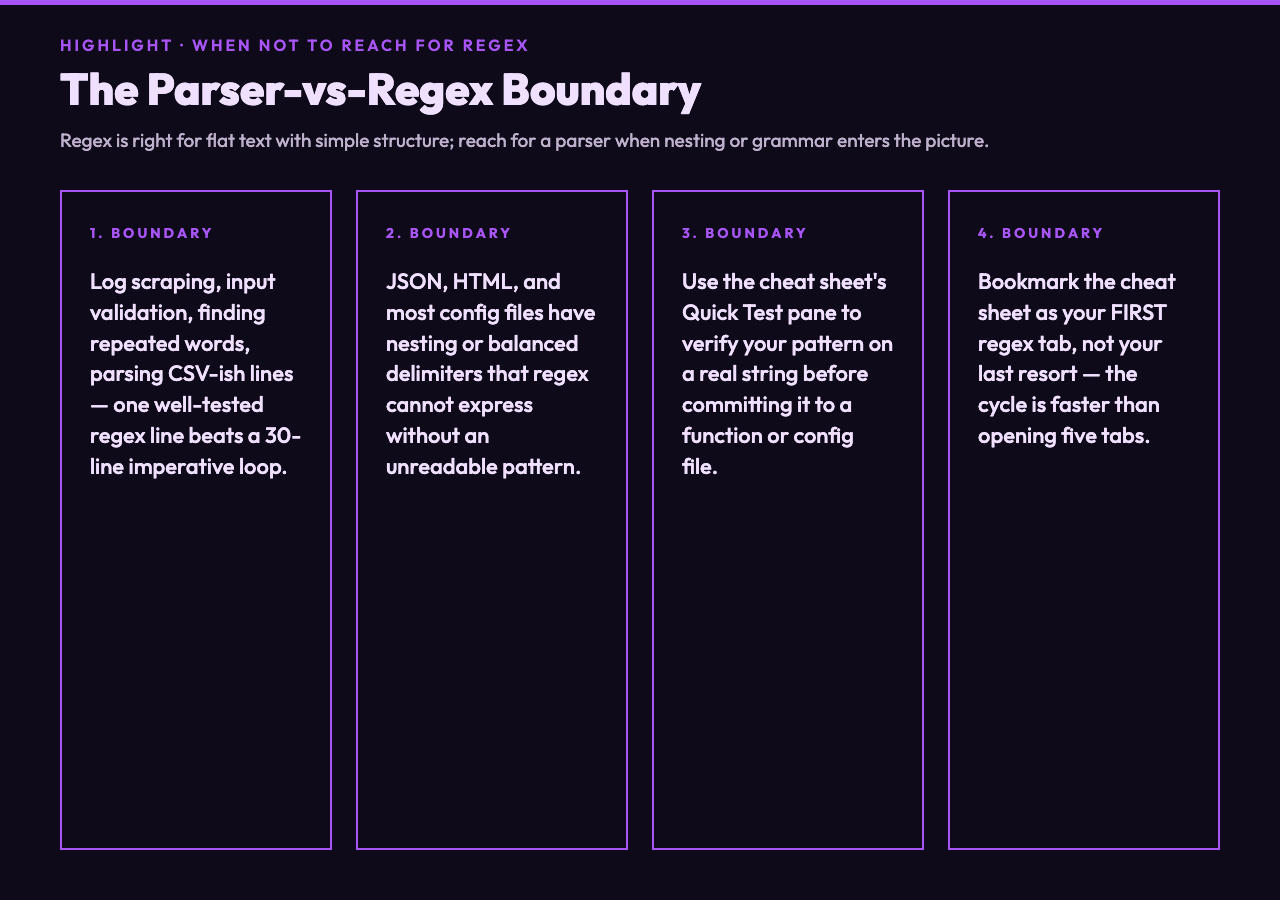
A static table tells you the syntax; a tester tells you whether your pattern actually does what you think. The Regex Cheat Sheet ships a Quick Test pane that runs JavaScript’s regex engine against any input you paste, with the matched ranges highlighted in the result string. The cycle is fast enough that you stop second-guessing edge cases — paste a string that contains “[email protected]” and watch the validator reject it, paste “[email protected]” and watch it accept. See how this fits alongside other validation patterns at the Elysia Tools samples hub.
When a regex is the wrong tool
Reach for a parser when the input has nesting, balanced delimiters, or structured grammar that regex cannot express without an unreadable pattern. JSON, HTML, and most config files fall in this category. For everything else — log scraping, input validation, finding repeated words, parsing CSV-ish lines — a single well-tested regex line beats a 30-line imperative loop. The cheat sheet is for the second case: when you know a regex is right and you just need to write it without opening five tabs.
A closing workflow: bookmark, search, test, ship
The fastest way to internalize regex syntax is to make the cheat sheet your first tab, not your last resort. Filter by category to find the syntax you forgot, paste a pattern into the tester to verify behavior on a real string, then ship the pattern with a comment explaining what it matches. The Regex Cheat Sheet is built for exactly that loop: searchable, localized, and live. Explore more developer-focused references at elysiatools.com.
