
A 4 AM release pushes the same Helm chart to staging and production. Staging returns 200, production returns 502. The on-call engineer digs through values.yaml, values-prod.yaml, ConfigMap.yaml, and the merged Secret — and discovers that database.pool.min is 5 in staging and missing from production. The deployment template defaulted it to 1. Connection pool exhausted in 90 seconds.
That is the everyday failure the Environment Config Diff Visualizer exists to prevent. Paste two or more config bundles, separate them with === environment-name (format) === headers, and the tool flattens the result into a dot-path report: drift, missing keys, format mix-and-match, secret masking, all side by side. Try it on Elysia Tools once and your grep + diff + pray loop goes away.
This field guide walks through the four jobs the visualizer does well, the three jobs it deliberately skips, and the cleanup pass that turns a raw diff into a release-blocking checklist.
What the Tool Actually Computes
You feed the tool a single text blob with multiple environment blocks. Each block starts with a header line in the form === name (format) === and is parsed according to its format tag. Supported formats are json, yaml, toml, and env — and you can mix them in one bundle, which is the entire point: real teams rarely keep staging and production in the same format.
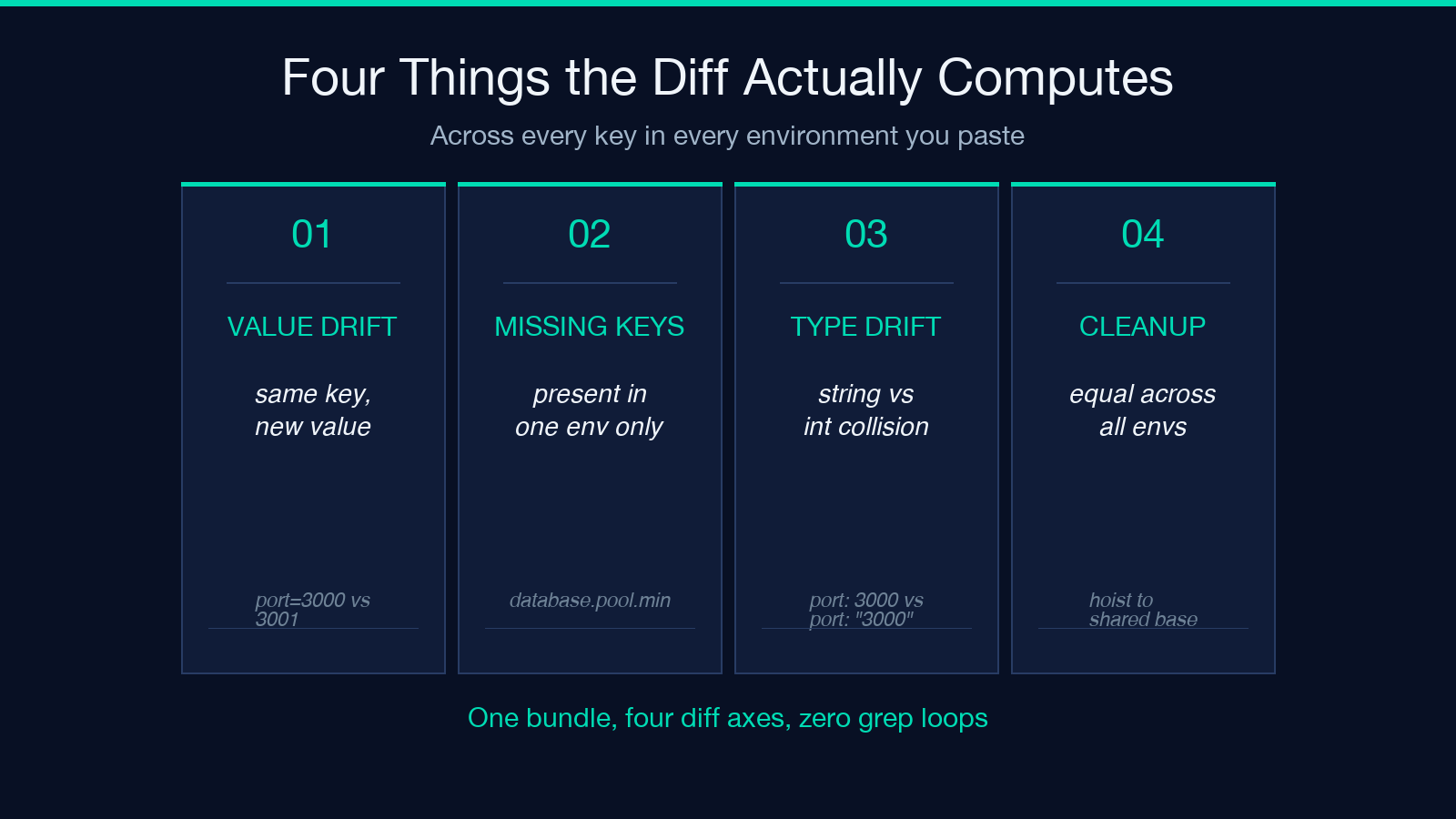
The output is a flattened dot-path comparison. A YAML entry like database:n host: db.localn pool:n min: 5 becomes database.host and database.pool.min in the report. Arrays are indexed (services[0].url). Secret-like keys are masked by default. The comparison covers four query axes:
- Value drift — the same key has different values across environments.
- Missing keys — a key exists in one environment and not another.
- Type drift —
port: "3000"(string) versusport: 3000(int) trips a type-mismatch line even when the stringified values look identical. - Cleanup candidates — keys whose values are equal across every environment can usually be hoisted into a shared base file.
The four query axes matter because they are the four classes of incident that page people at night. The visualizer is not a generic diff tool — it is a release-day triage tool.
The Four Header Lines That Unlock the Bundle
Headers are the configuration contract. A bundle without === name (format) === separators is rejected as a single block. Each header declares both the environment name (which becomes the column header in the report) and the parser to use. The same key can be encoded four ways and still align across columns.
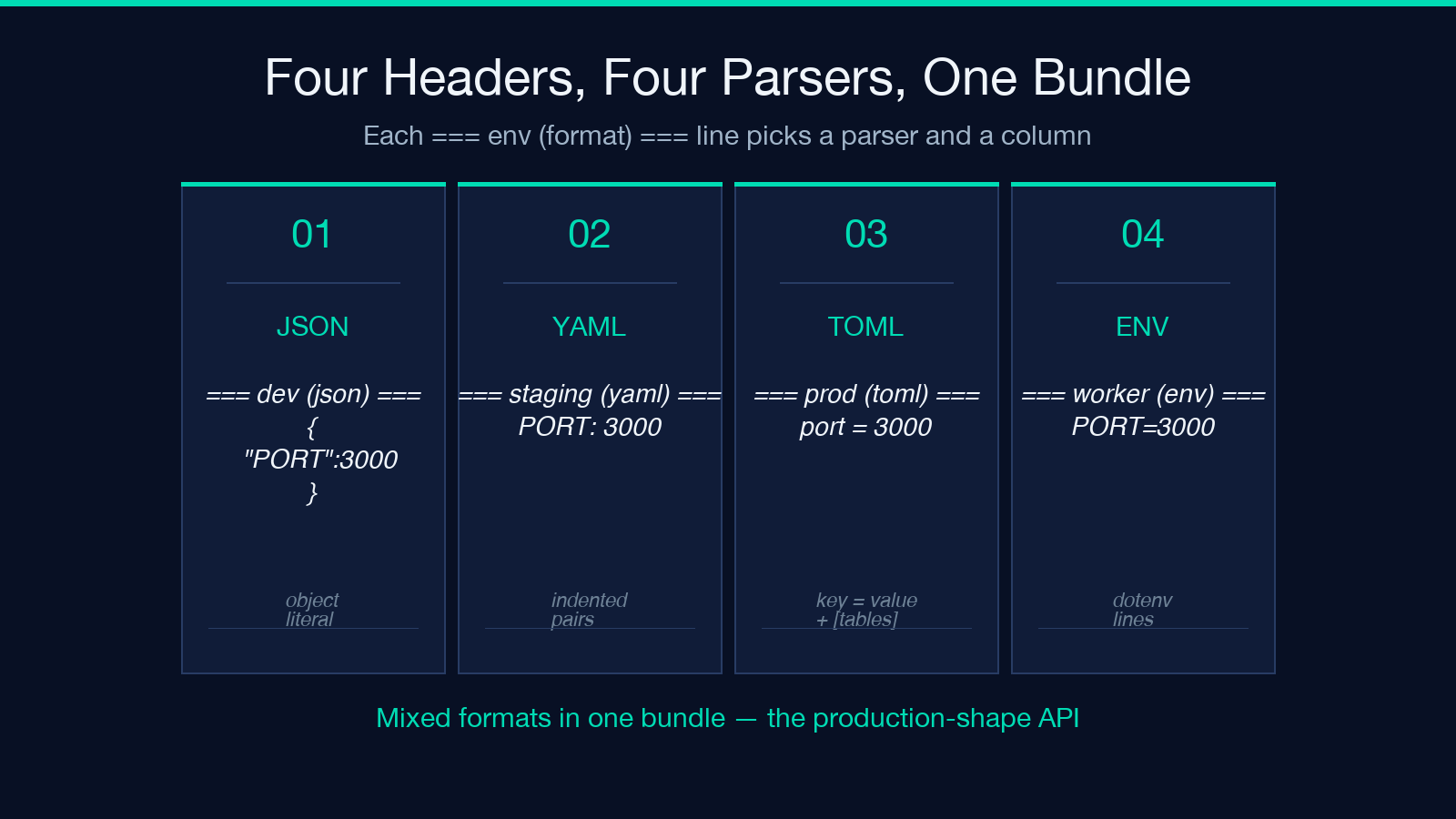
| Header | Parser | Comment |
|---|---|---|
=== dev (json) === | JSON object | use {"PORT":3000,...} |
=== staging (yaml) === | YAML | use PORT: 3000 indented pairs |
=== prod (toml) === | TOML | use port = 3000 plus [section] tables |
=== worker (env) === | ENV / dotenv | use PORT=3000 lines |
The four-format mix is what makes the tool useful for polyglot stacks. A backend service might ship config.json for the API tier, values.yaml for the Helm chart, worker.env for the sidecar, and a TOML override for the queue consumer. All four land in one bundle; the report aligns them on dot-path keys.
For real-world config patterns worth pasting, see env samples and TOML samples. They cover the canonical entry points.
Why Mixing Formats Inside One Bundle Is the Point
A common early mistake is to assume the visualizer requires all environments to use the same format. It does not — and that is the feature, not a wart. Three jobs the format-mixing enables:
- Legacy stack comparison — production is a flat
.envfile left over from a 2018 migration; staging was rewritten in YAML six months ago. The visualizer accepts both. Convert the legacy file only when there is time, not when there is an incident. - Cross-tier diff — Kubernetes
ConfigMap(YAML) for cluster config,Secret(ENV file) for credentials, avalues.tomlfor the application itself. The visualizer flattens all three into the same report. - Partial refactor audits — move one environment at a time from JSON to YAML. Compare the YAML one to the JSON two on every release, retire the JSON as the report stops flagging drift.
If you only ever compared same-format bundles, you would lose the third class entirely. The format-mixing is the production-shape API.
The Three Jobs the Visualizer Deliberately Skips
The visualizer is a comparator, not a merger. Knowing what it does not do is half the value.
It does not auto-merge. Given drift on database.host, it will not produce a merged config that resolves to a single value. Merge logic belongs to Helm, Kustomize, or your templating engine. Use the diff to drive the merge decision.
It does not run your config. It does not kubectl apply, docker-compose up, or execute node -e require('./config'). The visualizer is a static analyzer over text. Treat any “test” that exercises the config as a separate step in the pipeline.
It does not invent missing keys. If staging has database.pool.min and prod does not, the report flags it as missing — but does not suggest a value. Sensible defaults belong in the deployment template, not in the diff tool. If you find yourself wanting auto-suggestion, you are looking for a config-management framework, not a comparator.
If your team needs those three jobs, the natural follow-on after the visualizer is Kustomize patches or Helm values files. The visualizer’s output feeds straight into both: every drift line is a candidate patch, every missing-key line is a candidate values entry.
Reading the Dot-Path Report Without Burning an Hour
The report’s database.pool.min rows are not line numbers in any of the input files. They are reconstructed paths the visualizer synthesizes from the parsed structure. Three reading rules keep the report legible:
- Top-level keys are environment columns. Each unique path is one row; columns are the environments. Look for rows where one column shows a value and another shows
<missing>— that is your incident. - Dotted paths are flattened, not joined. A nested object becomes a single path with dots. Arrays become bracket-indexed paths (
services[0].url). The path is a stable identifier across format changes. - Drift and type-mismatch are different rows. A value drift says
dev=5, prod=10. A type drift saysdev="5", prod=5. The latter means your TOML int got stringified somewhere — often a.envinterpolation bug.
Three rules, and you can scan a 200-row diff in two minutes instead of twenty.
When Masking Secrets Quietly Skews the Diff
The default Mask Secret Values option hides the value of any key whose name contains secret, password, token, key, or credential. That is the right default — you do not want API tokens leaking into a Slack screenshot — but it can mask away drift you actually need to see.
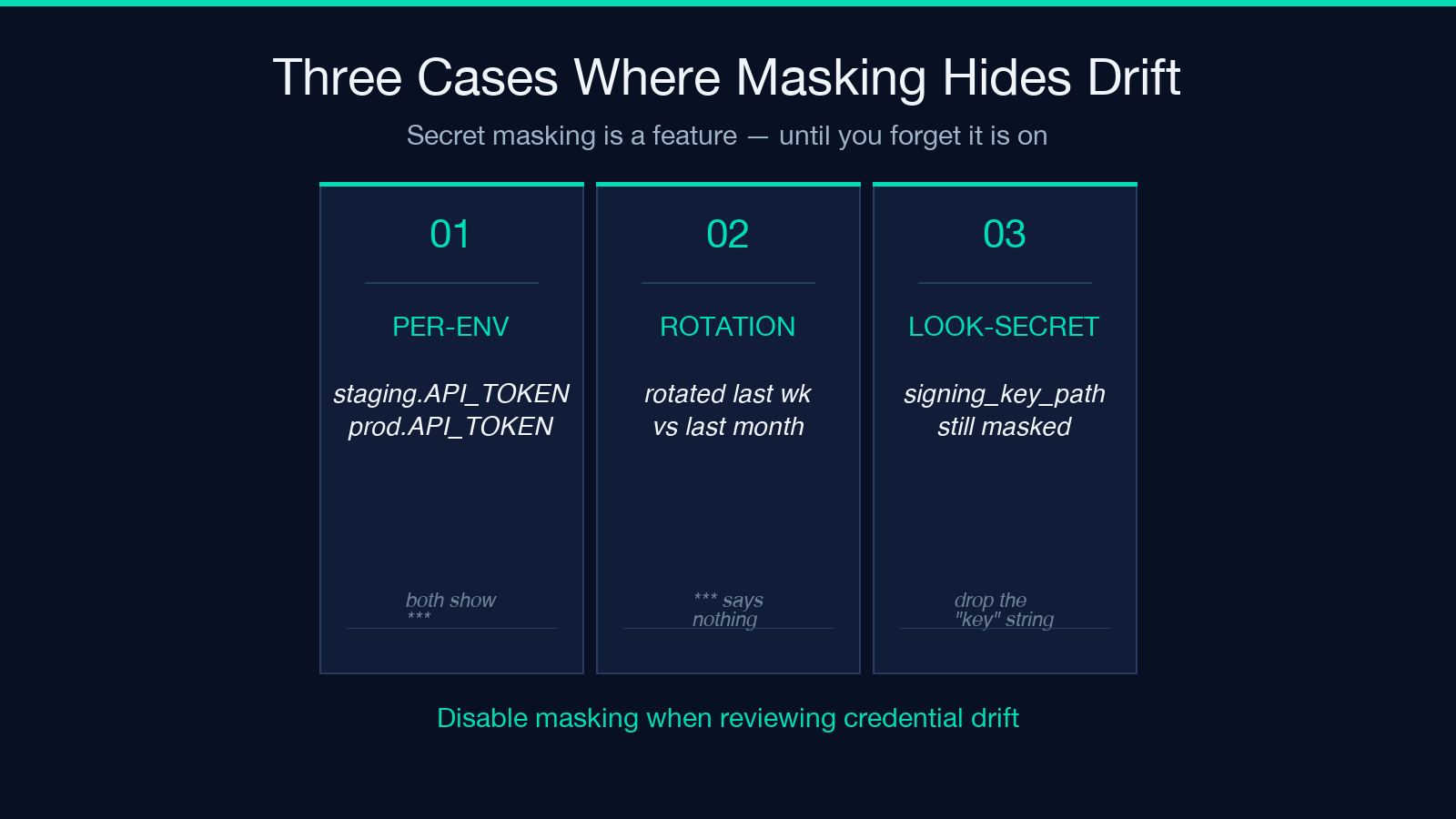
Three cases where the masking will burn you:
- Different secrets per environment. If
staging.API_TOKENissk_test_xxxandprod.API_TOKENissk_live_yyy, both show as***in the report. The drift is invisible. Either disable masking when reviewing credential drift, or compare the masked-and-unmasked reports side by side. - Secret rotation cadence. A staging secret rotated last week and a production secret rotated last month will both show as
***. The diff cannot tell you that one is stale. Track rotation timestamps in a separate log; do not rely on the diff to surface them. - Key names that look secret but are not. A config key named
signing_key_pathwill be masked even though the value is a filesystem path. Rename such keys to drop thekeysubstring, or accept that you will need to re-run with masking off to read them.
The masking is a feature; the failure mode is forgetting it is on.
From Diff to Release Checklist in Five Minutes
The cleanup pass that turns the report into actionable work follows a stable shape. After running the visualizer on a release candidate bundle:
- Promote any row where every column shows the same value. If
LOG_LEVEL=infoisinfoacross dev, staging, and prod, it belongs in a shared base file. Hoist it. - Mark every
<missing>row in production. If a key exists in staging and not in prod, prod is either running on a default or the deploy will fail. Either add the key explicitly or accept the default in writing. - Convert type drift to explicit strings. If
portis a string in one environment and an int in another, decide which is canonical and pin it. The visualizer flags the mismatch; the fix is to make all environments agree on the type. - Resolve duplicate secrets across environments. If masking hides a drift between
staging.API_TOKENandprod.API_TOKEN, write them down in a credential vault rather than trusting the masked diff to enforce equivalence. - Diff again after every change. The visualizer is fast enough that running it after each edit is the right cadence. A five-minute diff after each cleanup is cheaper than a 4 AM incident.
That is the workflow. Paste bundle, run diff, hoist equal values, mark missing keys, pin types, re-run. Five steps, repeatable on every release.
When to Reach for It, When to Skip It, and the Three Honest Limits
Reach for the Environment Config Diff Visualizer when:
– You have at least two environments and at least one of them is YAML, TOML, JSON, or ENV. – You want a release-day checklist, not a one-off diff -u. – You need to audit credential rotation, port standardization, or feature-flag parity across environments.
Skip it when:
– You are diffing application code, not config. Use a code diff tool. – You have a single environment. There is nothing to compare. – You need real-time sync across environments. The visualizer is a snapshot comparator; live sync is a config-management framework job.
Three honest limits to know before standardizing on it as a release gate:
- Quoting edge cases in dotenv. A value containing
=signs (FOO=bar=baz) sometimes parses inconsistently across the four parsers. Quote your dotenv values (FOO="bar=baz") to keep all four parsers aligned. - Anchors and aliases in YAML. YAML anchors (
&id001and*id001) flatten into the same dot-path key but the visualizer does not preserve the anchor name. The output tells you the values are equal; it does not tell you they came from the same anchor. Acceptable for drift detection, weak for provenance. - Very large bundles. A bundle of 5000+ keys parses in a few seconds but the rendered HTML report becomes unwieldy. Filter to a subset (
=== prod (yaml) ===only, then=== dev (yaml) ===only) when comparing single-environment sanity checks.
The visualizer is a static diff tool. Treat the output as the source of truth for drift and missing-key audits, not as a deployable artifact. It is the lens, not the lever. For most polyglot stacks shipping through CI, the visualizer is a two-minute investment that prevents the 4 AM page. Run it before every release; promote the rows that no longer need to differ.
Compare your staging and production bundles today on Elysia Tools and see what your deploy templates have been silently defaulting.
