
# 8 Free Developer Generator Tools That Replace the Tedious Setup Work You’re Still Doing Manually
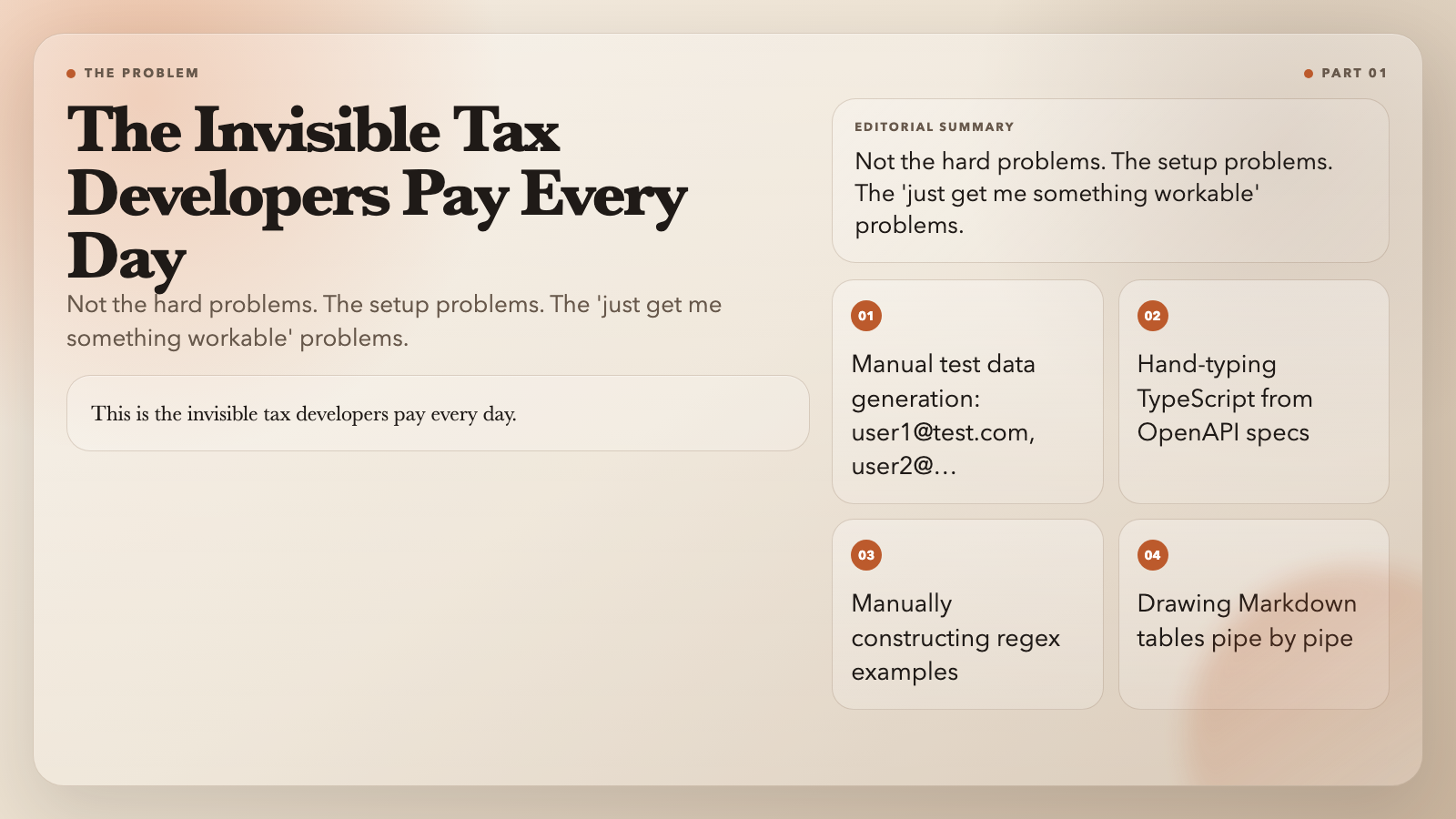
You know the drill. You need some test users for a demo — so you type [email protected], [email protected], [email protected] and call it done. You need a regex-matched string for a test case — you write the pattern, then manually construct one example by hand. You have an OpenAPI spec and you’re hand-typing TypeScript interfaces from it.
This is the invisible tax developers pay every day. Not the hard problems. The setup problems. The “just get me something workable” problems.
These eight free tools from ElysiaTools eliminate most of that tax. Each one takes something you were going to build by hand and generates it in seconds.
—
1. Test Data Faker Builder — Generate Realistic Test Data in Seconds
Writing fake data by hand is one of the most soul-crushing tasks in development. [email protected] gets old fast. So does 555-1234 and “123 Main St.”
The Test Data Faker Builder generates structured test data from a simple JSON field configuration. Define the fields you need — name, email, credit card, IPv4 address, regex patterns, dates — and it produces 1 to 1,000 records, exportable as JSON, NDJSON, or CSV.
What makes it stand out is the depth of the field types. It supports 16 built-in field types including localized names (English or Chinese), Chinese national ID cards (with valid Luhn checksums), credit cards with network-specific prefixes, and arbitrary regex patterns via RandExp.
A configuration like this:
“json`
{
"fields": [
{ "name": "fullName", "type": "fullName", "locale": "en" },
{ "name": "email", "type": "email" },
{ "name": "creditCard", "type": "creditCard", "network": "visa" },
{ "name": "status", "type": "pick", "values": ["active", "suspended", "pending"] },
{ "name": "orderId", "type": "regex", "pattern": "ORD-[A-Z0-9]{8}" }
]
}
...produces records that look like they came from a real database, not a bored developer's keyboard.
Use it when: You need seed data for a demo, QA fixtures, or load testing records.
---
2. Regex to String Generator — Turn Patterns Into Real Strings
You've written a regex. It validates correctly. Now you need an actual string that matches it, for a test or a documentation example. So you stare at the pattern and manually construct one. This is backwards.
The Regex to String Generator takes any valid regular expression and generates up to 50 matching strings. It handles character classes, quantifiers, groups, alternations, and escape sequences. Generated strings are validated against the original pattern before being returned — invalid candidates are discarded.
This means you can take something like ^([a-z]{3})-([0-9]{4})$ and instantly get abc-7291, xyz-0048, and 48 more.
Use it when: You need test strings for regex validation, documentation examples, or seed data with a specific format.
---
3. JSON Schema Generator — Infer Your Schema From a Sample
You have a JSON response from an API. You need a JSON Schema for validation. So you manually write $schema, type, properties, and required fields — and inevitably miss something.
The JSON Schema Generator infers a complete schema from any sample JSON. It detects primitive types, array inference, nested objects, and optional fields. It also detects common string formats (email, URI, date-time, UUID) and can infer enum values from arrays.
You paste in a sample, choose Draft-07 or 2020-12, and get back a schema you can edit and re-validate in a single workflow. If your manual edits break validation against the sample, it tells you immediately.
Use it when: You need to validate API responses, generate documentation, or establish a contract for downstream consumers.
---
4. OpenAPI to TypeScript Generator — From API Spec to Type-Safe Code
You have an OpenAPI or Swagger spec. You have TypeScript code that needs to match it. So you read the spec, create a type for each schema, write the request/response types, and get it wrong in at least three places.
The OpenAPI to TypeScript Generator converts any OpenAPI 3.x or Swagger spec — in JSON or YAML — into clean TypeScript. It generates flat or namespace-wrapped exports, lets you choose between interface and type declarations, and respects PascalCase, camelCase, or original naming from the spec.
More importantly, it can generate operation-level types — request parameters grouped by location (path, query, header, cookie), request body schemas, and typed response unions with HTTP status codes. What would take an hour of careful typing becomes a copy-paste.
`typescript
export interface User {
id: string;
name: string;
email: string;
}
export interface GetUserByIdPath {
id: string;
}
export type GetUserByIdResponse =
| { status: "200"; data: User }
| { status: "404"; data: { message: string } };
`
Use it when: You're integrating a new API or building type-safe wrappers around third-party services.
---
5. API Request Code Snippet Generator — From URL to Working Code
You have a URL, a method, some headers, maybe a body. You need a working cURL command, a fetch call, and Axios code. So you open a tab, type curl, forget a flag, fix it, then translate it to JavaScript — and you've spent ten minutes on something that should take thirty seconds.
The API Request Code Snippet Generator generates cURL, fetch, and Axios snippets from a URL and basic request configuration. It handles JSON body serialization, header formatting, query parameters, and authentication headers automatically.
Paste a URL, pick your method, add headers as JSON, and it outputs copy-paste-ready code. It supports GET, POST, PUT, PATCH, and DELETE with JSON, plain text, and form-urlencoded body types.
Use it when: You need to reproduce an API call, share a working example with a teammate, or quickly prototype a request in a new language.
---
6. Markdown Table Generator — From Messy Data to Clean Tables
You have a CSV. You need a Markdown table for a README, a PR description, or a changelog. So you manually draw pipes, count dashes, and get the alignment wrong on the third row.
The Markdown Table Generator converts CSV or JSON data into properly formatted Markdown tables. It auto-detects the input format, respects header rows, and lets you control column alignment (left, center, right) and header style (plain, bold, code, uppercase).
It also handles CSV edge cases — quoted fields with commas inside them, different delimiters (comma, semicolon, tab), and variable row lengths — without producing broken tables.
Use it when: You need to embed data tables in documentation, README files, or any Markdown-formatted content.
---
7. SVG Favicon Generator — From a Logo to a Complete Icon Pack
Your designer sends you a logo. You need a favicon. So you open a design tool, resize the image seven times, export as ICO, PNG variants, Apple touch icon, and web manifest — and that's before you've started on the actual product work.
The SVG Favicon Generator takes an SVG or raster logo and produces a complete favicon pack: ICO, multiple PNG sizes (16×16 through 512×512), Apple touch icon, and a web app manifest. It handles background coloring, padding, and format normalization automatically.
If your source is a raster image, it uses Sharp under the hood to render at each required resolution. If your source is SVG, it normalizes the viewBox and injects the appropriate background.
Use it when: You're launching a web project and need to cover every browser and device's favicon requirement without installing Photoshop.
---
8. JSON-LD Generator From CSV — From Spreadsheet Data to SEO Gold
Your marketing team has a product catalog in a spreadsheet. You need Schema.org structured data for Google rich results. So you manually write JSON-LD objects, get the @type wrong, miss required fields, and spend an afternoon debugging Google's Rich Results Test.
The JSON-LD Generator From CSV reads CSV or TSV rows and generates Schema.org JSON-LD for articles, products, or events. It maps spreadsheet columns to Schema properties automatically, handles multi-value fields, and produces output ready for direct injection into HTML