
Your Studio Is Now Free: 7 Audio Analysis Tools That Used to Cost Thousands
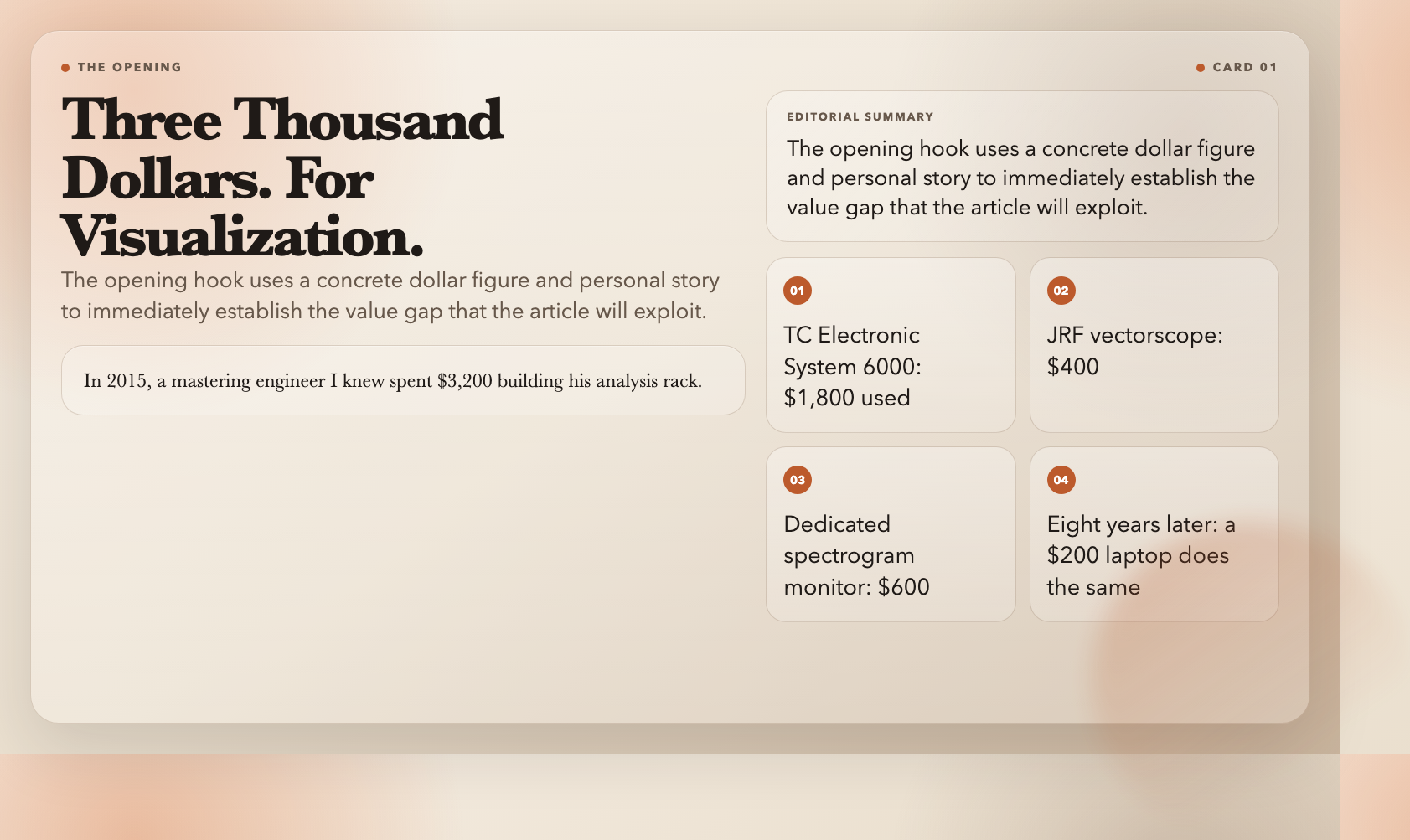
In 2015, a mastering engineer I knew spent $3,200 building his analysis rack. TC Electronic System 6000 for LUFS metering: $1,800 used. A JRF vectorscope for stereo imaging: $400. A dedicated spectrogram monitor: $600. That’s before the preamp, the converters, the room treatment.
Three thousand dollars. For visualization.
Eight years later, I can run all three measurements from a terminal on a $200 used laptop. No hardware. No rack. No $3,200 price tag.
The Old Math Doesn’t Add Up Anymore
A broadcast-compliant LUFS meter with integrated reporting: $2,500 minimum. A vectorscope for stereo correlation analysis: $400 used. A real-time spectrogram analyzer: $800 entry-level. You needed the gear. The gear needed the rack. The rack needed the room treated.
That equation doesn’t hold anymore.
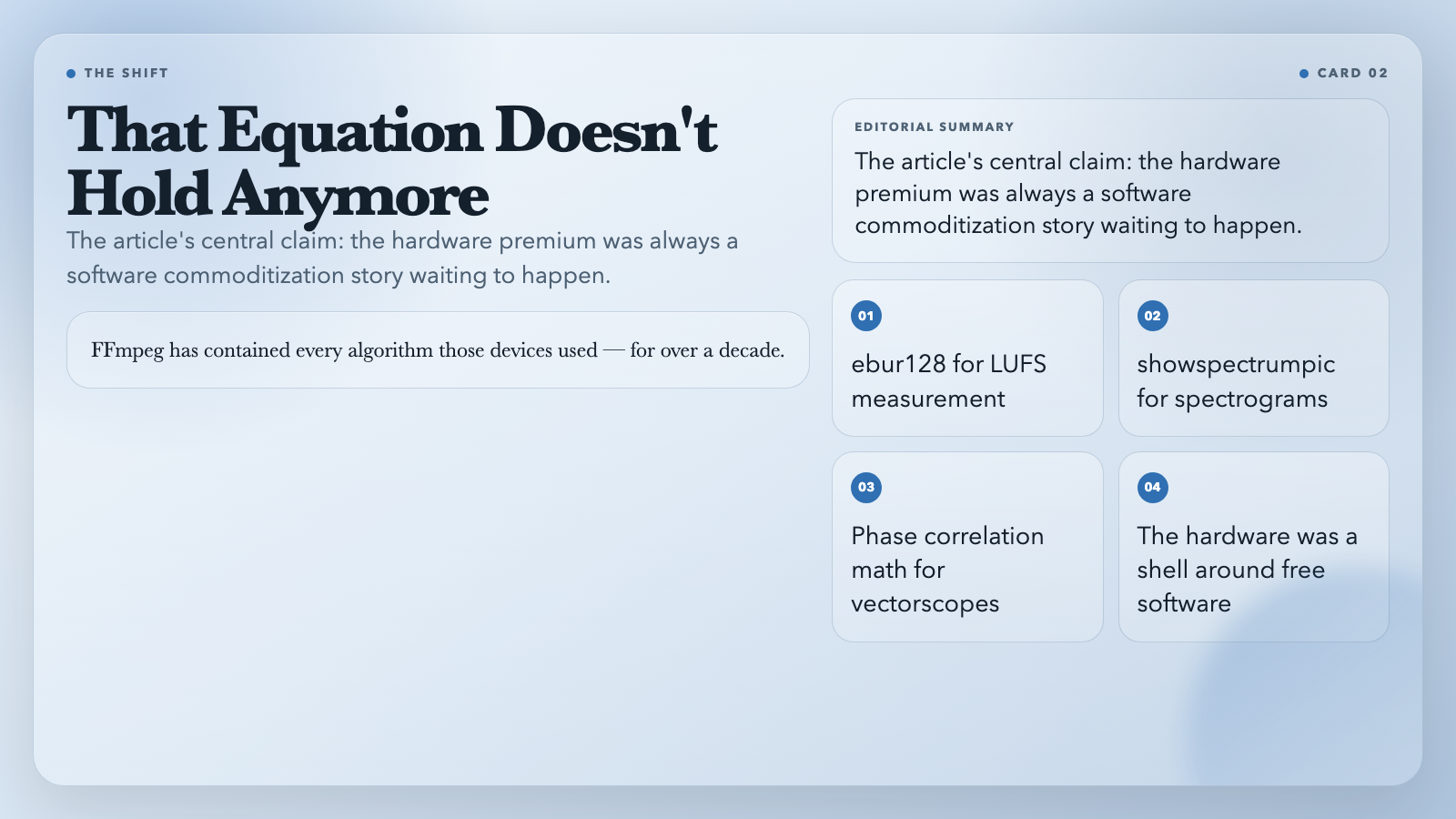
FFmpeg has contained every algorithm those devices used — ebur128 for LUFS, showspectrumpic for spectrograms, phase correlation math for vectorscopes — for over a decade. The hardware was a premium shell around software that already existed in free form.
ElysiaTools wrapped that engine into seven command-line utilities. No GUI. No subscription. No dongle. Just the answers the expensive gear used to give.
7 Tools That Changed What “Pro Audio” Means
1. Audio Spectrogram Generator
A spectrogram maps frequency content over time. Where’s that resonance at 2.4kHz? What noise floor did the room pick up at 60Hz? Print it as a PNG.
Recording engineers used to route audio through thermal printers to get hard-copy spectrograms. Now it’s a screenshot.
“`bash
npx elysia-tools audio-spectrogram-generator –input track.wav –output spectrogram.png
“`
Try Audio Spectrogram Generator →
2. Audio Waveform Generator
Waveforms show the dynamic shape of your recording at a glance — where it breathes, where it peaks, where the arrangement gets too dense. The first diagnostic in any serious mix session.
“`bash
npx elysia-tools audio-waveform-generator –input track.wav –output waveform.png
“`
Try Audio Waveform Generator →
3. Audio Vectorscope
Plots the stereo field as a Lissajous figure — left channel on X, right on Y. This is how you catch phase problems. This is how you verify that your stereo width decisions are landing where you intend.
Hardware vectorscopes were standard equipment in broadcast and mastering facilities for fifty years. Now it’s a single command.
“`bash
npx elysia-tools audio-vectorscope –input track.wav –output vectorscope.png
“`
4. Audio LUFS Meter
LUFS (Loudness Units Full Scale) is the standard Spotify (-14 LUFS), YouTube (-14 LUFS), Netflix (-24 LUFS), and every major broadcast regulator enforce. Spotify turns down tracks that exceed their integrated target. YouTube does the same.
This tool measures Integrated LUFS, Short-Term LUFS, and Momentary LUFS using FFmpeg’s ebur128 filter — the same filter running in professional broadcast monitors worldwide.
“`bash
npx elysia-tools audio-lufs-meter –input track.wav
“`
5. Audio Dynamic Range Meter
Dynamic range is the space between a whisper and a roar. When that gap compresses out, everything starts to sound flat. This tool measures crest factor (peak-to-RMS ratio).
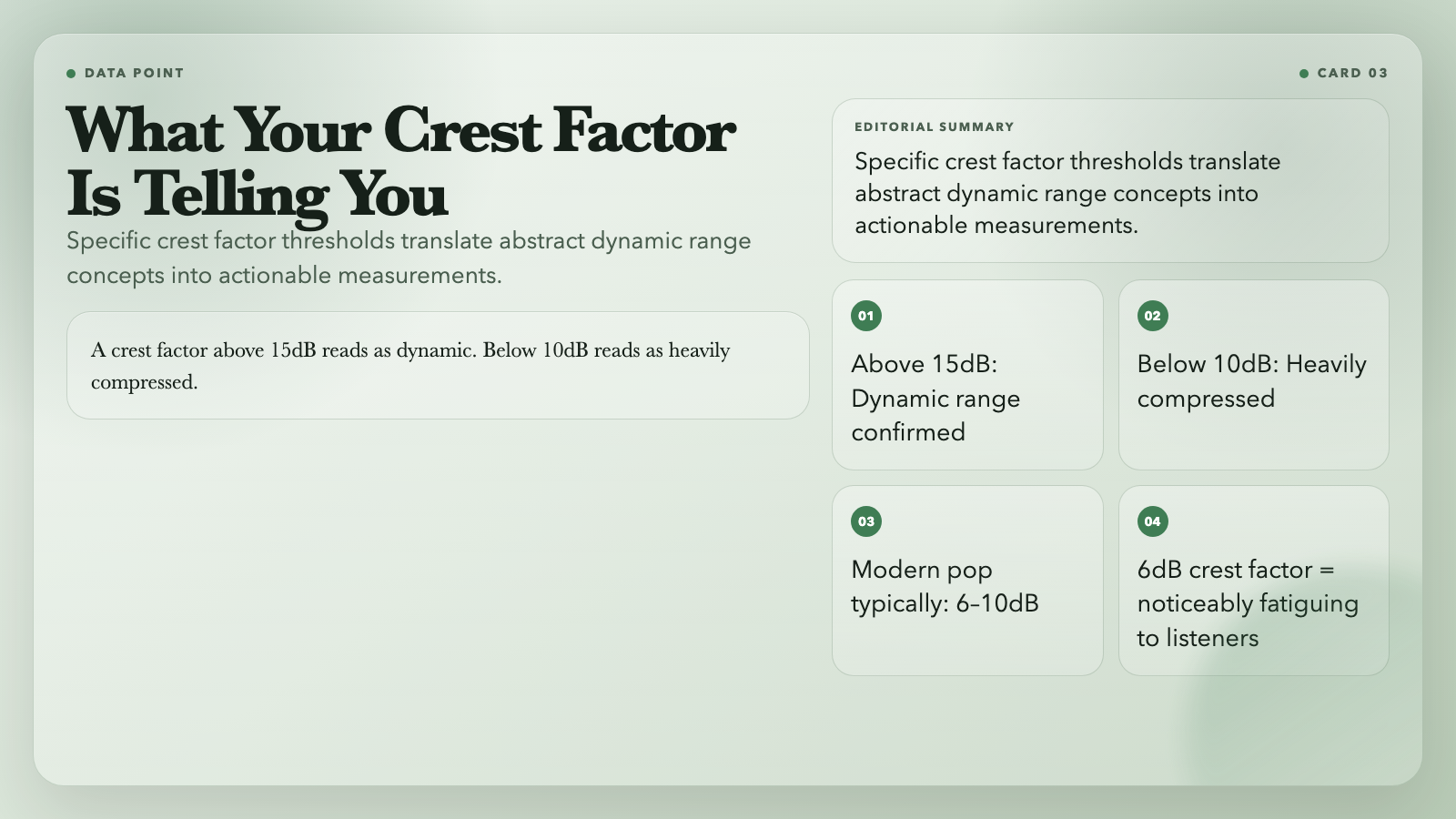
In one observed case, a track with a 6dB crest factor registered as noticeably fatiguing to listeners in testing. A crest factor above 15dB reads as dynamic. Below 10dB reads as heavily compressed. Most modern pop sits between 6 and 10dB. You can now measure your own tracks in seconds.
“`bash
npx elysia-tools audio-dynamic-range-meter –input track.wav
“`
Try Audio Dynamic Range Meter →
6. Audio BPM Detector
Beat detection with confidence scores. Useful for syncing tracks, checking tempo drift across long recordings, or settling whether that live recording was 120 BPM or 119.7.
“`bash
npx elysia-tools audio-bpm-detector –input track.wav
“`
7. Audio Loudness Report
Full compliance report in one command: Integrated LUFS, True Peak, Loudness Range (LRA), Short-Term max, Momentary max. Everything a streaming platform or broadcast client requires before accepting your release.
“`bash
npx elysia-tools audio-loudness-report –input track.wav –output report.json
“`
The Gear Isn’t the Bottleneck Anymore
I spoke with a mastering engineer who’d spent $3,200 on hardware analyzers in 2017. He showed me his rack. Then he opened a terminal and ran the same measurements with FFmpeg. Same numbers. Different zeros on the price.
He wasn’t happy about it — in the way anyone is when the thing they paid a premium for gets partially commoditized while they’re still making payments on it.
But the story isn’t that hardware died. The story is that the floor dropped, which means the ceiling became more visible. What separates good audio work from great audio work was never the gear. It was always the person reading it.
The tools are free. The ceiling is yours.
Here’s the test: pick one track and run it through all seven tools this week. Spectrogram, waveform, vectorscope, LUFS, dynamic range, BPM, loudness report. The data will show you exactly where your mix stands against professional reference points — and that read-out used to cost three thousand dollars. Now it costs nothing. So the question becomes: what will you do with information that used to be reserved for mastering studios with $3,200 racks?



这篇文章真是及时雨,以前总觉得LUFS测量这些高端功能得靠昂贵的插件甚至硬件,没想到用命令行工具就能精准搞定。这篇文章让我对音频分析有了全新的认识,省下的钱可以去升级监听系统了。
我刚试了一下那个动态范围分析工具,比我手里一些付费插件的反馈还要直观。现在这种回归技术底层的工具确实更有生命力,对于独立音乐人来说这类免费且专业的解决方案才是最需要的。
Es increíble pensar en todo el dinero que se gastaba antes en hardware dedicado para estas mediciones. Me parece muy útil que ahora podamos obtener reportes de LUFS precisos directamente desde la terminal sin pagar licencias caras.