# Your Audio Sounds Flat. Here’s How to Fix It in Seconds.
You just recorded a podcast episode. The content is good — but it sounds like it was recorded in a basement. Meanwhile, other podcasts feel intimate, spacious, cinematic. The difference isn’t the microphone. It’s what happened after the recording.
The same applies to music tracks, voice-overs, and audio experiments. That sense of space, depth, and movement doesn’t come from recording — it comes from effects. For most people, applying effects meant opening a DAW, loading plugins, and fighting with settings for an hour before getting anywhere.
Eleven free browser-based tools change that. You can add delay, reverb, chorus, and stranger effects to any audio file in under two minutes. No download, no account, no learning curve. Here’s what each one does.
—
1. Audio Delay — The Foundation of Every Great Mix
Delay isn’t echo. It’s a precision timing tool — exact millisecond control over repetition count, spacing, and blend, with no physical space simulation, just clean mechanical repeats.
The Audio Delay tool exposes delay time, feedback, and wet/dry mix. Want a single slapback repeat like Eddie Van Halen’s on “Eruption”? Set delay to 80–100ms with no feedback. Want the lush, rhythmic trailing sound The Edge pioneered on U2’s “Where the Streets Have No Name”? Try a dotted-eighth delay synced to your track’s tempo.
When to use it: Vocals that need to sit forward in a dense mix, thin guitar tracks, drums that need extra rhythmic layering. Delay adds space without the wash that reverb introduces.
—
2. Audio Echo — The Canyon in Your Speakers
Audio Echo creates discrete repetitions that decay naturally, simulating a canyon, a tunnel, or a vast empty room. The difference from delay is dispersal — echo doesn’t just repeat, it fades and dissolves into simulated space.
Brian Eno built entire ambient albums around this principle. Phil Spector’s Wall of Sound layered echoes on every instrument, creating the illusion of a full orchestra in a small studio. Sam Phillips used echo on Elvis’s early Sun Records sessions to make a three-piece band sound cavernous and enormous.
When to use it: Podcast intros that need cinematic weight, dramatic pauses in music, acoustic instruments that feel too dry and clinical. A well-placed echo on a spoken-word segment can make an ordinary sentence feel like a line from a film.
—
3. Audio Reverb — The Room You’re Not In
If you could only use one effect for the rest of your life, make it reverb. It’s the single most important spatial tool in audio production — the difference between a flat, clinical mix and one that feels alive and dimensional.
Audio Reverb simulates spaces from a small room to a cathedral using multiple delay lines with feedback. The preset-based approach means you pick a room size and the tool handles the math. You adjust the decay time from there.
Mixing engineers use it like this: every instrument sits at a different depth in the sound field. The lead vocal stays dry and upfront. The backing vocals get a short room reverb. The snare lives in a tight chamber. The cymbals wash into a long hall reverb. The combination creates a three-dimensional space you can almost see.
When to use it: Everything. Every professional mix uses reverb — not one exception. The question is never “should I use reverb” — it’s “how much and what kind.”
—
4. Audio Chorus — Make One Voice Sound Like a Choir
Chorus adds thickness, not space. It layers slightly detuned, time-modulated copies of your audio, making one voice sound like several playing the same part in near-unison.
This is the algorithmic equivalent of double-tracking — a technique the Beatles used extensively, most famously on Lennon’s vocals on “mr. knightley.” Geoff Emerick recorded Lennon singing the same part twice and blended both takes. The result: a vocal that felt massive without any reverb.
When to use it: Thin guitar tracks, weak vocals, flat synth pads. A subtle chorus on a sparse acoustic guitar can make it sound like a full rhythm section. Use it sparingly. Too much chorus becomes a washed-out blur.
—
5. Audio Flanger — The Sweeping Jet Sound
Flanger creates its signature “whooshing” sweep by combining audio with a modulated delay copy, producing a comb-filter effect. The result: that distinctive, jet-engine-like sweep on Hendrix’s “Band of Gypsys” guitar and Van Halen’s “Unchained” lead tone.
Production history worth knowing: flanger was discovered by accident. Engineers played the same tape on two machines and pressed on the flange of one reel to slow it — they heard a pitch sweep and kept it. Jimi Hendrix used it. Eddie Van Halen built a career on it.
When to use it: Guitar solos that need classic psychedelic edge, synth leads that need a futuristic sheen, any element that needs movement without sounding underwater. On drums, a subtle flanger makes a static loop feel like it’s breathing.
—
6. Audio Phaser — The Spacey Cousin of Flanger
Phaser uses phase-shifted notches instead of time-delayed copies. Where flanger feels aggressive and mechanical, phaser feels smooth and atmospheric — less jet engine, more spaceship autopilot.
The signature sound shows up everywhere from Eddie Van Halen’s “And the Cradle Will Rock” (the MXR Phase 90 script pedal, reproduced on countless records) to modern ambient and electronic productions.
When to use it: Ambient pads, dreamy guitars, space-themed sound design. On bass, phaser adds animation without the harmonic complexity of distortion. On vocals, a very subtle phaser makes flat recordings feel more alive.
—
7. Audio Tremolo — The Pulse in the Sound
Tremolo is periodic volume modulation — it makes audio pulse rhythmically. The classic surf rock sound (the Ventures’ “Walk, Don’t Run”) is tremolo. Film score swells use tremolo. Gospel music’s intensity on organ comes from tremolo.
Two controls: rate (how fast the pulse) and depth (how extreme the volume difference). Set rate around 4–6 Hz (four to six pulses per second) and you mimic the natural human heartbeat — emotionally intense without being aggressive.
When to use it: Adding vintage character to guitar tones, building tension in scores, making static vocals feel urgent. Tremolo disappeared from mainstream pop in the 90s and came roaring back in indie and electronic music.
—
8. Audio Vibrato — The Wobble That Makes Music Feel Alive
Vibrato is periodic pitch modulation — it wobbles the pitch up and down around a target note. This is not pitch correction (which snaps to the nearest target). Vibrato is a natural oscillation that trained singers produce instinctively — which is why live performances feel warm and programmed sounds feel cold.
String players spend years learning to control vibrato. Now you can add it with a slider.
The classic setting: 5–6 Hz. Too slow (2–3 Hz) sounds like a goat bleat. Too fast (10+ Hz) sounds like a warbling toy. The natural human vibrato rate sits in a narrow band — and your ear knows immediately when it’s outside it.
When to use it: Synth leads that sound too robotic, string simulations, any sound that feels digital and sterile. Adding vibrato at 5–6 Hz to a cold synthesized sound is the fastest way to warm it up.
—
9. Audio Distortion — The Edge That Cuts Through
Distortion adds harmonic overtones by clipping the waveform. The range spans subtle tube amp saturation (warmth and presence) to full fuzz (aggressive, crunchy, the Stooges’ Iggy Pop sound).
Here is the counterintuitive fact most people miss: most professional rock and pop vocals are slightly distorted. The warmth and presence that makes a vocal feel “up front” in a mix is usually a touch of harmonic saturation — not enough to hear as distortion, but enough to hear as character. Vintage tube preamps are still bought and modeled at enormous expense because their natural distortion is musical.
When to use it: Guitars that need to cut through a dense mix, vocals that feel flat and need presence, bass that needs more power without adding low-end. Start subtle: if you can hear the distortion as distortion, you’ve gone too far.
—
10. Audio Wah-Wah — The Crybaby Pedal, Without the Pedal
The wah-wah effect sweeps a band-pass filter up and down, creating the characteristic “wah” vowel sound. It replicates the crybaby pedal made famous by Hendrix’s “Voodoo Child,” Slash’s every solo on “Appetite for Destruction,” and virtually every funk guitar groove ever recorded.
The auto-version handles the pedal movement for you — you set the sweep range and rate, and the effect animates automatically. The difference between a good wah and a generic filter sweep is the resonance peak that emphasizes the filtered frequencies at the sweep’s peak.
When to use it: Funk guitar grooves (the obvious case), expressive synth leads, vocal chops that need dynamic character. Even on spoken word, a subtle auto-wah makes a recording feel more expressive.
—
11. Audio Ring Modulator — Make Anything Sound Robotic
Ring Modulator multiplies your audio with an internal oscillator, creating metallic, bell-like, or robotic timbres. This is the sound of Dalek voices in Doctor Who, R2-D2’s beeps, and Weapon X effects in video games.
It’s not subtle, and it’s not always “musical” in the traditional sense. But for sound design, creative experimentation, and anyone building genuinely distinctive audio textures, it’s irreplaceable.
When to use it: Sound effects, robot voices, otherworldly textures in ambient music. The most interesting ring modulation results come from unexpected sources — piano chords, drum loops, spoken word samples. The results are unpredictable and startling in the best way.
—
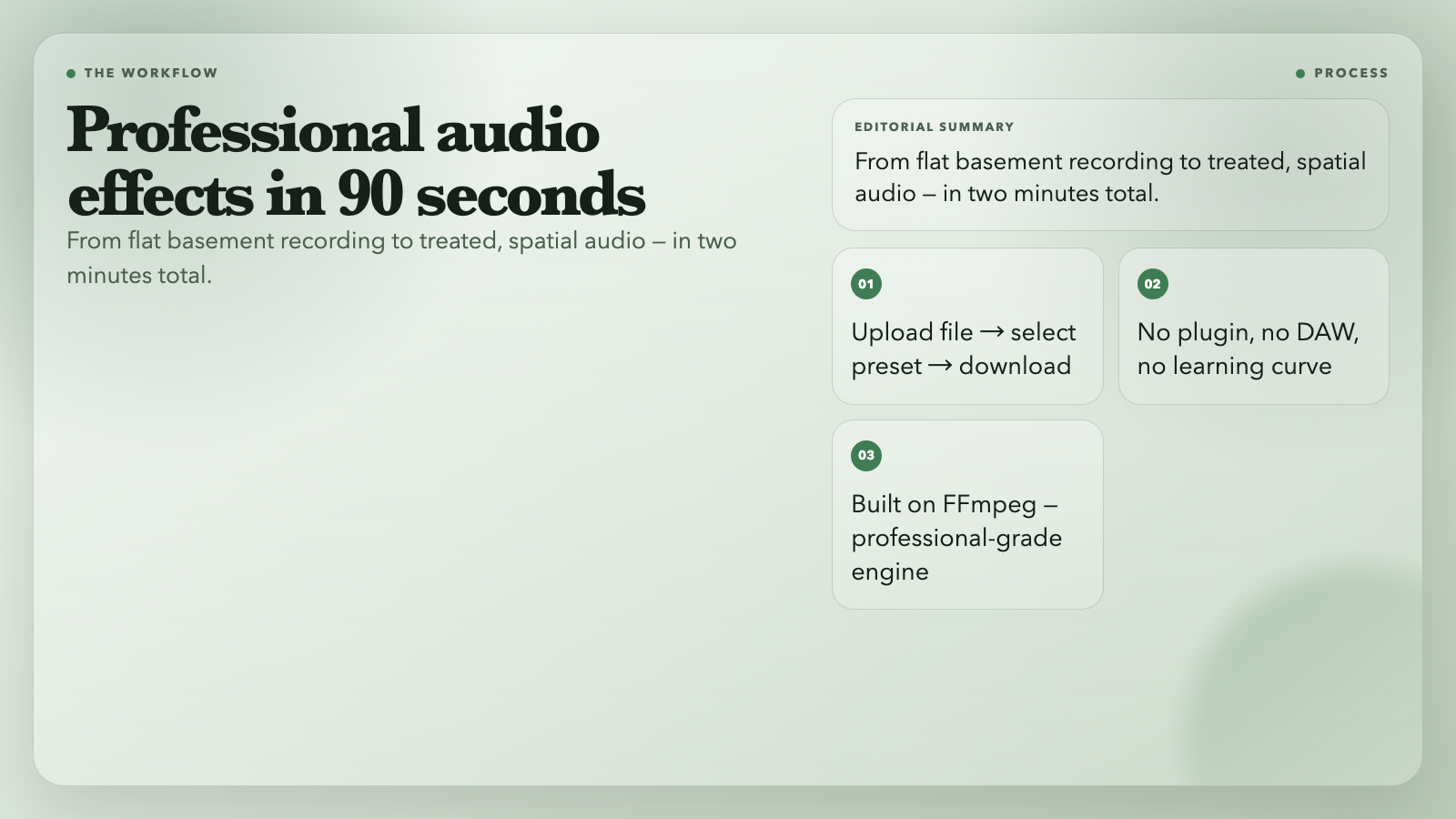
The Two-Minute Production Workflow
Try it. You have a podcast episode that needs to sound more professional. Upload the file to the Audio Reverb tool, select “medium room,” and download. The episode now sounds like it was recorded in a treated space. Total time: 90 seconds.
Now take a voice-over that needs more presence. Upload it to Audio Delay, set a short slapback delay (60–80ms), blend in just enough wet signal to add depth without hearing distinct repeats. Total time: 60 seconds.
Export both, drop them into your editing software, and you’ve accomplished in two minutes what used to require a plugin, a settings panel, and a learning curve. That’s the actual value of these tools: not just what they do, but how little friction they introduce.
The One Thing These Tools Can’t Do
These eleven tools handle the processing. Listening is your job.
That skill builds slowly: paying attention to audio you admire, identifying what’s inside it, reverse-engineering the settings. When a podcast puts you in the room with the host — ask what effect created that feeling. When a guitar solo sounds huge — ask what’s generating that size. The answers come from the listening, not the tools.
Start with the presets. Break them intentionally. After a few sessions of deliberate listening, the tools stop feeling like panels you configure and start feeling like instruments you play.
Try all eleven at elysiatools.com/en/tools — free, no signup required.