
# 8 Free Regex Tools That Will Save You Hours of Debugging
At 2 AM, your on-call phone rings. A microservice is frozen — requests timing out, connections backing up. The regex that worked fine in staging, the one that passed code review, the one that handled test data without a hitch — it’s eating CPU cycles on production input it never saw before. Catastrophic backtracking. One pattern. A single malicious string.
This isn’t a hypothetical horror story. It’s a documented exploitation technique called ReDoS, and most regex-related outages follow the same script: the pattern passed testing, it just never encountered this input.
Regular expressions are one of the most powerful tools in a developer’s toolkit — and one of the least tested. Most developers write one, throw in a sample string, and assume it works. The problem isn’t syntax. It’s everything that comes after: understanding what you wrote, catching why it’s slow, and finding the security holes the interpreter silently accepts.
This article covers 8 free regex tools that cover the full development lifecycle: from writing and testing, to explaining, benchmarking, linting, and catching the bugs most developers miss before they become production incidents.
—
1. Regex Tester
The problem: You wrote a regex, threw in one test string, and assumed it worked.
Regex Tester gives you a dedicated environment to validate patterns against multiple test cases simultaneously. You supply the pattern, set your flags (global, case-insensitive, multiline, etc.), and paste in any number of test strings. It shows every match, including match groups, positions, and index ranges.
This is the bare minimum for any regex work. One test string is not a test — it’s a guess you got lucky with.
Use it when: You’re building a new pattern and need to iterate quickly against a set of known inputs and edge cases.
—
2. AI Regex Explainer
The problem: You inherited a regex from a colleague (or wrote it three months ago) and now you need to understand what `^(?=.*[A-Z])(?=.*[!@#$&*])(?=.*[0-9].*[0-9]).{8,}$` actually does.
The AI Regex Explainer breaks down any regex pattern into plain English, segment by segment. It also flags cross-dialect compatibility issues — the same pattern behaves differently between JavaScript, Python, and PCRE. And it generates matching and non-matching examples that show the pattern’s actual behavior in practice.
This tool shines during code review. When someone submits a regex in a pull request, run it through the Explainer before merging.
Use it when: Reading legacy regex code, reviewing someone else’s pattern, or verifying your own understanding of a complex expression.
—
3. Regex Benchmark
The problem: Your regex works but slows down under load. You don’t know why, and profiling points everywhere except the pattern itself.
Regex Benchmark runs your pattern against adversarial and realistic test inputs, measuring execution time, operations per second, and match rates. It also flags degenerate cases — inputs specifically engineered to trigger worst-case performance.
The tool comes with built-in degenerate cases: deeply nested quantifiers, alternation bombs, HTML tag mismatch patterns. If your regex is vulnerable to any of these, Benchmark surfaces it before your users do.
Use it when: Performance matters for your use case, especially with user-supplied input or large datasets.
—
4. Regex Linter
The problem: Your regex is syntactically valid but has hidden correctness, security, or performance issues.
The Regex Linter analyzes patterns across multiple dimensions: catastrophic backtracking risks, unanchored patterns, ambiguous alternation, redundant escapes, and excessive capture groups. It assigns severity levels (critical, error, warning, info) to each issue and, where possible, suggests a concrete rewrite.
Unlike a syntax error, these issues won’t crash your program — they’ll just make it slow, unpredictable, or exploitable. The Linter catches what the interpreter silently accepts.
Use it when: Before deploying any regex that processes external input, or during code review of regex changes.
—
5. Regex Replace Previewer
The problem: You need to do a find-and-replace with regex capture groups, but you’re not sure what the output will look like until you run it — and running it might be destructive.
The Regex Replace Previewer shows you exactly what your replacement produces before you commit to it. It highlights removed text in red and added text in green, shows match positions in the original string, and displays statistics: total replacements, character count change, and failure rate.
It handles all standard replacement tokens: `$&` for the full match, `$1` through `$n` for numbered groups, `${name}` for named groups, and “ $` “ / `$’ ` for prefix and suffix context.
Use it when: Bulk refactoring with sed-style replacements, migrating data formats, or any operation where preview-before-commit saves you from data loss.
—
6. Regex to String Generator
The problem: You want to test your regex against realistic inputs, but coming up with valid test strings by hand is tedious — and generating random strings that actually match your pattern is nearly impossible.
The Regex to String Generator does the reverse of matching: you give it a pattern, and it generates random strings that satisfy it. You control the count (up to 50) and maximum length per string. Invalid attempts are filtered out automatically.
This is particularly useful for building test suites. Instead of hardcoding one or two examples, you can generate a batch of valid inputs to verify your code handles the full range of the pattern.
Use it when: Generating test data, validating regex correctness, or stress-testing parsers that consume regex-generated input.
—
7. Glob to Regex
The problem: You understand glob patterns (`src//*.ts`, `test//*.test.js`) intuitively but need to convert them to actual regex — for a custom build script, a validation function, or a filtering pipeline.
Glob to Regex converts standard glob syntax to properly escaped regular expressions, with options for extended glob features (`{foo,bar}`), globstar (`**`), and case-insensitive matching. You can also provide test strings to verify the conversion.
It’s a small tool, but if you’ve ever manually escaped a glob pattern for a regex engine, you know exactly how error-prone that process is.
Use it when: Writing build scripts, implementing file filters, or converting between glob-based and regex-based matching logic.
—
8. ReDoS Regex Scanner
The problem: A malicious user can craft an input that makes your regex hang indefinitely. Your pattern works fine on normal inputs — but someone figures out that `aaaaa!` takes 30 seconds to process, and your API becomes a denial-of-service vector.
The ReDoS Regex Scanner specifically looks for catastrophic backtracking vulnerabilities. It analyzes patterns statically for nested quantifiers, alternation bombs, and greedy wildcard combinations, assigns a risk score (safe, watch, high, critical), and generates an “evil seed” input that triggers the worst case. It also suggests a safer rewrite of your pattern.
This isn’t a theoretical risk. ReDoS attacks are a documented exploitation vector, and they require only a single regex — no memory corruption or injection needed.
Use it when: Security auditing any regex that handles user input, especially in authentication, validation, or search contexts.
—
The Full Regex Lifecycle
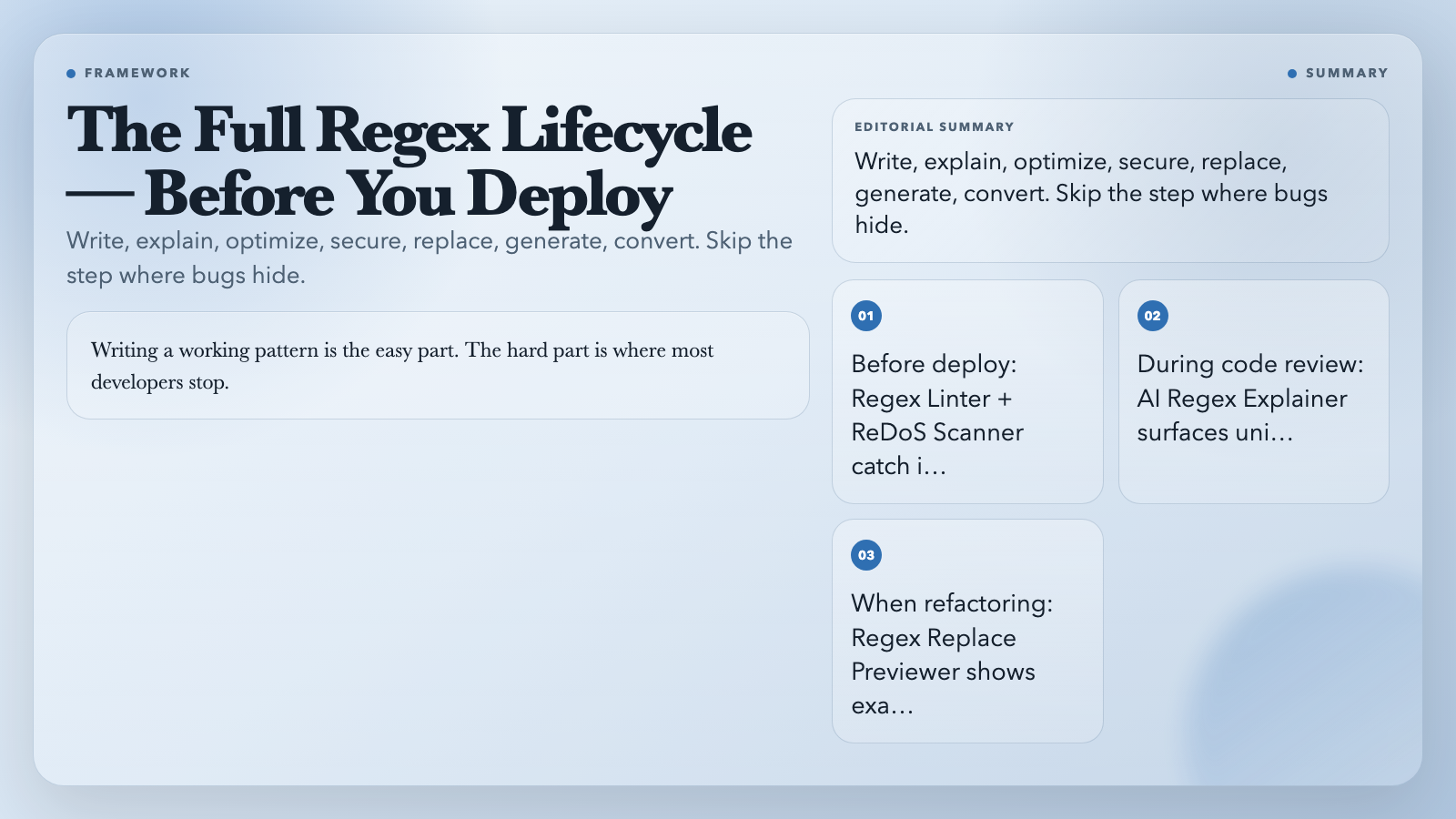
These 8 tools cover the full regex lifecycle — the part most developers skip after the first test passes. Here’s how to use them together:
– Before deploying anything: Run Regex Linter and ReDoS Regex Scanner. These catch the issues that don’t show up in simple test cases.
– During code review: Use AI Regex Explainer on any regex submitted in a PR. It surfaces behavior that the author may not have intended.
– When performance matters: Benchmark against realistic data, not just the happy path.
– When refactoring: Use Regex Replace Previewer to see exactly what changes before you commit.
These tools exist because writing a working pattern is the easy part. Understanding, securing, and optimizing it — that’s where most developers stop. And that’s exactly where these tools earn their place.
The next time you write a regex — whether it’s for input validation, a search feature, or a log parser — don’t stop at the first successful match. Run it through at least one of these tools. The bug you catch might save you a 2AM page.