Stop Dreading Regex — Let AI Break It Down for You
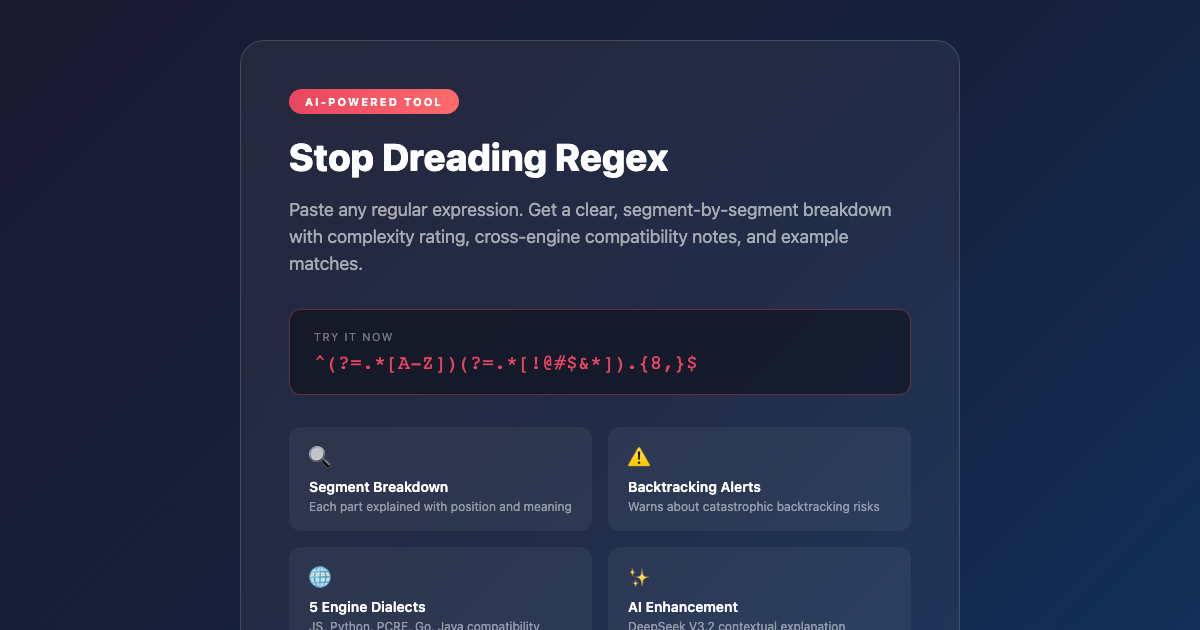
If you’ve ever inherited a regex from someone else, you know the feeling. You stare at something like ^(?=.*[A-Z])(?=.*[!@#$&*]).{8,}$ and think: what in the world is this supposed to match? You might spend twenty minutes dissecting it character by character, or you might just pray it works and move on.
Neither option is satisfying.
The AI Regex Explainer from ElysiaTools takes any regular expression and tears it open — segment by segment — so you can actually understand what it does, why it does it, and whether it’s going to cause problems.
What the Tool Does
Paste a regex into the box and the tool immediately parses it into a structured breakdown. Each segment gets an explanation, a character position, and concrete examples. Anchors, character classes, quantifiers, groups, lookarounds — everything gets labeled and described in plain English.
For a pattern like ^[A-Z][a-z]+$, the breakdown shows you:
^— Start of string/line anchor[A-Z]— Character class matching one uppercase letter[a-z]+— One or more lowercase letters$— End of string/line anchor
That’s not revolutionary. But then it goes further.
Complexity Rating: Simple to Very-Complex
The tool assigns a complexity level from simple to very-complex, based on what features the pattern uses. Lookahead and lookbehind assertions push it into complex territory. Nested quantifiers with backreferences trigger a “very-complex” rating and a warning about catastrophic backtracking — the kind of regex that can hang your CPU for seconds.
This alone is worth the visit. Most regex tutorials don’t warn you about catastrophic backtracking. Most code review comments don’t either. But this tool does, right in the analysis output.
Cross-Engine Compatibility Notes
One of the sneakiest bugs in production comes from writing a regex that works in Python but fails silently in JavaScript, or from assuming Go’s RE2 engine supports features it doesn’t.
The tool generates compatibility notes for five engines:
- JavaScript (ES2018+) — warns about lookbehind requirements
- Python (3.7+) — notes on dialect differences
- PCRE (PHP, R, etc.) — the most permissive
- Go (RE2) — no backreferences, no lookbehind
- Java (java.util.regex) — its own quirks
If you’re porting logic between languages or writing a regex that needs to work across stacks, these notes can save a debugging session.
Example Matching Strings
Beyond explaining the structure, the tool generates strings that match and strings that don’t. Seeing ["Hello", "World", "ABC"] as matches for a pattern makes the intent suddenly concrete in a way that abstract descriptions don’t.
Optional AI Enhancement
Flip the “Use AI for Explanation” switch and DeepSeek V3.2 generates a more contextual description — not just what each part does, but what the pattern is trying to accomplish as a whole. For complex expressions, this is significantly more useful than the rule-based breakdown alone.
The Real Use Case
This tool isn’t for writing regexes from scratch. It’s for the moment you encounter one you didn’t write — in a codebase you inherited, in a library’s validation logic, in a Stack Overflow answer you found at 11 PM.
That’s when you need understanding fast, not a regex tutorial. Paste it in, read the breakdown, and get back to work without the guesswork.
Try it here: AI Regex Explainer