The Small Square That Connects the Physical World to the Digital One
Every time you scan a QR code, you’re performing a small miracle of applied mathematics.
You point your phone at a seemingly random pattern of black and white squares. A fraction of a second later, a URL opens, a payment confirms, a menu appears. What happened in that moment is a story about information theory, Japanese engineering, and the quiet standardization of a technology that now lives on billions of screens.
The Problem QR Codes Were Built to Solve
In 1994, a Toyota subsidiary engineer named Masahiro Hara set out to solve a specific problem. Barcodes — the familiar striped UPC labels — could only hold about 20 characters of data. That was enough for a product number, but not for anything more complex. The automotive supply chain needed to track individual parts with much more information: serial numbers, batch codes, destination data.
The existing 2D barcode systems were too slow to decode and too error-prone on factory floors where labels might be dirty, faded, or partially damaged. Hara’s team at Denso Wave developed a new format that could store vastly more data AND read reliably even when significant portions were obscured or destroyed.
The result was the QR Code — Quick Response — and it changed everything.
How a QR Code Actually Works
A QR code is a 2D matrix of black and white modules (the technical term for each small square). Unlike a barcode that stores data horizontally in lines of varying-width stripes, a QR code stores data in two dimensions — both across and down.

The data is encoded across the entire matrix using a mathematical technique that distributes information in a specific pattern. Three distinctive squares at three corners — called finder patterns — let any scanner locate and orient the code regardless of angle. A smaller alignment pattern near the bottom-right corner helps correct perspective distortion when the code is viewed at an angle.
The version number (1 through 40) determines the matrix size. A Version 1 QR code is a 21×21 grid. Each version adds 4 modules per side, so a Version 40 QR code is a 177×177 grid. The increase in size enables exponentially more data storage.
QR Code Data Capacity by Version
| Version | Grid Size | Numeric Only | Alphanumeric | Binary |
|---|---|---|---|---|
| Version 1 | 21×21 | 41 chars | 25 chars | 17 bytes |
| Version 10 | 57×57 | 4,996 chars | 3,053 chars | 2,089 bytes |
| Version 40 | 177×177 | 70,847 chars | 42,723 chars | 29,518 bytes |
Why Your Damaged QR Code Still Works
Here’s the part that seems like magic: you can cover 30% of a QR code with a sticker, spill coffee on it, or tear off a corner — and it still scans.
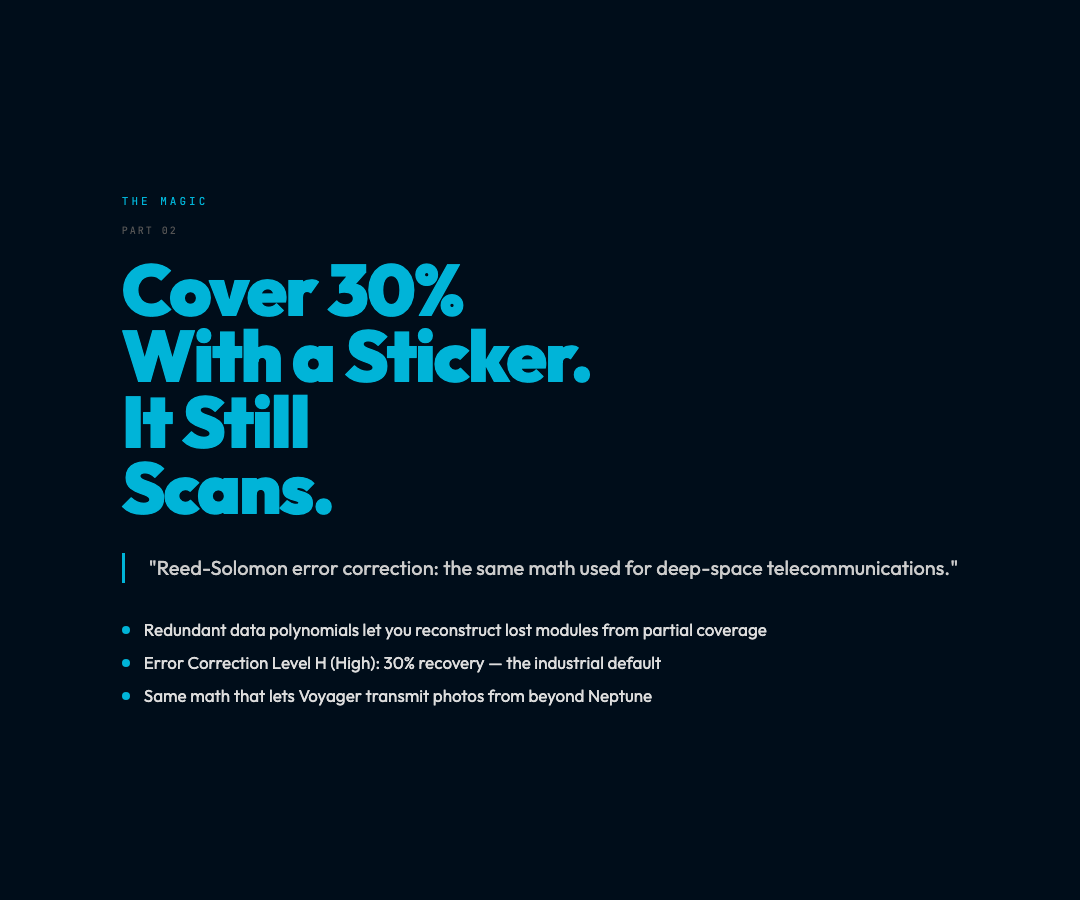
This isn’t magic. It’s error correction, a branch of mathematics that lets you reconstruct lost data from redundant information baked into the code itself.
QR codes use a system called Reed-Solomon error correction, originally invented for deep-space telecommunications. The math works by treating each piece of data as a polynomial. By adding carefully calculated redundant polynomials, you create a system where any subset of the original polynomial can reconstruct the whole.
Error Correction Levels: – L (Low): ~7% recovery — use for clean, controlled environments – M (Medium): ~15% recovery — the default for most generators – Q (Quartile): ~25% recovery — for industrial or outdoor use – H (High): ~30% recovery — for labels that will be damaged
The trade-off is that higher error correction requires more modules, which means either a denser pattern or a larger physical code. A high-error QR code encoding the same data as a low-error one will be visually more complex.
The Anatomy of What You’re Scanning
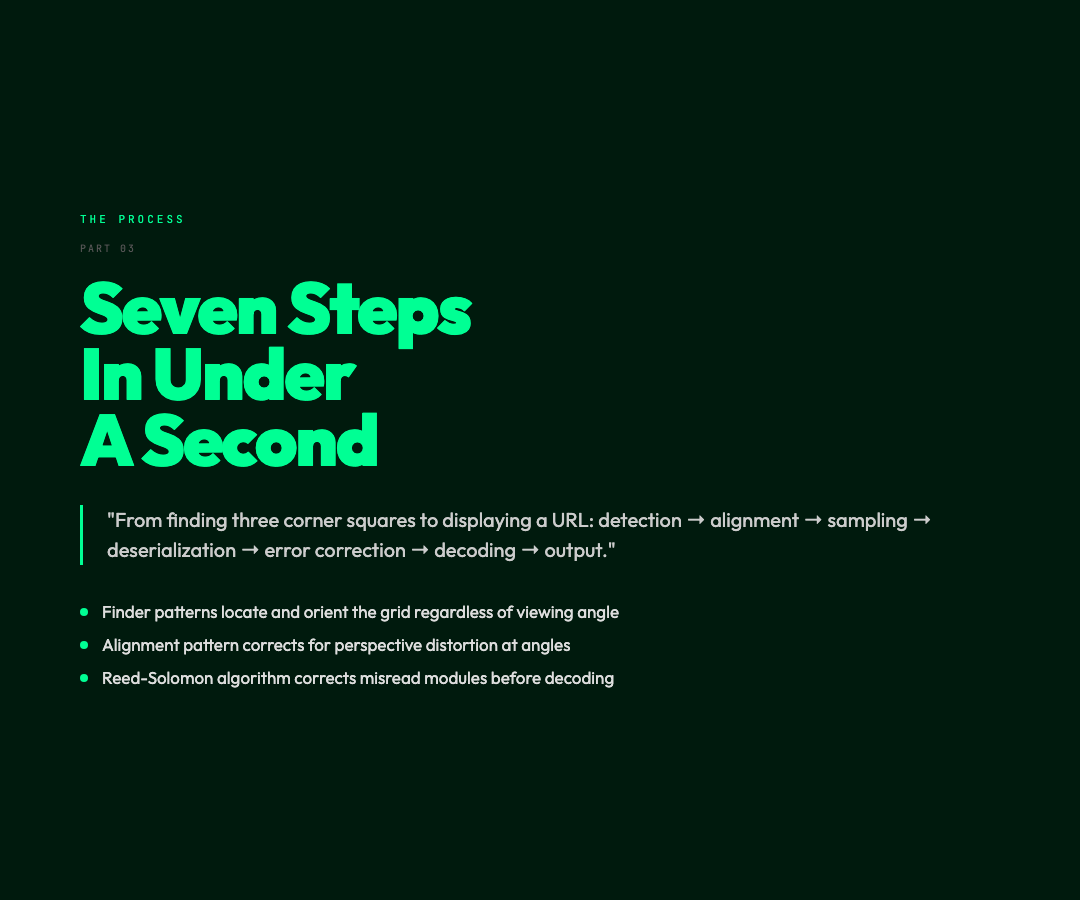
When your phone’s camera reads a QR code, a series of precise steps happen in milliseconds:
1. Detection: The finder patterns (those three large square outlines) are located. Their size and spacing tell the decoder the grid density and orientation.
2. Alignment: The alignment pattern (the smaller square) corrects for perspective distortion if the code is viewed at an angle.
3. Sampling: The image is divided into the appropriate grid (21×21 for Version 1, up to 177×177 for Version 40). Each module is sampled as black or white.
4. Deserialization: The grid is read in a specific zigzag pattern, converting the visual matrix into a binary data stream.
5. Error correction: The Reed-Solomon algorithm uses the redundant data to detect and correct any misread modules.
6. Decoding: The corrected binary stream is parsed according to the character encoding mode (numeric, alphanumeric, byte, or kanji).
7. Output: The decoded data is passed to the operating system as a URL, text, contact card, or other structured data.
Where QR Codes Won
QR codes didn’t conquer every domain. Retailers briefly tried using them for product information in the early 2000s, but the consumer behavior never took hold — printed codes in magazines and on posters mostly gathered dust.
What made QR codes ubiquitous was mobile. When smartphone cameras became good enough to read codes reliably, and when Apple finally enabled camera scanning natively in iOS 11 (2017), the floodgates opened. Suddenly:
– Payments: Alipay and WeChat Pay in China processed billions of QR code transactions. Contactless payment terminals worldwide standardized on QR. – Menus: COVID-19 accelerated the death of physical menus. Restaurants that survived the pandemic largely did it with QR code access to digital menus. – Authentication: Two-factor authentication systems use QR codes to securely exchange keys between your phone and a service. – Tracking: Shipping and logistics abandoned 1D barcodes for QR codes that can store serial numbers, batch data, and destination information in a single scannable label.
The Security Dimension
QR codes carry a risk that text-based links don’t: you can’t read a QR code’s destination with the naked eye.
Malicious QR codes have been used in physical world attacks — printed on stickers placed over legitimate ones in parking meters, on posters, in public spaces. The attack is called qrljacking or malicious QR code substitution.
The defense is simple: when a QR code opens a URL, look at the address bar before entering credentials or making payments. Be suspicious of any URL that doesn’t match the expected domain.
Using the QR Code Generator
The QR Code Generator (free, no signup) creates QR codes in PNG or SVG format with full control over:
– Size: 50 to 1,000 pixels – Error correction level: L, M, Q, or H – Colors: Custom foreground and background colors – Margin: Adjustable white space around the code – Format: Raster PNG or vector SVG for print-quality output
The SVG output is particularly useful for print design — you can scale it to any size without pixelation, making it suitable for business cards, billboards, or packaging.
The Square That Became Invisible Infrastructure
QR codes are one of those technologies that proved their value by becoming boring. They’re everywhere, they’re reliable, and nobody thinks twice about them.
But the underlying engineering — Hara’s original design, the mathematical elegance of Reed-Solomon error correction, the decades of optimization in scanning algorithms — represents thousands of person-years of problem-solving compressed into a grid of black and white modules that your phone reads in under a second.
The next time you scan one, you’re completing a circuit between the physical world and the digital one that took three decades of quiet iteration to perfect.