Most of the Markdown tables I write did not start as Markdown. They started as a CSV export from a tool, or a JSON blob from an API, or a column someone pasted from a spreadsheet. By the time I needed a table, I had raw data in some other format and a blank | cursor staring back at me.
The Markdown Table Generator is built for that exact moment. You paste your data, pick a few options, and it returns a properly formatted table — alignment inferred from the data type, header styles applied, column widths balanced. It accepts CSV, JSON arrays, and JSON objects, and it auto-detects the delimiter so you don’t have to guess whether your paste was tab-separated, comma-separated, or semicolon-separated.
Why hand-building Markdown tables is a slow leak
The pipe-and-dash syntax is simple. Until it isn’t.
A 4-column, 10-row table has 11 separator rows of | --- | --- | --- | --- | that must stay exactly aligned with the column count above and below. Add a single missing pipe and the whole table breaks in a renderer. Add a | inside a cell without escaping it and the table silently shifts. Add a newline inside a cell and you discover Markdown tables do not support multi-line cells without
Hand-building one table costs a few minutes. Hand-building ten tables in a day costs an hour. Multiply by every developer, technical writer, and analyst who has ever copy-pasted a CSV into a GitHub issue or a documentation page.
That is the slow leak: the time spent aligning pipes is time not spent thinking about the data the table actually contains.
What the tool actually accepts
The generator parses three input formats, and you can let it guess which one you have or pick manually.
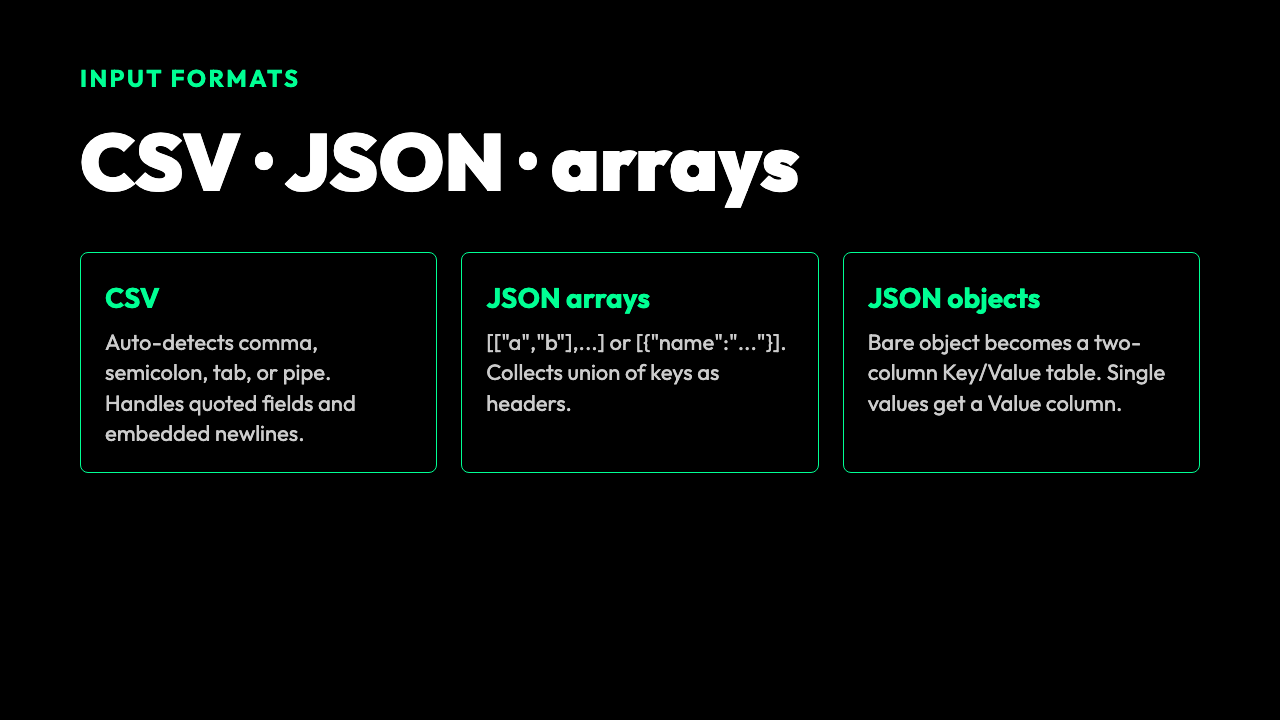
- CSV with a configurable delimiter — comma, semicolon, tab, or pipe. If you leave it on auto, the tool reads the first non-empty line, scores each candidate delimiter by the number of splits it produces, and picks the most frequent one.
- JSON arrays of arrays —
[["a","b"],["1","2"]]— useful for table-like data that came out of an API. - JSON arrays of objects —
[{"name":"Ada","year":1815},...]— the tool collects the union of all keys across rows, in first-encounter order, and uses them as headers.
If you paste a bare JSON object instead of an array, it falls back to a two-column Key | Value table. If you paste a JSON array of primitives, it wraps each value in a single-column Value table. Either way, you get something renderable instead of an error.
For CSV specifically, the parser respects double-quoted fields and escaped quotes ("" inside a quoted field), and embedded newlines inside quotes collapse to
What the tool does not do (and why that’s fine)
It does not render Markdown in a preview pane. It does not export to other formats. It does not try to guess what headers you want if the input is JSON — it uses the keys as-is.
These limits are the point. A table generator that also does preview, export, and theme customization is a Markdown editor. The Markdown Table Generator is the piece you use between your data source and your editor. Paste, generate, copy, paste into your editor. The whole loop takes about 15 seconds.
How alignment inference actually works
The default alignment mode is auto. For each column, the generator looks at every cell below the header and asks: are all non-empty cells numbers? If yes, it aligns right. Otherwise, left.
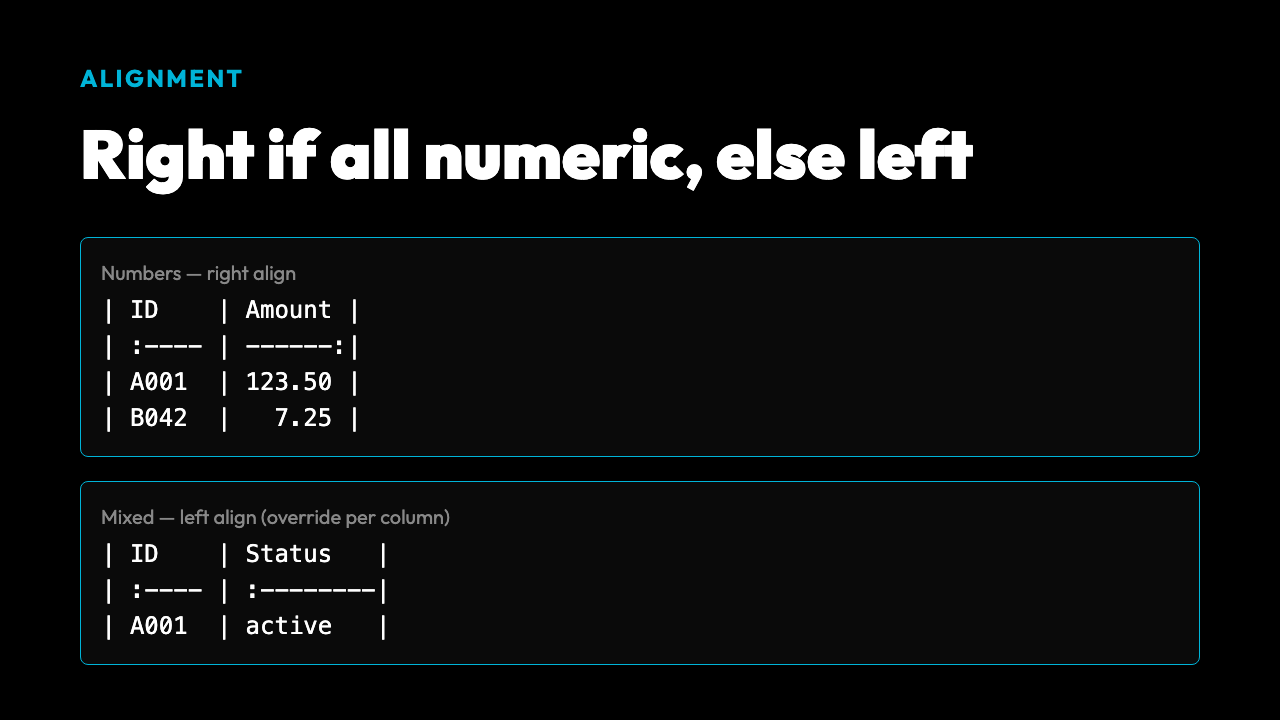
This is the right heuristic for the common case. Currency columns line up at the decimal. ID columns stay left-aligned. Date columns get left-aligned unless you override them.
You can also force a column-wide alignment (left, center, right) if your data has unusual types — for example, an ID column where every value is numeric but you want it left-aligned for readability. The marker in the separator row changes accordingly: :--- for left, :---: for center, ---: for right.
Beyond the defaults: padding, widths, and header styles
Three options move the output from “renders” to “polished.”
Pad columns uses the longest cell in each column as the width target and adds spaces to shorter cells. The result is that the raw text of the table is visually balanced, which matters when you view the file on a non-rendering platform (a chat, an email, a diff).
Column widths lets you set a minimum width per column as a comma- or space-separated list, or as a JSON array. Useful when you have one short column and three long ones and you do not want the short column to collapse to two characters.
Header styles lets you reformat the header row as plain text, bold, code, or uppercase. The code style wraps each header in backticks, which is helpful when your header names include variable syntax like mean() or p_value. The uppercase style is occasionally useful for legal or spec tables.
A worked example: API response to GitHub-ready table
Take a JSON array of objects from a typical REST endpoint:
[
  {"name":"Lyapunov Exponent","type":"visualization","category":"Physics"},
  {"name":"Confidence Interval Calculator","type":"tool","category":"Math"},
  {"name":"Geohash Generator","type":"tool","category":"Geography"}
]
Paste it in. Set Input Format to JSON / Array (or leave on auto — the leading try the Markdown Table Generator triggers detection). The output is a three-column table with name, type, category as headers, alignment inferred per column. Total time: about 5 seconds, including the time to copy from the API response.
You can try it at the [Markdown Table Generator tool and pipe the result directly into a GitHub issue or a Markdown documentation page.
Merge hints: the underrated feature
The generator has an option for Merge Cell Ranges. It does not actually merge cells — Markdown does not support cell merging in standard tables — but it appends a > Merge cell hints: blockquote with the range hints you specify.
This is the right tradeoff. You get the documentation of which cells should be visually merged in a future HTML render, without trying to fake HTML inside a Markdown table. Renderers that respect the hint can render a real merged-cell table; renderers that do not simply show a normal table with the hint underneath.
For most teams, the hint is enough. The next person who touches the table knows where the visual merge boundaries should sit.
Where this saves real time
Three concrete scenarios where the Markdown Table Generator pays for itself the first time you use it.
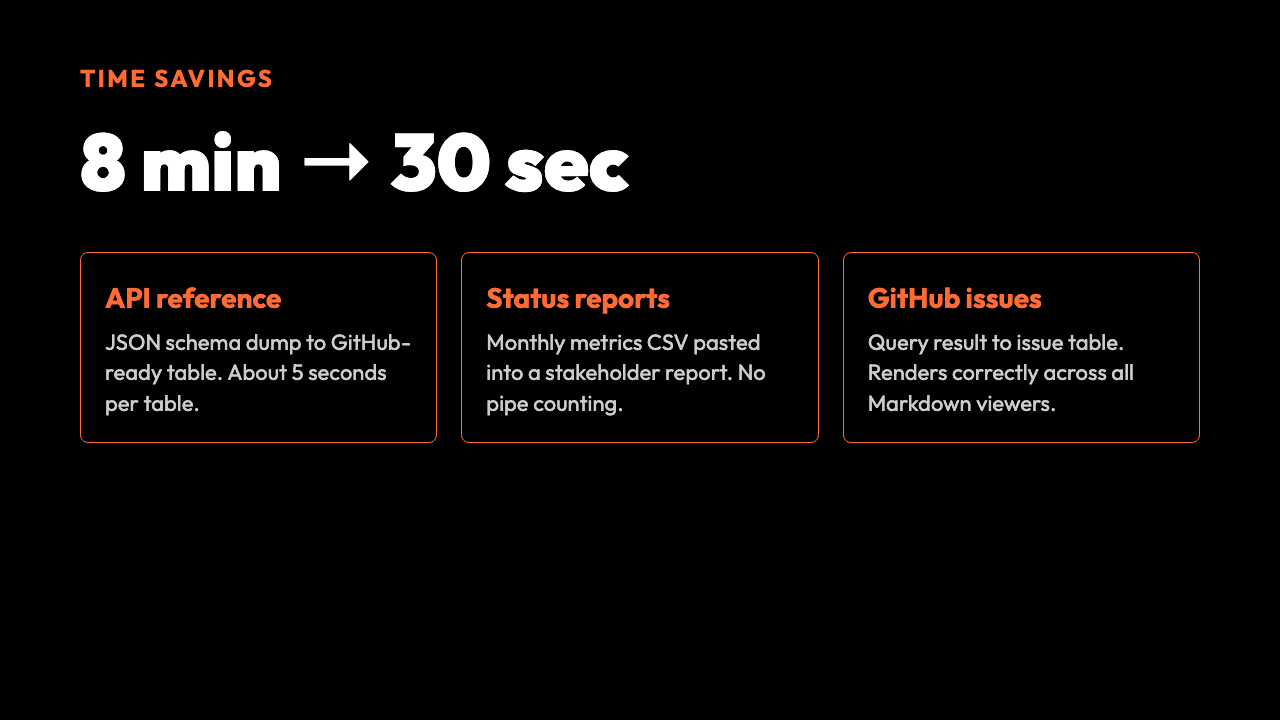
A technical writer producing API reference tables from a JSON schema dump. A data analyst pasting monthly metrics from a CSV into a status report. A developer turning a query result from a database into a table for a GitHub issue. Each of these workflows used to be 5 to 15 minutes of pipe-counting. Now it is a paste, a click, and a copy.
For ad-hoc one-row tables, the tool is overkill. For any table that has more than 3 rows or 3 columns, it pays.
Closing
The reason this kind of small, focused tool matters is that it removes a recurring micro-friction without adding new decisions. You do not have to learn a new markup language. You do not have to think about delimiters. You do not have to count pipes. You paste data in the shape you already have, and you get a Markdown table in the shape you actually need.
The Markdown Table Generator is one of those tools you do not appreciate until you have written ten tables in a week and realize the tenth one took 30 seconds instead of 8 minutes. Try it once and you stop writing tables by hand.
Explore more tools at elysiatools.com.