A 12,000-row backlink audit arrives from your SEO platform. The export looks clean: every row has a domain, a target URL, a date. You open the file in a spreadsheet, sort by status, and notice the “live” column is empty in 3% of the rows. A 6% slice has URLs with no protocol prefix. Another 2% resolves to domains that registered last Tuesday. A bulk URL validator is what catches the whole list in one pass — format, scheme, reachability, and the security tells that mark a link as risky before you spend a campaign budget on it. Try the Batch URL Validator for the spreadsheet-shaped workflow, or the URL Parameter Extractor when you need to inspect the query strings themselves.
The four checks a URL list needs before you trust it
A URL is not a string. It is a stack of four assertions that all have to hold for the link to be worth clicking, indexing, or paying for:
1. The format parses — there is a scheme, an authority, a path, and no character that the URL standard forbids.
2. The scheme is one you would expect — http or https for a web link, never javascript:, never file:, never data:.
3. The host resolves — DNS returns an address, and the address answers on the expected port.
4. The destination is not on a deny list — the domain is not parked, not flagged by a safe-browsing feed, not in a known redirect loop.
Spreadsheets and grep can do the first check. The second check is a one-line filter. The third check requires a network round-trip. The fourth check requires either a blocklist feed or an actual HEAD request to the destination. A real bulk validator does all four in a single batch run, with the throughput tuned to your input size.
What “format” actually means
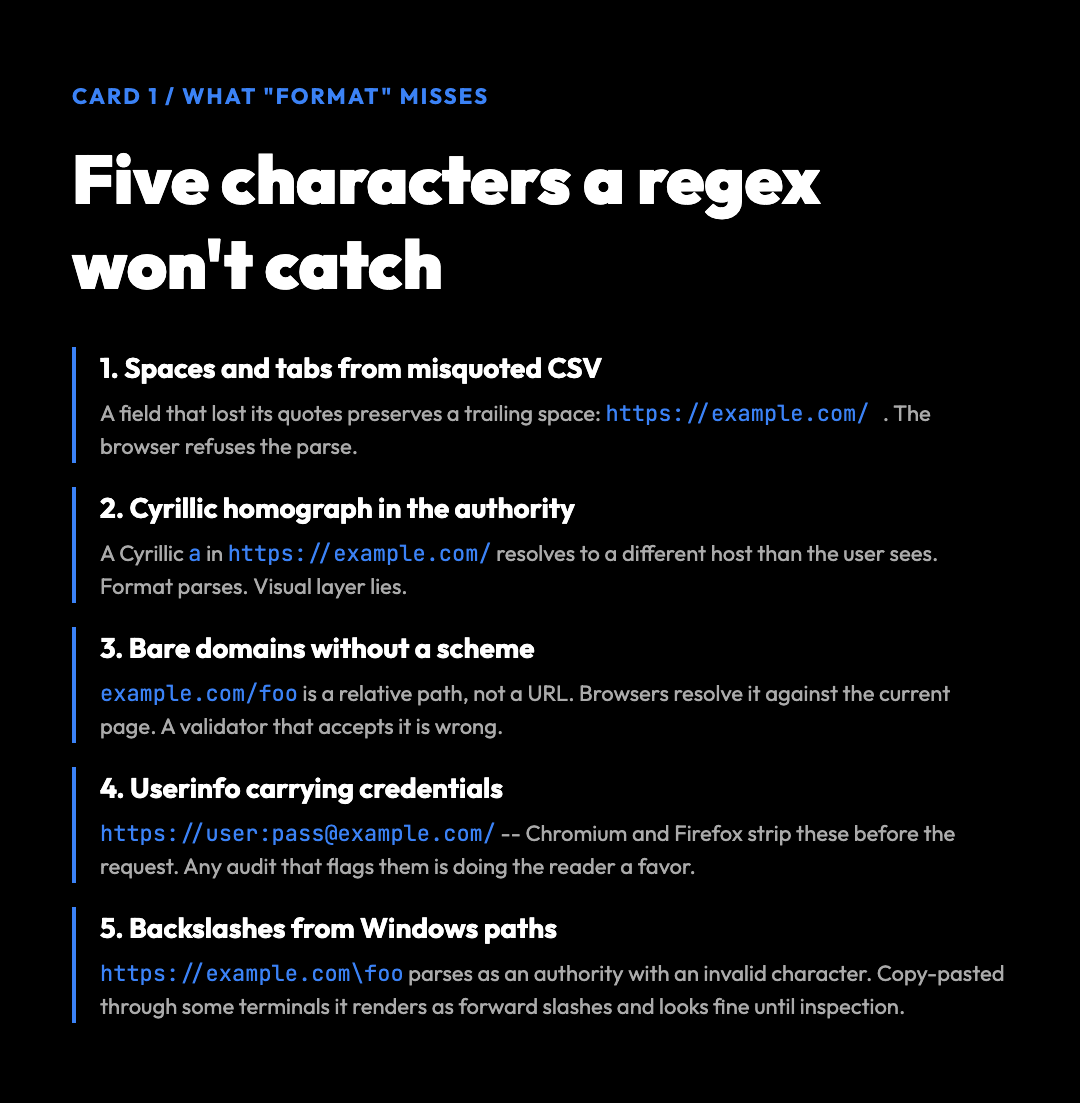
A URL that parses in JavaScript is not necessarily a URL that resolves. The URL standard (WHATWG URL Living Standard) lists 18 character classes that are forbidden in the authority component and 9 forbidden characters in the path. The most common offenders in real datasets are:
– Spaces and tabs — a CSV export that quotes fields incorrectly will preserve the space and break parsing on the client.
– Non-ASCII characters — a Cyrillic а in place of an ASCII a in https://exаmple.com/ is a homograph attack and resolves to a different domain than the user sees.
The security tells that a format check cannot see
– Bare domains without a scheme — example.com/foo is a relative path, not a URL. Browsers will resolve it against the current page. A bulk validator that accepts it as valid is wrong.
– Userinfo in the authority — https://user:[email protected]/ carries credentials in the URL itself, which Chromium and Firefox now strip before the request. Any link audit that flags these is doing the reader a favor.
– Backslashes — Windows paths that bled into a URL list (https://example.com\foo) parse as a single authority with an invalid character, but copy-pasted through some terminals they render as forward slashes and look fine until the validator inspects them.
The throughput math that decides whether to use a script
The most cited reference is the WHATWG spec because it is the one browsers actually follow. The older RFC 3986 (URI Generic Syntax) is more permissive, which is why a regex that passes RFC 3986 validation will still miss things the browser would refuse to follow.
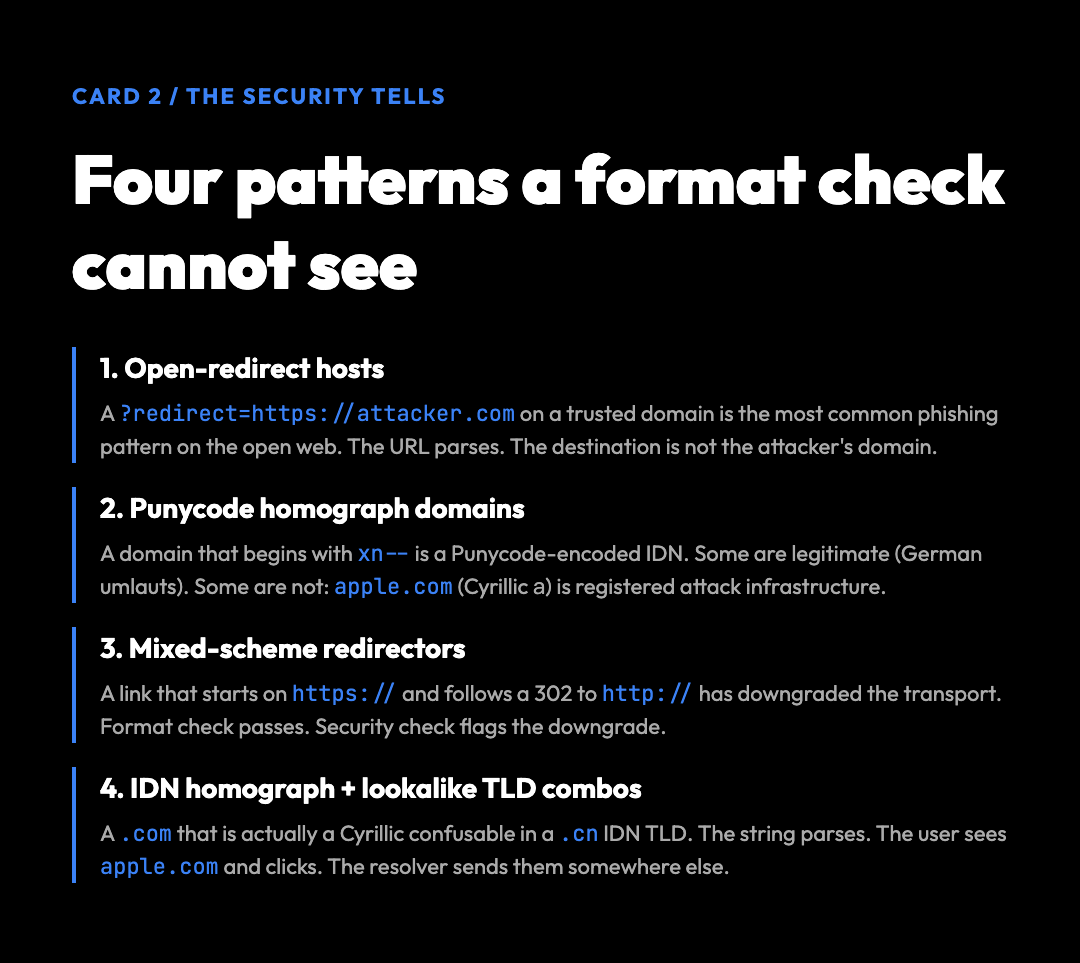
A URL can be perfectly well-formed and still be dangerous. The four patterns that show up most often in bulk URL audits are:
1. Open-redirect hosts. A ?redirect=https://attacker.com parameter on a domain you trust is the most common phishing pattern on the open web. The URL parses, the host resolves, the destination is not the attacker’s domain. A format check returns “valid.” A security check returns “valid format, but the redirect chain leads off-trust.”
2. Punycode homograph domains. A domain that begins with xn-- is a Punycode-encoded internationalized domain name. Most are legitimate (German umlaut domains, Cyrillic brand protection). Some are not: аpple.com (Cyrillic а) and paypaⅼ.com (Unicode small Roman numeral ⅼ) are registered attack infrastructure. The URL parses. The risk is in the visual layer.
3. Mixed-scheme redirectors. A link that starts on https:// and follows a 302 to http:// has downgraded the transport. Format check passes. Security check flags the downgrade.
4. IDN homograph + lookalike TLD combos. A .com that is actually a Cyrillic confusable in a .cn IDN TLD. The string parses. The user sees apple.com and clicks; the resolver sends them somewhere else.
The Batch URL Validator includes a checkSecurity option that runs the Punycode check, the scheme-downgrade check, and a basic open-redirect check by inspecting the path for known redirect patterns. It is not a substitute for a full safe-browsing feed, but it catches the four patterns above in a single pass.
What a clean validation report looks like
A URL validation script in Python with requests and concurrent.futures will get you roughly 50-200 URLs per second on a home connection, bottlenecked by DNS and TCP handshake. At 200 URLs/second, a 10,000-row export takes 50 seconds. At 50 URLs/second, it takes 3.5 minutes. The variance is dominated by the slowest 5% of the list — a host that takes 10 seconds to time out will block a worker for the whole timeout window.
| Column | What it tells you | When to act |
|---|---|---|
| Format | Parses, scheme, length | If not “valid,” drop the row. |
| Security | Punycode, redirect, downgrade | If flagged, inspect before trusting. |
| Status | HTTP code, redirect chain | If 4xx/5xx, the link is dead. |
| Host | DNS resolution, IP geolocation | If unresolvable, the link is dead. |
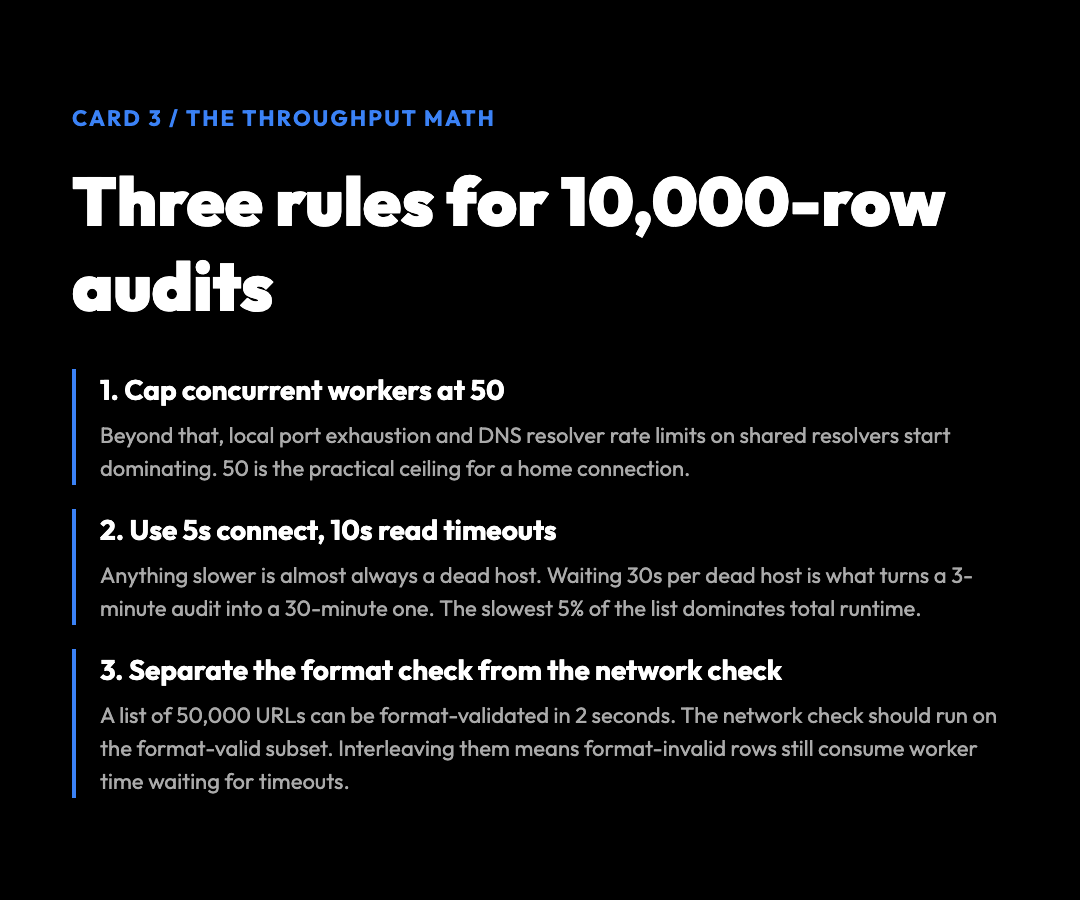
Three rules of thumb:
The honest limitation
– Cap concurrent workers at 50. Beyond that, you start hitting local port exhaustion and DNS resolver rate limits on shared resolvers.
– Use a 5-second connect timeout, 10-second read timeout. Anything slower is almost always a dead host, and waiting 30 seconds per dead host is what turns a 3-minute audit into a 30-minute one.
– Separate the format check from the network check. A list of 50,000 URLs can be format-validated in 2 seconds. The network check should run on the format-valid subset. If you interleave them, the format-invalid rows still consume worker time waiting for timeouts.