Your API accepts a JSON body. The shape looks fine in Postman. It looks fine in staging. It looks fine in the integration tests. Then a user sends {"email": null, "password": "abc12345"} and your code happily writes a row with email = NULL. Six hours later the support queue is full. None of your tests failed because none of your tests sent malformed input — they all sent what you expected. That’s the JSON drift problem, and it’s the single biggest reason schema validation belongs at the edge, not deep in the stack.
You can stop chasing these bugs in production with a 30-line JSON Schema. Try the JSON Schema Validator live, no install, paste your request body and your schema side-by-side.
What JSON Schema actually catches
JSON Schema isn’t a type system. It’s a contract. A schema says: this endpoint accepts exactly this shape, with exactly these keys, of exactly these types, and any deviation is a 400 — not a 500. Three failure modes are the ones that actually bite teams:
– Required fields that arrive as null. Your TypeScript says email: string — but a JSON body of {"email": null, "password": "abc12345"} round-trips through JSON.parse() as JavaScript null, and most ORMs happily bind that into a nullable column. A schema with "type": "string" on email rejects it at the boundary.
– Type coercion that hides a real bug. A microservice config arrives as {"port": "8080"} when the schema expects "port": 8080. The string "8080" passes a lot of loose validators. Then the database driver, the HTTP client, the health-check probe — they all explode at different layers in different environments. Schema validation says “type: integer” and you find the typo on the first deploy.
– Nested objects that nobody inspects. The top-level shape matches. The user object matches. But the nested address object has zip_code as a string when it should be a number. The bug only shows up at rendering time, three weeks after the data lands.

The 30-line schema that does the work
You don’t need a 300-line schema to catch 90% of these bugs. A focused schema hits the high-value cases in a few dozen lines. The five keywords that earn their keep on every endpoint:
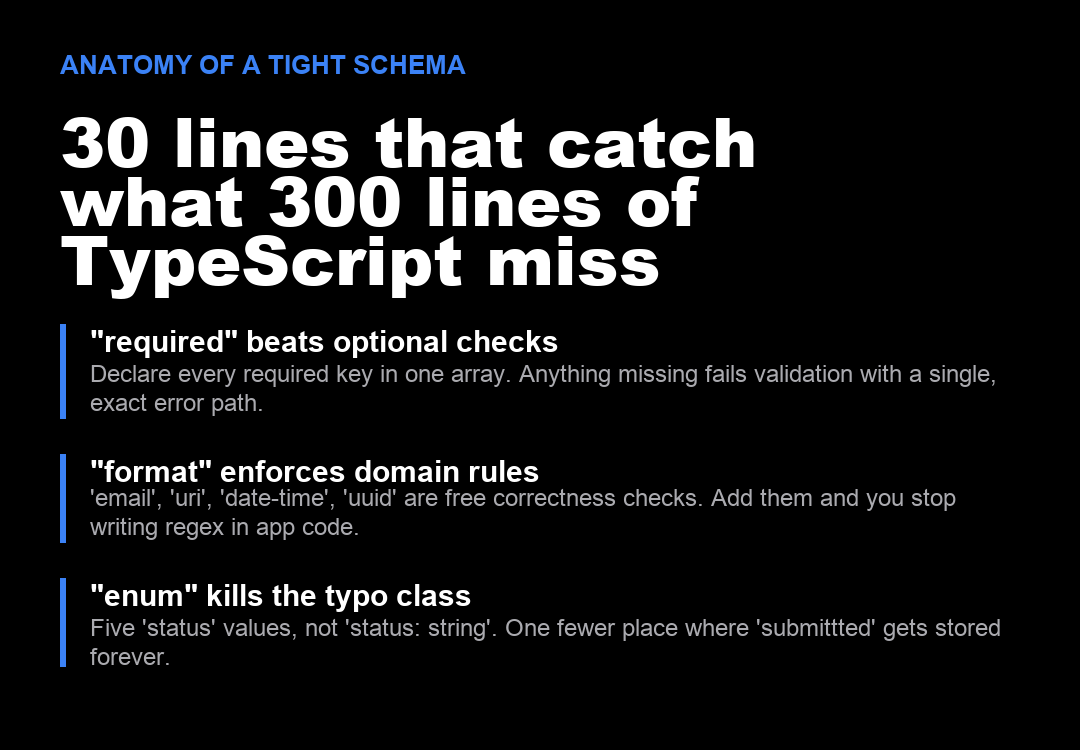
– "required" — an array of field names that MUST be present and non-null. Anything missing fails with a single, exact path. This one keyword eliminates an entire class of “we forgot to send X” bugs.
– "type" — string, number, integer, boolean, object, array, null. Combine with "type": ["string", "null"] only when null is genuinely acceptable. Otherwise reject.
– "format" — email, uri, date-time, uuid, ipv4, hostname. These are domain-correctness checks built into the spec. You stop writing regex in your application code and let the schema do it.
– "enum" — five allowed status values, not "status": "string". One fewer place where a typo like "submittted" gets stored forever.
– "additionalProperties": false — refuse unknown keys. If the client sends a field the schema doesn’t know about, reject it. This catches typos at the field-name level and stops third-party integrations from sneaking in undocumented fields.
What a tight schema looks like in practice
Here’s the pattern that handles a registration endpoint without becoming the schema itself:
{
  "$schema": "https://json-schema.org/draft/2020-12/schema",
  "type": "object",
  "required": ["email", "password"],
  "additionalProperties": false,
  "properties": {
    "email": {
      "type": "string",
      "format": "email",
      "minLength": 3,
      "maxLength": 254
    },
    "password": {
      "type": "string",
      "minLength": 8,
      "maxLength": 128
    },
    "display_name": {
      "type": "string",
      "minLength": 1,
      "maxLength": 50
    }
  }
}
Eighteen lines. Every field the endpoint accepts is declared. Every field the endpoint doesn’t accept is rejected by additionalProperties: false. format: email means you never write an email regex in app code again. minLength: 8 on the password kills the empty-string case before it reaches bcrypt. Run this against your registration endpoint and the malformed-body class of bug evaporates. See the worked example at Elysia Tools.
Where validation belongs
The right place to run a schema check is the edge — before auth, before the database, before any business logic. The wrong place is three layers deep, after the data has been copied into a typed object that quietly coerces everything. Three places to wire it in:
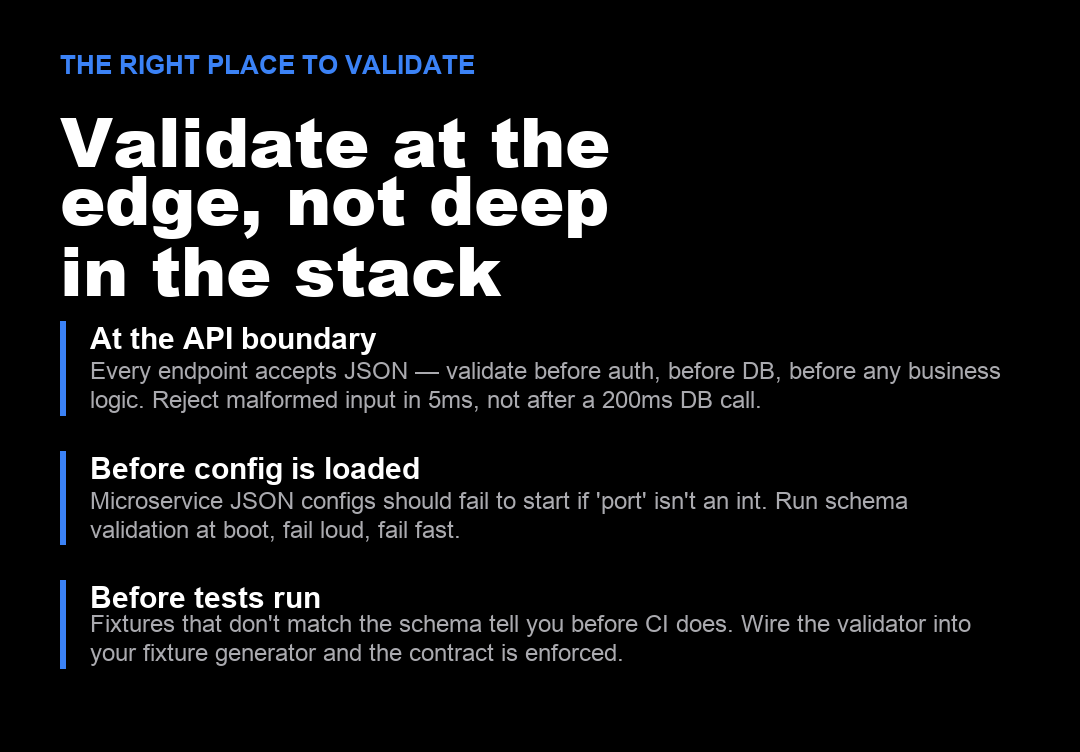
– At the API boundary. Every endpoint that accepts JSON should validate before any other work. Reject malformed input in 5ms, not after a 200ms database call. The endpoint either accepts and processes, or rejects with a 400 and a precise error path. There is no middle ground.
– Before a microservice reads its config. Config files stored as JSON should fail to start if port isn’t an integer or database_url isn’t a URI. Run validation at boot, fail loud, fail fast. The alternative is the service starts, then half its requests 500 because the connection pool wasn’t sized right.
– In the test fixture generator. If your tests load fixtures, the fixtures must match the schema. Wire the validator into fixture generation and the contract is enforced before CI runs. Tests that violate the contract fail at the fixture layer, not in production.
The drift you didn’t notice until now
Most teams reach for JSON Schema after a bug, not before. That’s the wrong order. If you write the schema first, the endpoint is honest about what it accepts from day one. If you write the schema after the endpoint, you’re reverse-engineering a contract you already shipped, and every gap is a bug waiting for the right input. The schema is cheaper to write than the postmortem.
Validate the bodies your API accepts in your browser with the JSON Schema Validator — paste JSON on one side, schema on the other, see every violation with the exact path. Or check a real-world config-validation example at the tool’s worked examples. For more schema-driven tools, browse the full set at elysiatools.com.