You write ^[a-z]+@[a-z]+.[a-z]+$. You test one email address. It matches. You ship the validator. Six months later, customer support opens a ticket: half the signups from a partner integration are being rejected. The pattern looked right. The pattern was wrong.
This is the everyday trap with regular expressions. They are tiny programs that look like strings, so teams treat them like data. They are not. A regex is a state machine, and like any state machine it has edge cases that only show up under load. The fix is not more careful writing — it is a feedback loop. Paste the pattern into a tester, paste the real input, and look at what actually gets highlighted. The Regex Tester runs entirely in the browser, flags matches in milliseconds, and accepts the same g, i, and m flags your production code will see.
The one-input test is a lie
The single most common regex bug is the one-input test. A developer types a “happy path” example, sees the match highlight turn green, and calls it done. The pattern is then promoted to production, where it meets a + in an email address, a date with a leading zero, or an input string with a trailing newline.
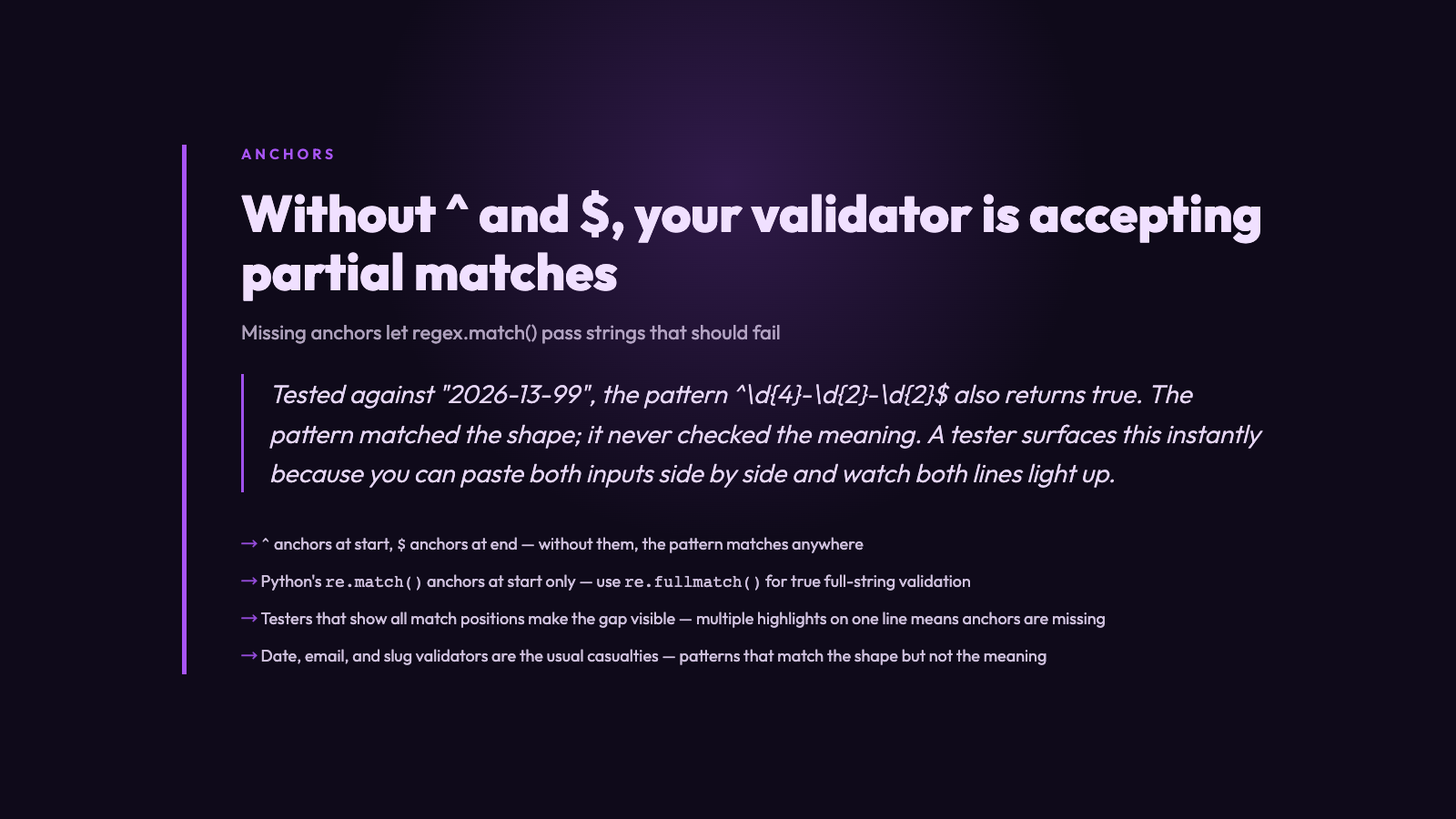
Consider the date validator pattern ^d{4}-d{2}-d{2}$. Tested against 2026-06-15, it returns true. Tested against 2026-13-99, it also returns true. The pattern matched the shape; it never checked the meaning. A tester surfaces this instantly because you can paste 2026-13-99 next to 2026-06-15 and watch both lines light up. The “looks right” feeling collapses.
Three classes of regex bug that testers catch on the first run
Across roughly a decade of writing and reviewing regex for data cleaning pipelines, three bug classes keep showing up. None of them require a debugger or a logging library. All of them require only the willingness to paste five extra inputs.
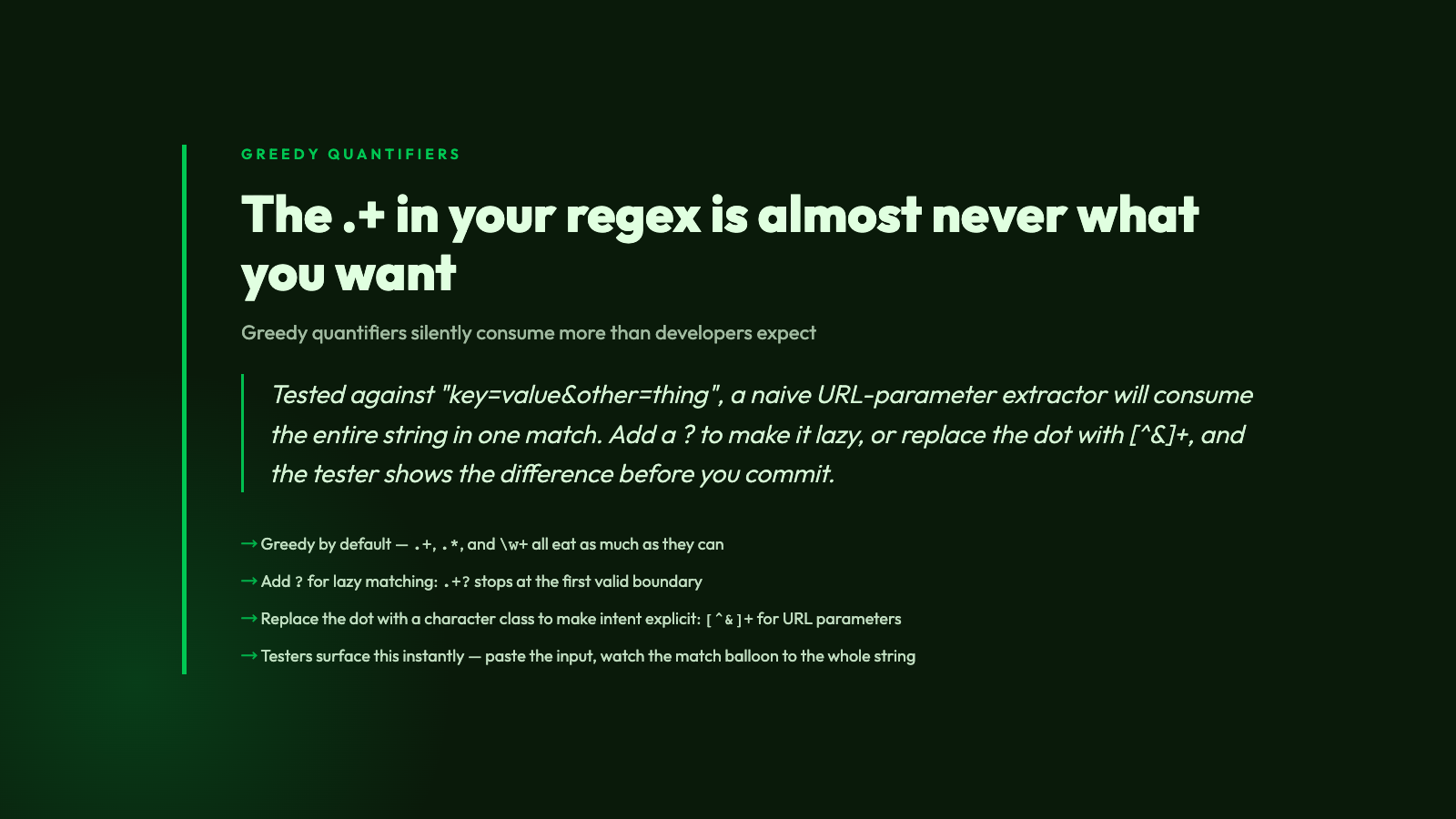
– Greedy quantifiers eating too much. The pattern .+ is almost never what you want. Tested against key=value&other=thing, a naive URL-parameter extractor will consume the entire string in one match. Add a ? to make it lazy, or replace the dot with [^&]+, and the tester shows the difference before you commit.
– Missing anchors letting partial matches pass. Without ^ and $, the pattern matches anywhere in the string. Testers default to highlighting every match position, not just full-string matches, so the bug shows up as multiple highlights on a single line. If your validator code does re.match() instead of re.fullmatch(), you have shipped exactly that bug.
– Backreference and capture-group confusion. Patterns with parentheses silently create capture groups. Testers that render the full match alongside capture groups make it obvious when group 1 is actually group 2 because of an unescaped paren.
How to read a regex tester output
Most testers highlight matches in place. The useful ones go further: they break out the full match, the capture groups, and the match position. Treat the output as four separate signals. The full match tells you what the pattern actually consumed. The capture groups tell you what your code will receive as match.group(1), match.group(2), and so on. The match position tells you whether the pattern anchored at the start, the end, or somewhere in the middle.
For validation work, only full-string matches count. If your tester highlights a match that does not span the entire input, your pattern needs anchors — or your code needs fullmatch(). Either way, the tester shows the gap. The Regex Tester makes this visible without any setup.
Common patterns worth keeping in your back pocket
A few patterns come up often enough that you should not be writing them from scratch each time. The curated Regex Samples page collects the most-requested ones: email, URL, IPv4, ISO date, hex color, and slug. Each comes with a worked example so you can paste the pattern and an input straight into the tester and verify the behaviour.
Two specialty patterns deserve a mention. The Regex Pattern Alternatives page covers alternation edge cases like ordering of branches and the greedy-by-default behaviour of |. The Regex Named Capture Groups page shows when (?P<name>...) is worth the extra characters — basically any time the capture group is going to be referenced by name later in the code.
Regex testing as a habit, not a step
The temptation, after writing a regex that passes the obvious test, is to call it done. Resist that temptation. Paste five more inputs: an empty string, a string with leading whitespace, a string with trailing whitespace, a string exactly at a boundary length, and a string well past it. If the tester highlights something you did not expect, you have a five-minute fix. If you skip the step, you have a six-month debugging session.
The shortest path from a regex that “looks right” to a regex you can trust is a tester loop: paste the pattern, paste the input, see every match highlighted. That feedback loop catches greedy quantifiers, missing anchors, and accidental backtracking before they ship. Run it with the Regex Tester, explore curated patterns at the Regex Samples page, and explore more developer-focused utilities at Elysia Tools.