Ending (written first)
Most production incidents caused by JSON Web Tokens are not exotic. They are quiet mistakes — a library that defaults to none, a clock skew the developer forgot to honor, a kid header pointing at a key the attacker chose. The five patterns below are not theoretical; they appear in real bug bounty reports, in real post-mortems, and in real token-handling code that ships every week. Each one is something an automated auditor can catch in a single pass, which is why pasting your token into a dedicated decoder before it leaves your laptop is the cheapest review you’ll ever do. If you do nothing else, switch from symmetric HS256 secrets shared across services to RS256 with a public key your verifier can rotate; the rest is detail. Try the full audit at Elysia Tools.
Body
The other day I was reading a post-mortem from a fintech startup that had shipped a 12-hour outage because a single JWT verification call silently accepted an unsigned token. The bug had been in production for nine months. It only triggered the day someone figured out how to forge an admin claim from a leaked email address. There is no version of “we tested it” that covers this kind of failure. JWTs are deceptively small pieces of text that carry a lot of authority, and the libraries that handle them are deceptively tolerant of misuse.
This is the kind of problem that earns a paragraph in a security textbook and a page in your incident log. The fix is rarely a new library; it is reading the token once, carefully, and understanding what every byte means. Below are five mistakes I keep seeing, in the order I’d catch them if I were doing a code review today.
The alg: none trap
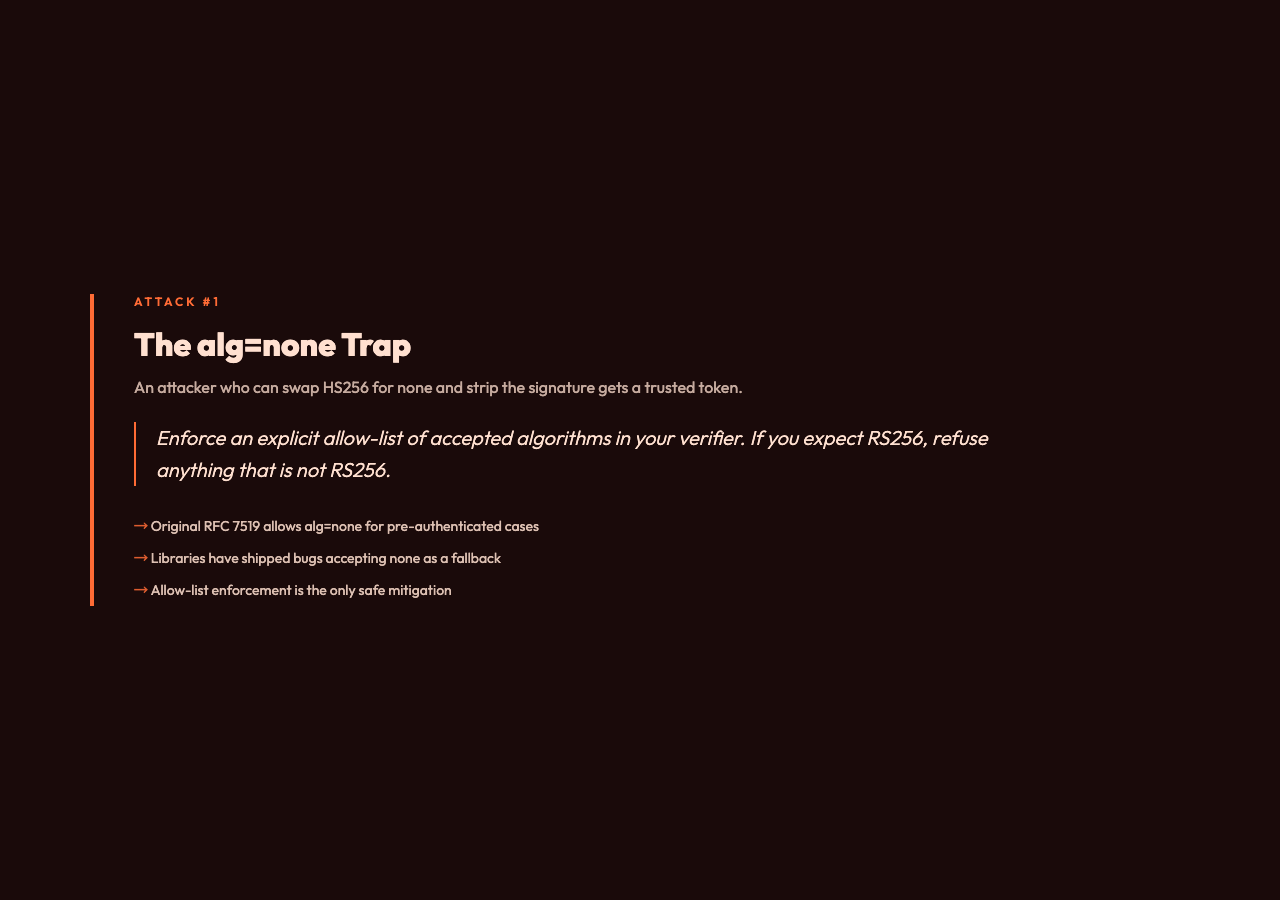
A JWT header can advertise none as its algorithm. The original RFC 7519 allows this for the case where the token is already authenticated by other means. In practice, very few people need that case, and almost every library has shipped a bug where none is accepted as a fallback when verification fails for other reasons. An attacker who can swap HS256 for none and remove the signature segment gets a token that your verifier will trust.
The mitigation is straightforward: enforce an explicit allow-list of accepted algorithms in your verifier. If you expect RS256, refuse anything that is not RS256. A dedicated decoder will show the header field next to the algorithm the verifier should have used, which makes mismatches obvious in review.
Symmetric secrets, asymmetric deployment
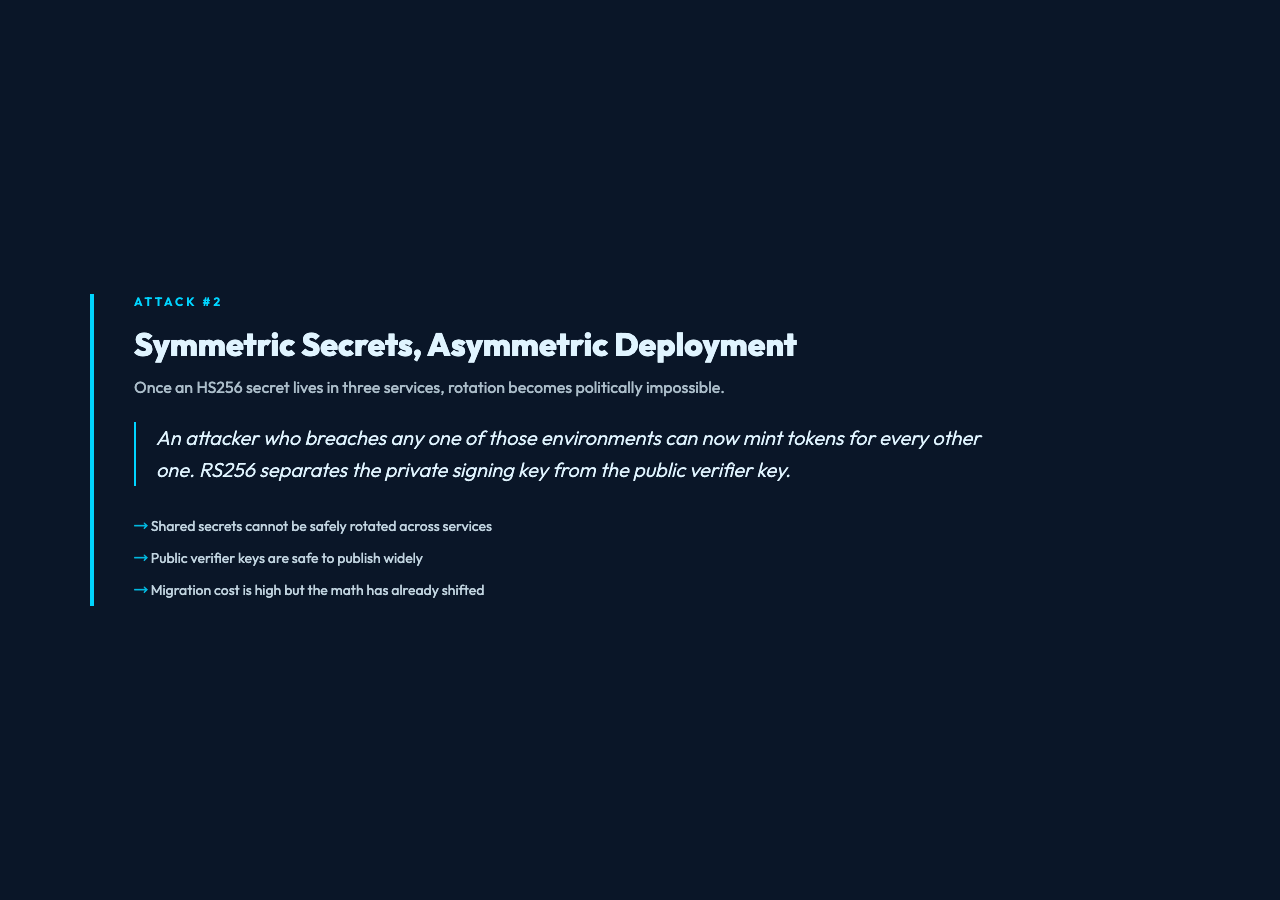
HS256 is convenient because both signer and verifier share a secret. That convenience is exactly the problem. Once that secret lives in three services, four environments, and a CI runner, the rotation cost becomes politically impossible. An attacker who breaches any one of those environments can now mint tokens for every other one.
RS256 separates the private signing key from the public verifier key. You can publish the public key as widely as you like; only the signer can produce tokens. Migration is rarely a one-day job, but the moment you have more than one service verifying a token, the math has already shifted. Pasting an HS256 token into a decoder and seeing HS256 in the header is the right time to ask whether that secret still has to leave the auth service.
The expiry that wasn’t
exp is the field every tutorial mentions and almost every production token mishandles. The most common pattern is Math.floor(Date.now() / 1000) + 3600, which gives a one-hour window. The less common but more interesting pattern is + 0 or a literal exp value far in the future because the developer wanted to “avoid clock issues.” Both have been seen in real audits.
A decoder surfaces the exp value as a Unix timestamp alongside your local clock. If the number is two years from now, your future self has a problem. If the token is already expired and your service is still accepting it, that is a clock-skew bug, not a feature.
The kid you didn’t choose
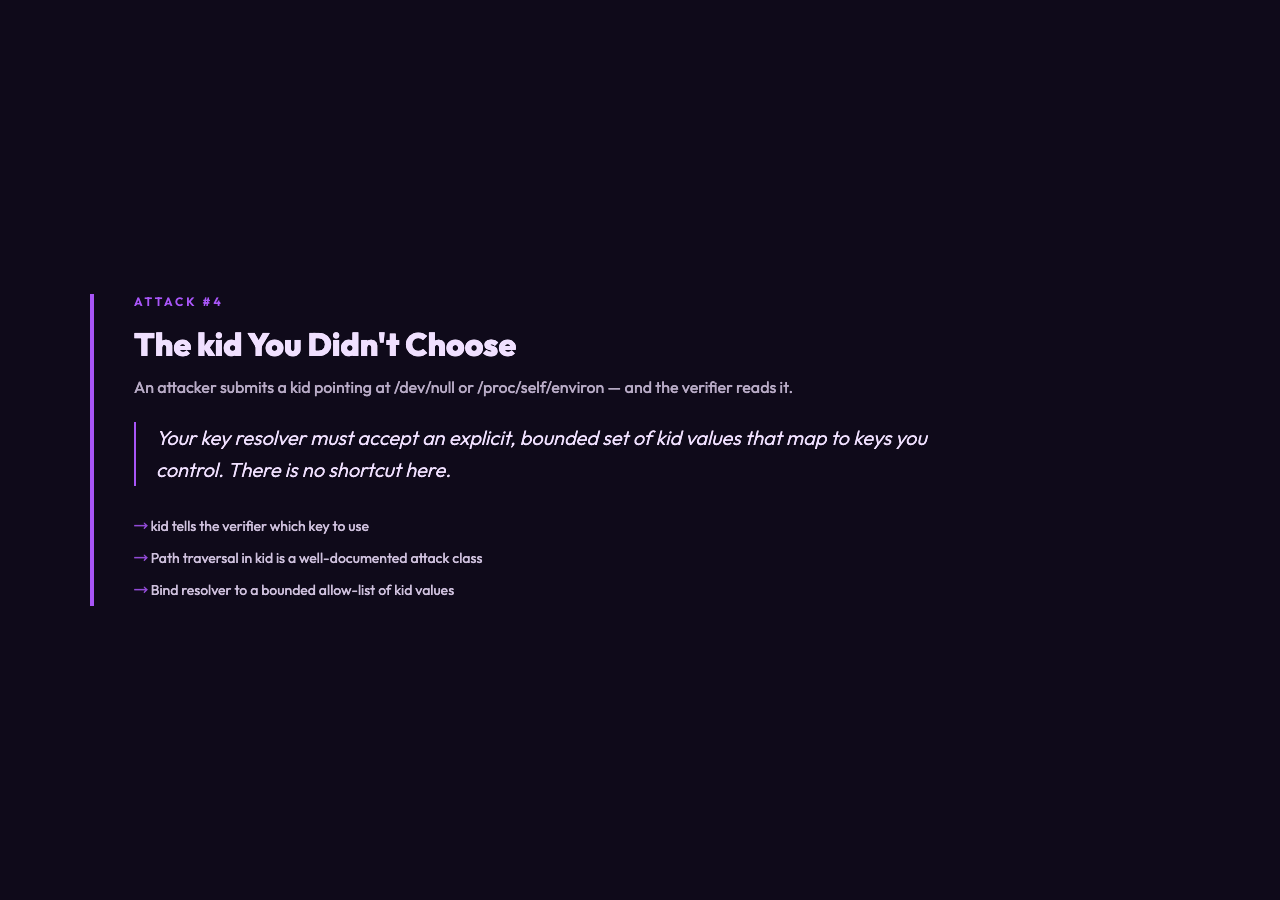
The kid (key ID) header tells the verifier which key to use when more than one is registered. The classic attack: the attacker submits a token with kid pointing at a file the verifier can read — kid: "../../../dev/null", kid: "/proc/self/environ". If the verifier blindly reads that path and uses the contents as the secret, the attacker has just chosen the key.
There is no shortcut here. Your key resolver must accept an explicit, bounded set of kid values that map to keys you control. A decoder that prints the kid next to the resolver’s expected key makes this kind of misconfiguration visible in seconds.
The claims you didn’t mean to share
A JWT payload is base64, not encrypted. Anything you put in there is readable by anyone who has the token. Email addresses, internal user IDs, role lists, partner identifiers — all of it sits in plain text in the Authorization header on every request. I’ve seen tokens leak internal_user_id values that turned out to be a useful enumeration primitive for a different bug.
A decoder shows the payload as a structured tree. If you see fields like email or tenant_id in production tokens, ask whether the consumer of that token really needs them or whether a separate, authenticated call would be a smaller blast radius.
How to actually audit a token
The fastest way to catch all five of the above is to paste the token into a real decoder and read the output for thirty seconds. You are looking for: an algorithm your verifier should not accept, an exp that is wrong, a kid that looks like a path, and claims that look like internal state. If any of those trigger, the audit has paid for itself before you finish your coffee. The full audit flow, including HS256 and RS256 signature verification and risk flagging, lives at Elysia Tools — it is the tool I now open before I open the bug tracker.
Explore more tools at elysiatools.com.