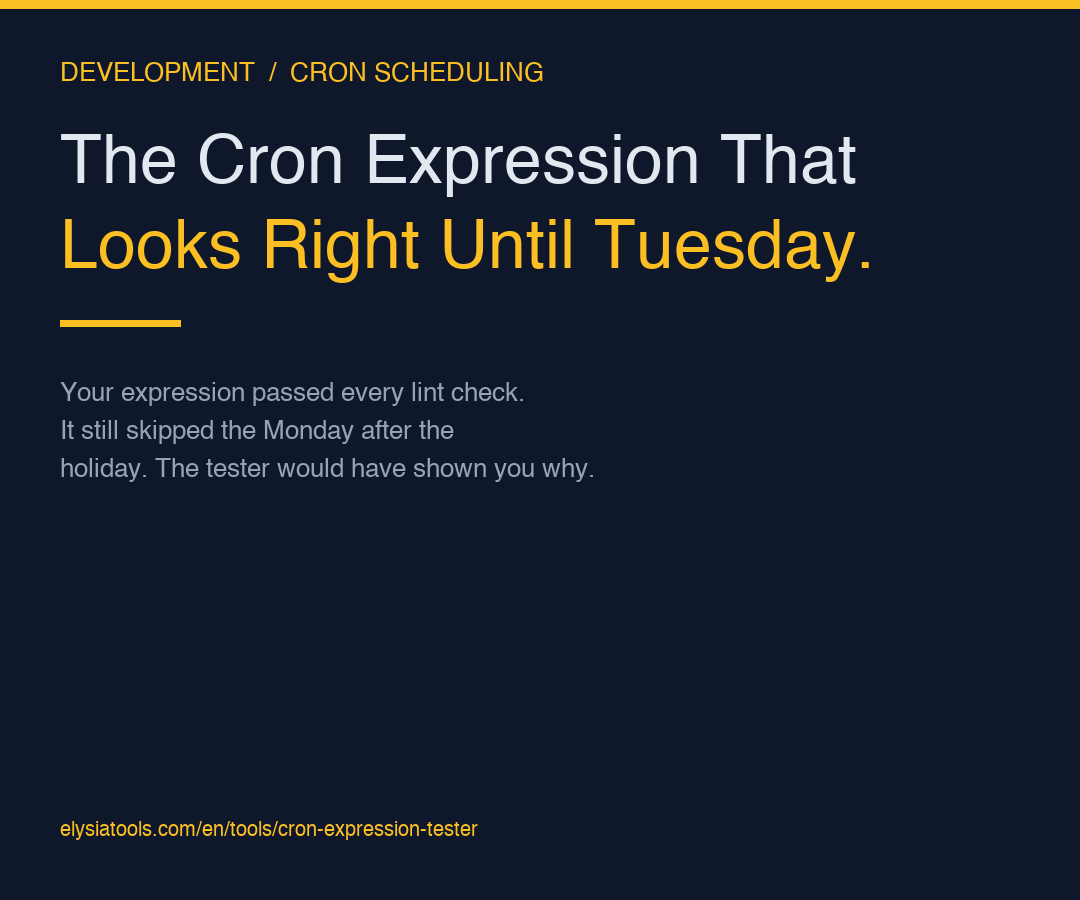
The first time you write 0 9 * * 1-5, it looks correct. Monday through Friday at 9 AM. Five jobs a week. Production moves on. Then three weeks later, on the Tuesday morning after a holiday weekend, your nightly-report job did not run, your alerting system is silent, and someone is paging you to ask why the dashboards are showing yesterday’s numbers. The expression was syntactically valid. The expression was also wrong, in a way that no syntax check would catch — and the only thing that would have caught it is seeing the next ten runs laid out on a calendar before you shipped the change.
The Cron Expression Tester exists for exactly this moment. It takes the five-field cron string you typed, plus an optional start date, and returns the next N fire times in human-readable form. Not parsed-and-trusted. Not “this expression is valid.” The actual fire times, with the timezone you specified, computed by the same library your production scheduler is using. If your 0 9 * * 1-5 would have skipped the Tuesday after Labor Day, the tester tells you that before you deploy it. If your 0 0 1 * * would have fired at midnight UTC when your server is on PST, the tester shows you the local-clock fire time so you can decide which one matters.
What the five fields actually mean (and why each one hides a trap)
A standard cron expression has five fields: minute, hour, day-of-month, month, day-of-week. They look like coordinates on a clock, but they are not. They are sets, and each field is evaluated independently before the conjunction happens. That independence is where the bugs live.
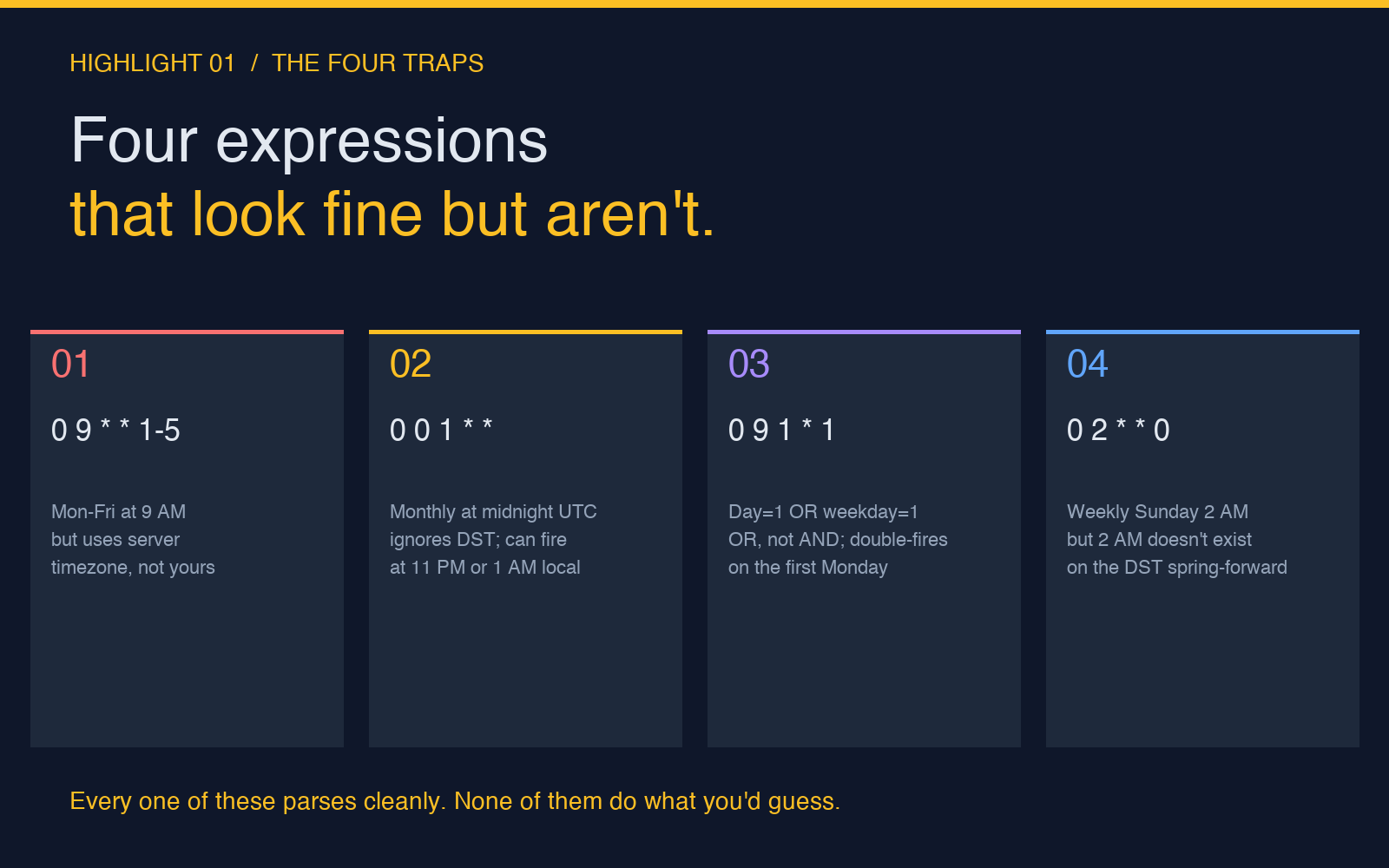
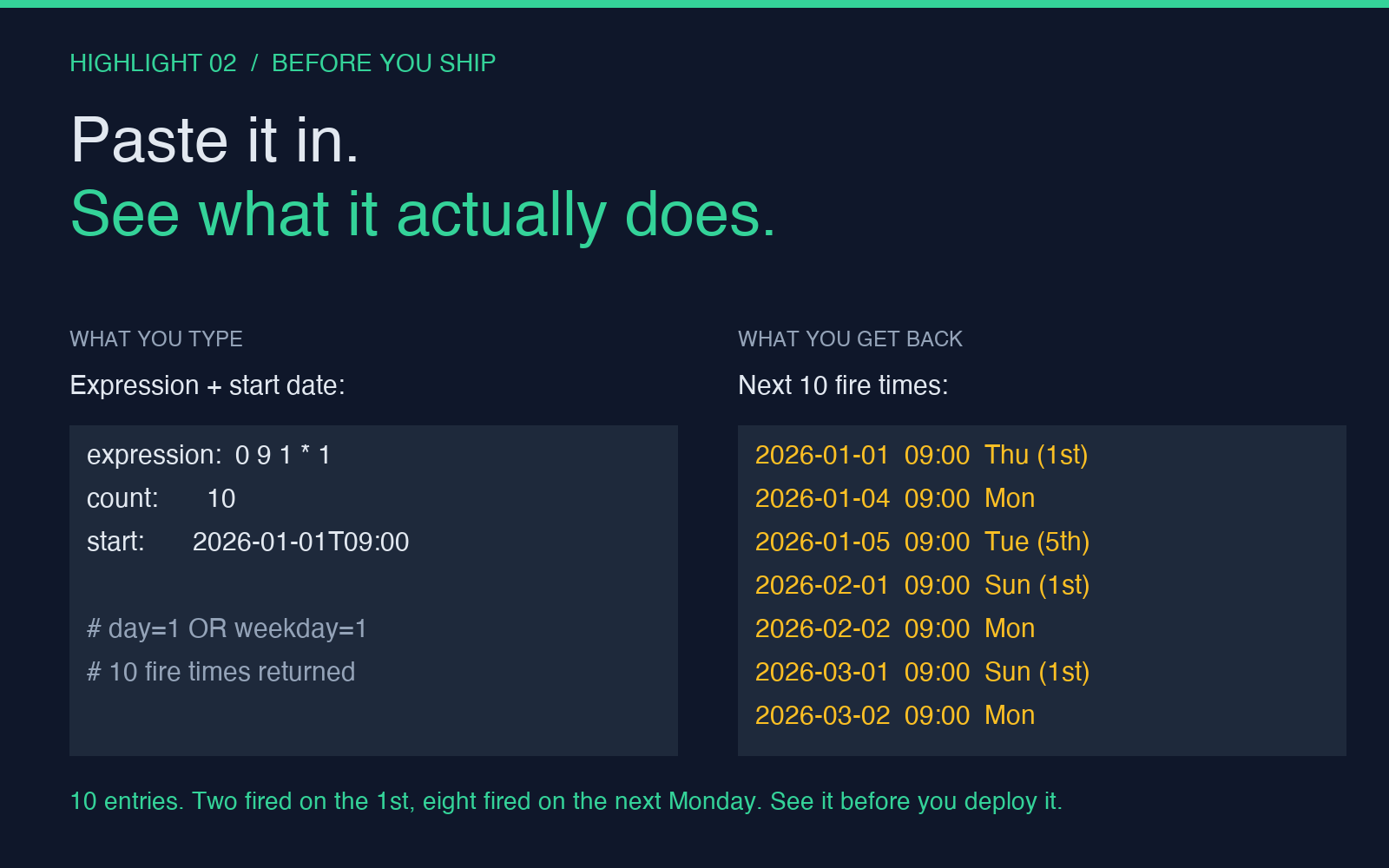
The minute field accepts * (every minute), a single number, a comma list (0,15,30,45), a range (0-30), or a step (*/15). The hour field does the same. The day-of-month and day-of-week fields do the same, with one critical wrinkle: if both are restricted (not *), most implementations interpret them as OR, not AND. So 0 9 1 * 1 fires at 9 AM on the 1st of every month and every Monday — not “9 AM on Mondays that also happen to be the 1st.” That is the rule that ships to production as 0 9 1 * 1, runs twice on the right days for a quarter, then someone notices the Monday-after-the-1st runs are double-counting in the audit log.
The tester makes this visible because it does not just validate the syntax — it expands the expression into a chronological list of fire times. You paste 0 9 1 * 1, set the count to 10, set a start date of January 1, and you see ten entries that are clearly alternating between “the 1st of the month” and “the next Monday after the 1st” — whichever comes first. The double-firing is no longer an inference you have to draw; it is staring at you in a list.
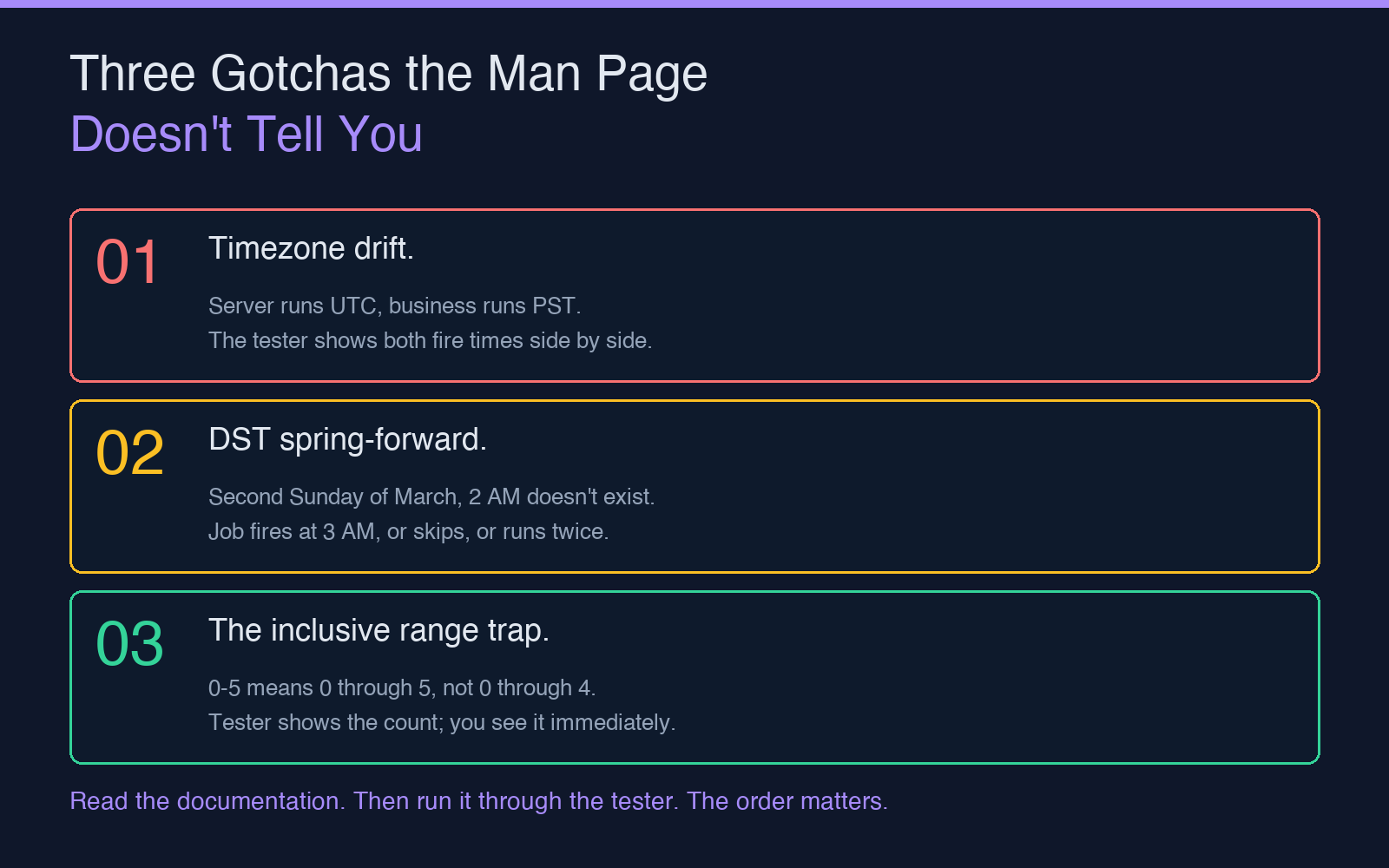
The three gotchas a tester catches that reading the man page does not
First, timezone ambiguity. The tester accepts an optional start date in YYYY-MM-DDTHH:mm format, and it evaluates the expression against that timestamp. If your server runs in UTC and your business runs in Pacific, the fire time you see in the tester is the fire time you would see in production only if you have configured the scheduler with the same timezone. The tester does not fix your config — but it does make the mismatch obvious, because you can run it once with the assumed timezone and once with the server’s actual timezone and compare.
Second, daylight saving transitions. The second Sunday of March at 2 AM is a wall-clock time that does not exist. If your expression is 0 2 * * 0, what happens on that Sunday? The honest answer is “depends on the scheduler,” and the tester’s answer is “here is what would happen on March 8, 2026, at 2 AM Pacific: the job either fired at 3 AM, was skipped, or fired twice, and here is the fire time the tester computes assuming your scheduler treats the missing hour as a skip.” You can then check what your scheduler does in the same scenario, and if the answers disagree, you have found the bug before it shipped.
Third, the off-by-one in 0-5. The range 0-5 is inclusive on both ends. Some people expect 0-5 to mean “0 through 4, exclusive of 5” because that is how half-open intervals work in some other contexts. The tester does not warn you about this — but if you paste 0 9 * * 1-5 and ask for the next 20 fire times, you will see five entries per week, and you can count them. If you accidentally typed 0 9 * * 1-4, you would see four. The visual difference is obvious.
How to use the tester before you ship (a three-step workflow)
Open the Cron Expression Tester. Paste your expression into the first field. Set the count to 10 in the second field — enough to see the pattern without scrolling. Set the start date in the third field to the next business day after you plan to deploy, formatted as YYYY-MM-DDTHH:mm. Read the output.
If the output looks like what you expected, paste the expression into your scheduler config and ship. If the output surprises you — a fire time you did not expect, a skipped day you thought was included, a double-fire on a holiday — fix the expression and re-test before you deploy. The whole loop is 30 seconds. The cost of skipping it is a 3 AM page.
The tester is also useful as a teaching tool for anyone new to cron. The man page tells you the syntax. The tester shows you what the syntax actually does, with your expression, on your dates. For developers who learned cron by copy-pasting from Stack Overflow, that distinction is the difference between “I think this works” and “I have seen this work.”
When the tester is not enough
The Cron Expression Tester validates and projects a single five-field cron expression. It does not handle the Quartz extension (? and L), it does not convert between standard cron and Quartz, and it does not simulate the interaction between two expressions running on the same scheduler. For those cases, the Cron Expression Visualizer lays the fire times out on a timeline; the Cron Expression Validator gives you a stricter syntax check; and the Cron Job Simulator lets you run two expressions against each other and see where the overlaps land.
None of these tools replace reading your scheduler’s actual documentation. They replace the guessing you would otherwise have to do about whether your expression will do what you think it will do. And in production, the difference between knowing and guessing is the difference between a clean deploy and a 3 AM page about a job that fired at the wrong time — or did not fire at all.