What the converter actually does
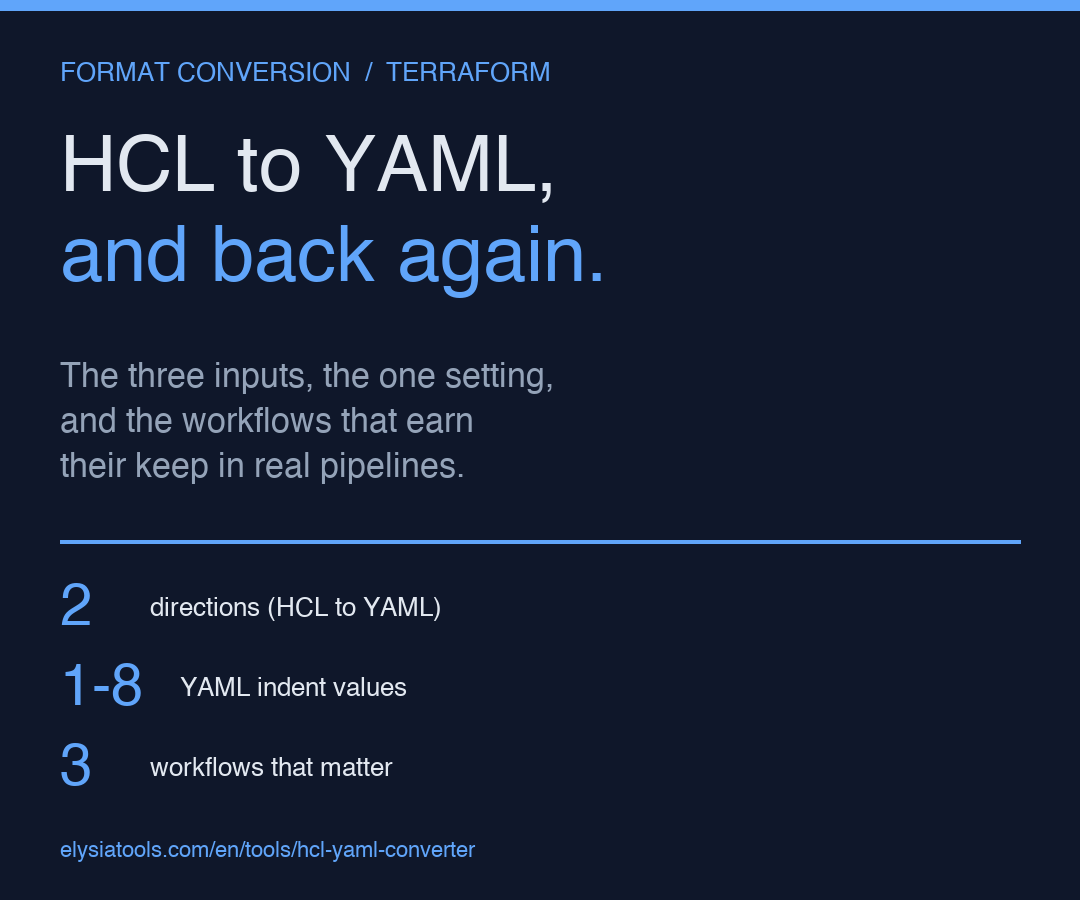
You paste a Terraform resource block on the left, pick a direction from a dropdown on the right, and the tool returns the equivalent configuration in the other format. The HCL side keeps resource "aws_instance" "web" { ... } blocks, quoted attribute values, and nested block syntax; the YAML side uses resource: keys with two-space indentation and a strict top-to-bottom layout that tools like yamlfmt and most GitOps reconcilers are happy to ingest.
This sounds like a thin translation layer, and for shallow configs it is. The interesting behavior shows up when the input has things HCL is comfortable with and YAML is not — heredocs, function calls, repeated nested blocks, splat expressions, and the one attribute that quietly controls how every other attribute is laid out.
The three inputs the converter handles differently than terraform fmt
The standard formatter only operates on HCL. The moment you ask it to produce YAML, the questions change: which characters need quoting, which block delimiter means nested vs sibling, and how do you round-trip a value that HCL stores as a list of objects but YAML collapses into a single map when the list has one element. The converter answers all three by being explicit, not implicit.
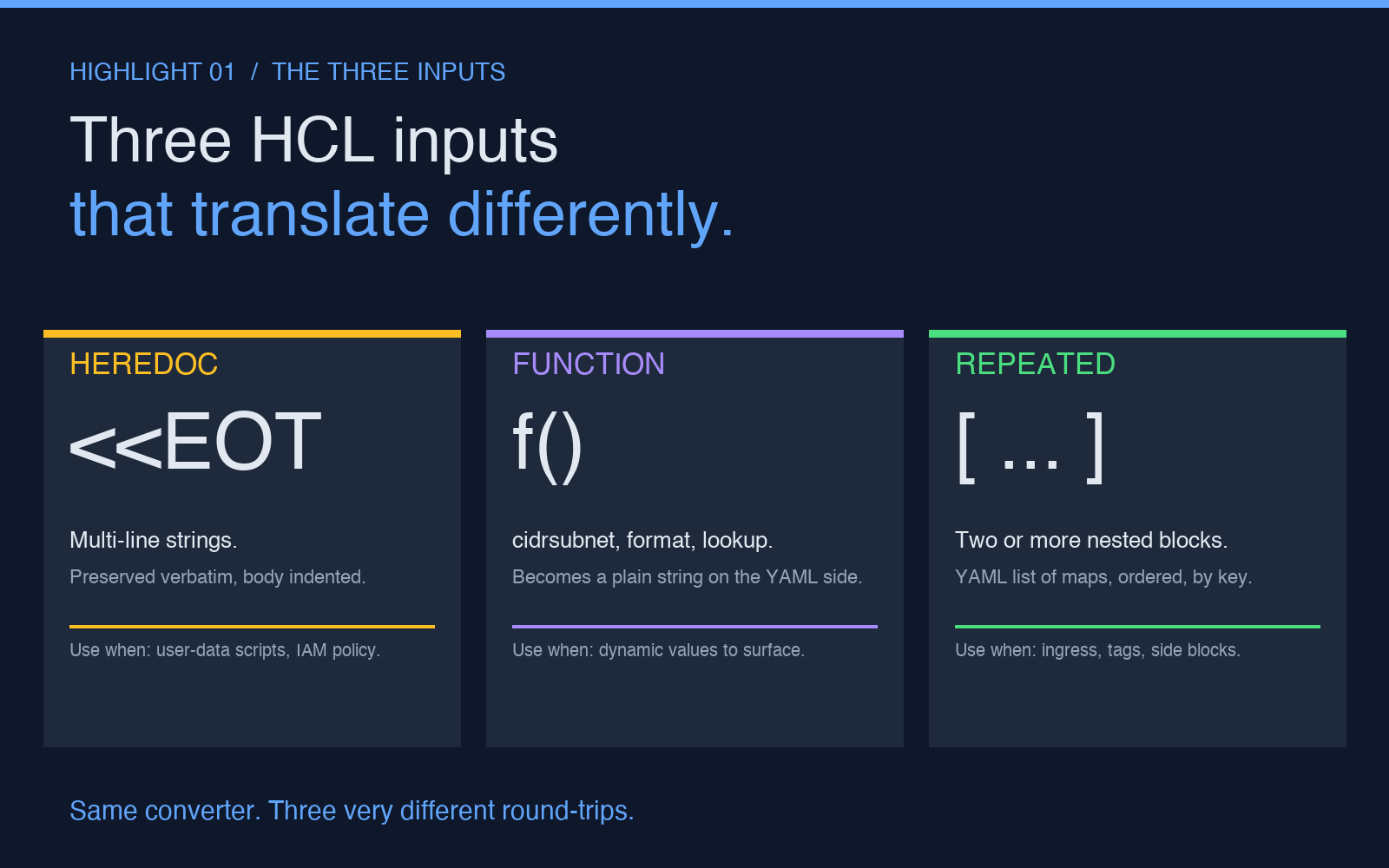
The first input is a heredoc. HCL supports <<EOT ... EOT inline strings for user-data scripts, IAM policy documents, and CloudFormation templates embedded inside a resource. The converter detects the leading << marker and preserves the heredoc body verbatim, with the closing marker removed and the body indented under the destination key. The second input is a function call — cidrsubnet("10.0.0.0/16", 8, 1) stays as a function call in HCL output, but in YAML it becomes a plain string with no syntactic distinction from a literal address. The third input is a repeated nested block. Two or more ingress blocks under an aws_security_group resource stay as a YAML list of maps, ordered, with their keys identical. One ingress block is a different story — it is stored as a map, not a list, and the next time you convert back, you will get one block, not one element of a list.
The one setting that decides how the output reads
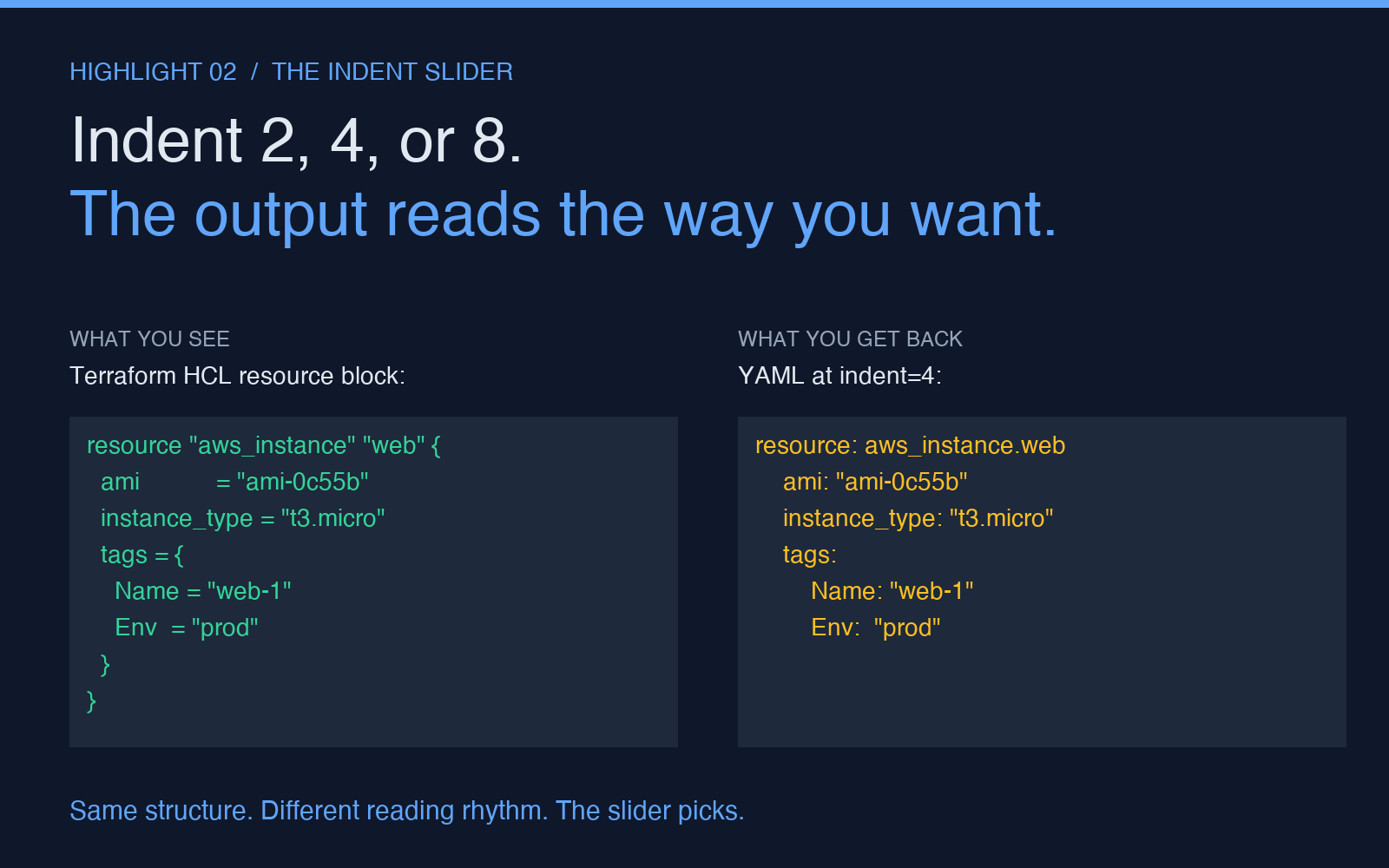
Most online converters hard-code two-space indentation and ship it. The tool exposes a numeric input labeled YAML Indent Size with a slider from 1 to 8. The default is 2, which matches the yamlfmt style guide and the indentation Argo CD and Flux apply when they re-render your manifest for display. If your team has a house style of four spaces, or if you are feeding the output into a Python yaml.safe_load call that has been complaining about leading whitespace, set the indent to 4 or 8 and the file will look the way your tooling expects.
Indent size also matters for a less obvious reason. YAML treats indentation as syntactic structure, not visual preference. An indent of 1 is valid but unusual; an indent of 2 is the de facto standard; an indent of 4 shows up in projects that want YAML to look like Python; an indent of 8 is rare and almost always a sign that someone copy-pasted from a doc comment. Whichever value you pick, the converter applies it consistently across the entire output — the top-level keys, every nested block, and the list elements — so the result is one file with one rhythm, not a Frankenstein of styles.
Where the converter earns its keep in a real workflow
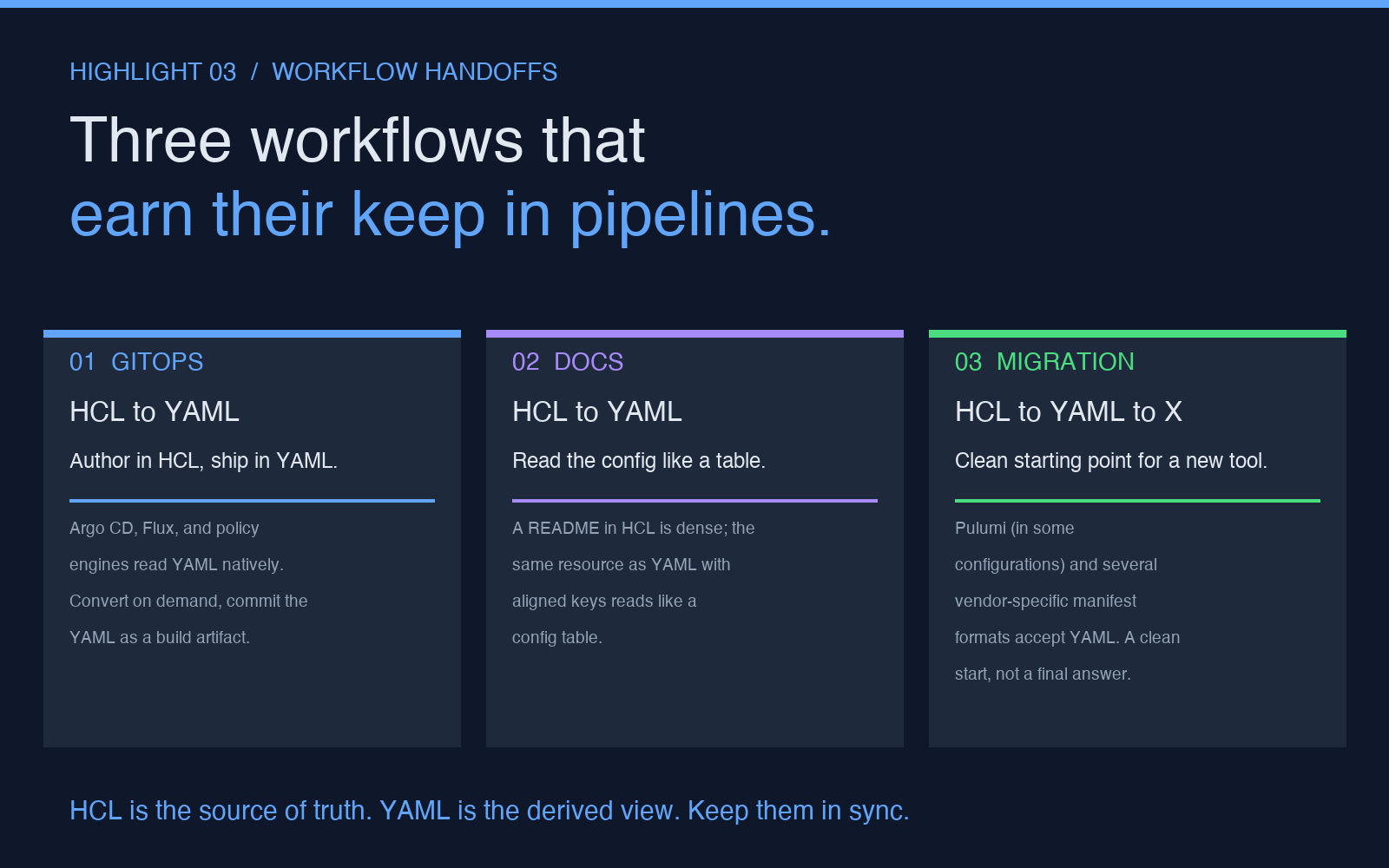
Three workflows in particular benefit. The first is the GitOps handoff. Your team authors Terraform in HCL, but the platform team running Argo CD reads manifests in YAML, and the policy engine that gates every PR expects a YAML schema. Convert on demand, commit the YAML as a build artifact, and let the next pipeline consume it without anyone editing the file by hand. The second is the documentation step. A README that shows a Terraform resource block as HCL is correct but dense; the same resource as YAML with the keys aligned reads like a config table, and a junior engineer can scan the keys top-to-bottom without parsing braces. The third is the migration path. If you are moving from one IaC tool to another and the new tool accepts YAML (Pulumi, in some configurations, or a vendor-specific manifest format), the converter gives you a clean starting point — not a final answer, but a starting point that respects the structural rules of the destination format.
None of these workflows are about replacing HCL. HCL is the source of truth; the YAML is a derived view. The converter keeps the two in sync by reading the HCL the way HCL was meant to be read — with a parser, not a regex — and emitting YAML that round-trips back to the same HCL with no semantic loss. You can convert, edit the YAML, convert back, and the result will be functionally identical to the original (modulo formatting, which terraform fmt will normalize in one line).
What to watch for in the output
Three things to check after every conversion. First, the terraform { required_providers { ... } } block at the top — the converter preserves the provider source and version, but if you have a version = "~> 5.0" constraint, the tilde and the greater-than sign will be wrapped in quotes on the YAML side. That is correct, not a bug; YAML requires it for strings that start with a reserved indicator. Second, sensitive values — sensitive = true attributes and variables marked sensitive. The converter does not redact them; it preserves them as plain strings. The YAML is now a file you should not commit to a public repo. Third, the block-label syntax for resources and modules — resource "aws_instance" "web" becomes resource: aws_instance.web in YAML, with the second label collapsed into the first by a dot. This is a YAML convention for grouping, not a renaming; the next time you convert back, the dot expands and the labels come back.
There is also one thing to watch for in the input. If your HCL uses for_each with a set(string) argument, the converter will emit the resulting instances as a list of maps, ordered alphabetically by key. That is the only case where the converter imposes an order that the source did not have. The order is deterministic, so two runs on the same input will produce byte-identical output, but if you are diffing two conversions and the only difference is the order of for_each elements, that is where to look.
When to use a different tool
The converter is built for the round-trip case: HCL in, YAML out, or the reverse, with the structure preserved. It is not a general-purpose config translator. If you need to convert Kubernetes manifests between API versions, the YAML looks similar but the field names and the schema are different and the converter will not refactor them. If you need to convert YAML to JSON, the converter will do it (YAML is a superset of JSON, so a JSON-only output mode would be a one-line addition), but the use case is narrow. If you need to convert a CloudFormation template to Terraform, the resource names and the property names do not match, and the converter is the wrong starting point. The HCL-YAML Converter is the right tool when both ends of the conversion speak the same configuration language family. That is a smaller problem than “convert between any two formats” and the right tool for it.
For a quick way to see what your HCL config will look like as YAML — useful when you have a single resource block to format and a PR review waiting — the converter sits one click away. For the larger workflow of authoring in HCL and shipping in YAML, the converter is a piece of the pipeline, not the whole thing. Pair it with a formatter on the YAML side (yamlfmt or your editor’s YAML plugin) and a terraform validate on the round-tripped HCL, and you have a check that the conversion preserved the structure end to end.
Explore more tools at elysiatools.com.