Your fans upload their fan-edit ASS files. Your transcoding pipeline only accepts SRT. The gap between those two subtitle formats is where most subtitle projects get stuck — and where a correctly-built ASS to SRT converter quietly does what hand-editing cannot: it walks every dialogue event, drops the styling metadata that SRT can’t carry, and emits clean numbered cues with millisecond-accurate timestamps — in a single pass.
This article is the format-conversion deep dive for ASS → SRT. It covers why the two formats exist in separate worlds, what gets preserved and what gets dropped, the four common failure modes you’ll hit in batch conversions, and how the tool’s “Remove Style Tags” toggle fits into a localization workflow. By the end, you’ll know when a one-shot conversion is enough and when you need a human in the loop.
Why ASS and SRT Live in Different Worlds
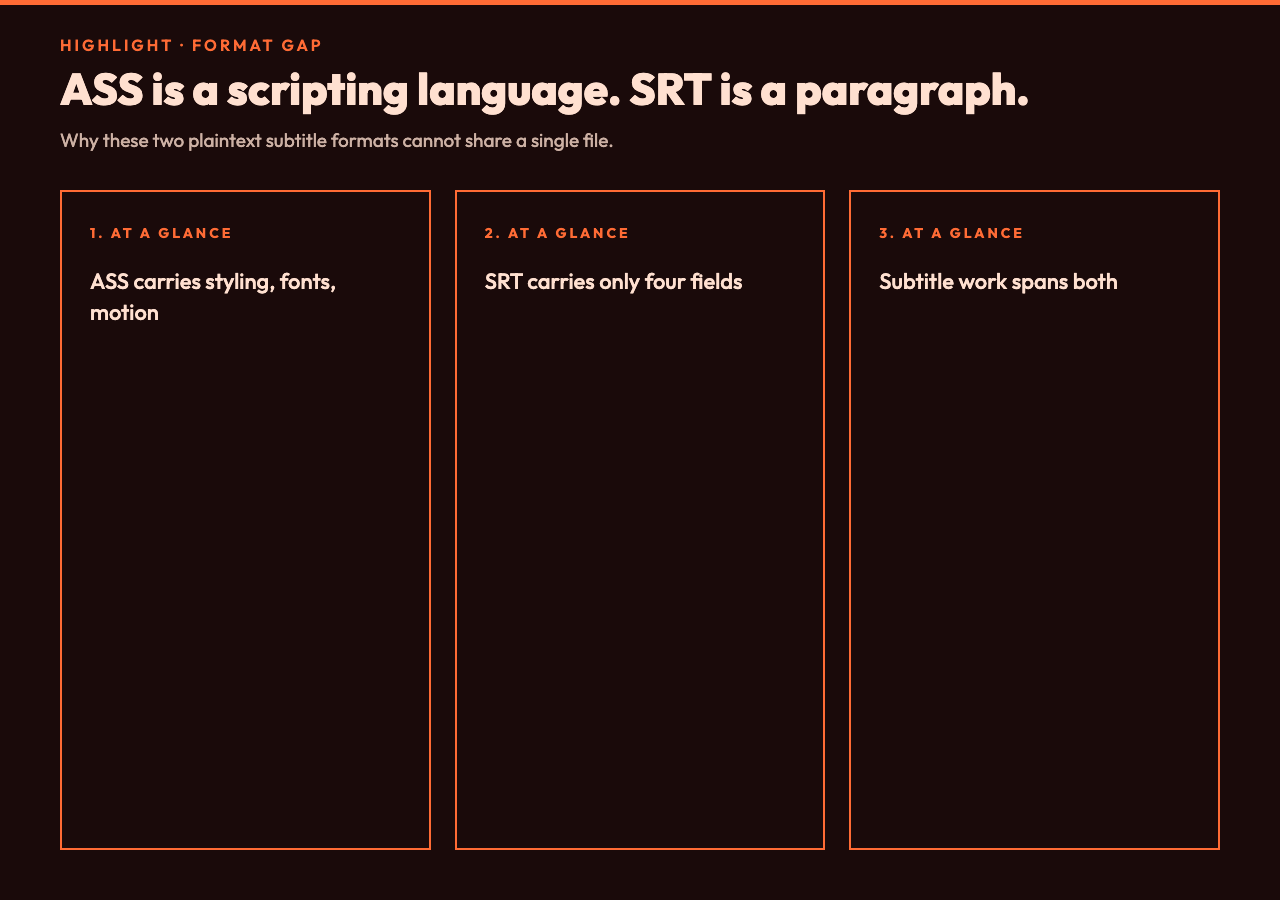
ASS (Advanced SubStation Alpha) and SRT (SubRip) are both plaintext subtitle formats, but they were designed for very different jobs. ASS came out of the anime fansubbing community in the early 2000s and inherited SSA’s full styling engine — fonts, colors, positioning, motion, karaoke timing, the whole stack. A single ASS file can describe karaoke text that recolors syllable by syllable, lower thirds that slide in from the edge of the frame, and force-positioned translation notes. The format is essentially a Turing-complete subtitle scripting language wearing a text-file uniform.
SRT was designed in 1998 for SubRip, an OCR-based DVD ripper. It supports exactly four things: a sequence number, a start timestamp, an end timestamp, and the text of one cue. No fonts. No colors. No motion. No positioning. After twenty-five years, SRT remains the lowest common denominator that every player, every NLE, every social platform accepts as-is.
The gap between these two formats is the entire reason converters exist. When you convert ASS to SRT, you are deciding what stays and what gets thrown away — and that decision depends on where the SRT is going to be played. A YouTube upload can tolerate a missing font tag. A Netflix dub master cannot tolerate a drifted timestamp. The ASS to SRT converter defaults to the conservative path: drop styling, preserve timing, keep the text clean enough for any downstream consumer.
What the Tool Actually Does on the Wire
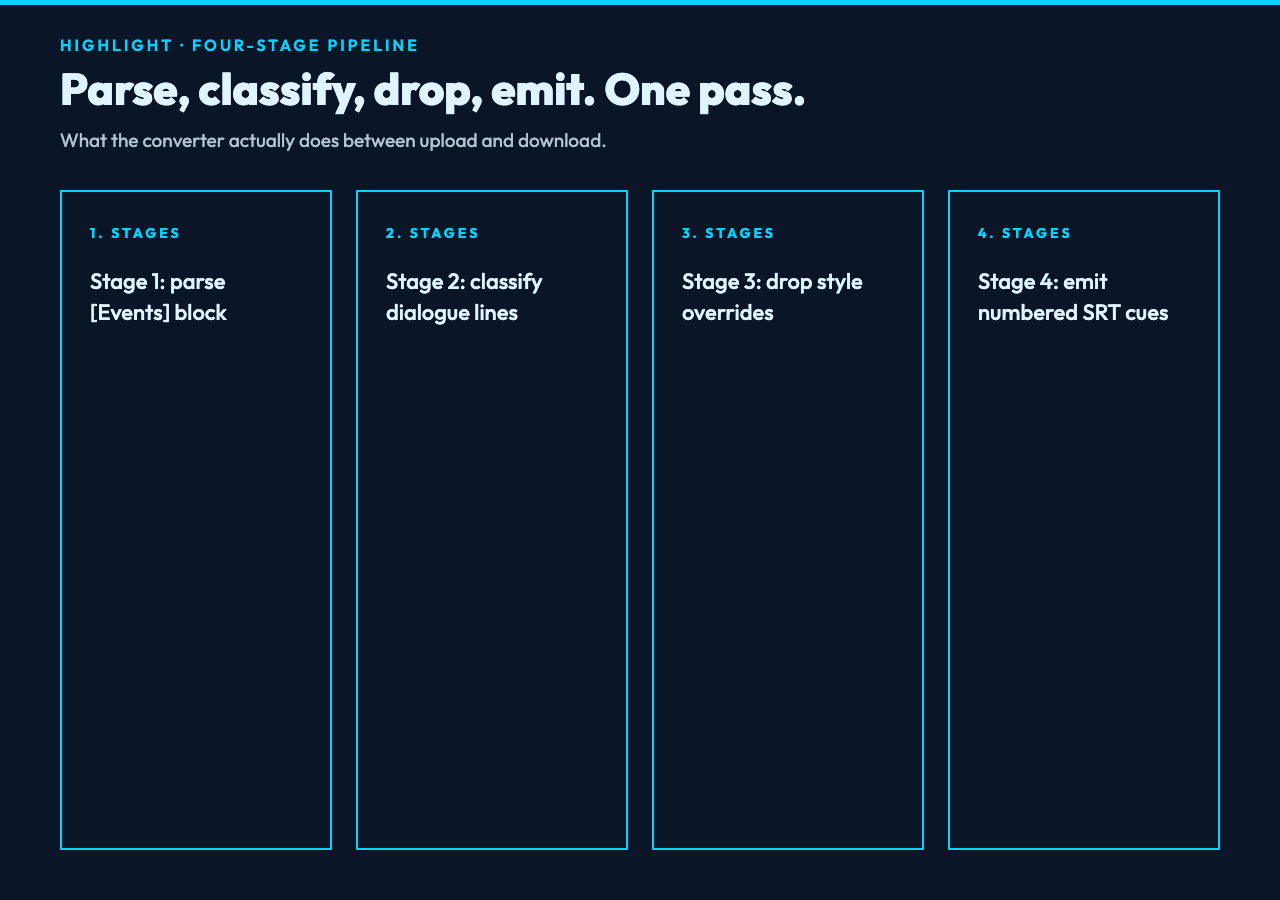
Internally the conversion is a four-stage pipeline: parse the ASS file into an event stream, classify each line, drop or translate ASS-only constructs, then emit SRT with sequential numbering. The “Remove Style Tags” toggle lives at stage three and is the single most important decision the converter makes for you.
The input format spec the tool accepts is the standard ASS/SSA grammar: [Script Info] and [V4+ Styles] blocks for metadata, plus a [Events] block holding the dialogue lines. Each dialogue event has a start time, end time, a style reference (like Default or LowerThird), and text that can contain override tags such as {b1} (bold on), {i1} (italic on), {fnArial} (font name), and positioning overrides like {pos(320,240)}. Most real-world ASS files also include a custom comment header for fansub group credits — the converter ignores those, since SRT has no equivalent metadata slot.
The output is a strict SRT: cue numbers starting at 1, timestamps in HH:MM:SS,mmm format with the comma-style millisecond separator that SubRip uses (SRT does not accept the VTT-style dot), and the cue text on a single line between the timing and the next blank line. Multi-line cues are preserved as multi-line text within a single block — that is, the original newline within a cue carries through.
The tool accepts files up to 5 MB and processes them client-side, so a 5 MB ASS file from a 90-minute fansub typically returns in well under a second. There is no upload step, no server round-trip, and no caching — every run is a fresh parse. That matters for the privacy story: the file never leaves your machine, which is a real point of difference from the SaaS converters that demand a Dropbox-style upload.
Remove Style Tags: What You’re Actually Throwing Away
The default-on “Remove Style Tags” toggle is the entire reason most users land on this tool. With it on, every override tag inside a cue gets stripped: {b1} becomes invisible, {fnComic Sans MS} disappears, {fad(300,200)} fades into nothing. What survives is the raw spoken text — the dialogue, the translated lines, the on-screen prompts.
The reason this is the safe default is that SRT has no way to express those tags. If you leave them in, a player that interprets ASS-style overrides literally (and a few do, badly) will render garbage characters. If you leave them in and the player ignores them, you have unprintable noise sitting in your cue text — which downstream tools like translation memories or QA pipelines will trip on. Stripping them is a deterministic, reversible operation: any human can re-add ASS styling later by hand, but no automated system can recover clean text from a polluted SRT.
The one place you might want to keep styling is when the ASS file is actually a VTT-shaped overlay that someone saved with the wrong extension — but that’s such a rare edge case that toggling the option off should be a deliberate choice, not the default. For the canonical ASS-to-SRT fanedit-to-broadcast-pipeline use case, leave the toggle on.
If you’re comparing formats across the subtitle spectrum, the converter’s output will match what SRT subtitle samples define as the canonical shape — sequential numbering, comma-millisecond timestamps, plain text cues. That consistency is the point: any tool or pipeline that consumes the SRT samples specification will consume the converter’s output identically.
If you ever need to walk the format back — say, an SRT you already shipped needs ASS styling for a localized re-edit — the reverse direction converter picks up the same cues and re-applies style overrides from a template. Together the two tools form a round-trip pair: ASS → SRT for downstream consumers, SRT → ASS for re-styling.
Five Real Failure Modes You’ll Hit
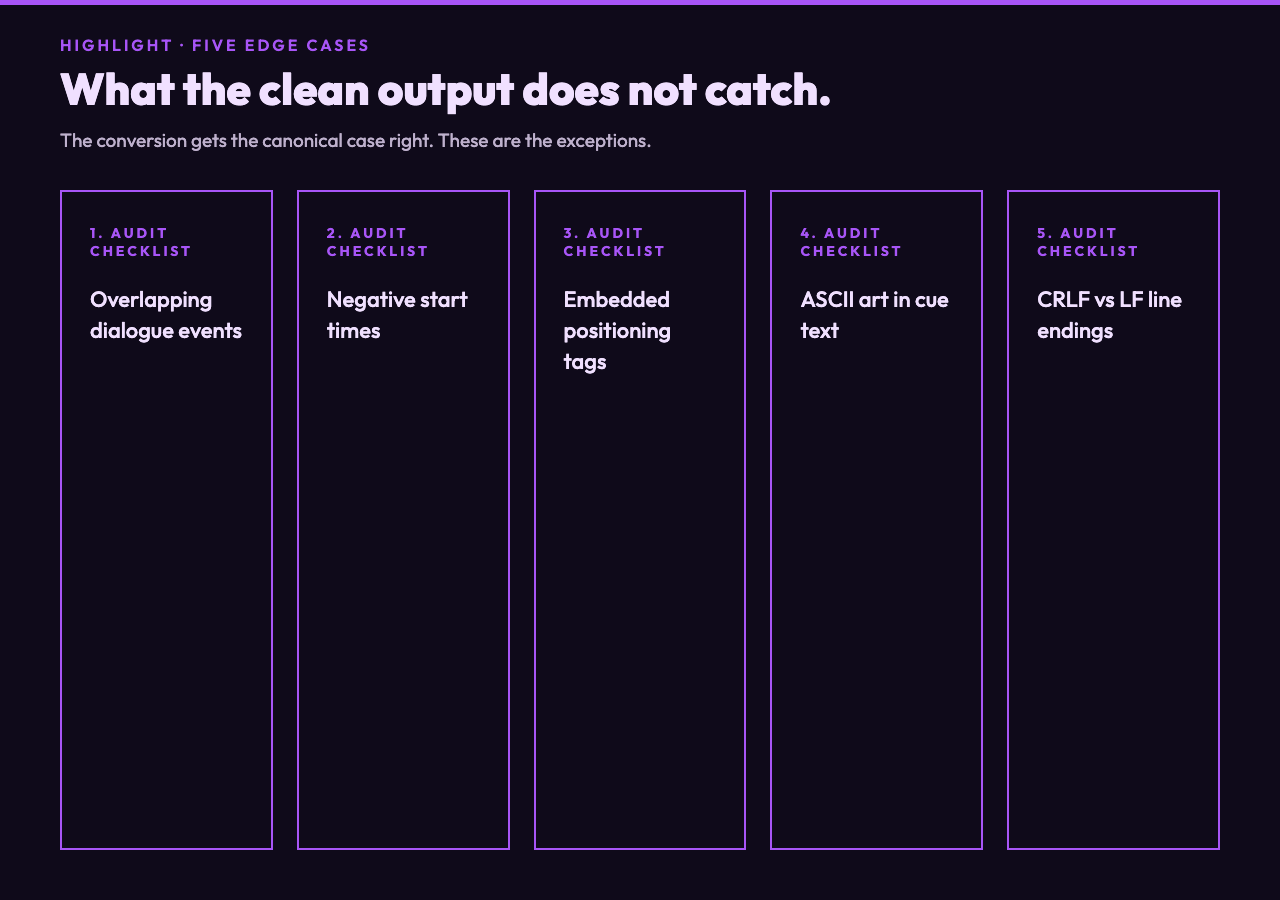
No converter handles every ASS file perfectly. Here are the five failure modes that show up in real batch conversion workflows, and what to do about each.
1. Overlapping dialogue events. ASS allows two events with the same time range — top and bottom of frame for a conversation between two characters. SRT has no concept of overlapping cues; the second one will be silently dropped, or written as a separate entry that the player renders top-bottom-top-bottom, which is usually wrong. The fix is a manual split after conversion, or pre-flattening in the source ASS.
2. Negative start times. Some karaoke-timing tools emit events with negative start times (used for pre-roll animation). SRT’s timestamp spec requires 00:00:00,000 as the minimum, so any negative values become 00:00:00,000 — which means your cue starts at the file origin, not where you expected. Audit any cue whose first timestamp is suspiciously 00:00:00,000.
3. Embedded positioning tags. {an8} (top-center alignment) and {pos(x,y)} (pixel position) are the two most common. Stripping them is fine; ignoring them is also fine; but if your downstream player interprets {pos} literally, you will see literal {pos(320,240)} text on screen. Always check the converter output once before feeding a million-cue pipeline.
4. ASCII art in cue text. Anime fansubs occasionally pack small ASCII-art frames into cue text for stylized warning screens. Those render visually in VS players but become a wall of |-_/ when displayed as plain text. The tool doesn’t have a flag for this — you’ll spot it after conversion and decide manually.
5. CRLF vs LF line endings. ASS uses CRLF, SRT has historically been LF-only. The tool normalizes to what the browser expects, but if you’re piping the output into an old Windows toolchain (Subtitle Edit 3.5 era), you may need a sed pass. Quick test: file converted.srt should report “ASCII text” not “ASCII with CRLF line terminators”.
For a sanity check before processing your real file, run the conversion against the ASS subtitle samples — these contain progressively complex fixtures (one-event simple, multi-style lower third, override-heavy karaoke) that exercise every code path the converter has. If those come out clean, your batch file will too.
Where This Tool Sits in a Subtitle Toolchain
Subtitle work rarely involves a single tool. A typical pipeline looks like: original ASS fansub → ASS to SRT converter → SRT editor for timing fixes → machine translation pre-pass → human translation review → SRT burn-in for the social cut. The converter sits at the first transition, and its output needs to be consumable by everything downstream.
If your broader workflow involves WebVTT (the HTML5 standard), the tool’s output will work as input to a VTT converter without additional cleanup, since SRT and VTT share the timestamp grammar with only a header difference. For testing that downstream path, the VTT subtitle samples cover the patterns a converted SRT will exercise: cue ordering, NOTE blocks for translator comments, and the WEBVTT header line that distinguishes VTT from SRT.
The privacy angle is the second reason pipelines reach for client-side converters over SaaS alternatives: subtitle files often contain unreleased show dialogue, translator crediting metadata, and occasionally pre-air dates. A browser-side converter keeps all of that on the operator’s machine until the human decides to share it.
Putting It Together
ASS to SRT conversion is one of those chores that looks trivial until you do it by hand across a hundred files. The format gap is wide, the styling grammar doesn’t translate, and the timeline precision has to survive the round-trip. What the tool gives you is a deterministic, no-network, single-pass transformation that handles the canonical case (drop styling, preserve timing, emit clean SRT) and gives you a deliberate toggle for the cases where styling must survive.
For one-off fanedit uploads, hit the converter with “Remove Style Tags” on and ship the SRT. For broadcast masters, run the converter, then run a human timing pass to fix the five edge cases above. For batch pipelines, wire it up against the ASS subtitle samples as a smoke test and against SRT subtitle samples as a regression suite. The tool itself runs the same every time — it’s the surrounding decisions that make the difference between a clean cut and a re-do.
For projects that need the next step beyond clean SRT, the sibling subtitle adder takes the converted cue file and bakes it into the video as a soft track — useful when your downstream player is a social platform that strips SRT sidecars but renders burned-in text faithfully.
Try the ASS to SRT converter on your next subtitle drop — it’s one toggle, one file, and the output is clean enough to ship. Explore more tools at elysiatools.com.